



Sildur’s for Minecraft 1.21.10

Not every shader can boast the versatility that Sildur’s has. It works on almost everything: old systems, Intel graphics, weak laptops, and even Macs. At the same time, the quality of lighting and effects remains surprisingly high. The most notable features are the shadows, dynamic lighting, smooth clouds, and stunning sunsets.
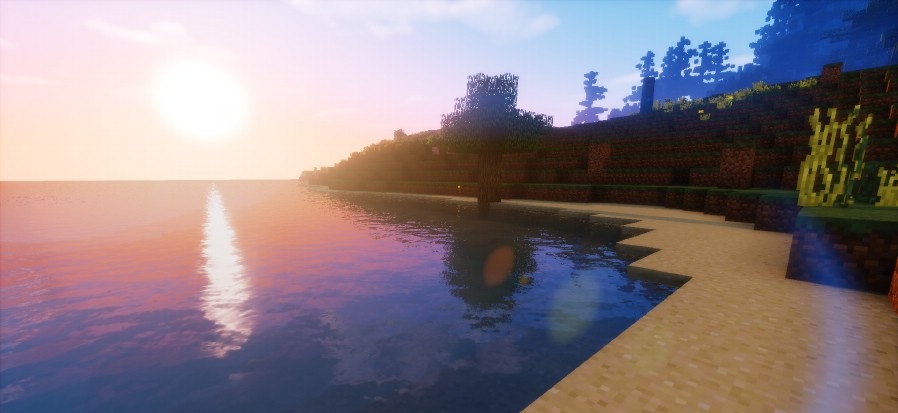
Water gets light reflections, and vegetation sways naturally and softly. The Vibrant version makes the image more saturated: volumetric rays appear, reflections are expanded, fog and glow effects are improved, creating a cinematic feel.
How to install a shader:
First step: download the shader package from the link below.
Second step: Unpack the downloaded archive and copy the Sildur’s folder to c:\Users\User\AppData\Roaming\.minecraft\shaderpacks\(if this folder does not exist, create it yourself) (For Windows)
Third step: In the game, go to Settings, then to Graphics Settings. Select the "shaders" section and activate the shader pack of your choice.
Comments (1)