



Solas for Minecraft 1.21.10
The first impression of this shader is as if a subtle layer of cinematic atmosphere were applied to the image. Nothing excessive, but the sense of depth and airiness appears immediately. Solas combines modern lighting with moderate performance demands, which makes it appealing to those who want a beautiful world without losing FPS.
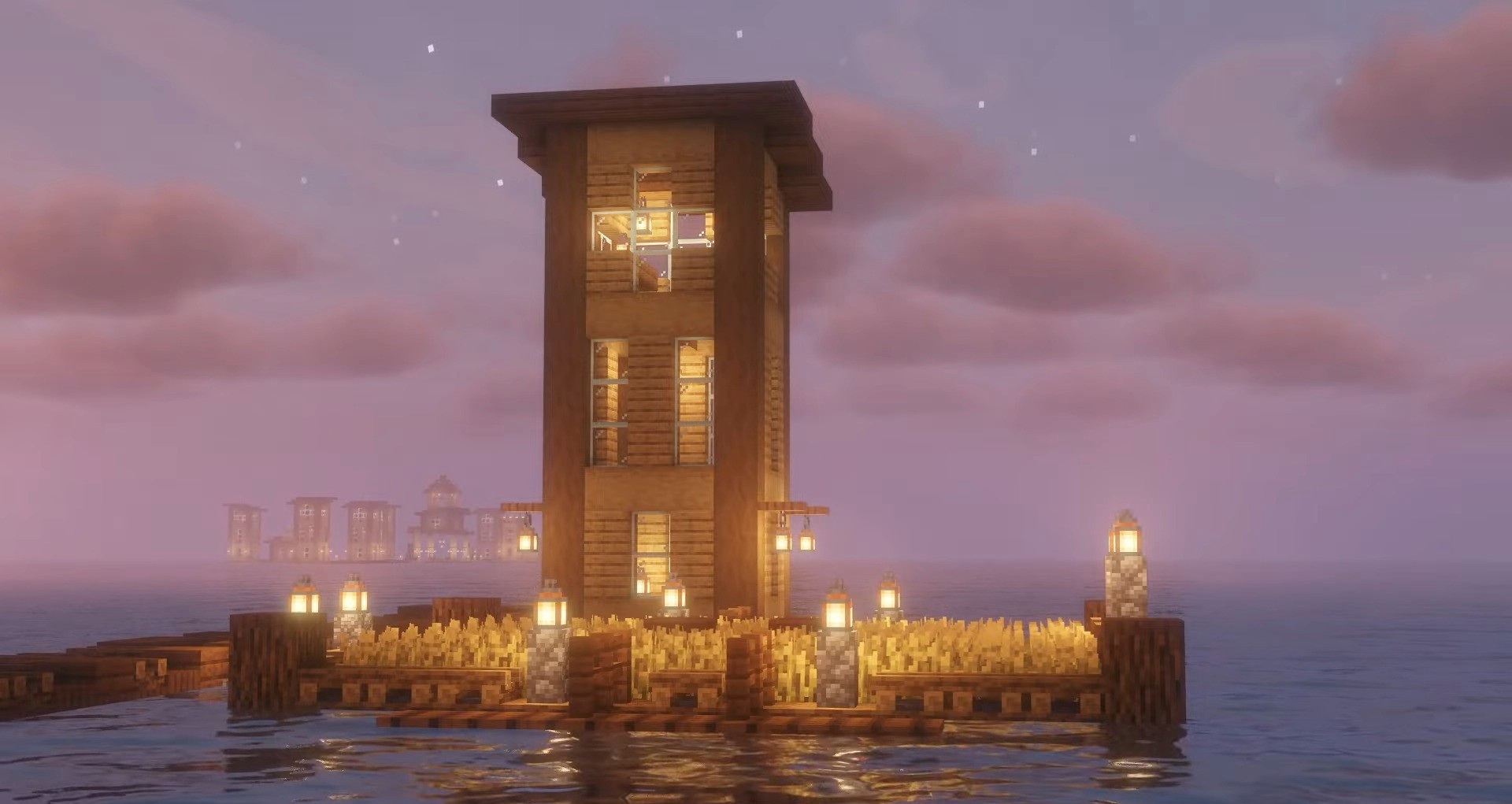
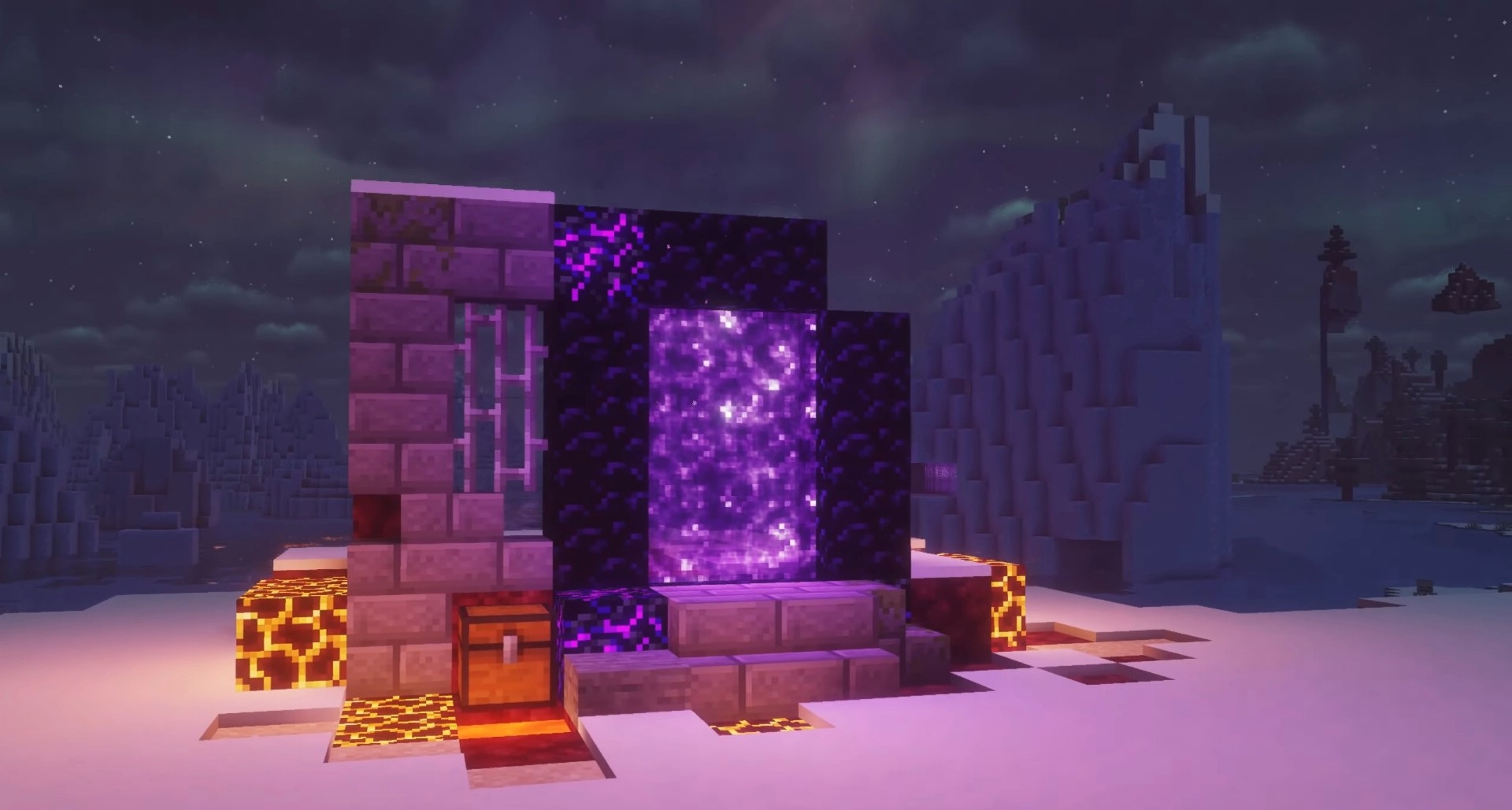
The lighting is carefully crafted: volumetric rays create soft transitions between trees and slopes, the fog blends naturally with the terrain, and the three-dimensional clouds add space above your head. Water reacts to light with a slight refraction, and the underwater environment becomes richer and deeper. The handling of PBR textures is pleasantly surprising: materials look more convincing, reflecting light more accurately.
How to install a shader:
First step: download the shader package from the link below.
Second step: Unpack the downloaded archive and copy the Solas folder to c:\Users\User\AppData\Roaming\.minecraft\shaderpacks\(if this folder does not exist, create it yourself) (For Windows)
Third step: In the game, go to Settings, then to Graphics Settings. Select the "shaders" section and activate the shader pack of your choice.
Comments (1)