



Somber Shaders for Minecraft 1.21.11
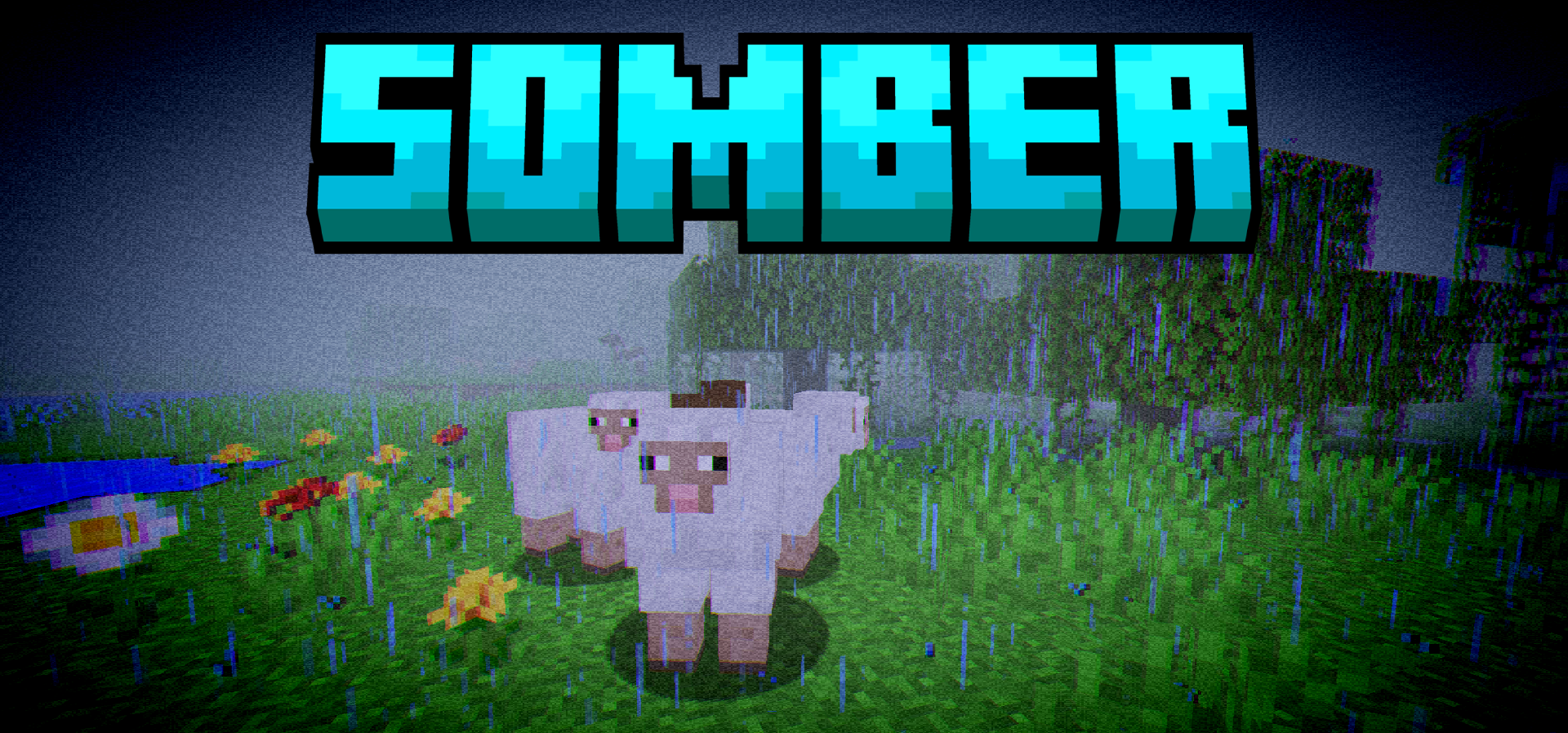
Not every shader tries to make Minecraft brighter and more “cinematic.” Sometimes the opposite approach works much more interestingly — to mute the image, add unsettling tones, and bring back that very feeling of the old versions of the game. This is exactly how Somber Shaders is perceived: it draws on the nostalgic atmosphere of early Minecraft, but strengthens it through creepy visual effects.
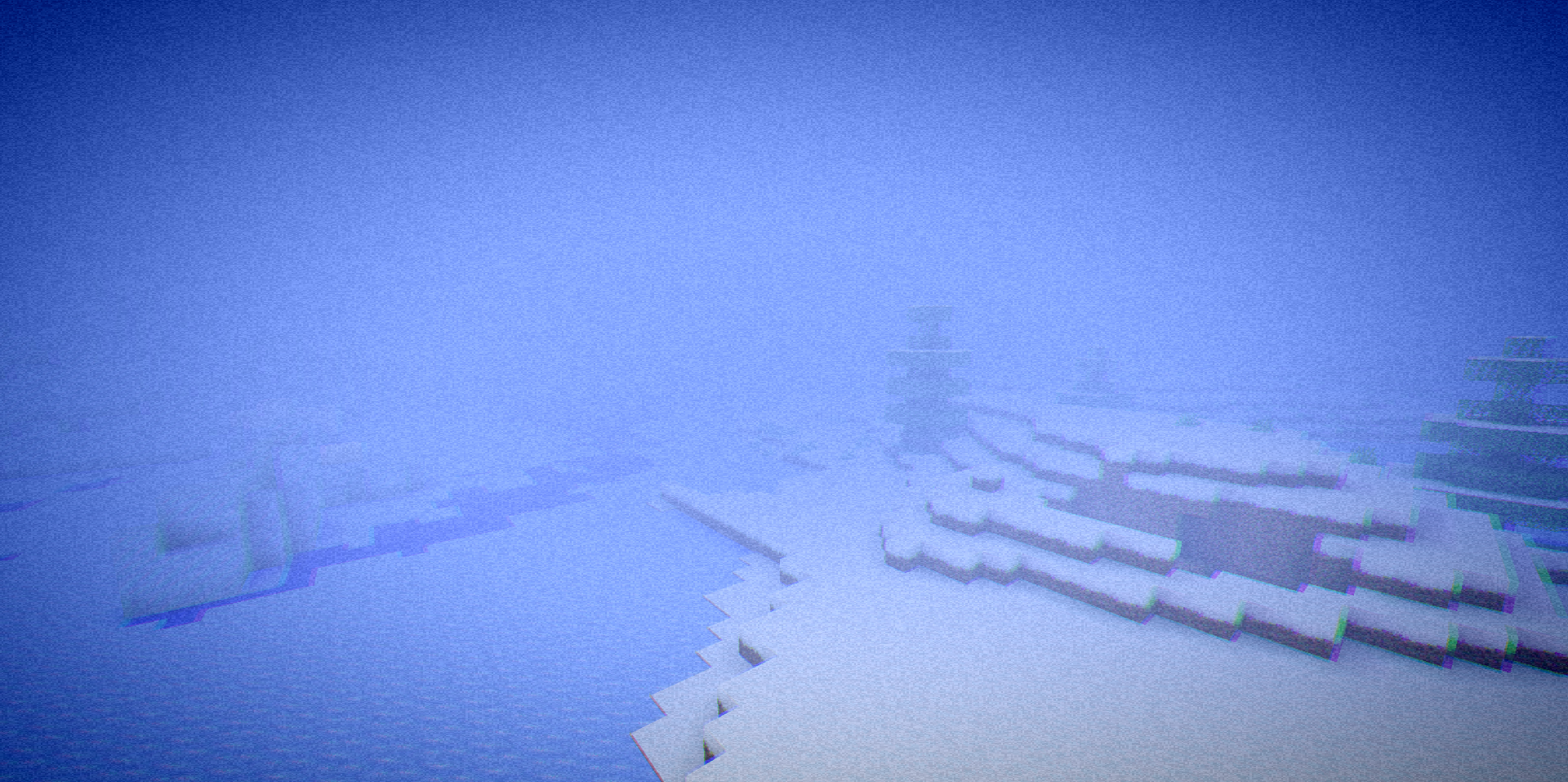
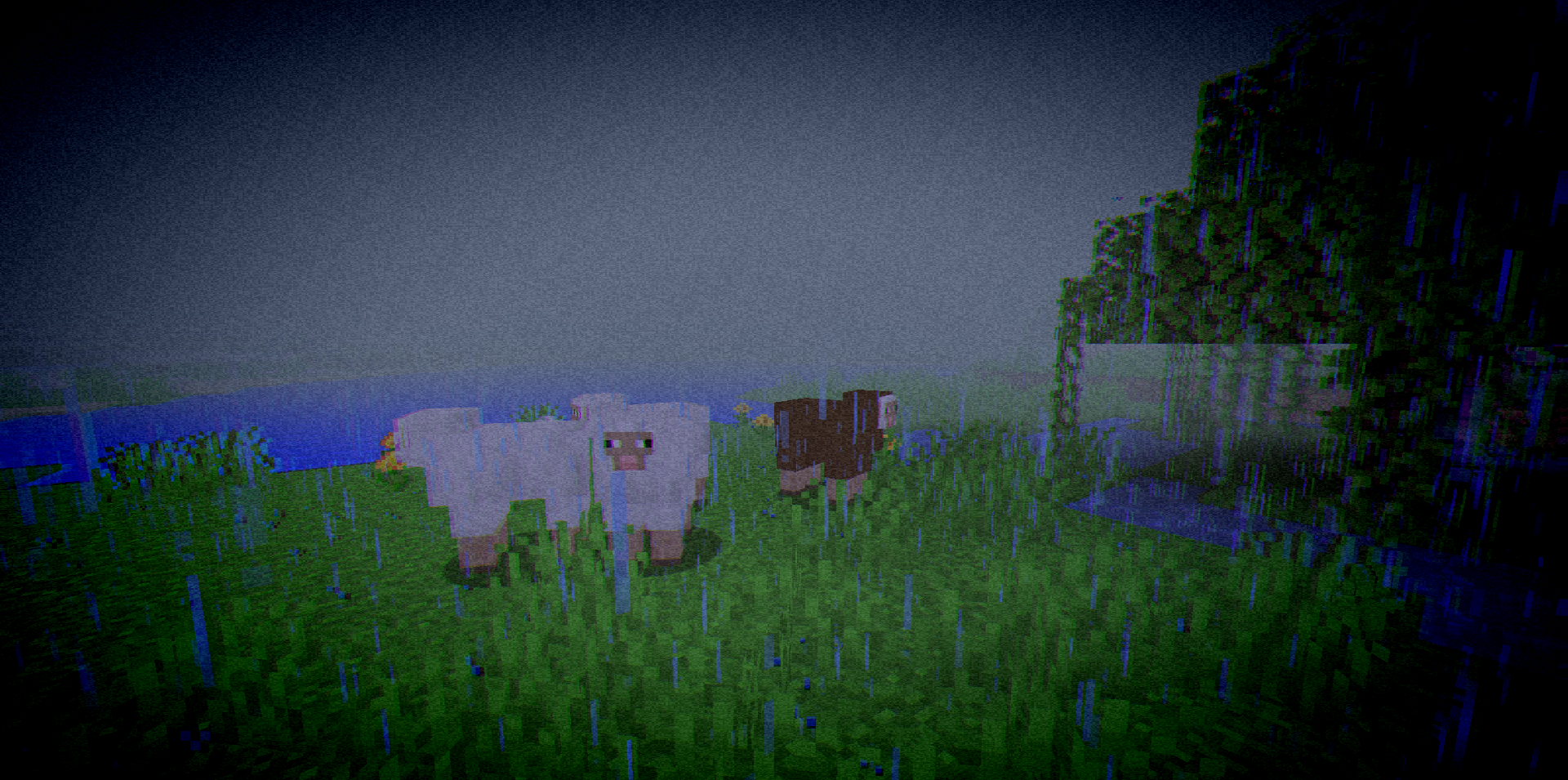
Vignette, noise, chromatic aberration, fog, and a darker palette here are not just for beauty, but for creating a special mood. The shader does not force the player into rigid limits: almost all key effects can be turned on, turned off, and finely adjusted.
How to install a shader:
First step: download the shader package from the link below.
Second step: Unpack the downloaded archive and copy the Somber Shaders folder to c:\Users\User\AppData\Roaming\.minecraft\shaderpacks\(if this folder does not exist, create it yourself) (For Windows)
Third step: In the game, go to Settings, then to Graphics Settings. Select the "shaders" section and activate the shader pack of your choice.
Comments (0)