



SORA Shaders for Minecraft 1.21.10
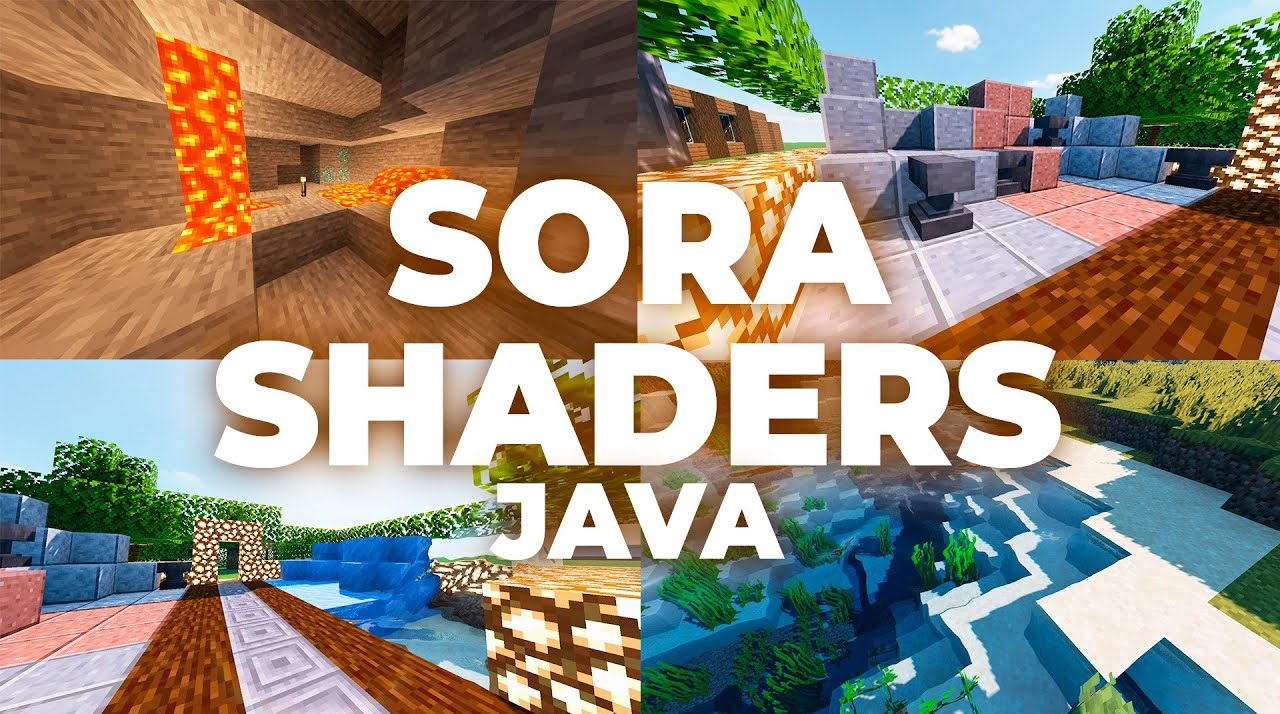
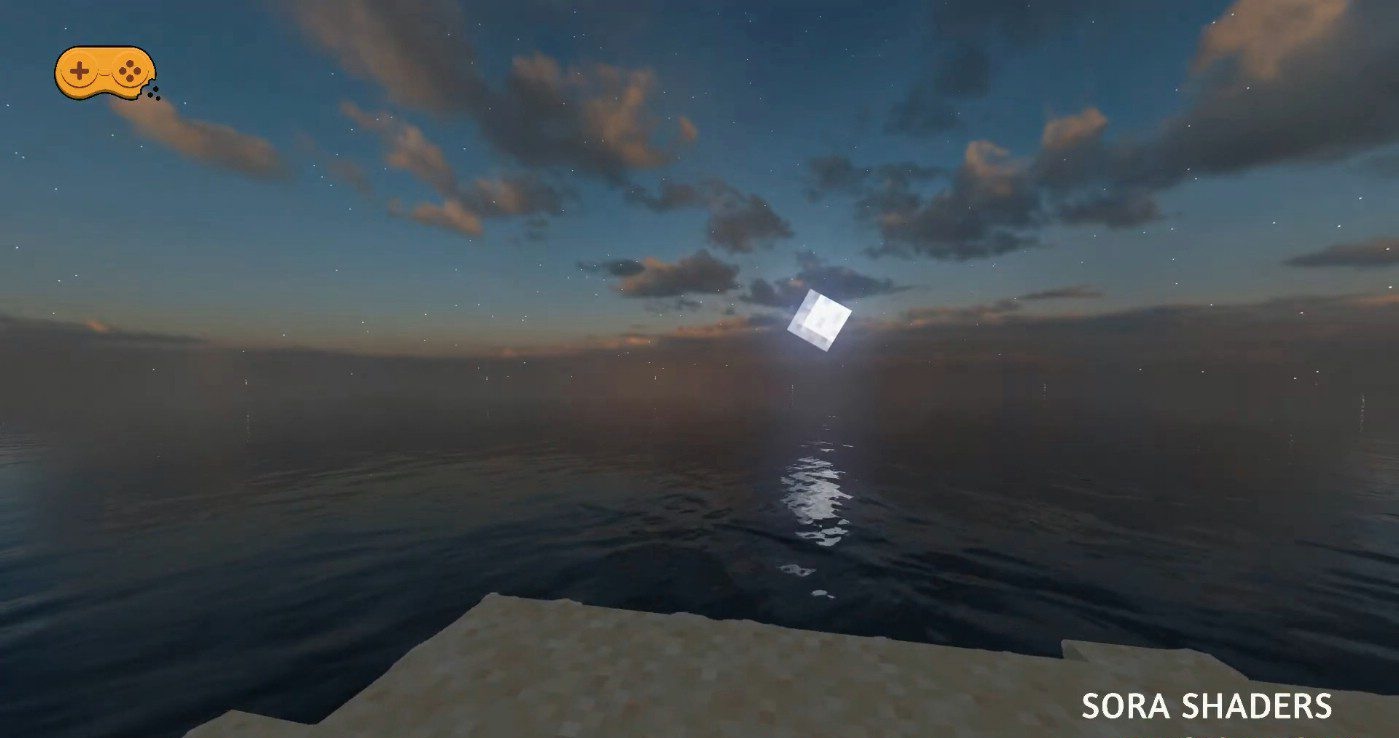
The style of SORA Shaders is built on careful improvements that reveal the beauty of the game without radical changes. Lighting becomes more balanced and natural: daytime scenes gain clean, soft tones, while nighttime scenes acquire rich, deep shades that do not get lost even in dense biomes. Shadows are formed smoothly, emphasizing the structure of the landscape and creating a sense of subtle realism.
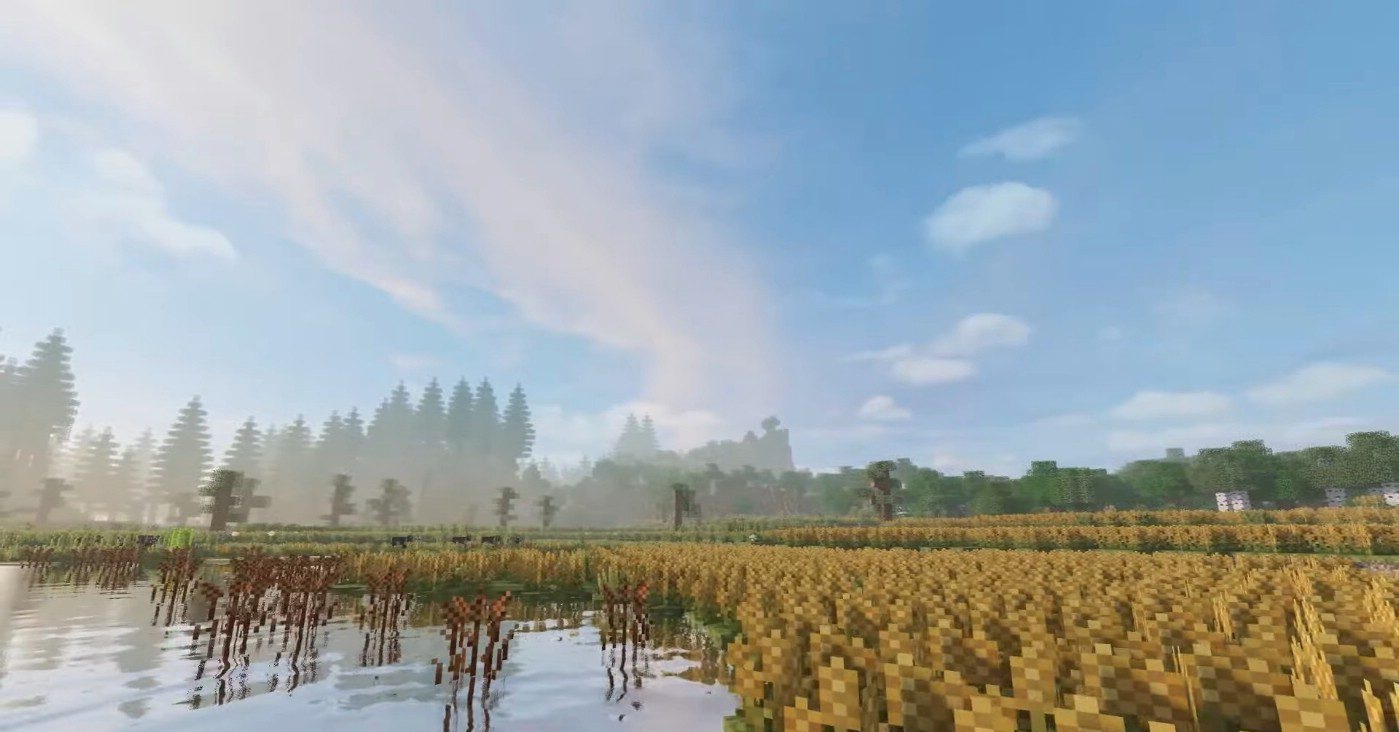
Water receives calm reflections and transparency, making rivers and lakes more expressive. The entire pack resembles artistic retouching—nothing extra, everything in its place, and every element contributes to immersion.
How to install a shader:
First step: download the shader package from the link below.
Second step: Unpack the downloaded archive and copy the SORA Shaders folder to c:\Users\User\AppData\Roaming\.minecraft\shaderpacks\(if this folder does not exist, create it yourself) (For Windows)
Third step: In the game, go to Settings, then to Graphics Settings. Select the "shaders" section and activate the shader pack of your choice.
Comments (6)