



Spooklementary Shaders for Minecraft 1.21.11
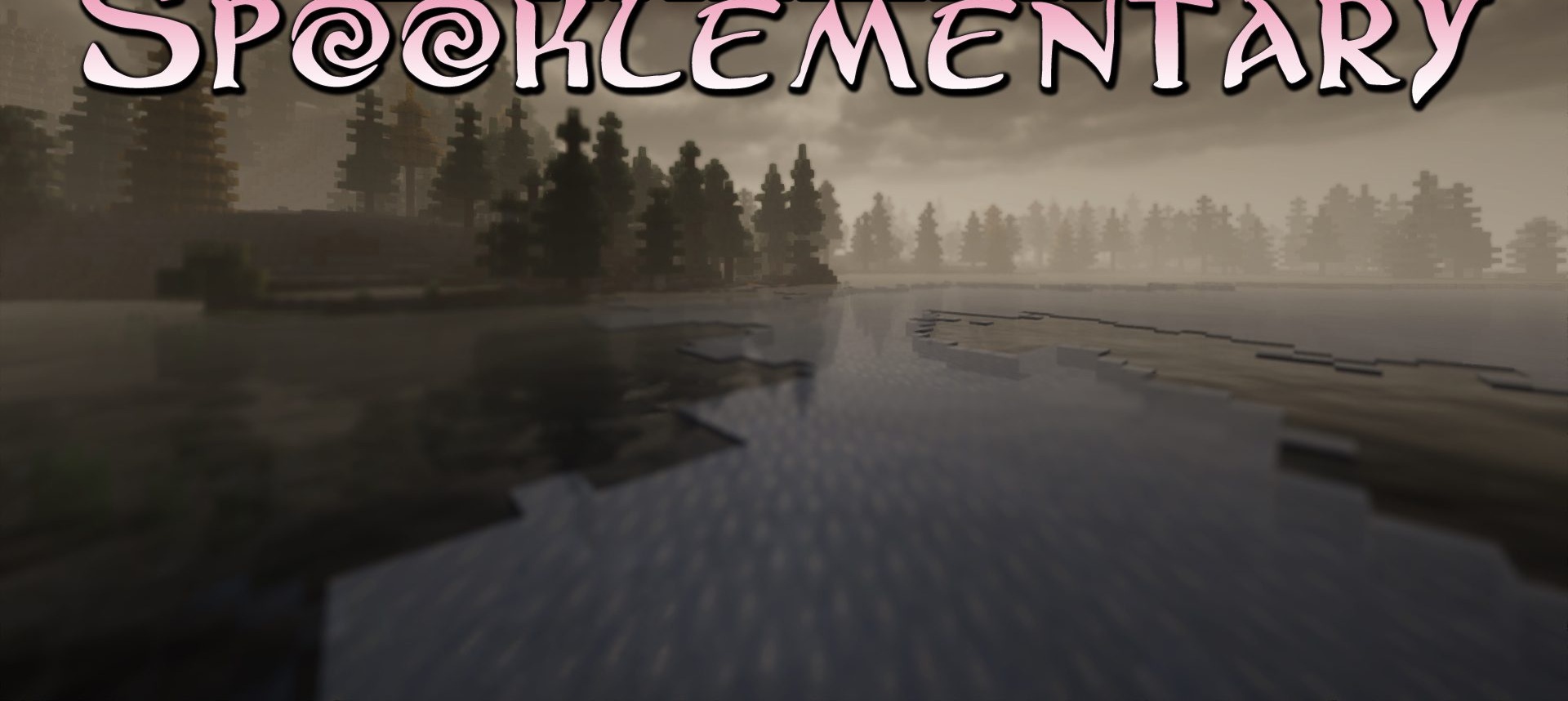
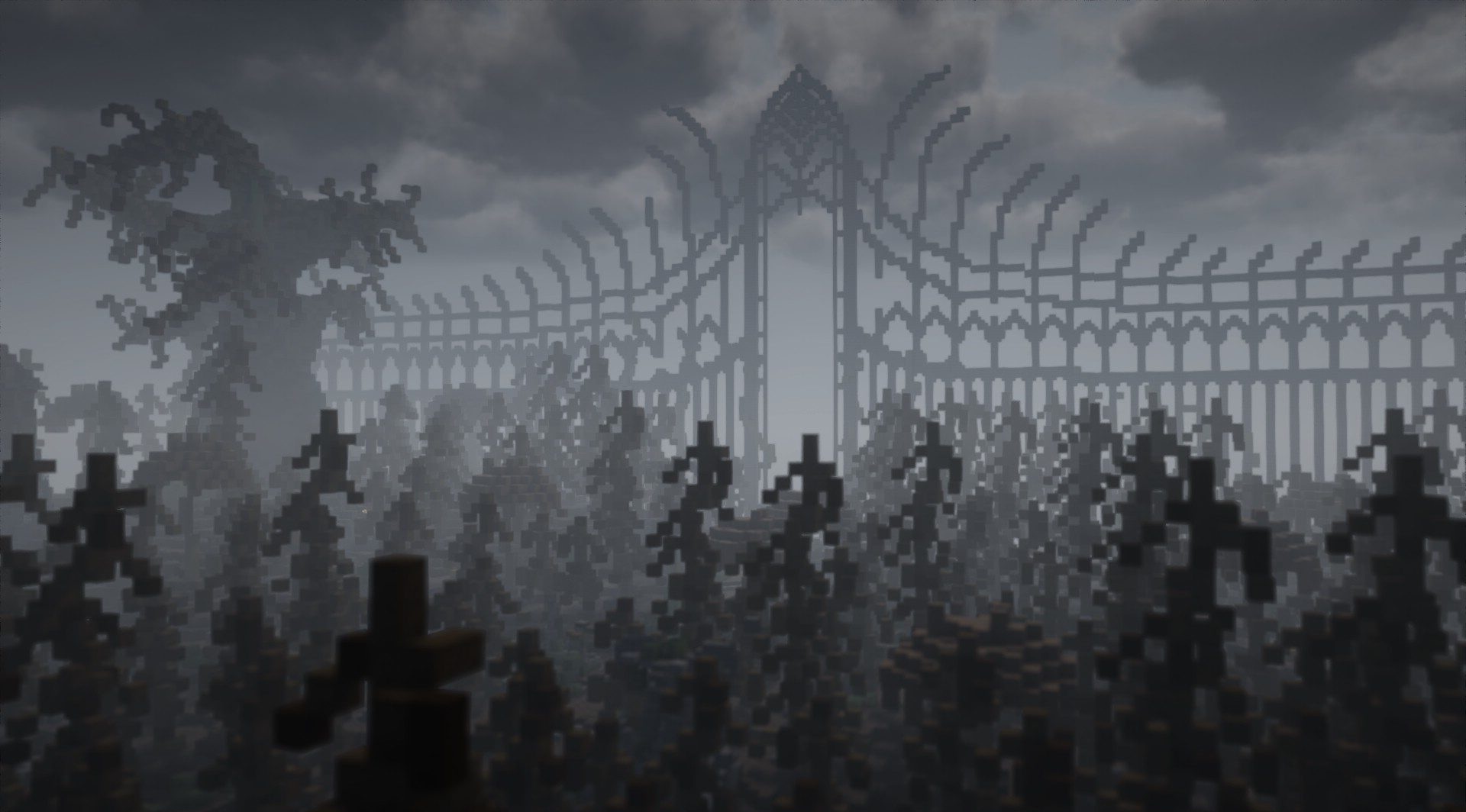
Spooklementary Shaders completely changes the emotional perception of Minecraft. The world becomes dark, oppressive, and unsettling. Lighting is intentionally unstable: light sources may flicker, shadows grow deeper, and the overall color palette loses brightness, shifting toward gloomy gray tones. In the darkness, barely noticeable eyes sometimes appear, creating a constant feeling that someone is watching the player.
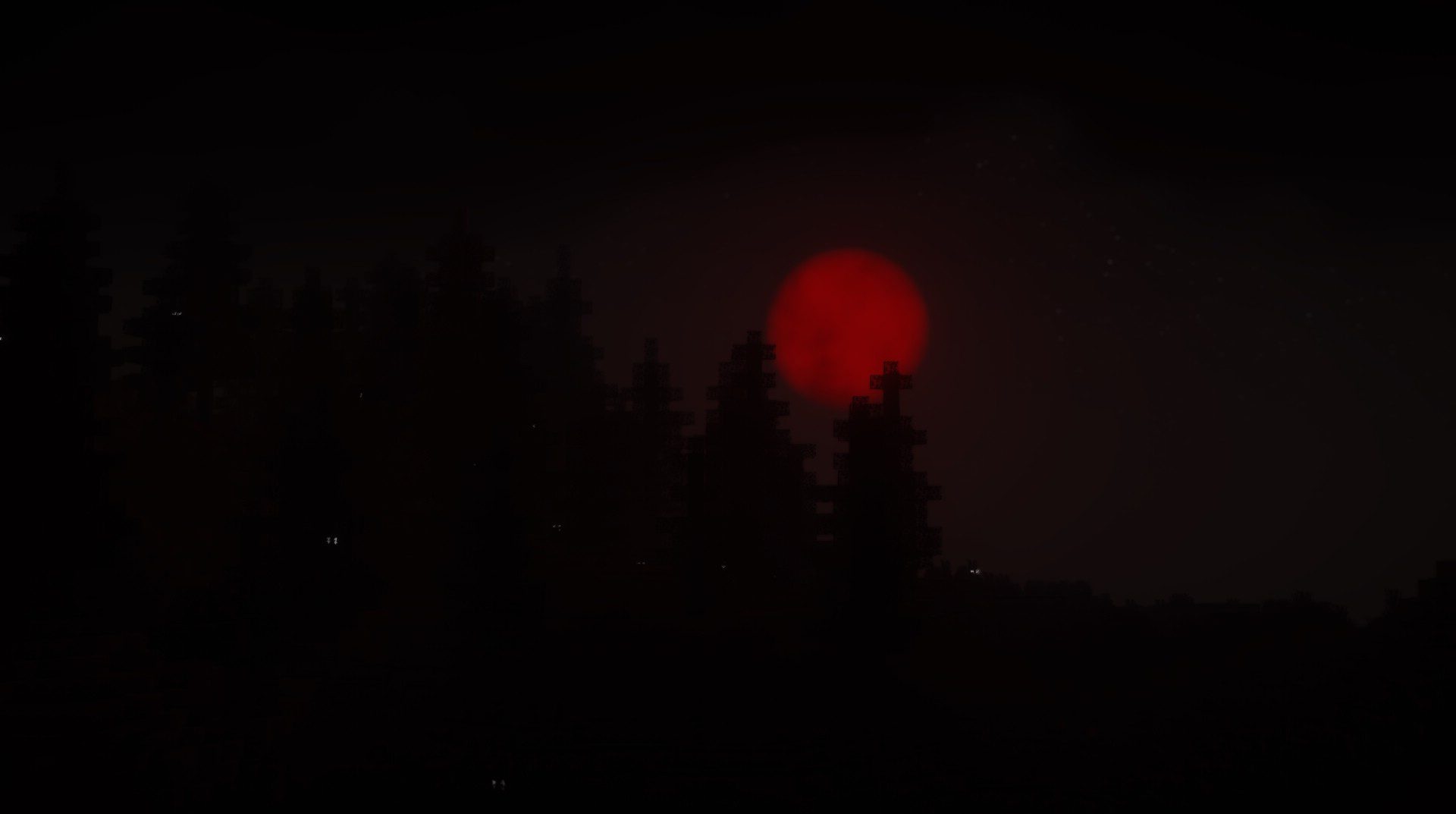
Fog intensifies, hiding distant objects and making space feel uncertain. The moon can turn blood-red, enhancing the sense of an approaching threat. Before frightening sounds, static noise can sometimes be heard, and chromatic aberration gradually increases, as if reality itself is beginning to “break.”
How to install a shader:
First step: download the shader package from the link below.
Second step: Unpack the downloaded archive and copy the Spooklementary Shaders folder to c:\Users\User\AppData\Roaming\.minecraft\shaderpacks\(if this folder does not exist, create it yourself) (For Windows)
Third step: In the game, go to Settings, then to Graphics Settings. Select the "shaders" section and activate the shader pack of your choice.
Comments (0)