



Spring Shaders for Minecraft 1.21.11
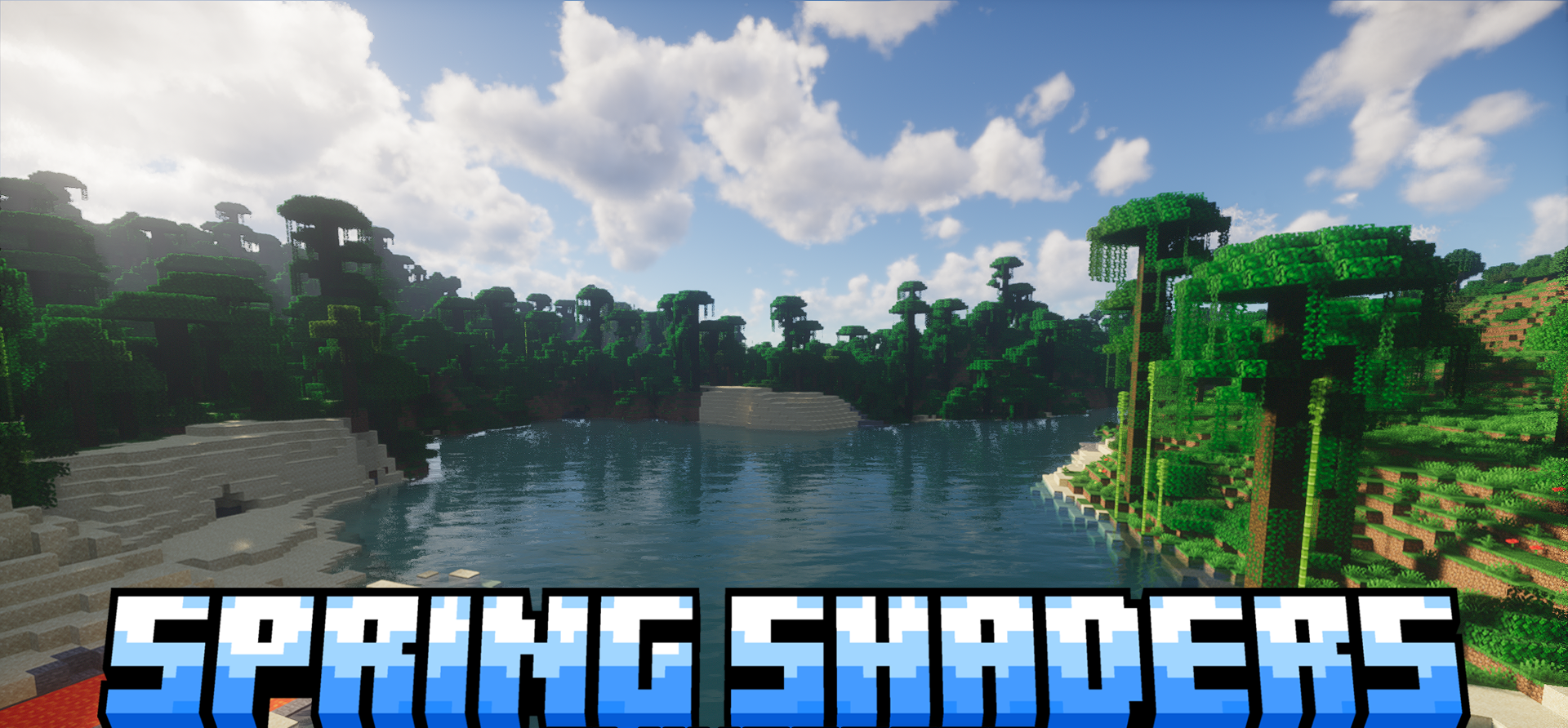
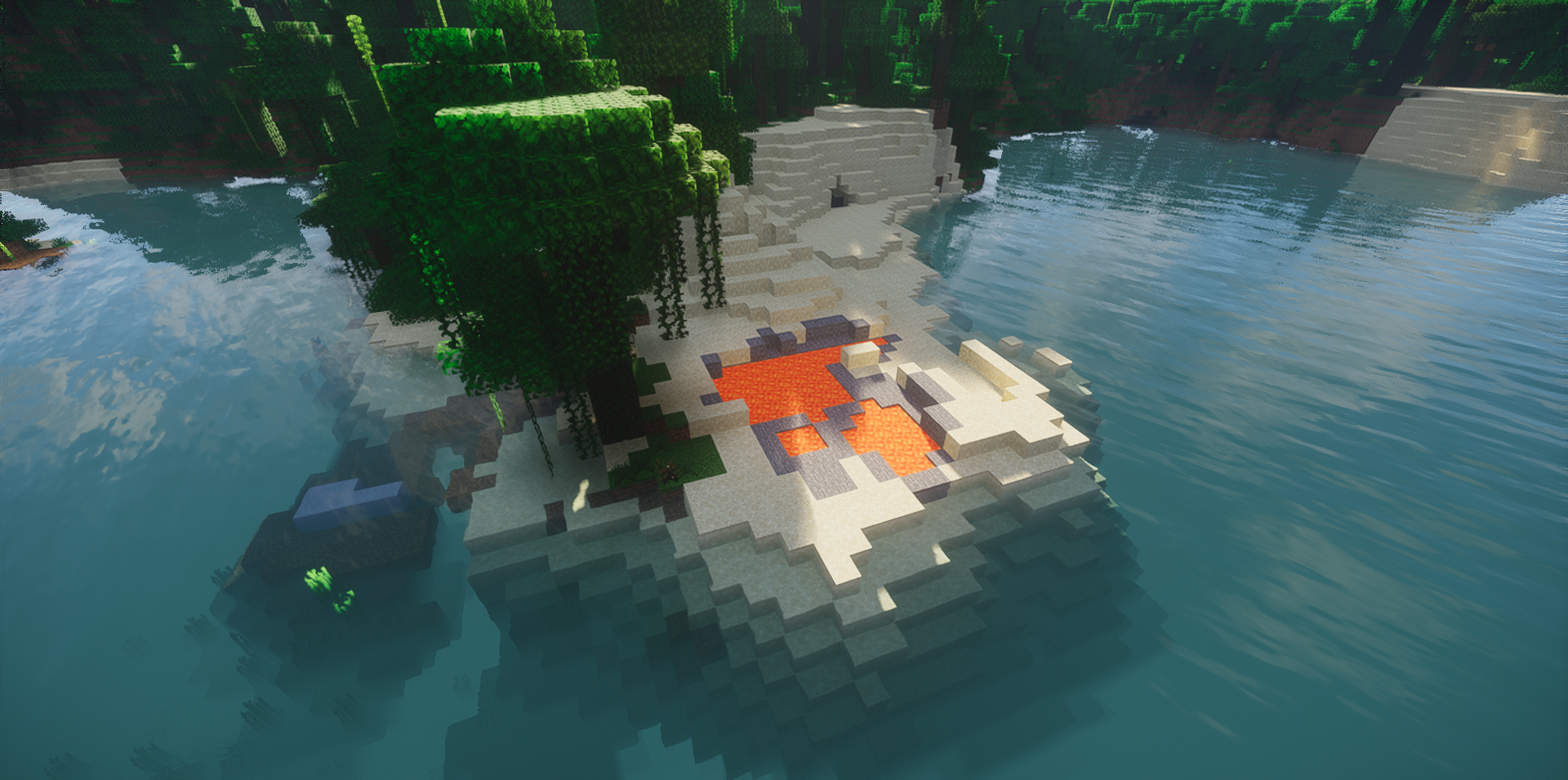
There are shaders that push toward drama, and there are those that make the world brighter, softer, and livelier. Spring Shaders belongs exactly to the second category. Its visual style is built around a fresh, clean image with bright but not eye-straining colors, so nature, daylight, and open spaces look especially pleasant.
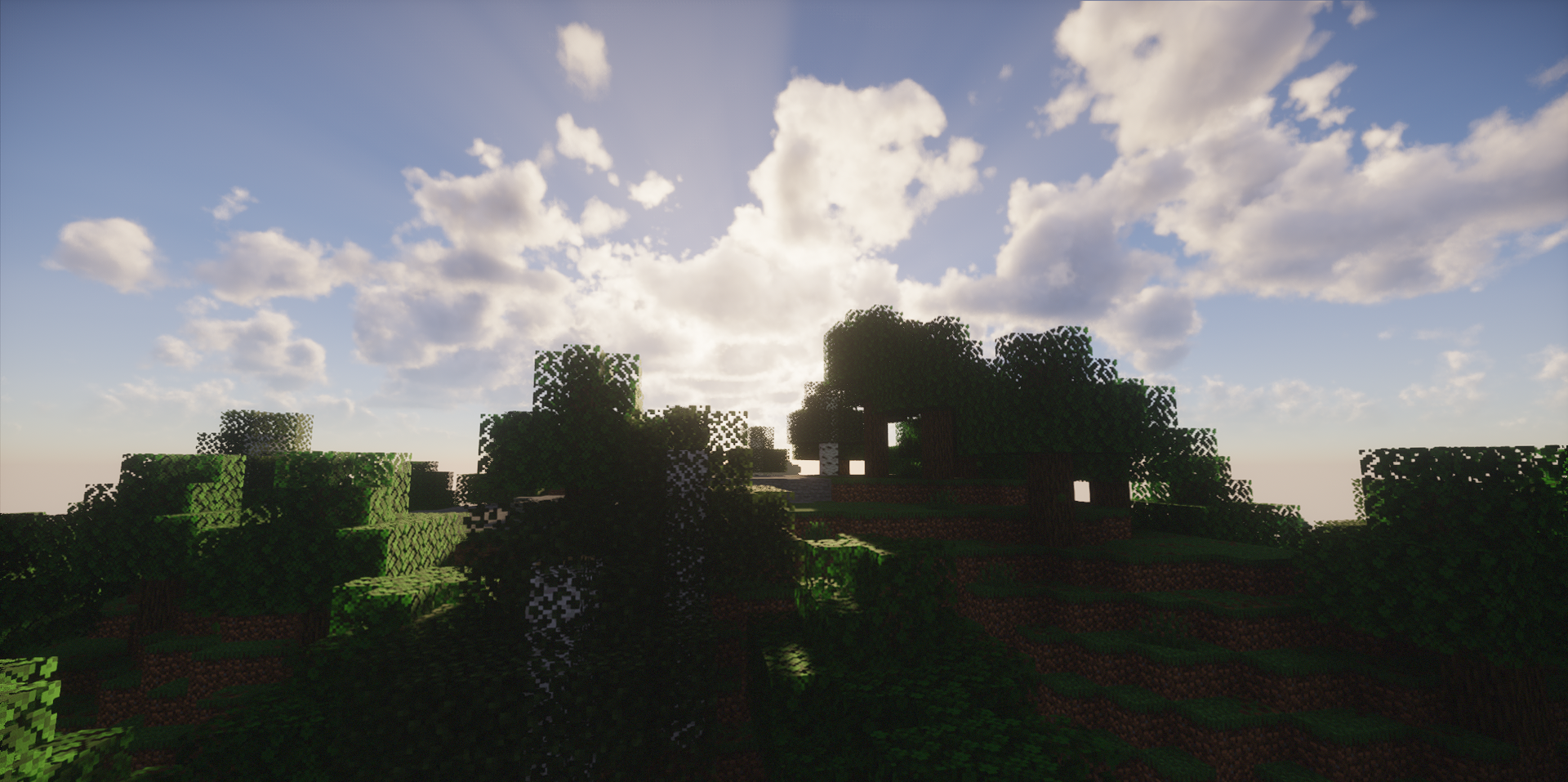
At the same time, behind the external lightness there is a very serious set of technologies: global illumination, soft shadows, volumetric clouds, atmospheric scattering, colored lighting, fog, and light rays. Beautiful sunrises and sunsets are especially worth noting — here they truly become an important part of the overall impression.
How to install a shader:
First step: download the shader package from the link below.
Second step: Unpack the downloaded archive and copy the Spring Shaders folder to c:\Users\User\AppData\Roaming\.minecraft\shaderpacks\(if this folder does not exist, create it yourself) (For Windows)
Third step: In the game, go to Settings, then to Graphics Settings. Select the "shaders" section and activate the shader pack of your choice.
Comments (0)