



Sundial Lite Shaders for Minecraft 1.21.11
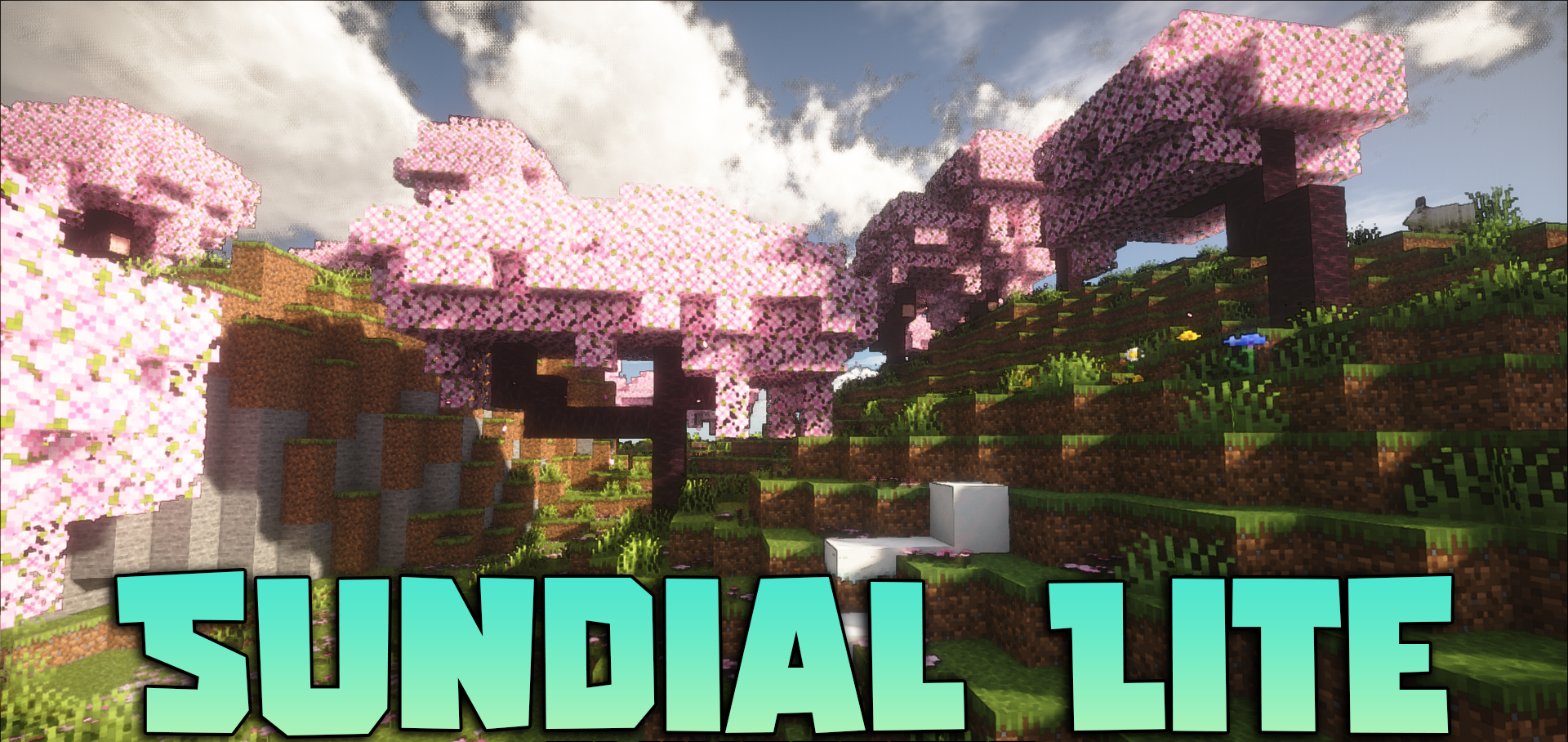
Not everyone needs the maximum set of heavy effects, especially if the goal is to keep good FPS without completely giving up beautiful lighting. Sundial Lite Shaders feels exactly like a compromise made intelligently. It preserves most of the strengths of the full version, but drops the most demanding solutions related to global illumination tracing and complex reflections.
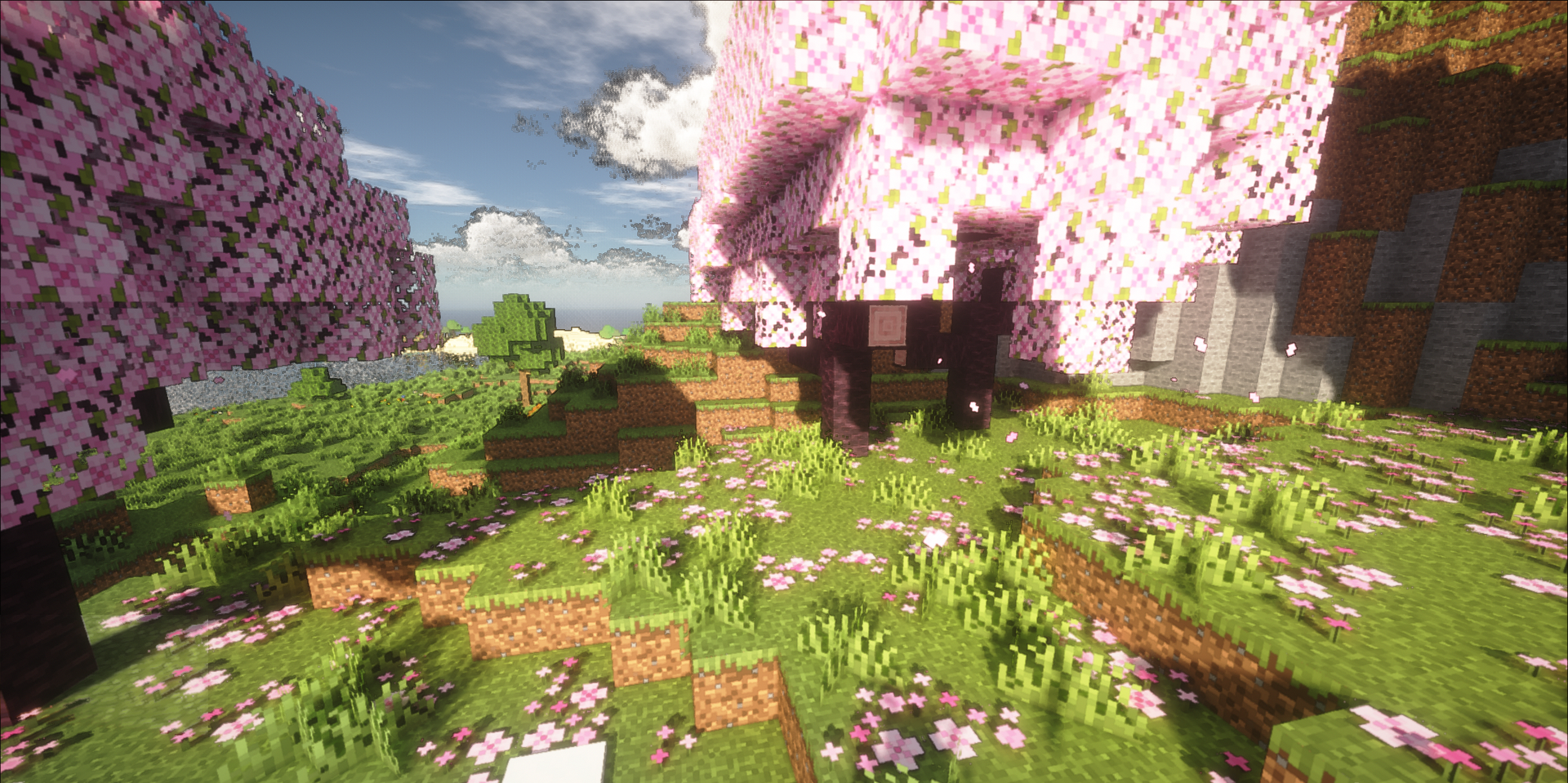
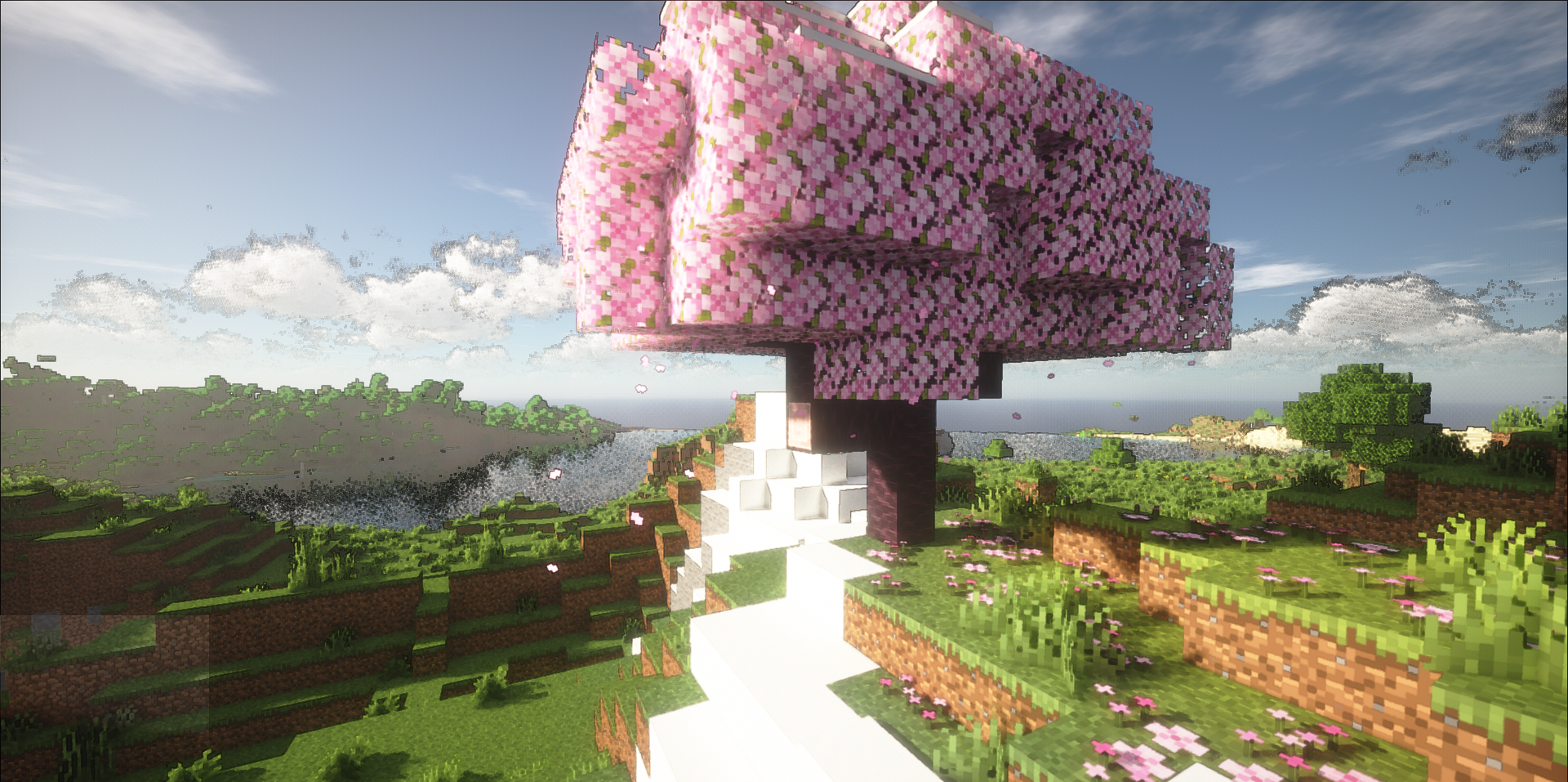
Because of this, the shader becomes noticeably lighter to render, while still keeping the feeling of a rich and well-developed image. The optimization of internal calculations also plays an important role: reflections, volumetric light, and fog are calculated more efficiently here, which directly affects performance.
How to install a shader:
First step: download the shader package from the link below.
Second step: Unpack the downloaded archive and copy the Sundial Lite Shaders folder to c:\Users\User\AppData\Roaming\.minecraft\shaderpacks\(if this folder does not exist, create it yourself) (For Windows)
Third step: In the game, go to Settings, then to Graphics Settings. Select the "shaders" section and activate the shader pack of your choice.
Comments (3)