



Super Shaders for Minecraft 1.21.11

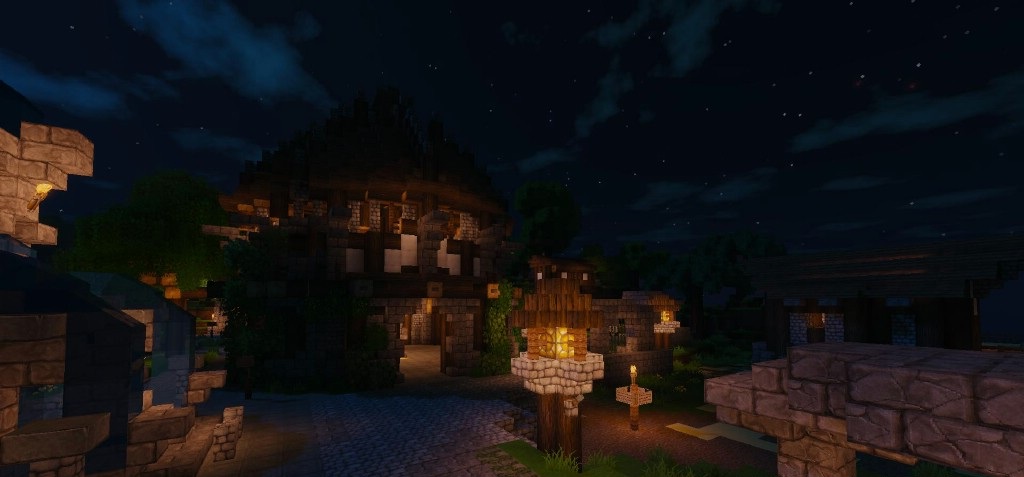
For fans of bright, saturated, and максимально выразительной visuals, Super Shaders is an excellent choice. This pack makes the world noticeably more vibrant: colors become deeper, contrast increases, and light sources look stronger and more impressive. Torches illuminate space much more intensely, sun rays create expressive highlights, and rain and fog form atmospheric scenes.
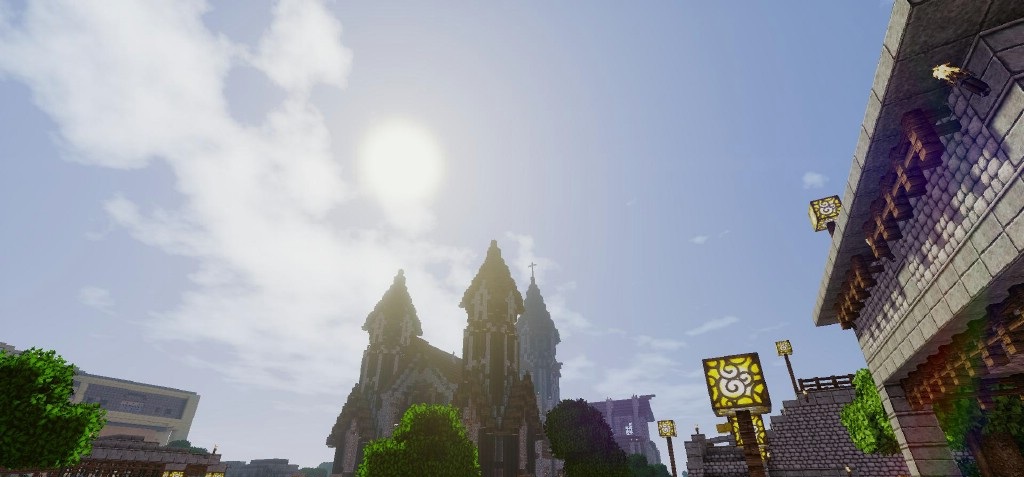
Water looks more alive, reflecting light and the environment more beautifully. This shader pack is well suited for cinematic modpacks, beautiful screenshots, dynamic survival gameplay, and projects where the visual component plays a key role.
How to install a shader:
First step: download the shader package from the link below.
Second step: Unpack the downloaded archive and copy the Super Shaders folder to c:\Users\User\AppData\Roaming\.minecraft\shaderpacks\(if this folder does not exist, create it yourself) (For Windows)
Third step: In the game, go to Settings, then to Graphics Settings. Select the "shaders" section and activate the shader pack of your choice.
Comments (0)