



Super Shaders for Minecraft 1.21.11

Super Shaders emphasizes rich colors and improved contrast, noticeably transforming the appearance of Minecraft. The lighting becomes more expressive: torches shine brighter, sunlight looks softer, and glow effects feel more natural. Special attention is paid to weather — rain and fog look denser and more atmospheric. Water has received improved reflections and a light ripple effect, adding dynamism to landscapes.
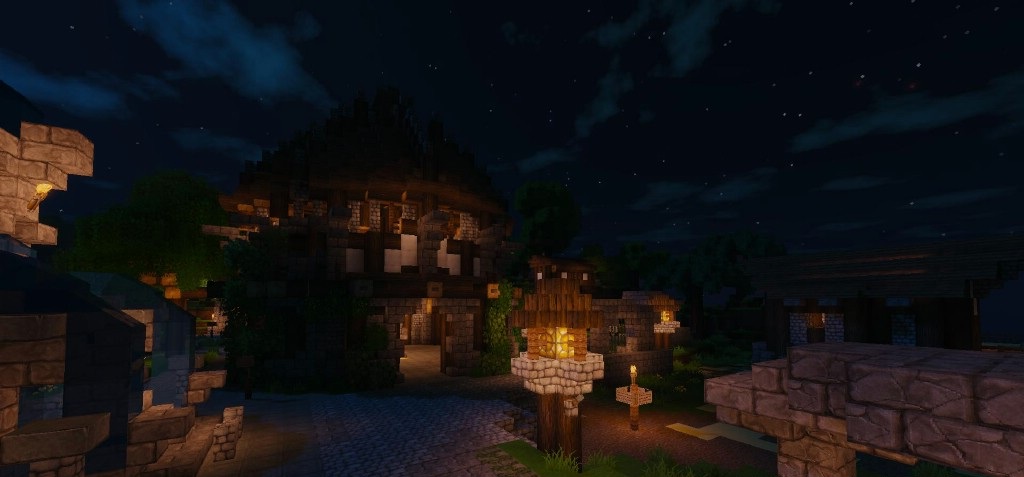
The shader pack does not aim for photorealism, but rather enhances the artistic side of the game. It is a good choice for players who want a more vibrant and impressive image without excessive complexity.
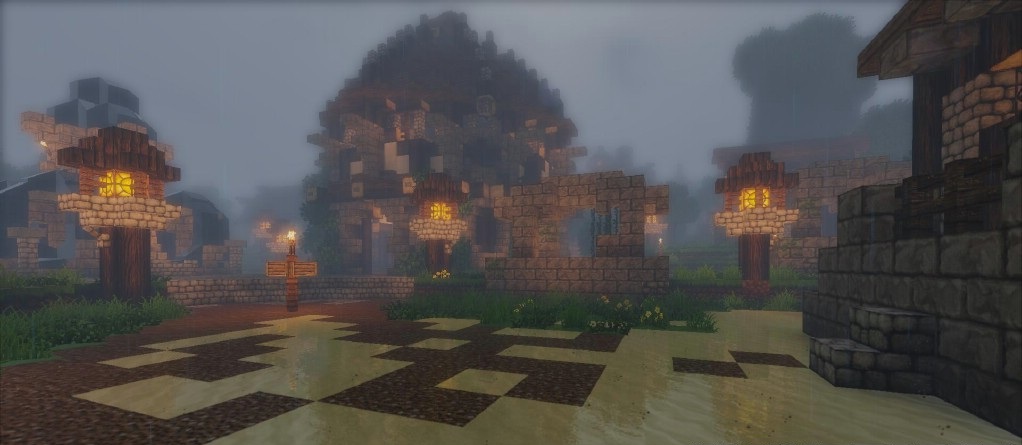
How to install a shader:
First step: download the shader package from the link below.
Second step: Unpack the downloaded archive and copy the Super Shaders folder to c:\Users\User\AppData\Roaming\.minecraft\shaderpacks\(if this folder does not exist, create it yourself) (For Windows)
Third step: In the game, go to Settings, then to Graphics Settings. Select the "shaders" section and activate the shader pack of your choice.
Comments (23)