



Super Ugly Shaders for Minecraft 1.21.11
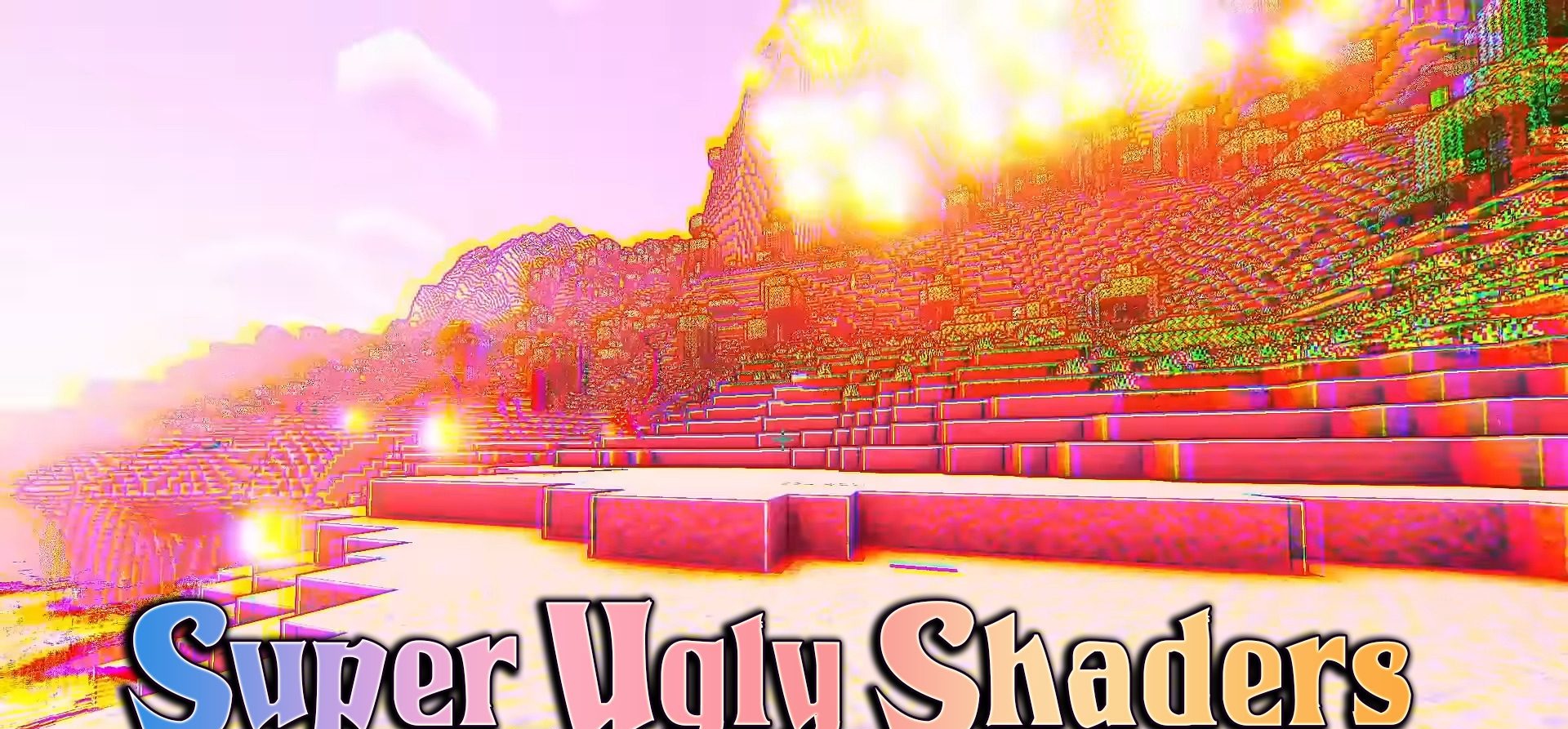
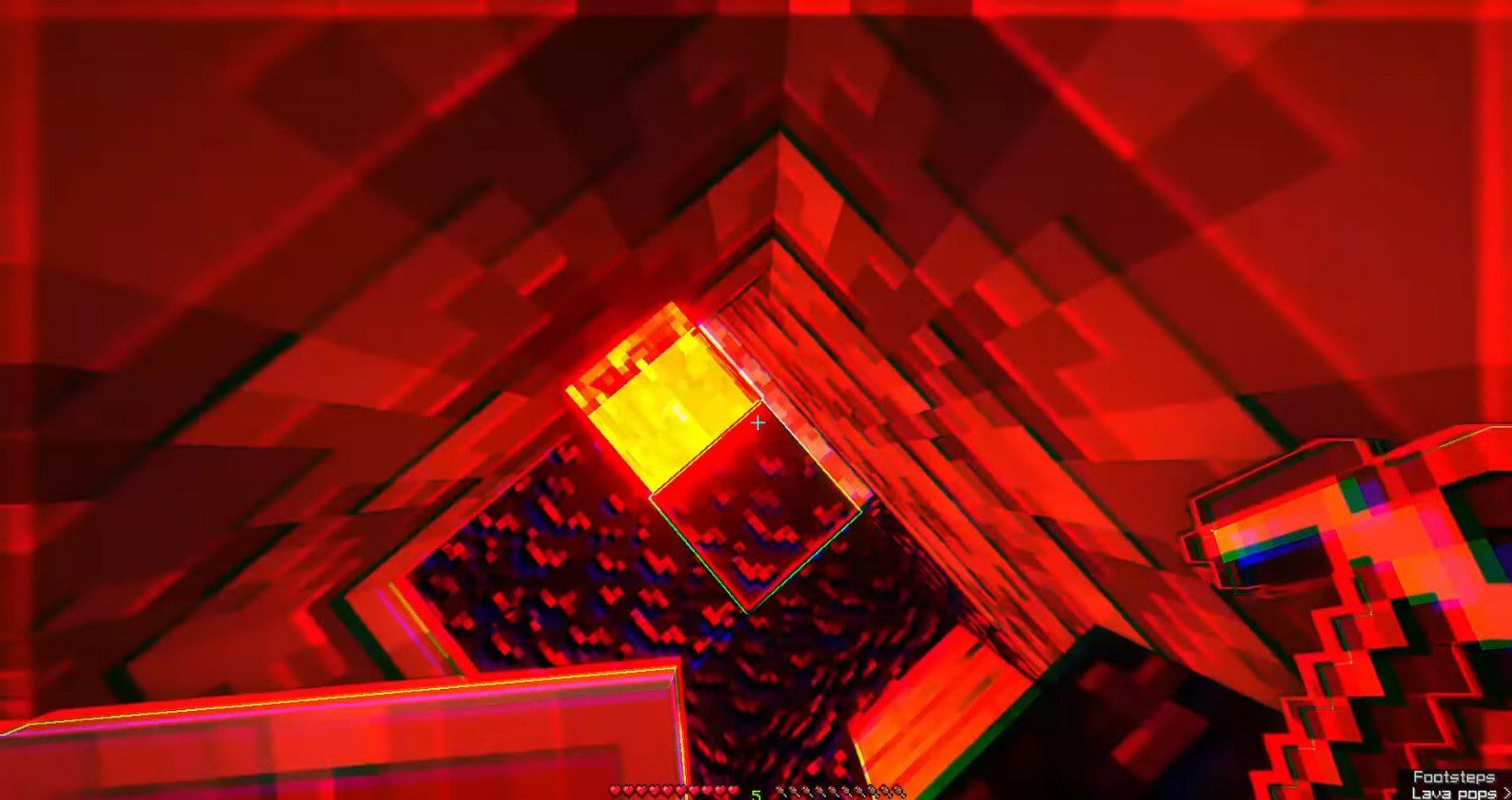
This shader pack can hardly be called just a visual improvement — it is more like an art experiment that completely changes the perception of Minecraft. We are talking about Super Ugly Shaders. The world starts to look as if reality has glitched: colors are distorted, the image slightly “pulsates,” and the lighting creates ghostly flashes. Objects lose clear outlines, creating an effect of flickering and even slight disorientation.
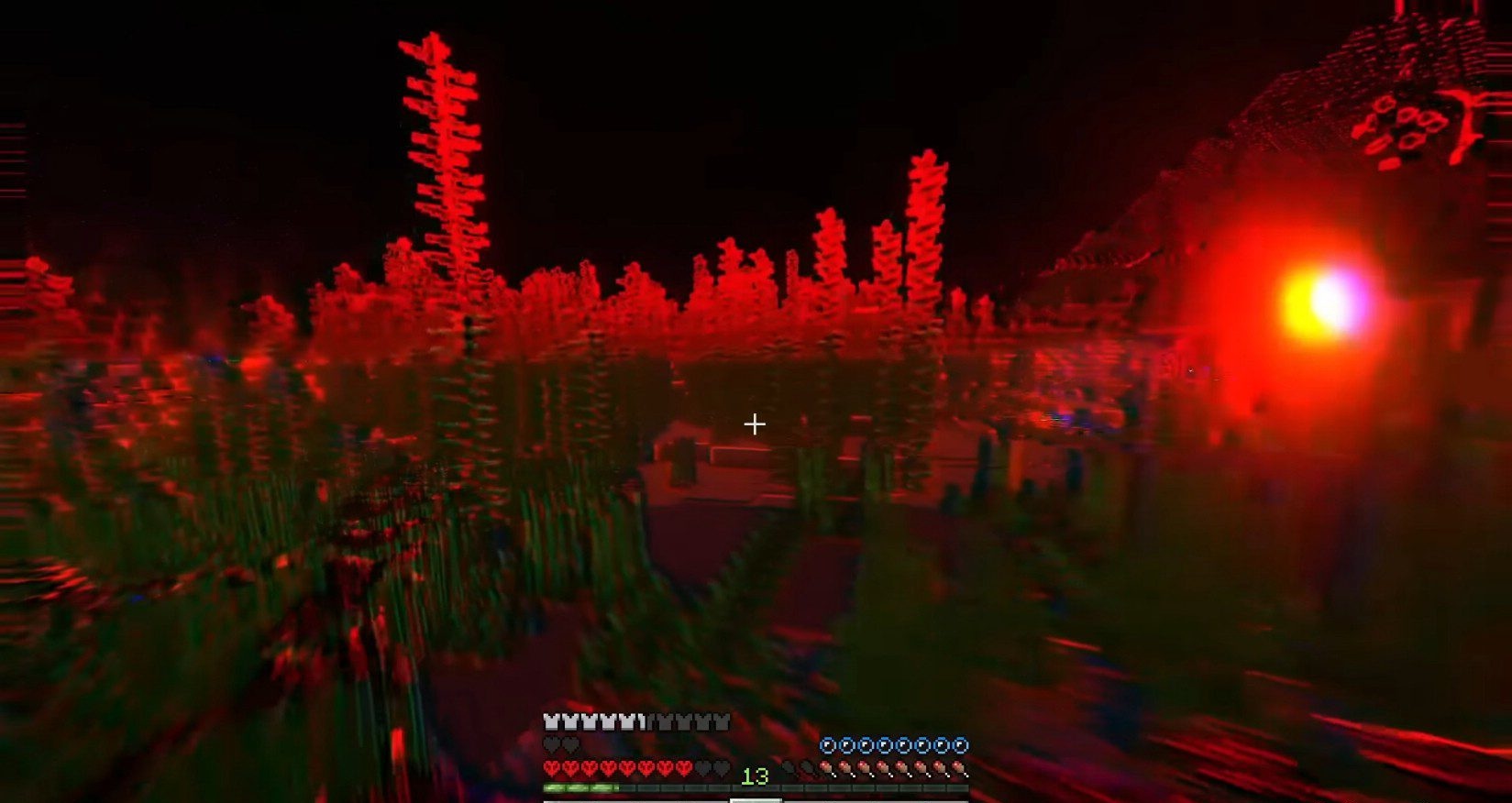
This style is clearly not meant for calm survival gameplay, but it is perfect for horror maps, strange worlds, and psychological scenes. The shader captivates with its unusual nature and a bold rejection of standard beauty.
How to install a shader:
First step: download the shader package from the link below.
Second step: Unpack the downloaded archive and copy the Super Ugly Shaders folder to c:\Users\User\AppData\Roaming\.minecraft\shaderpacks\(if this folder does not exist, create it yourself) (For Windows)
Third step: In the game, go to Settings, then to Graphics Settings. Select the "shaders" section and activate the shader pack of your choice.
Comments (0)