



Tea for Minecraft 1.21.10
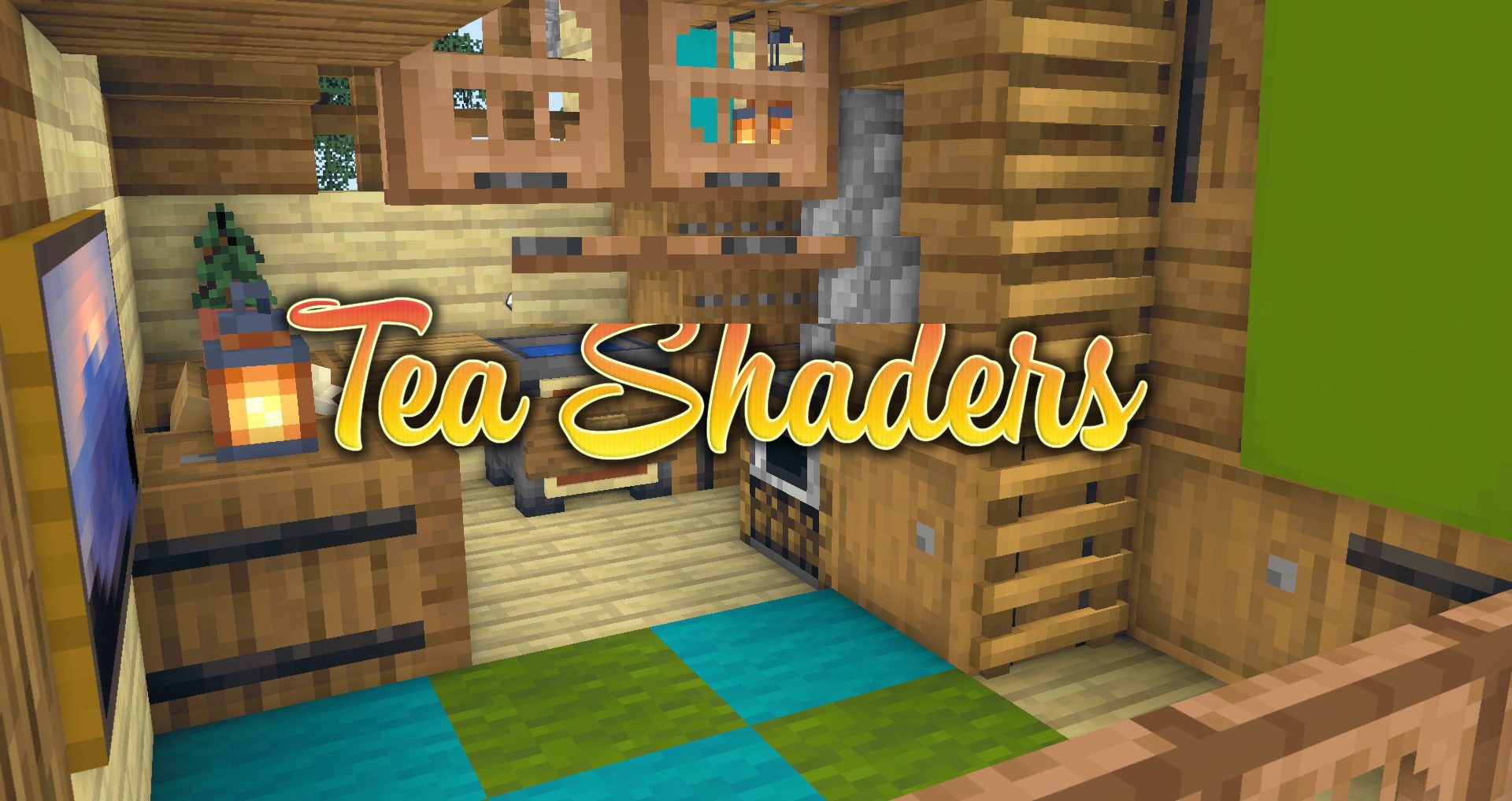
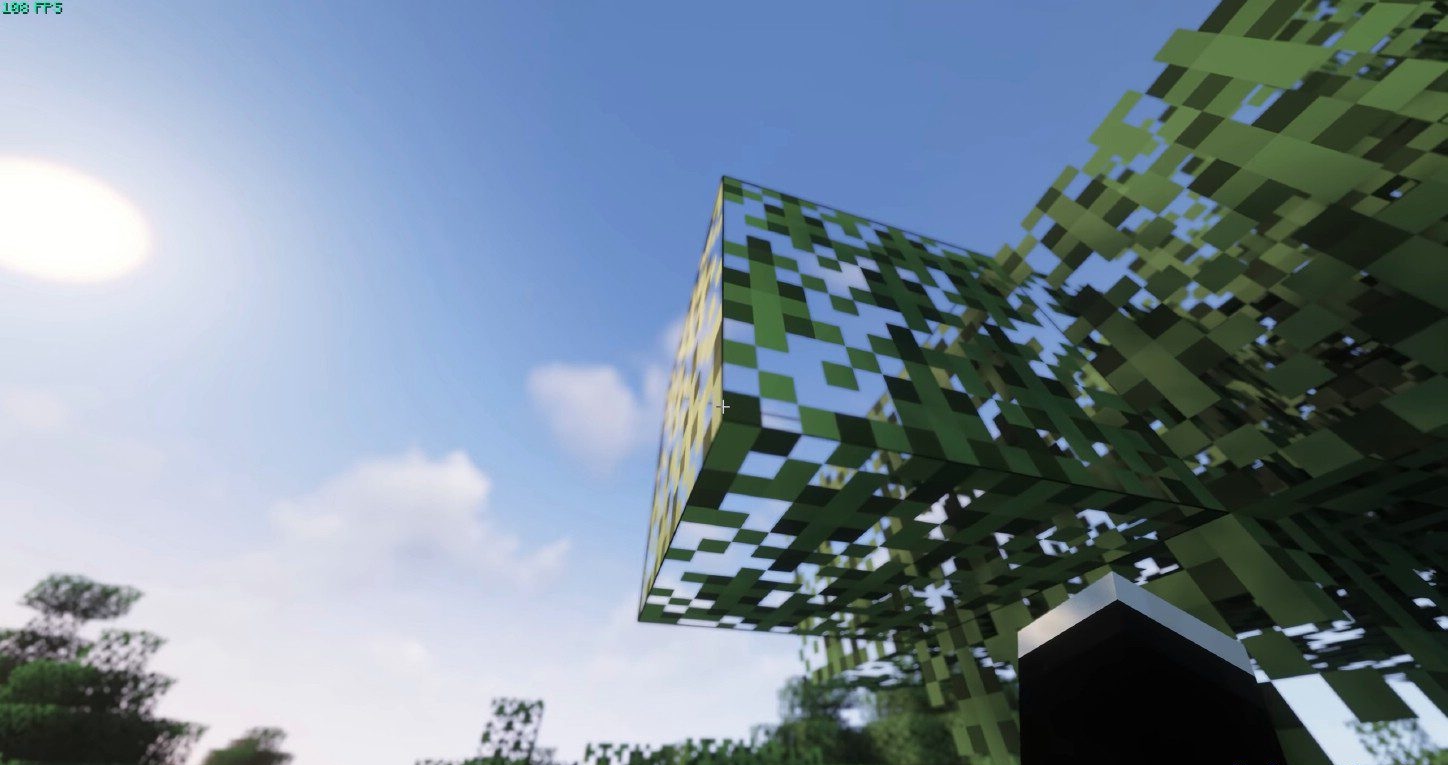
Tea Shaders, also known as Beyond Belief Vanilla Reborn, is an option for those who love the classic look but want to refresh it with modern touches. This shader enhances the game’s key elements while preserving the vanilla style: grass, leaves, and green biomes become richer and livelier, while lighting becomes softer and warmer.
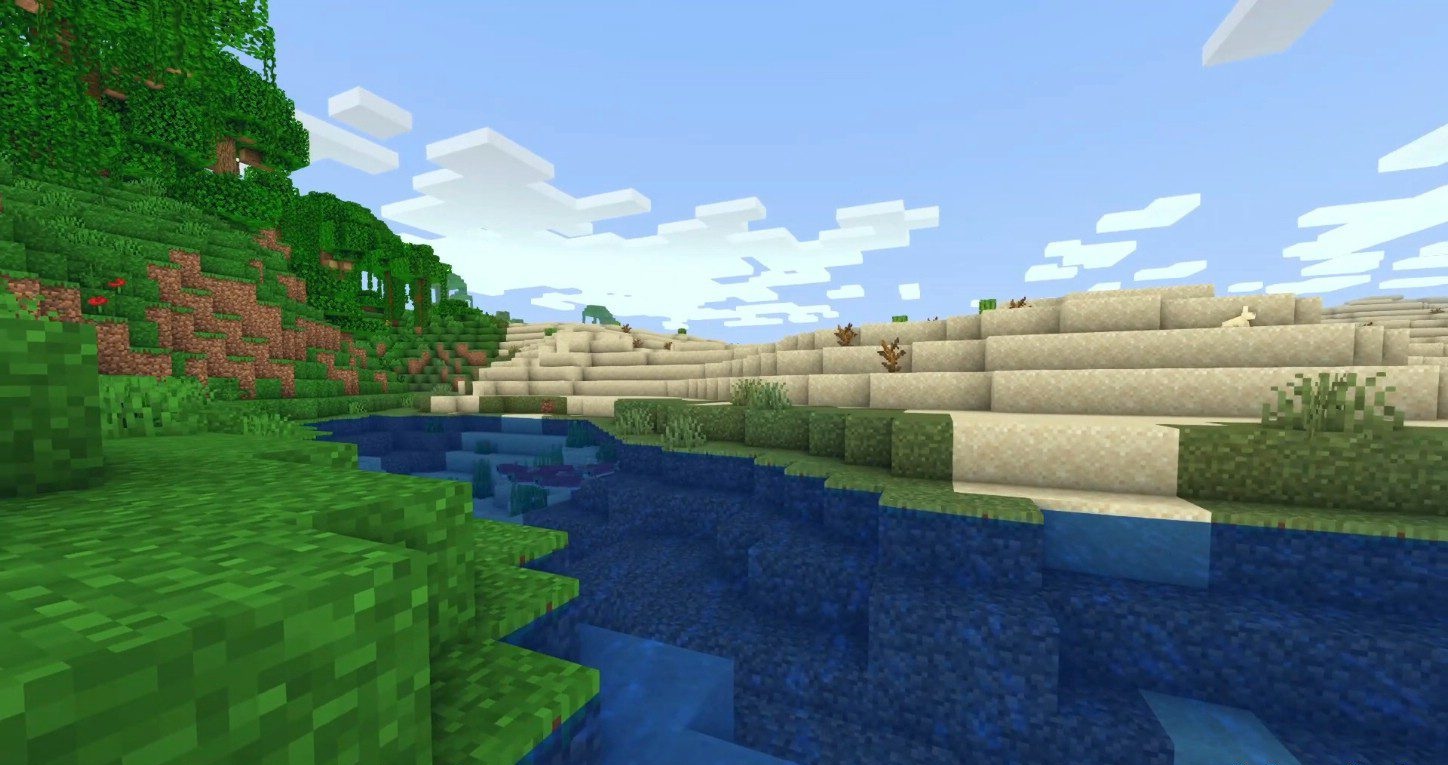
The world remains recognizable, without excessive realism or cinematic effects. The shader pack is actively updated, making it a stable long-term choice. It offers flexible customization, allowing players to adjust saturation, brightness, blur, light, and weather effects.
How to install a shader:
First step: download the shader package from the link below.
Second step: Unpack the downloaded archive and copy the Tea folder to c:\Users\User\AppData\Roaming\.minecraft\shaderpacks\(if this folder does not exist, create it yourself) (For Windows)
Third step: In the game, go to Settings, then to Graphics Settings. Select the "shaders" section and activate the shader pack of your choice.
Comments (0)