



TerraFirmaGreg Shaders for Minecraft 1.21.11
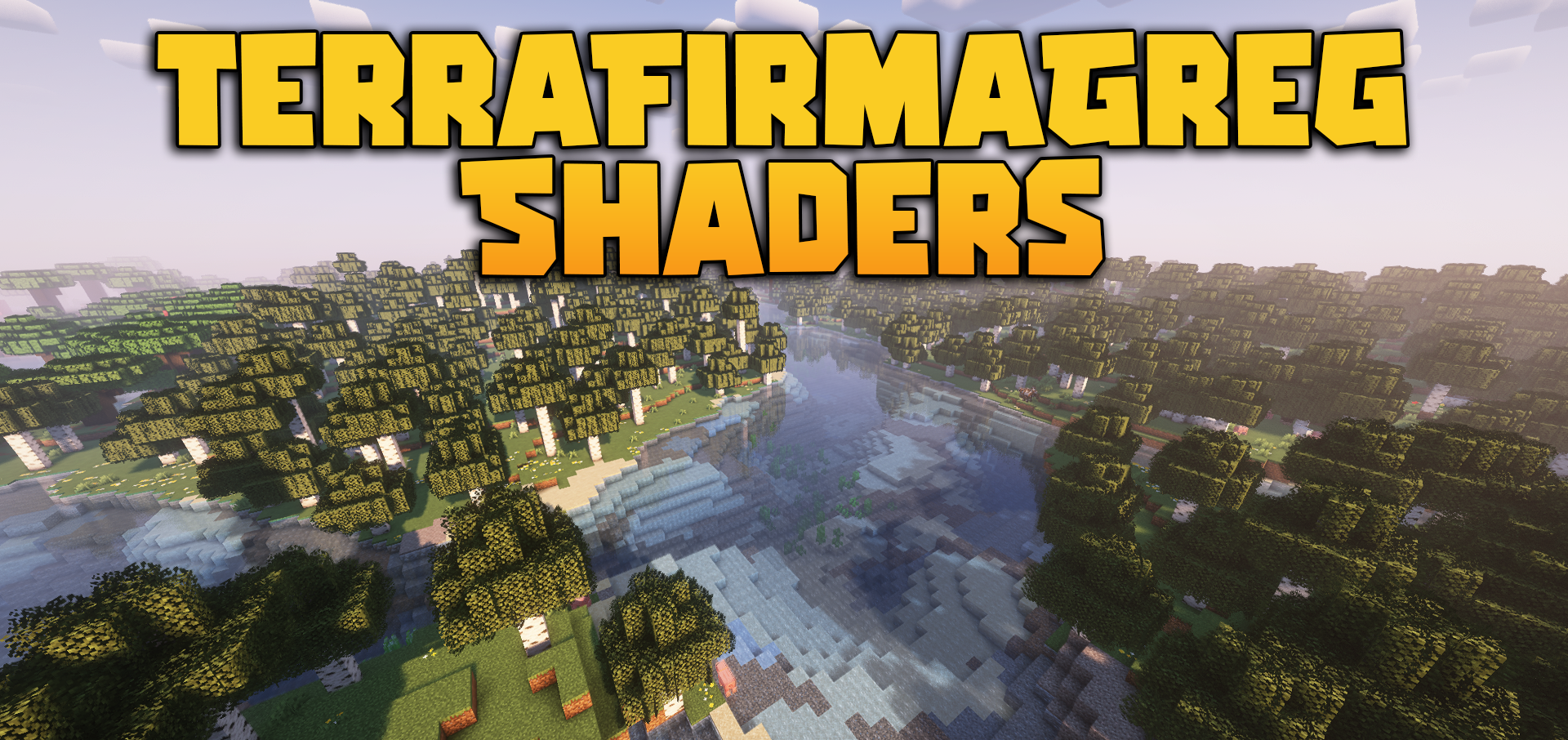
Visual improvements do not always have to completely change the game. Sometimes the best result is achieved when a shader carefully refines the environment without breaking its character. TerraFirmaGreg Shaders works in exactly this way: it makes the world more expressive, but preserves the overall mood of the modpack and does not turn everything around into an overly glossy picture.
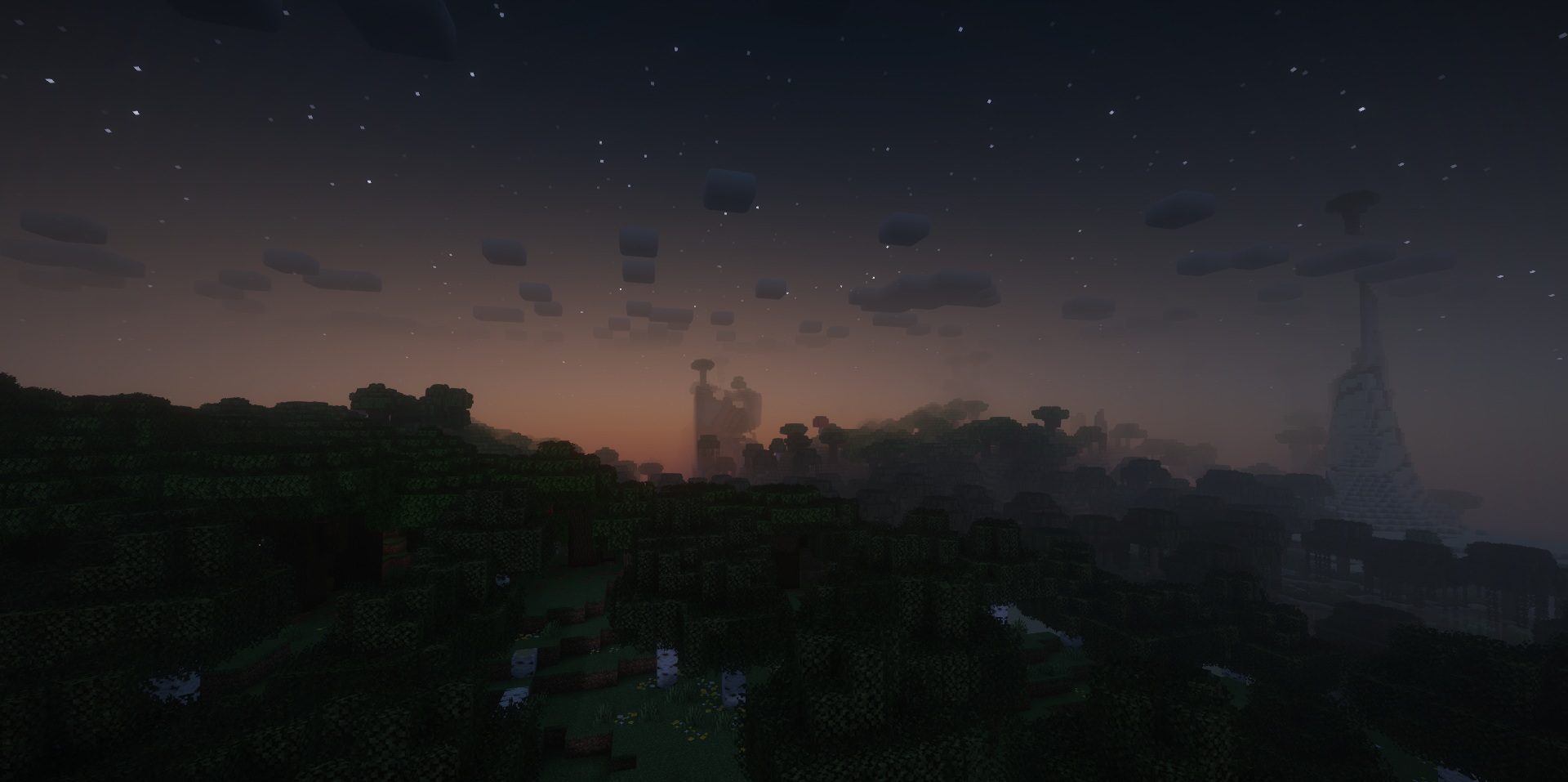
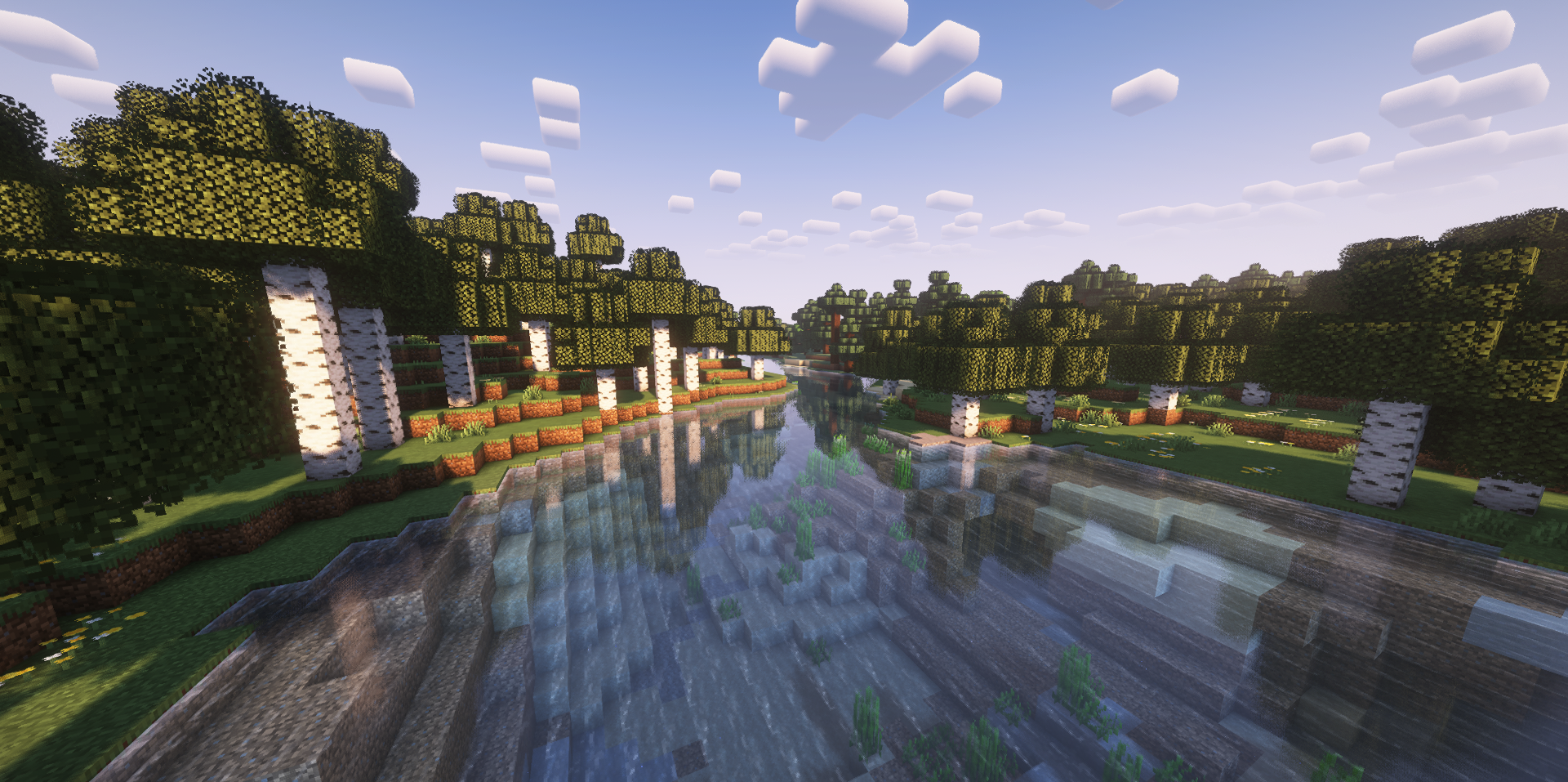
The main emphasis here is placed on the color correction of different dimensions, individual sky shades, lighting adjustments, and a livelier perception of nature. Water and foliage look more interesting, and movement caused by wind adds naturalness to the scenes. Because of this, the world feels not just more beautiful, but more convincing and deeper.
How to install a shader:
First step: download the shader package from the link below.
Second step: Unpack the downloaded archive and copy the TerraFirmaGreg Shaders folder to c:\Users\User\AppData\Roaming\.minecraft\shaderpacks\(if this folder does not exist, create it yourself) (For Windows)
Third step: In the game, go to Settings, then to Graphics Settings. Select the "shaders" section and activate the shader pack of your choice.
Comments (0)