



Tricked’s Shaders for Minecraft 1.21.11
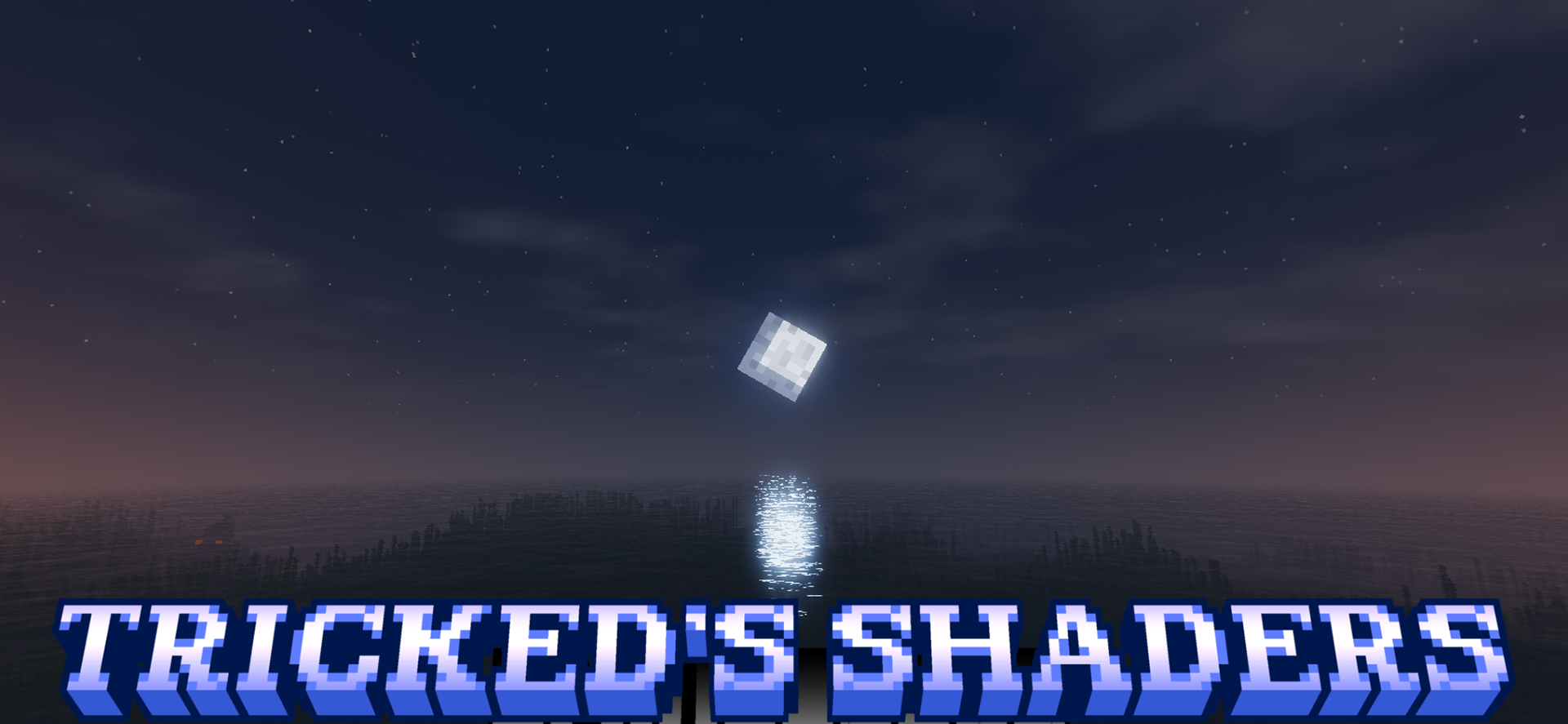
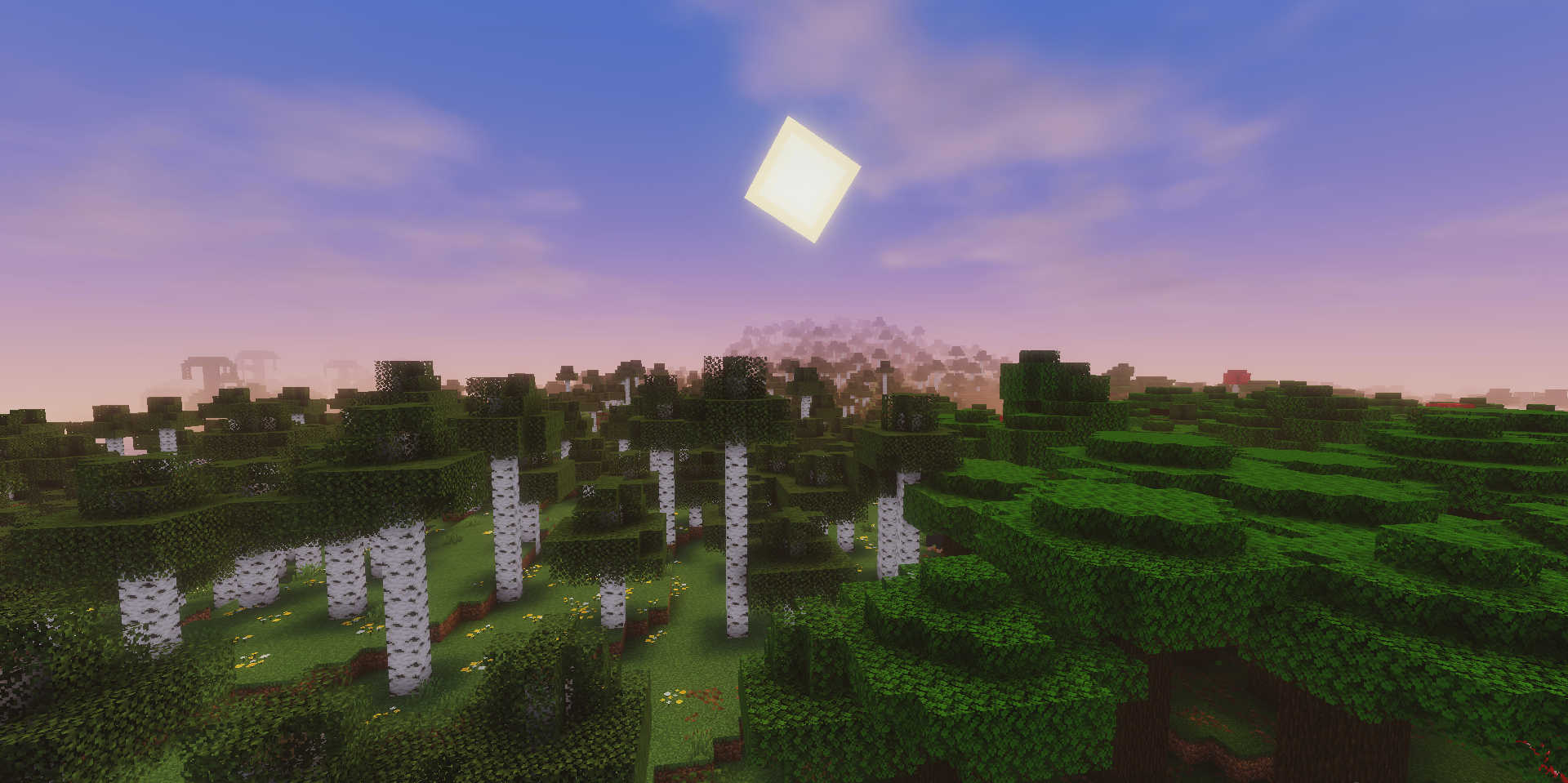
The best shader is not always the one that changes the game the most. Sometimes, a careful improvement that preserves Minecraft’s recognizable style is much more valuable. Tricked’s Shaders works according to exactly this principle. It adds a clean, bright glow to the world and makes the overall image more pleasant, but at the same time it does not take the visuals too far away from the vanilla appearance.
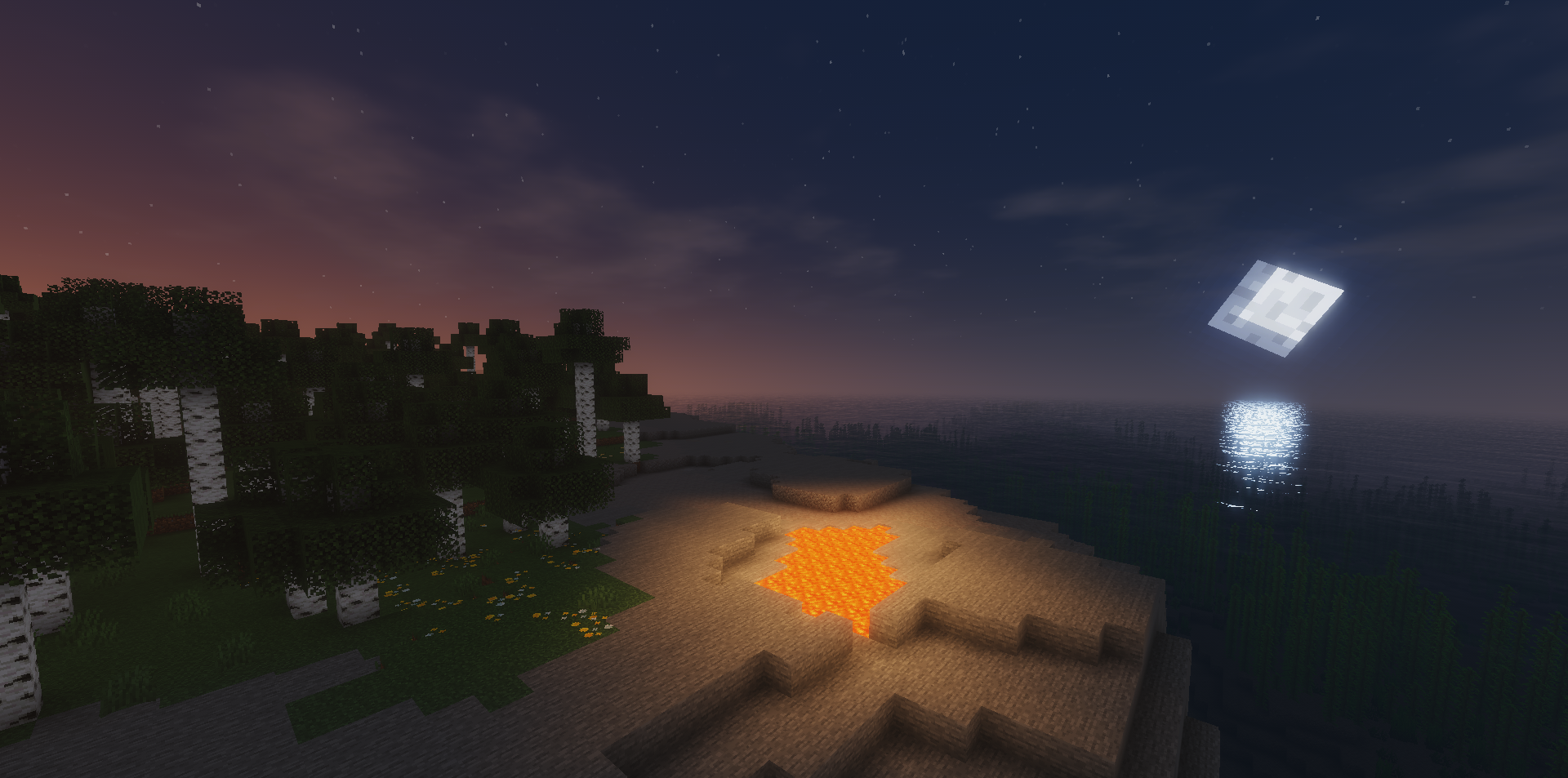
Because of this, the game remains familiar, but looks fresher, softer, and slightly more expressive. This approach is especially good for those who do not like excessive post-processing, aggressive colors, or overly realistic lighting.
How to install a shader:
First step: download the shader package from the link below.
Second step: Unpack the downloaded archive and copy the Tricked’s Shaders folder to c:\Users\User\AppData\Roaming\.minecraft\shaderpacks\(if this folder does not exist, create it yourself) (For Windows)
Third step: In the game, go to Settings, then to Graphics Settings. Select the "shaders" section and activate the shader pack of your choice.
Comments (0)