



UShader for Minecraft 1.21.8
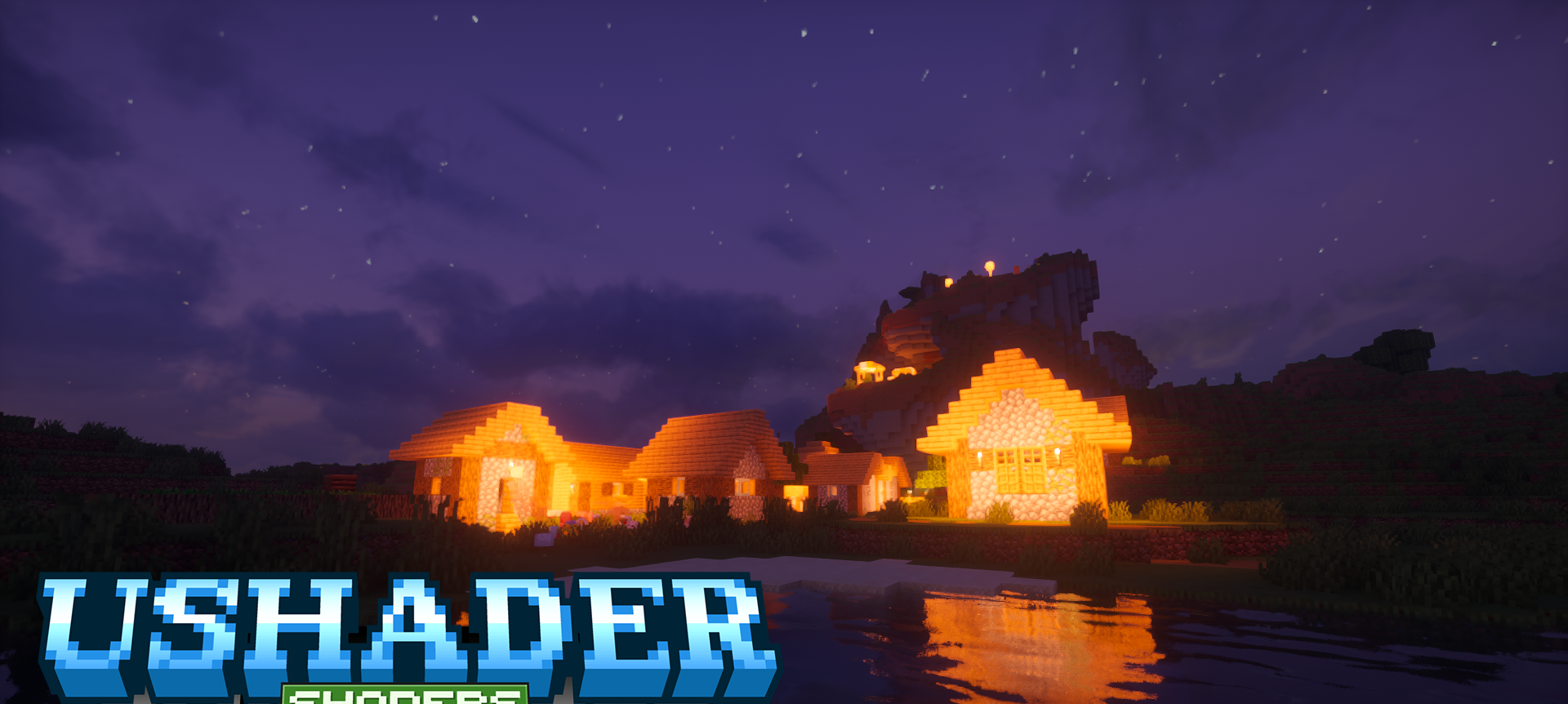
To make your adventure in Minecraft truly memorable, shaders are enough. For example, UShader for Minecraft offers an environment overhaul in a modern style.
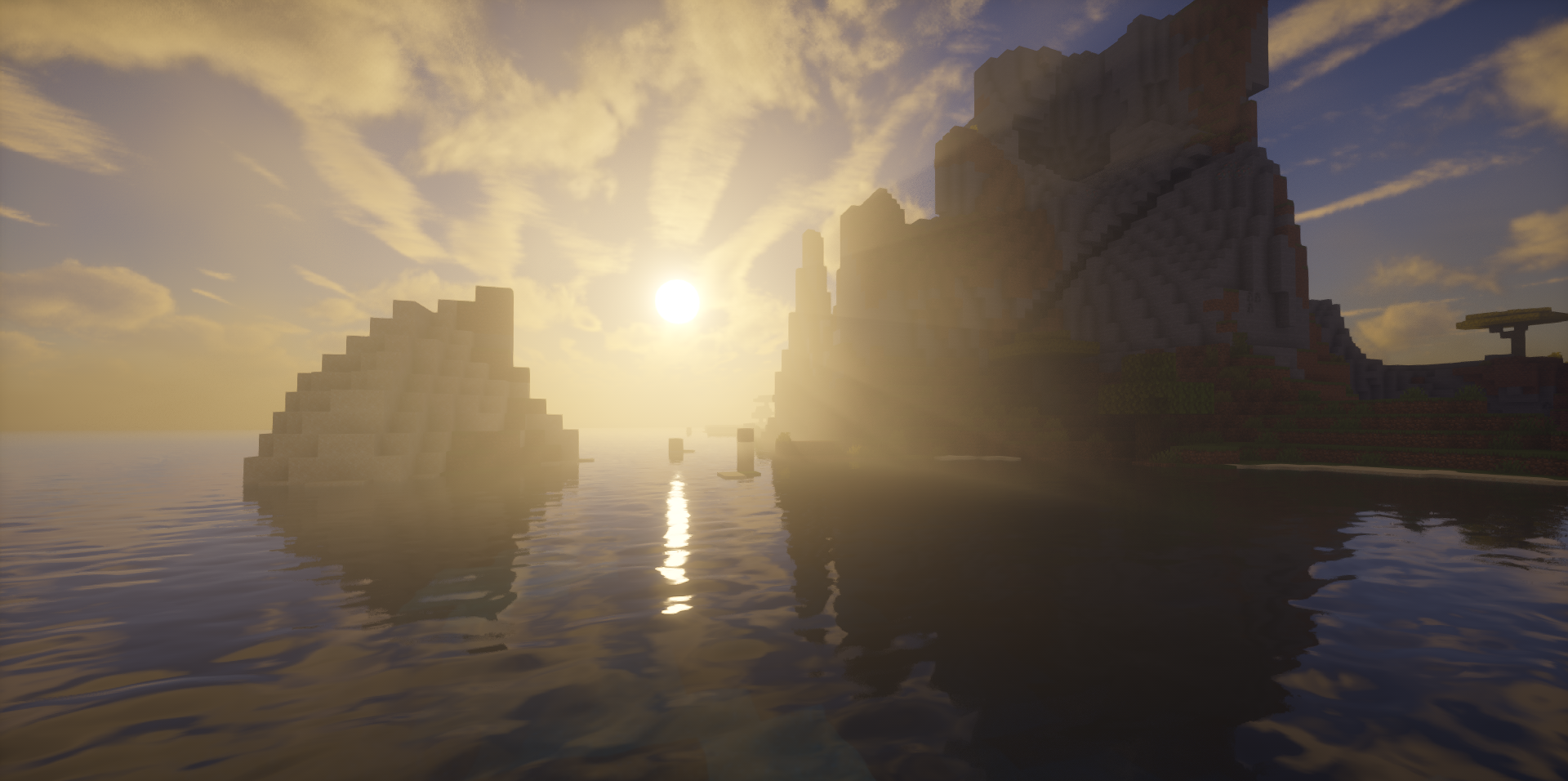
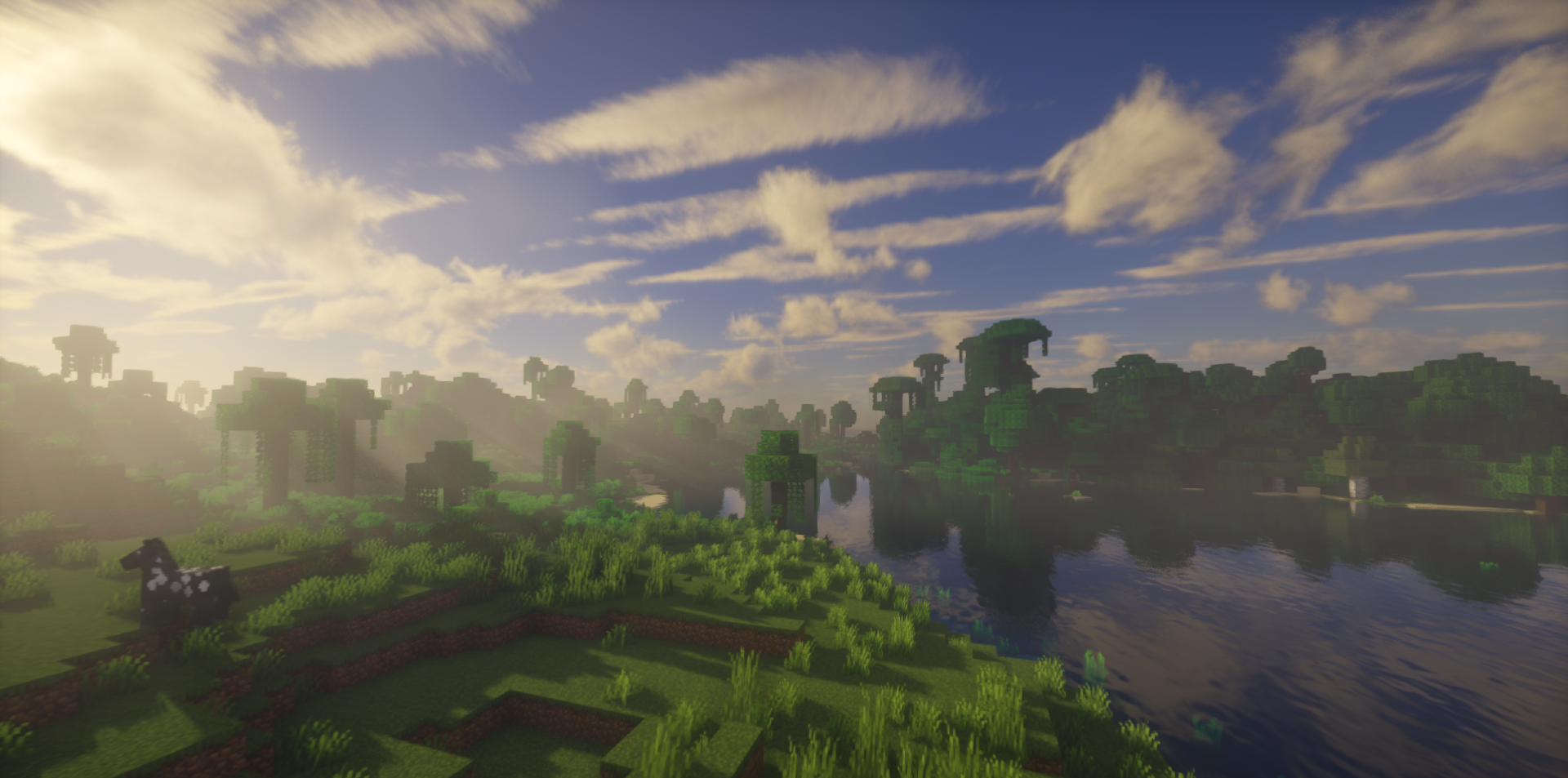
This is mainly about the technical side, so you can expect reworked lighting, volumetric massive clouds, improved fog, and refined shading. All these features are enhanced with a focus on advanced functions, letting you explore the familiar game world with even greater enjoyment.
How to install a shader:
First step: download the shader package from the link below.
Second step: Unpack the downloaded archive and copy the UShader folder to c:\Users\User\AppData\Roaming\.minecraft\shaderpacks\(if this folder does not exist, create it yourself) (For Windows)
Third step: In the game, go to Settings, then to Graphics Settings. Select the "shaders" section and activate the shader pack of your choice.
Comments (5)