



Vertigo Shaders for Minecraft 1.21.11
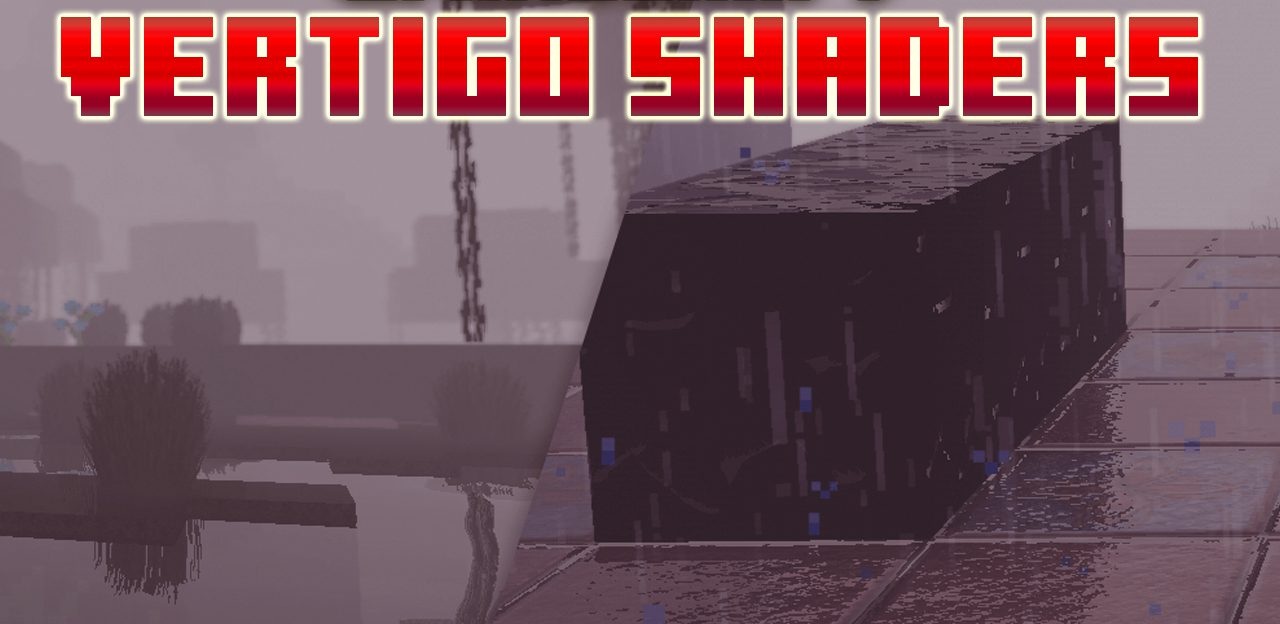
The main feature of Vertigo Shaders is its dense, atmospheric fog, which changes the sense of scale and depth of the world. Distant objects dissolve into haze, creating a mysterious and tense atmosphere.
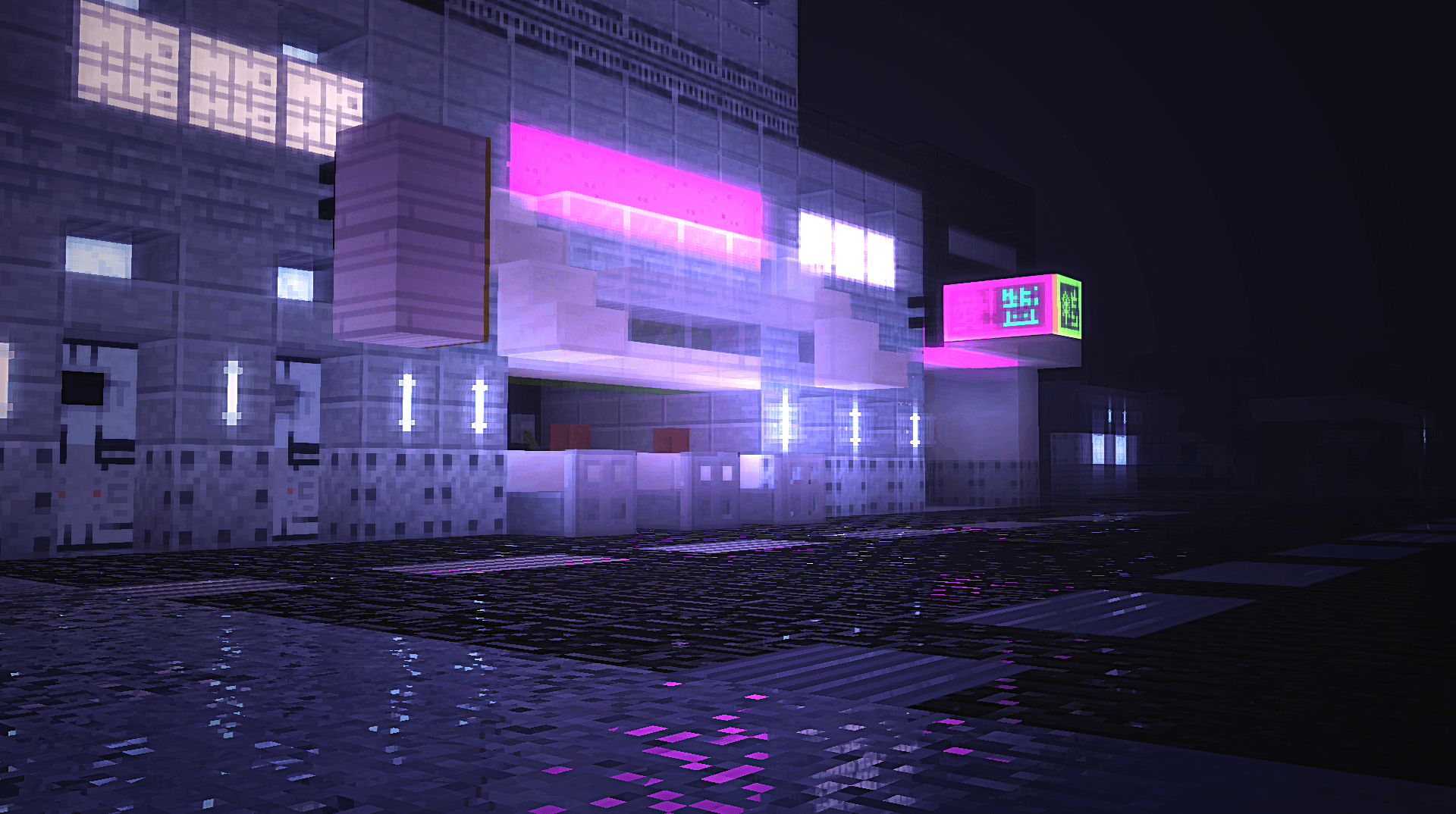
This approach makes world exploration more emotional and visually rich. In addition to fog, the shader uses advanced lighting, volumetric light scattering, and screen-space reflections. Support for PBR resources allows materials to look more detailed, while flexible settings make it possible to adapt the graphics even for low-end systems.
How to install a shader:
First step: download the shader package from the link below.
Second step: Unpack the downloaded archive and copy the Vertigo Shaders folder to c:\Users\User\AppData\Roaming\.minecraft\shaderpacks\(if this folder does not exist, create it yourself) (For Windows)
Third step: In the game, go to Settings, then to Graphics Settings. Select the "shaders" section and activate the shader pack of your choice.
Comments (2)