



Waving Plants for Minecraft 1.21.11

One of the main feelings that vanilla Minecraft sometimes lacks is a sense of a living world. That is exactly what Waving Plants shaders provide. Here, movement becomes a key element of the atmosphere: grass, leaves, crops, vines, and even aquatic plants react to wind, rain, and the change of time of day. The world stops feeling “frozen” and gains dynamism. During heavy rain, plants sway more strongly; in clear weather, they move more calmly and gently.
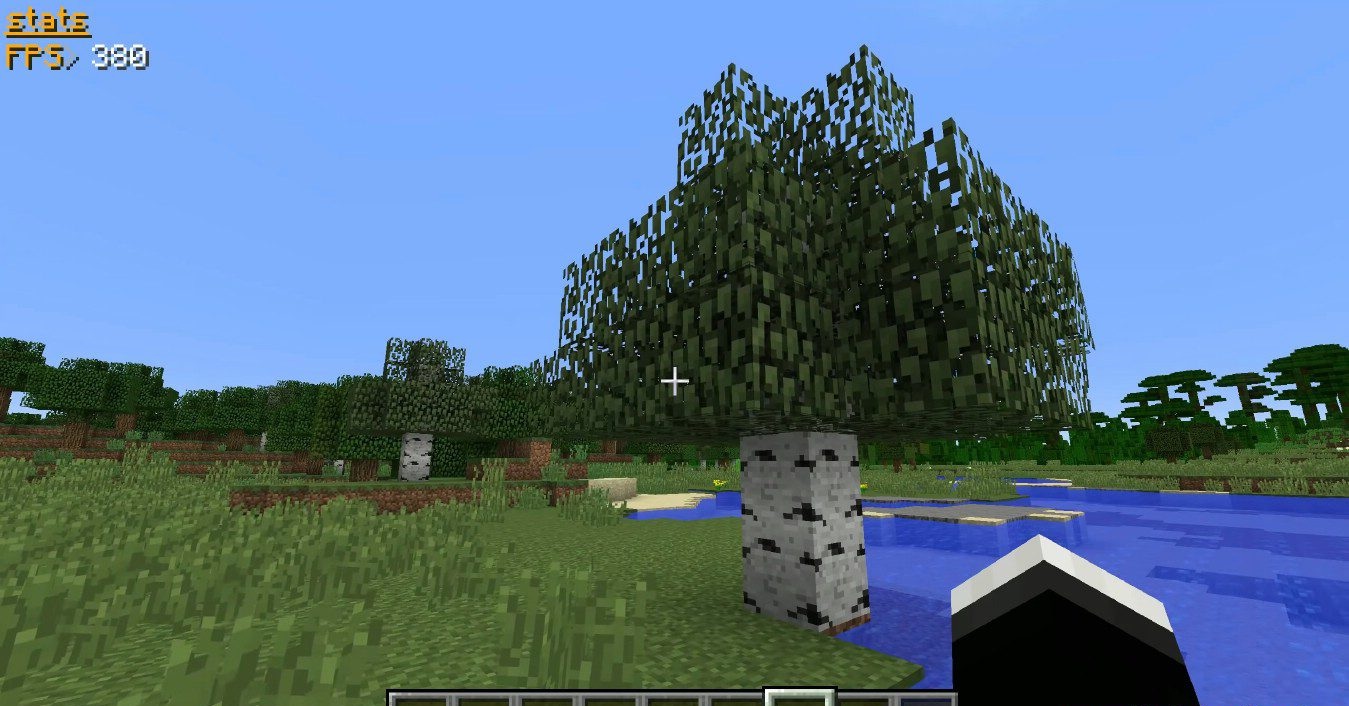
This solution significantly enhances immersion and makes walks through biomes noticeably more atmospheric. These shaders work отлично both as a standalone improvement and in combination with other visual packs, without conflicting with them and enhancing the overall realism of the environment.

How to install a shader:
First step: download the shader package from the link below.
Second step: Unpack the downloaded archive and copy the Waving Plants folder to c:\Users\User\AppData\Roaming\.minecraft\shaderpacks\(if this folder does not exist, create it yourself) (For Windows)
Third step: In the game, go to Settings, then to Graphics Settings. Select the "shaders" section and activate the shader pack of your choice.
Comments (0)