



Waving Plants Shaders for Minecraft 1.21.11

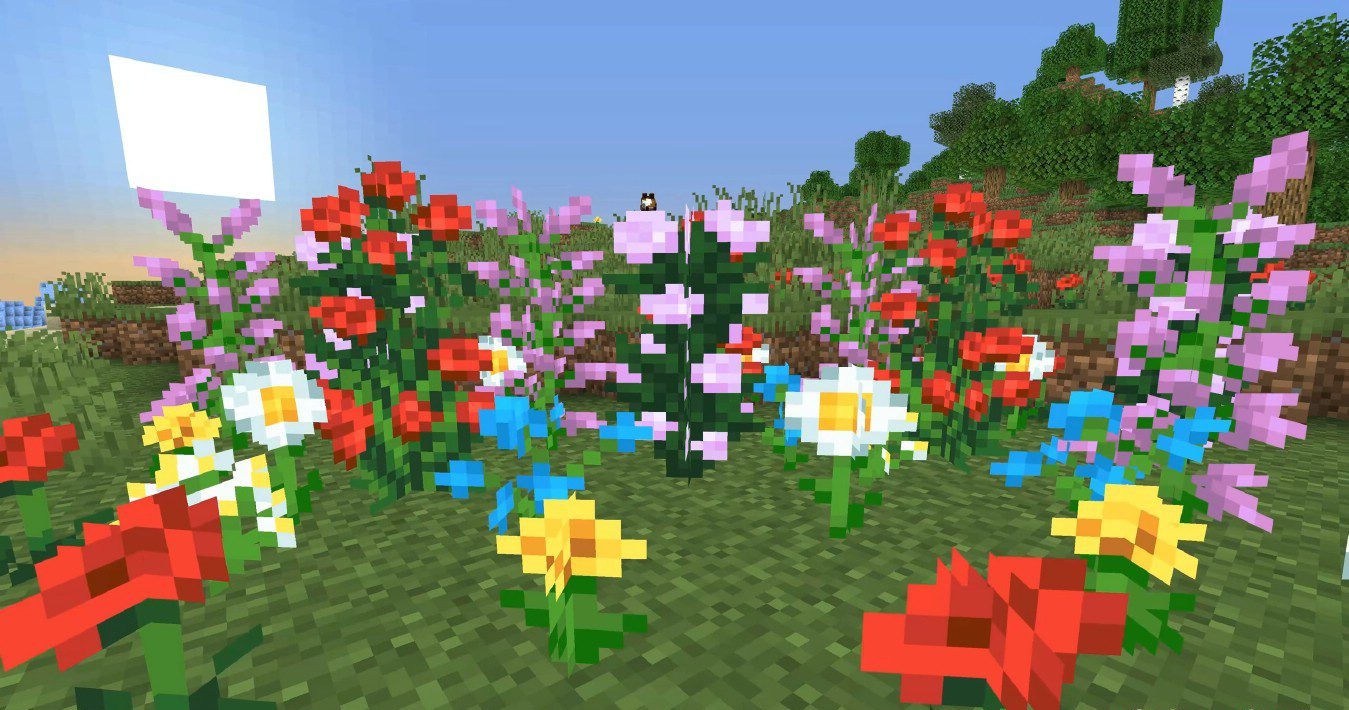
This shader makes the Minecraft world noticeably more alive through dynamic movement of the environment. Waving Plants Shaders adds realistic swaying to grass, trees, vines, crops, and even water. The speed and amplitude of the movement change depending on the time of day and weather conditions, creating the feeling of real wind. During rain, plants sway more strongly, while in calm weather the movements look smooth and unobtrusive.
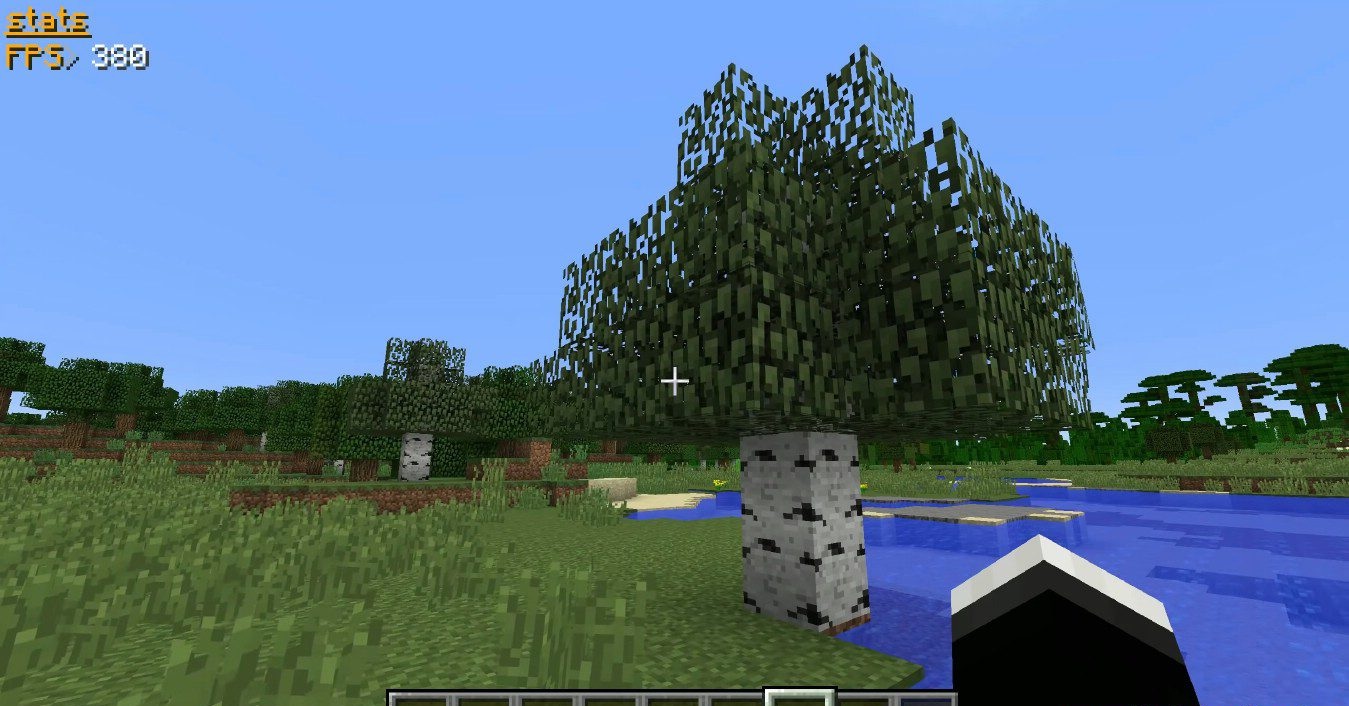
The shader does not try to completely redesign the graphics, but instead adds the missing sense of “liveliness” to the world. Thanks to compatibility with other shader packs, it can be used as an add-on that enhances realism without a serious impact on performance.
How to install a shader:
First step: download the shader package from the link below.
Second step: Unpack the downloaded archive and copy the Waving Plants Shaders folder to c:\Users\User\AppData\Roaming\.minecraft\shaderpacks\(if this folder does not exist, create it yourself) (For Windows)
Third step: In the game, go to Settings, then to Graphics Settings. Select the "shaders" section and activate the shader pack of your choice.
Comments (0)