



Waving Plants Shaders for Minecraft 1.21.11
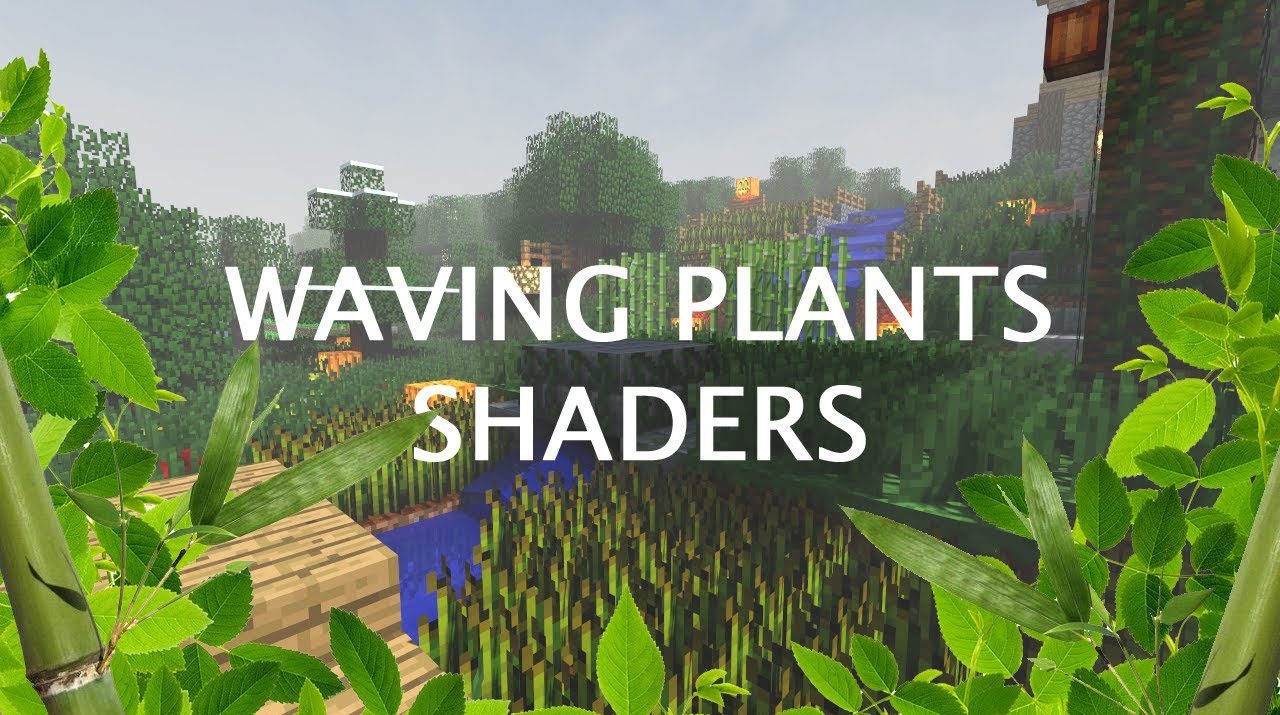
Bringing the world to life does not require complex shadows and expensive reflections — it is enough to add movement where everything used to be static. That is exactly where the appeal of Waving Plants Shaders lies. This shader makes vegetation and some environmental elements sway gently, which makes the world look noticeably more alive.
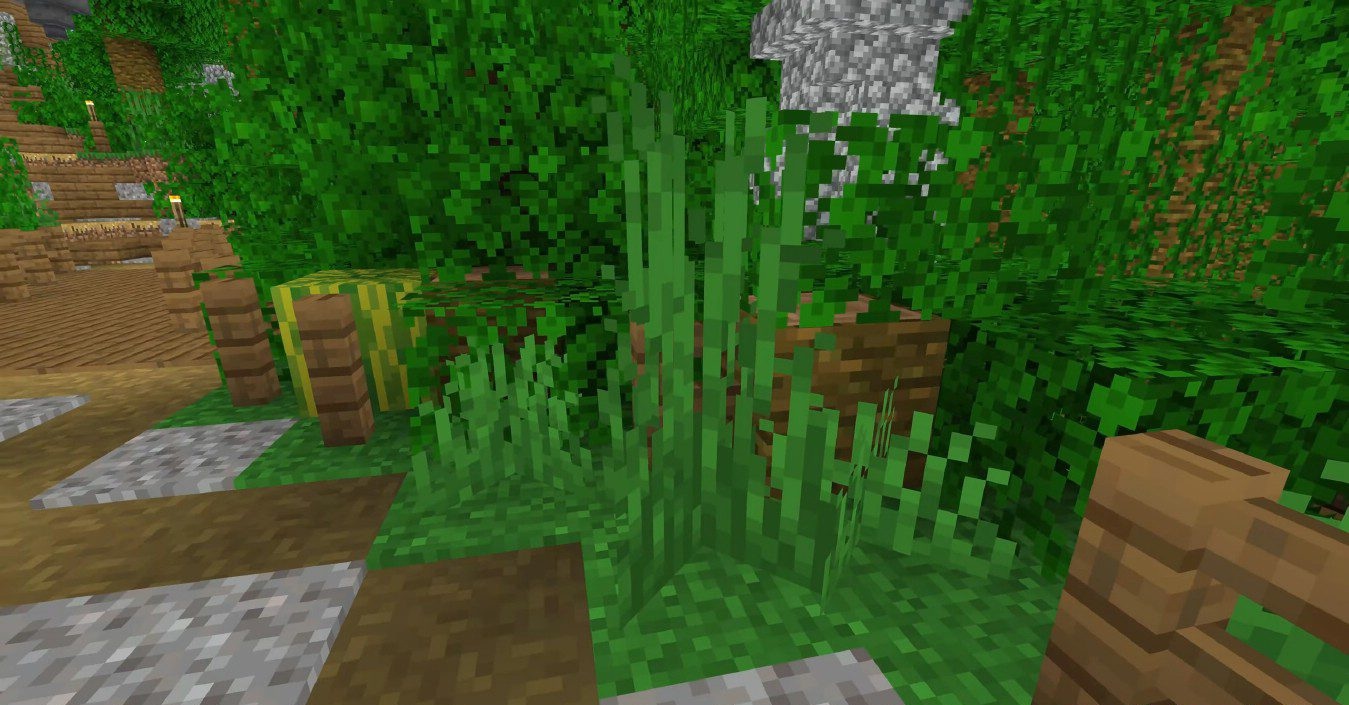
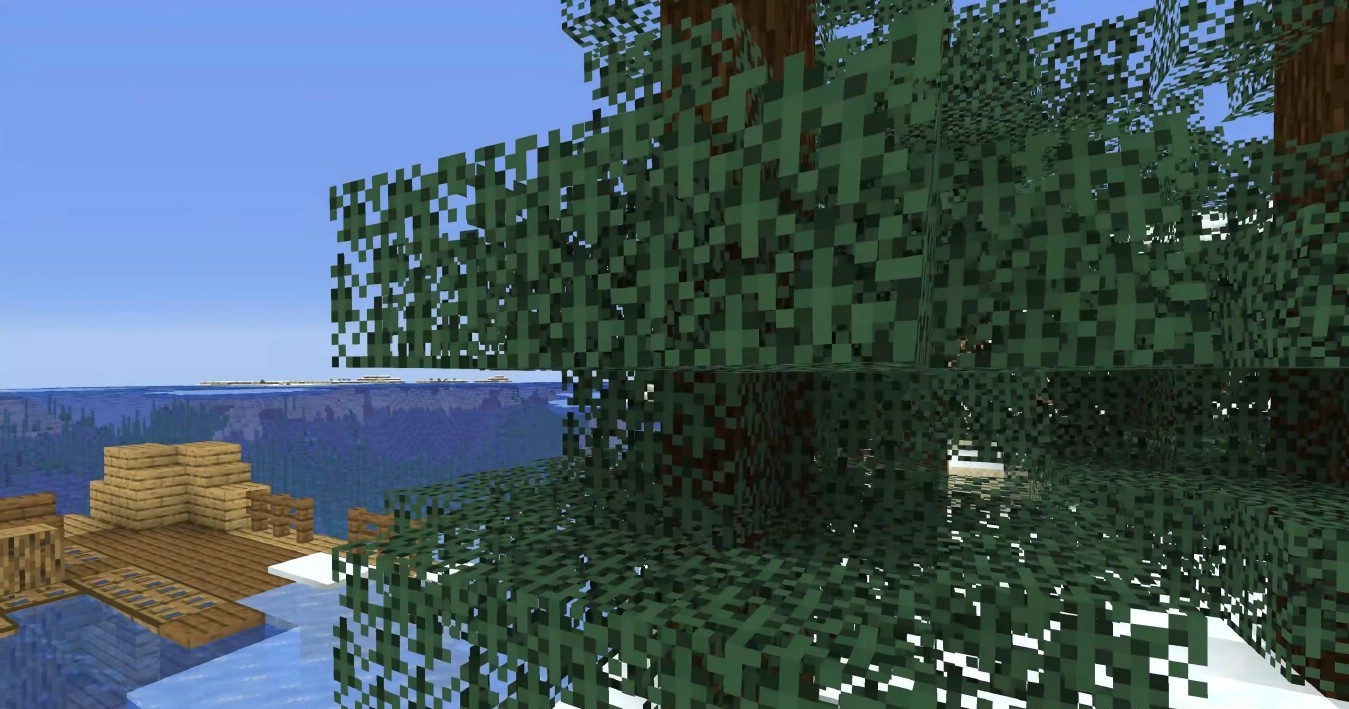
Grass, leaves, flowers, crops, vines, and other natural objects react to the conditions around them, and in the rain the movement becomes stronger than in clear weather. Because of this, even a simple walk across a plain or through a forest feels different: the environment seems less “frozen” and more natural.
How to install a shader:
First step: download the shader package from the link below.
Second step: Unpack the downloaded archive and copy the Waving Plants Shaders folder to c:\Users\User\AppData\Roaming\.minecraft\shaderpacks\(if this folder does not exist, create it yourself) (For Windows)
Third step: In the game, go to Settings, then to Graphics Settings. Select the "shaders" section and activate the shader pack of your choice.
Comments (0)