



Werrus Shaders for Minecraft 1.21.11
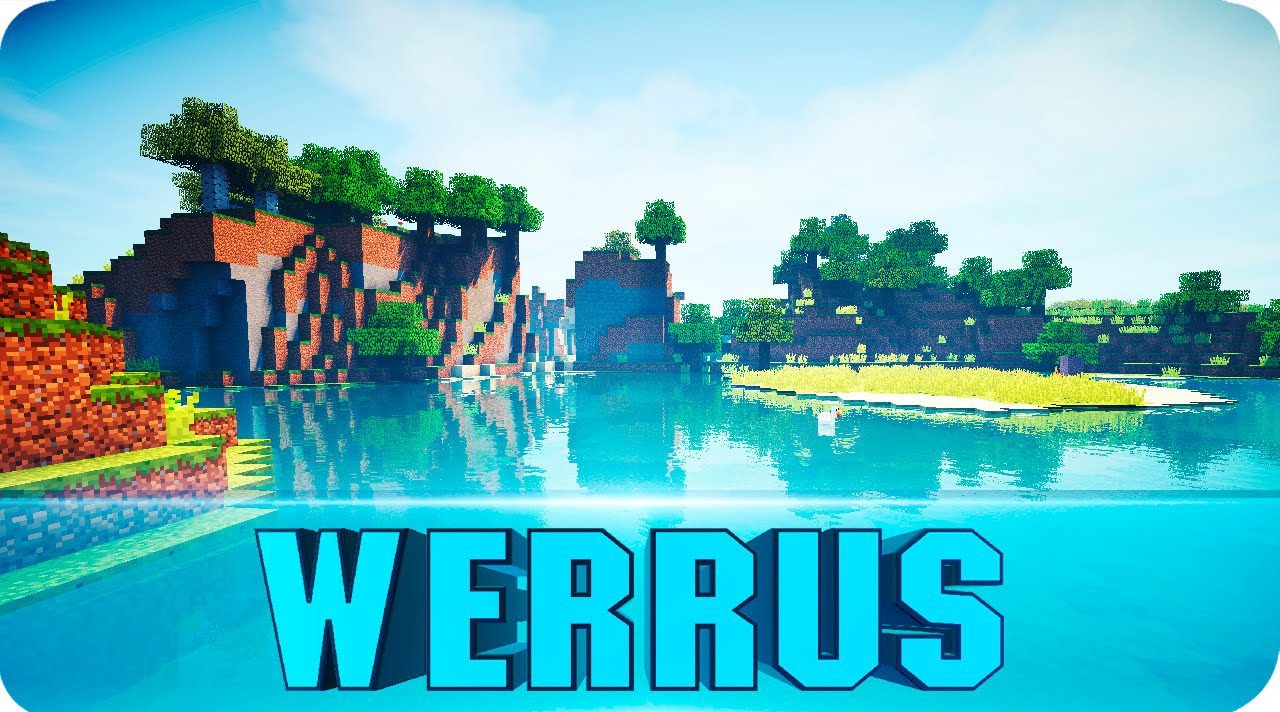
The visual style of Werrus Shaders is built around realistic interaction between light, sky, and shadows. Lighting here feels alive and constantly changing — clouds do not simply decorate the horizon, but directly affect how the biomes below look. Their shadows slowly slide across the ground, creating the effect of moving waves of light. At one moment, the world may be flooded with soft, diffused light, and the next, it can sink into partial shade due to dense cloud cover.
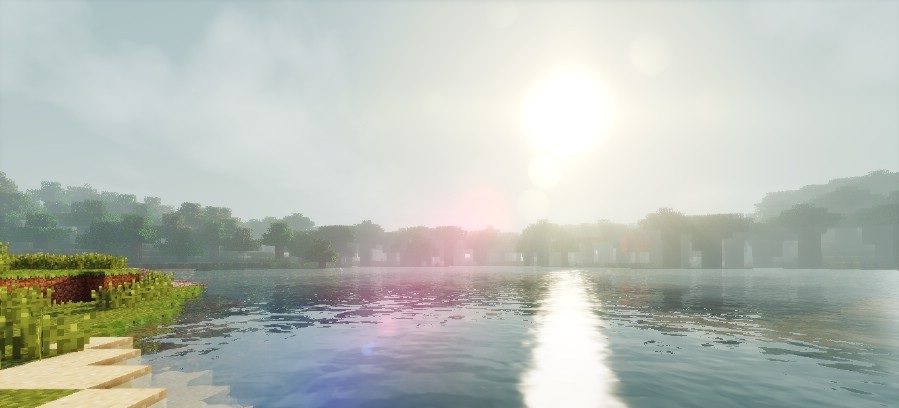
This behavior of lighting creates a strong sense of depth and scale. The sky looks volumetric, the clouds massive, and daylight natural and dynamic. All of this makes the surrounding space feel much more “alive” and ever-changing.
How to install a shader:
First step: download the shader package from the link below.
Second step: Unpack the downloaded archive and copy the Werrus Shaders folder to c:\Users\User\AppData\Roaming\.minecraft\shaderpacks\(if this folder does not exist, create it yourself) (For Windows)
Third step: In the game, go to Settings, then to Graphics Settings. Select the "shaders" section and activate the shader pack of your choice.
Comments (1)