



Werrus Shaders for Minecraft 1.21.11
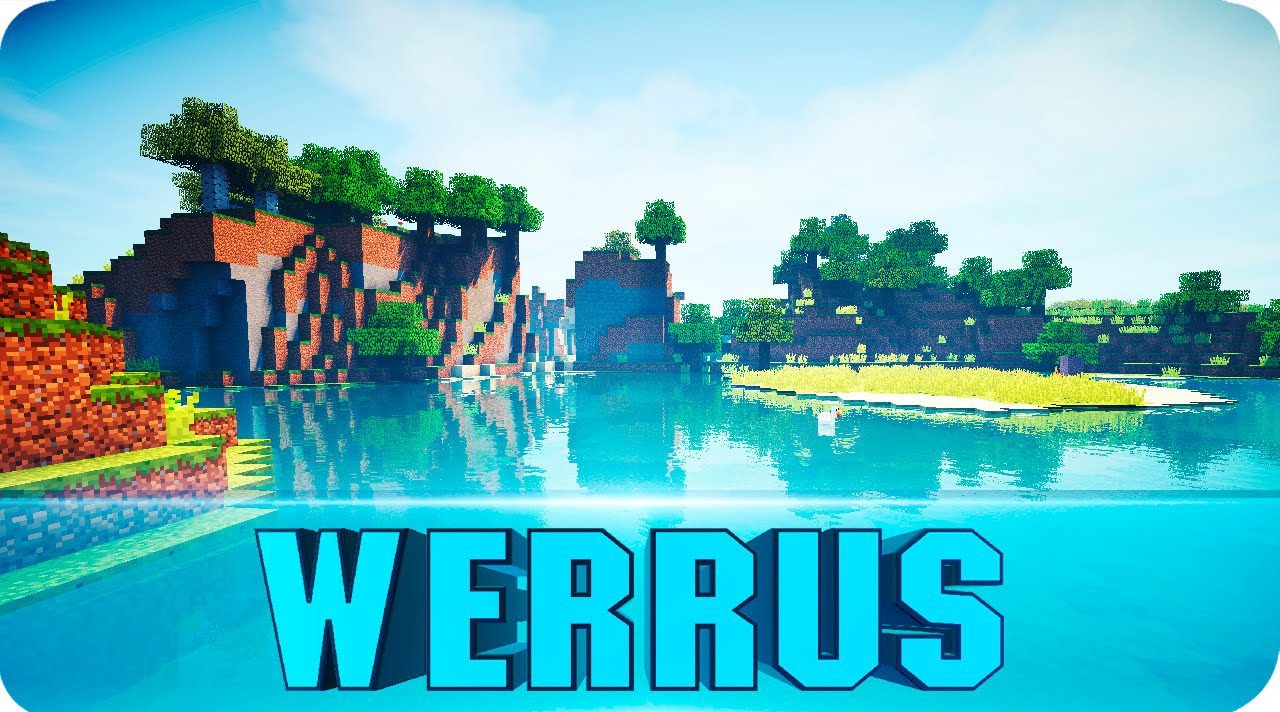
Werrus Shaders focuses on realistic interaction between light and the sky. Here, clouds are not just a background, but a full-fledged lighting element capable of changing the atmosphere of the world. Shadows from clouds slowly move across the surface of the land, creating the effect of living, dynamic lighting that is absent in the vanilla game. Light and shadows look natural, enhancing the volume and relief of the environment.
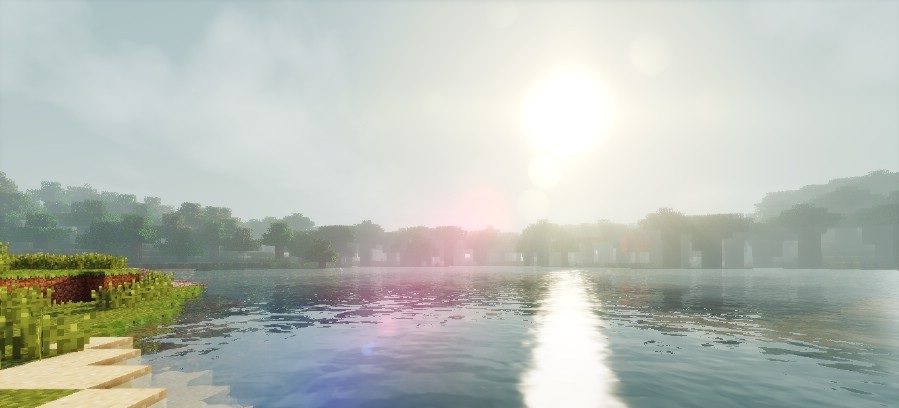
This approach is especially appreciated by players who want a more believable appearance without excessive effects. The shader pack is suitable for slow walks, building, and exploration, where atmosphere and the feeling of a real world are what matter most.
How to install a shader:
First step: download the shader package from the link below.
Second step: Unpack the downloaded archive and copy the Werrus Shaders folder to c:\Users\User\AppData\Roaming\.minecraft\shaderpacks\(if this folder does not exist, create it yourself) (For Windows)
Third step: In the game, go to Settings, then to Graphics Settings. Select the "shaders" section and activate the shader pack of your choice.
Comments (6)