



Windom Shaders for Minecraft 1.21.11
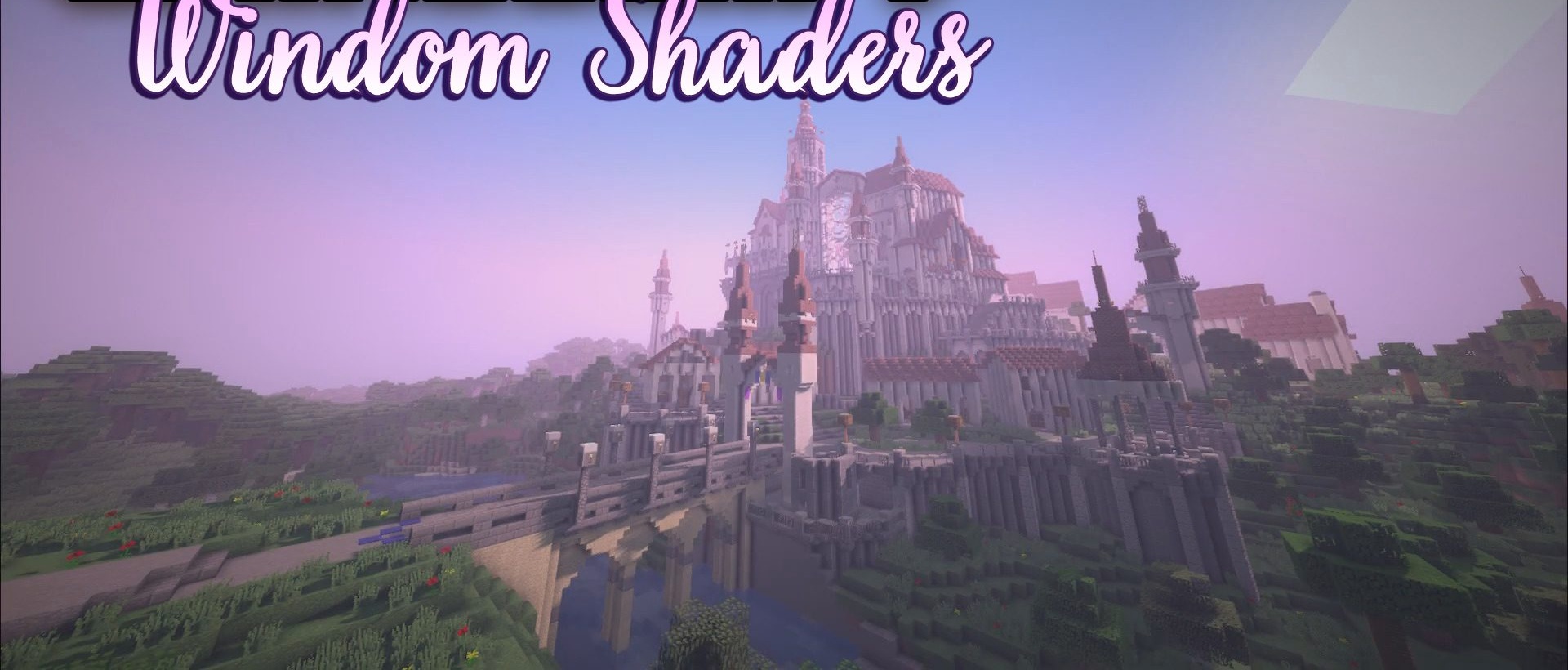
Windom Shaders creates a sense of a clean, well-balanced visual style without overload. The shadows here are intentionally slightly pixelated, which gives the image a distinctive character and emphasizes the blocky nature of the game without breaking immersion. At the same time, the lighting work remains very expressive: soft darkening, careful transitions between light and shadow, and pleasant indoor lighting behavior.
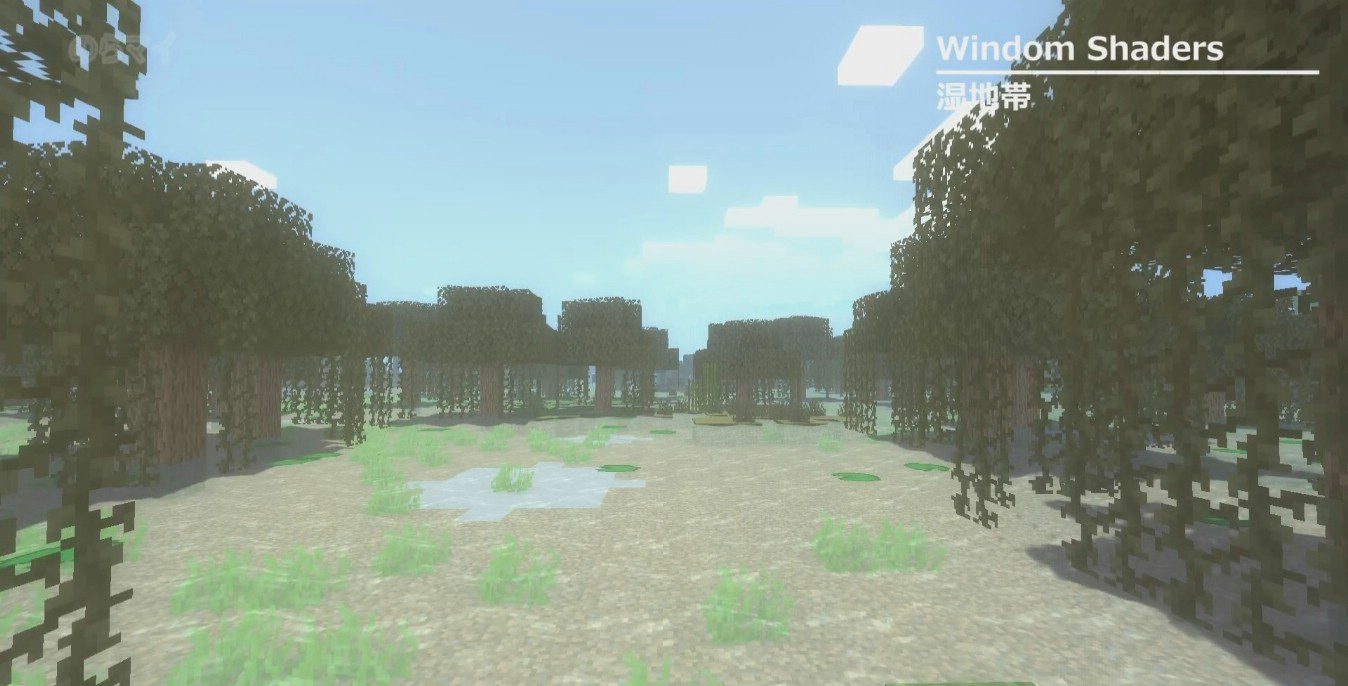
Fog deserves special mention — underwater it appears thick and rich, while in lava it creates a feeling of intense heat and depth. Subtle screen darkening around the edges adds volume to the scene, making the image feel more cohesive and visually “premium.” The world looks clean, smooth, and stable even in complex, busy scenes.
How to install a shader:
First step: download the shader package from the link below.
Second step: Unpack the downloaded archive and copy the Windom Shaders folder to c:\Users\User\AppData\Roaming\.minecraft\shaderpacks\(if this folder does not exist, create it yourself) (For Windows)
Third step: In the game, go to Settings, then to Graphics Settings. Select the "shaders" section and activate the shader pack of your choice.
Comments (0)