



Windom Shaders for Minecraft 1.21.11
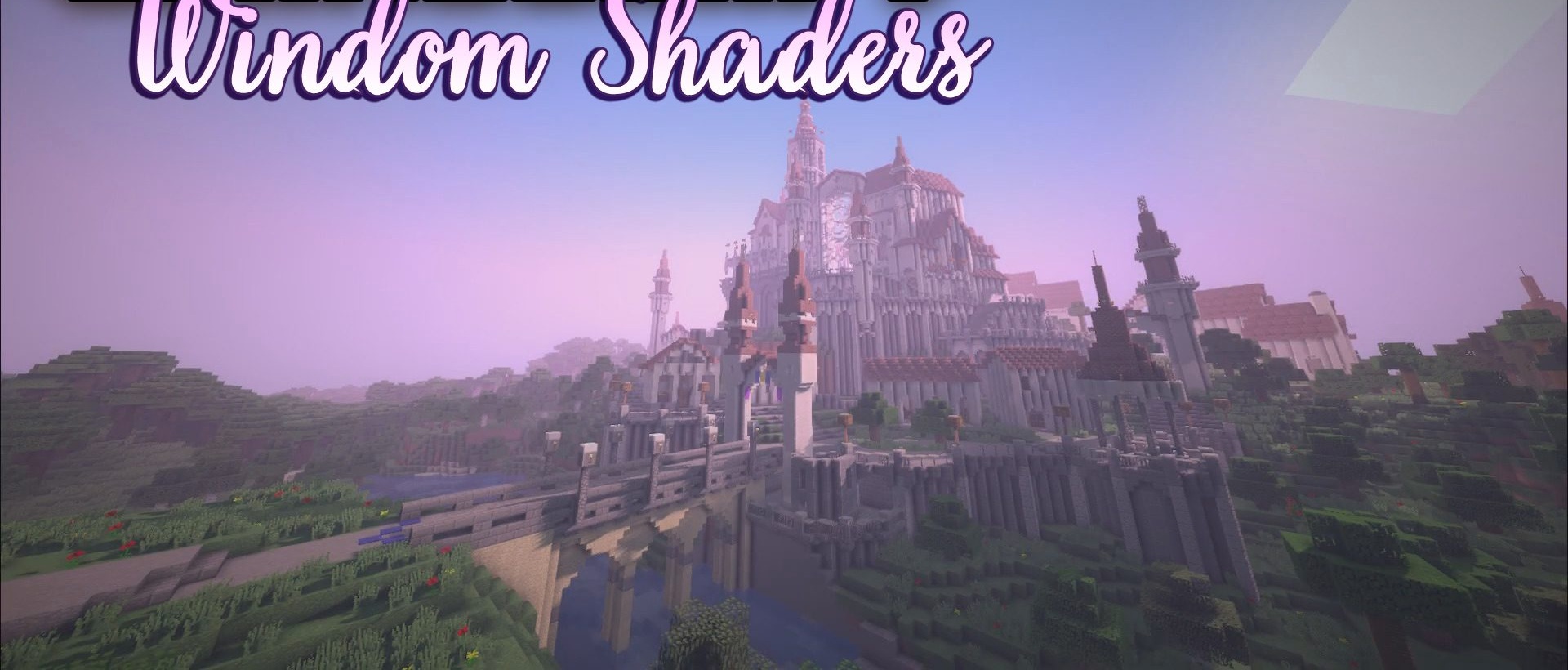
Windom Shaders offers a rare balance between beauty and performance. It is well suited for low-end and mid-range computers, including systems with integrated graphics. The shadows here are simple and slightly pixelated, but this is exactly what helps maintain a high frame rate. Underwater fog, lava, and lighting look rich and natural, adding depth to the game.
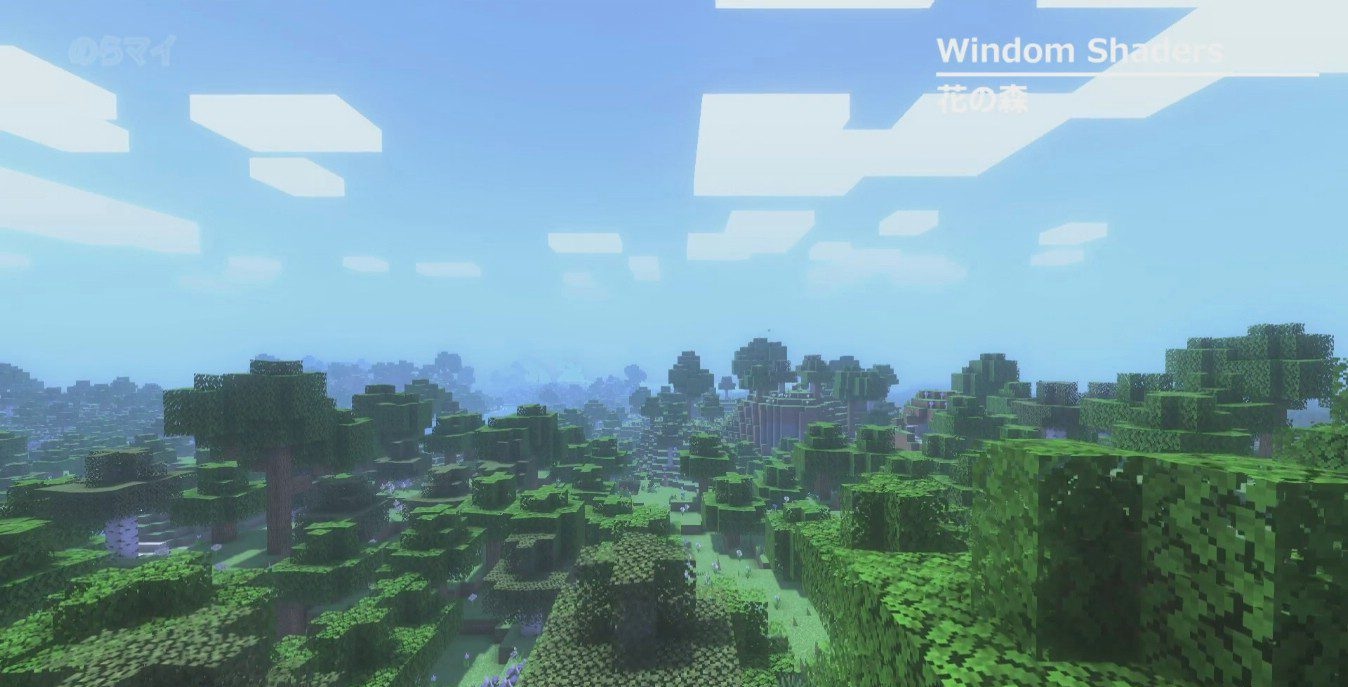
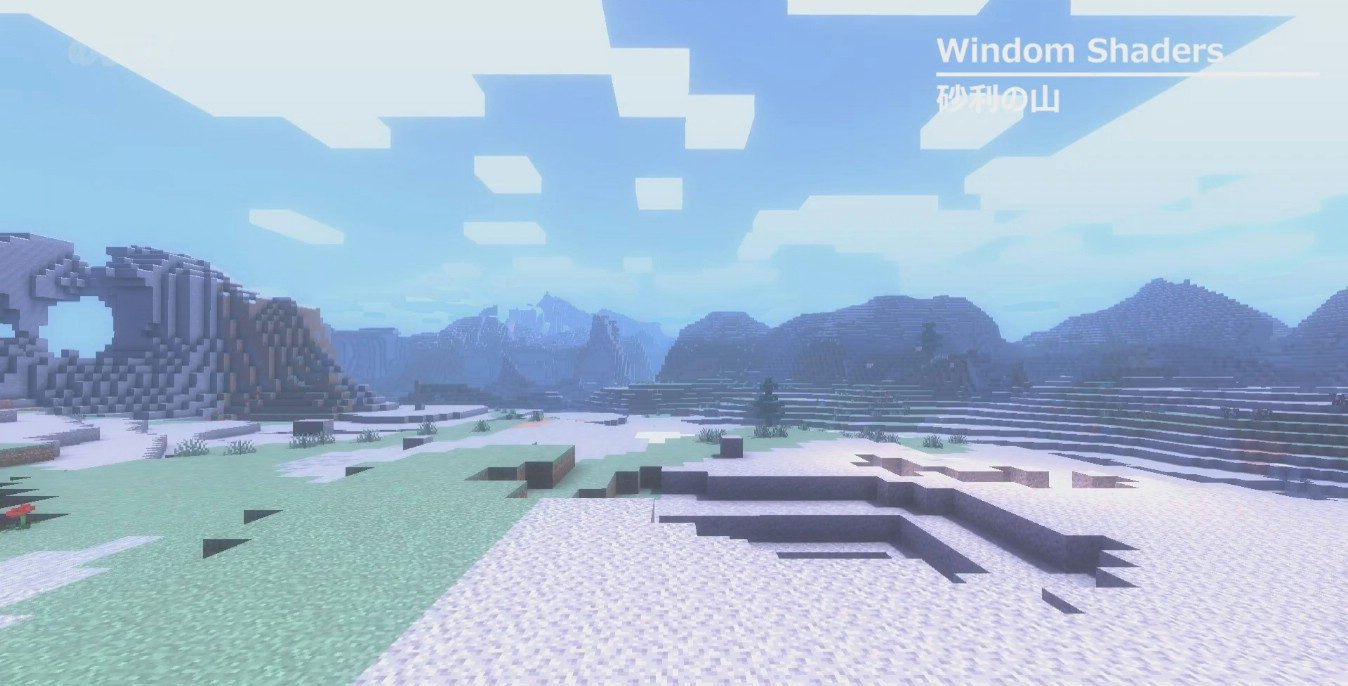
Screen-space shading plays an important role, making scenes feel more three-dimensional. This is an excellent option for those who want to improve Minecraft’s graphics without sacrificing smooth gameplay.
How to install a shader:
First step: download the shader package from the link below.
Second step: Unpack the downloaded archive and copy the Windom Shaders folder to c:\Users\User\AppData\Roaming\.minecraft\shaderpacks\(if this folder does not exist, create it yourself) (For Windows)
Third step: In the game, go to Settings, then to Graphics Settings. Select the "shaders" section and activate the shader pack of your choice.
Comments (1)