



Y Shaders for Minecraft 1.21.10
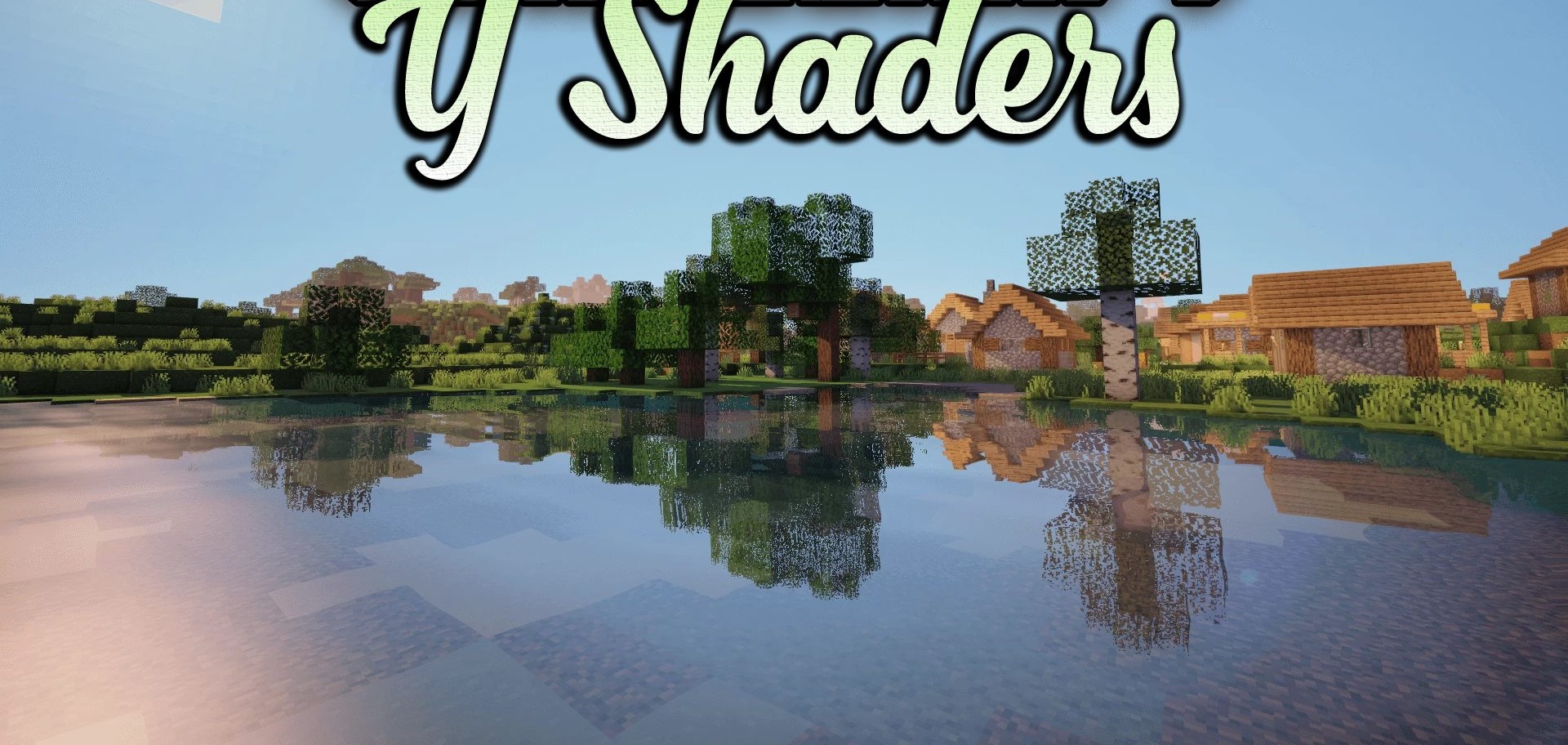
Want to achieve a beautiful image on integrated graphics? Y Shaders confidently prove that this is entirely possible. The pack is designed specifically for systems with integrated GPUs, which makes it unique among shaders. Despite its lightweight nature, the image becomes noticeably sharper, and colors appear more even and refined. Lighting remains natural and soft, without an overload of complex effects, yet still provides a convincing sense of depth.
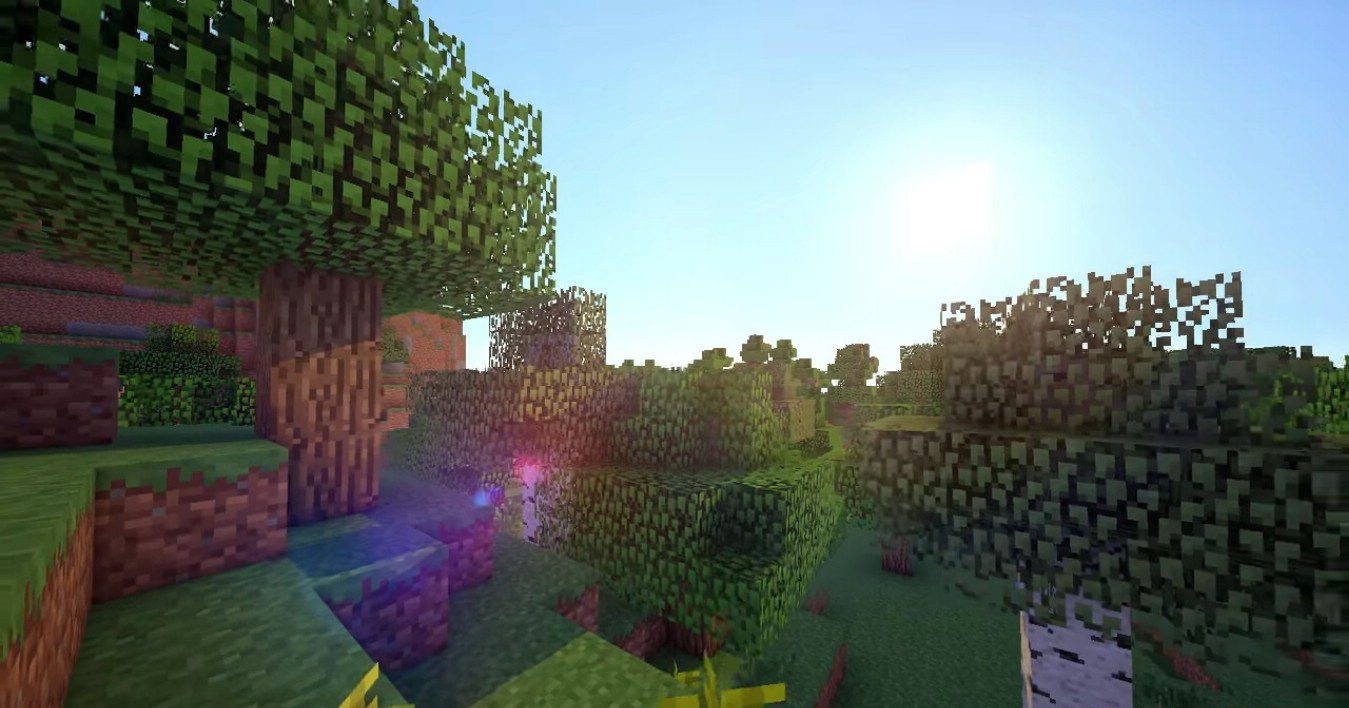
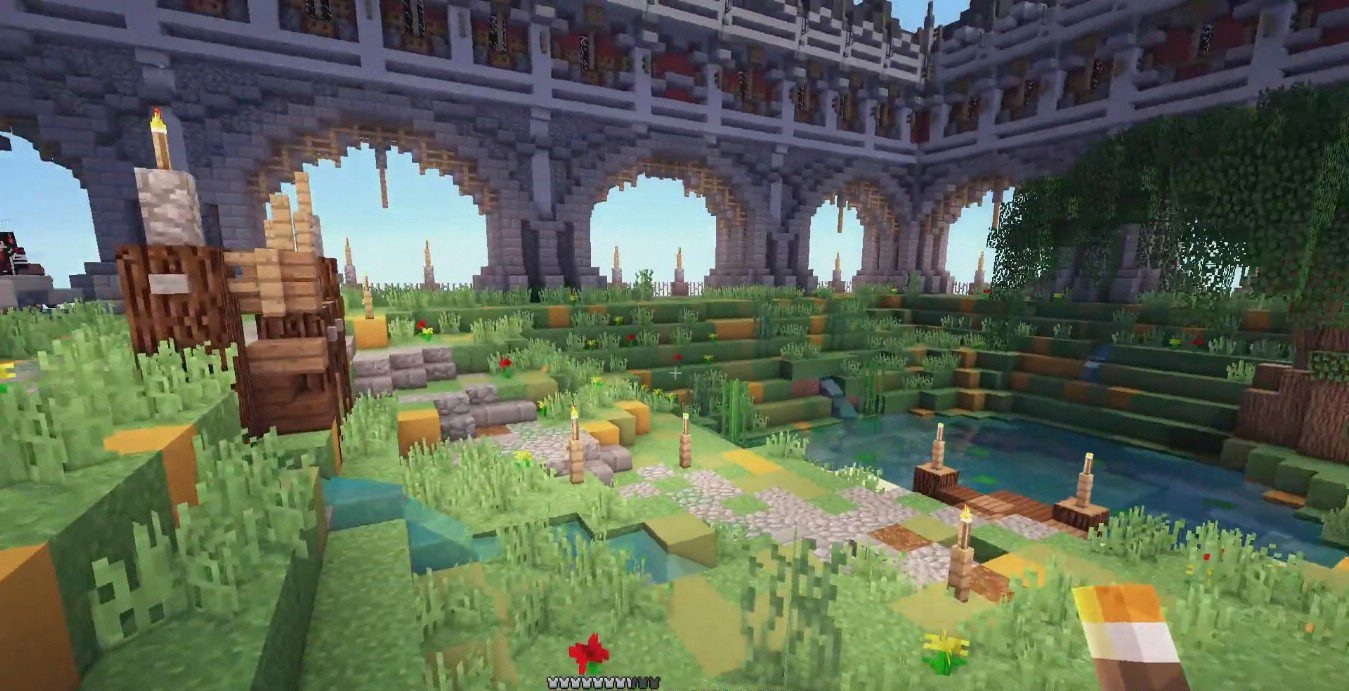
Night scenes look calmer and brighter, while daytime landscapes gain a more harmonious palette. This shader effectively unlocks the potential of weaker systems, allowing them to display the world with unexpected expressiveness.
How to install a shader:
First step: download the shader package from the link below.
Second step: Unpack the downloaded archive and copy the Y Shaders folder to c:\Users\User\AppData\Roaming\.minecraft\shaderpacks\(if this folder does not exist, create it yourself) (For Windows)
Third step: In the game, go to Settings, then to Graphics Settings. Select the "shaders" section and activate the shader pack of your choice.
Comments (1)