



Beyond Belief Legacy Shaders for Minecraft 26.1.2
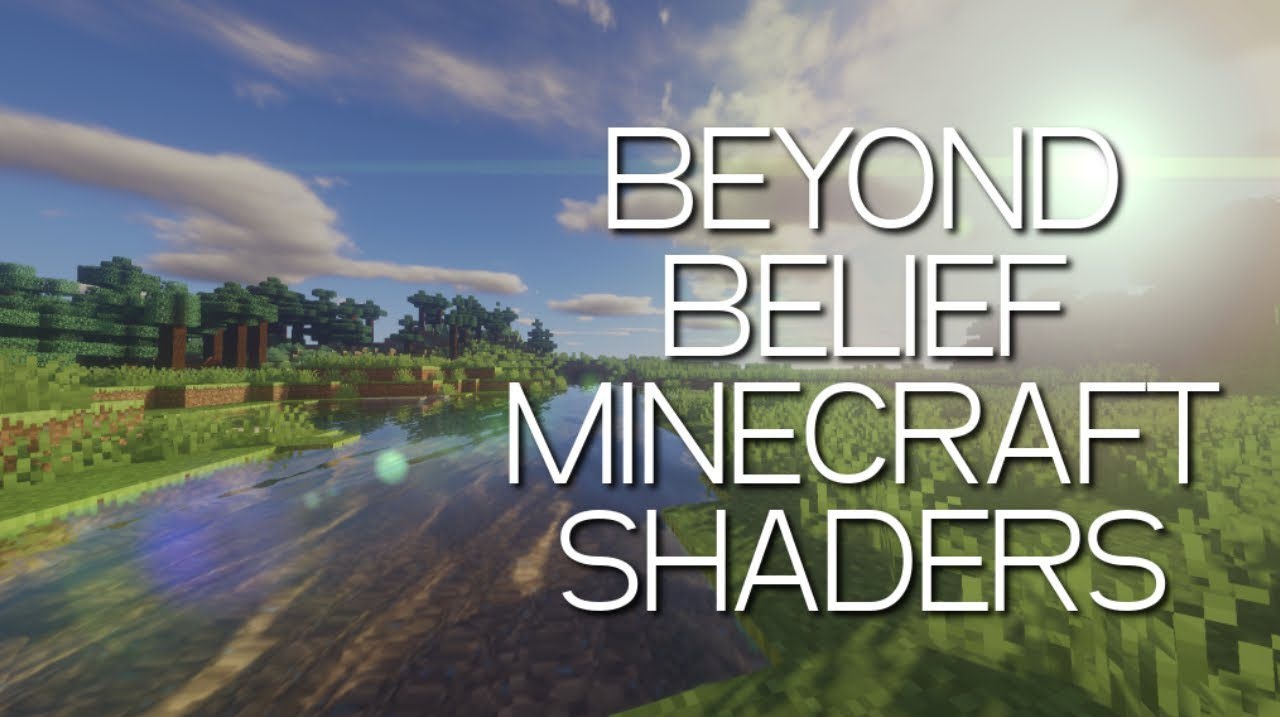
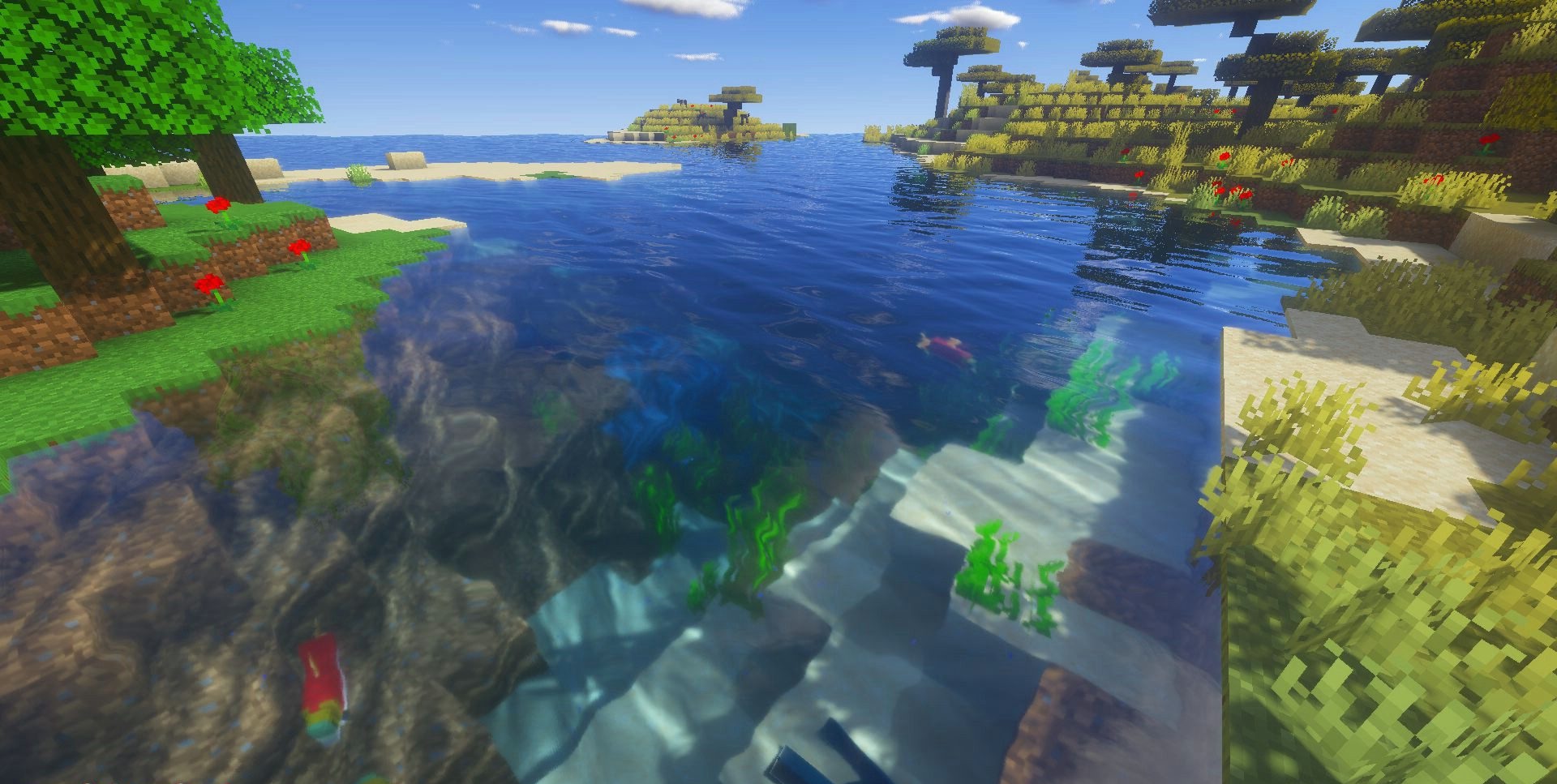
Rain in Beyond Belief Legacy Shaders changes not only the sky, but also surfaces: a wetness effect appears, and tiles and blocks begin to reflect light. In addition to this, the set includes volumetric clouds, motion blur, improved water, a soft color palette during the day and at night, swaying leaves, and moving clouds.
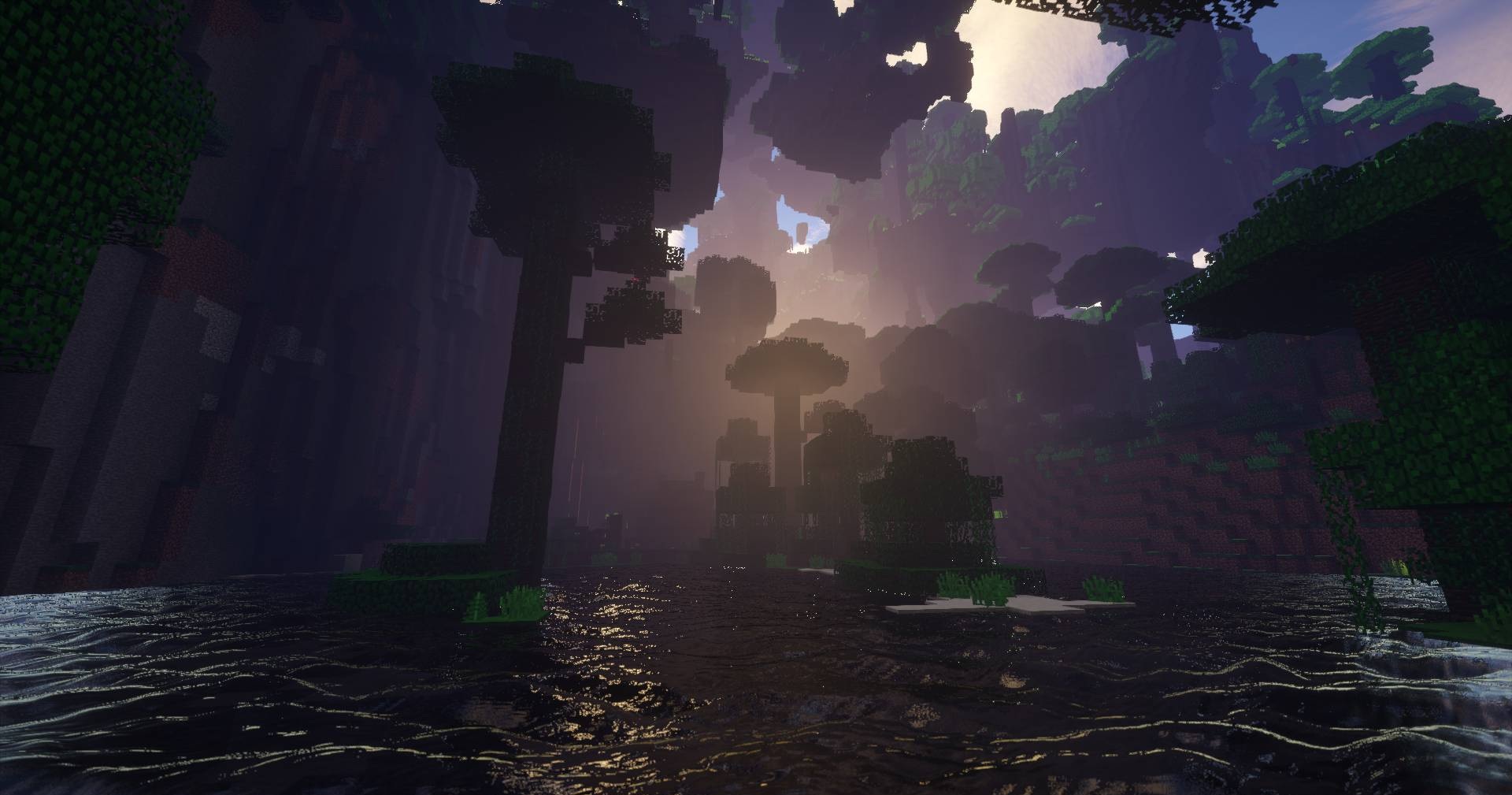
Almost every element can be enabled, disabled, or configured separately, so the visual can easily be assembled for a specific modpack. Cel shading, tone maps, and additional parameters give more control over the final image. The shader is not limited to one weather scene, but changes lighting, movement, water, and post-processing at the same time.
How to install a shader:
First step: download the shader package from the link below.
Second step: Unpack the downloaded archive and copy the Beyond Belief Legacy Shaders folder to c:\Users\User\AppData\Roaming\.minecraft\shaderpacks\(if this folder does not exist, create it yourself) (For Windows)
Third step: In the game, go to Settings, then to Graphics Settings. Select the "shaders" section and activate the shader pack of your choice.
Comments (8)