



Cursed Fog Shaders for Minecraft 26.1.2
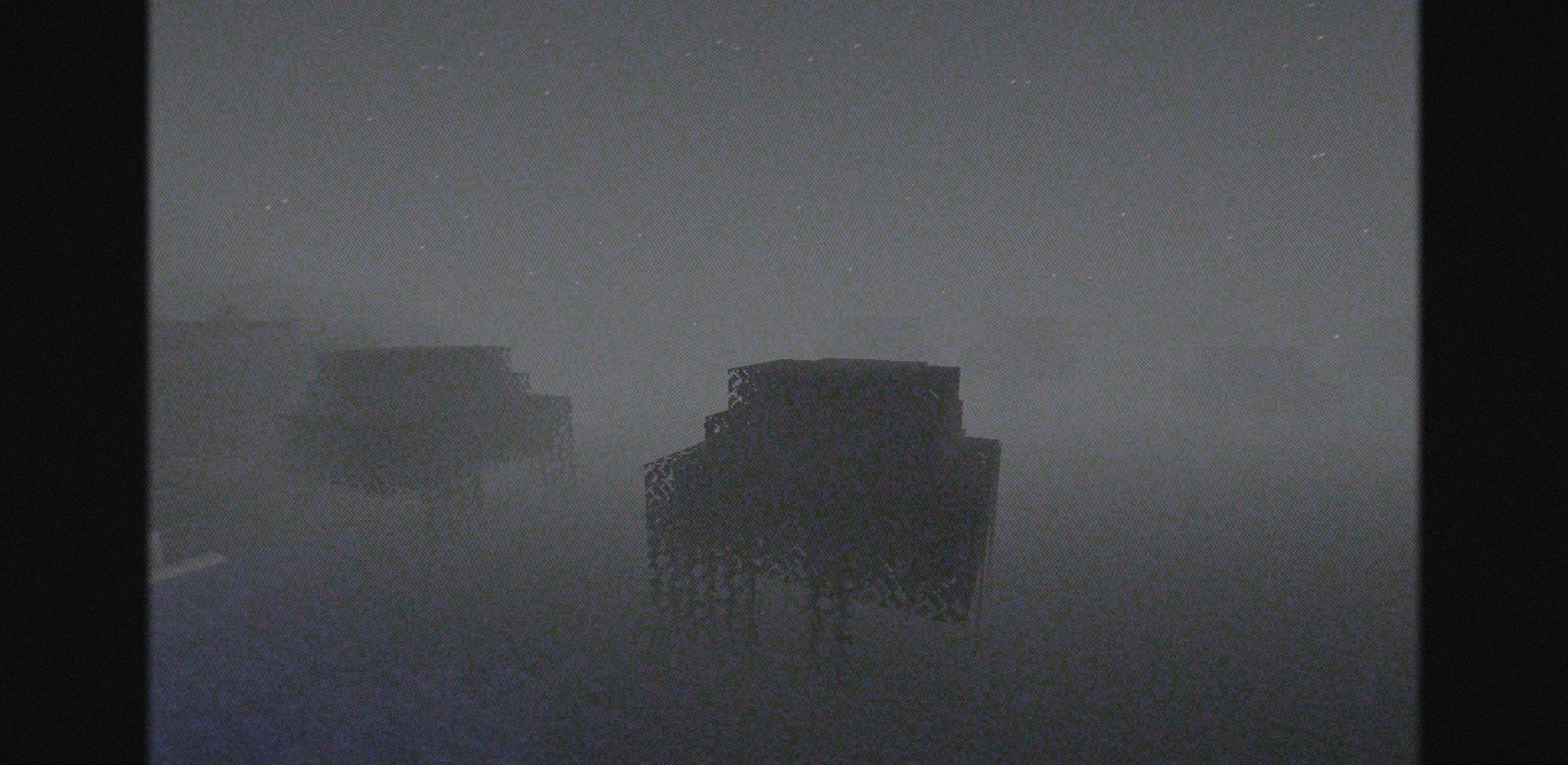
Cursed Fog Shaders is better perceived not as an ordinary graphics decoration, but as a tool for creating an anxious atmosphere. It makes Minecraft more creepy through dense fog, noise effects, video artifacts, and styling that resembles an old screen image. The world begins to feel uncomfortable: distant objects disappear into the haze, the image looks slightly damaged, and familiar biomes gain a sense of danger.
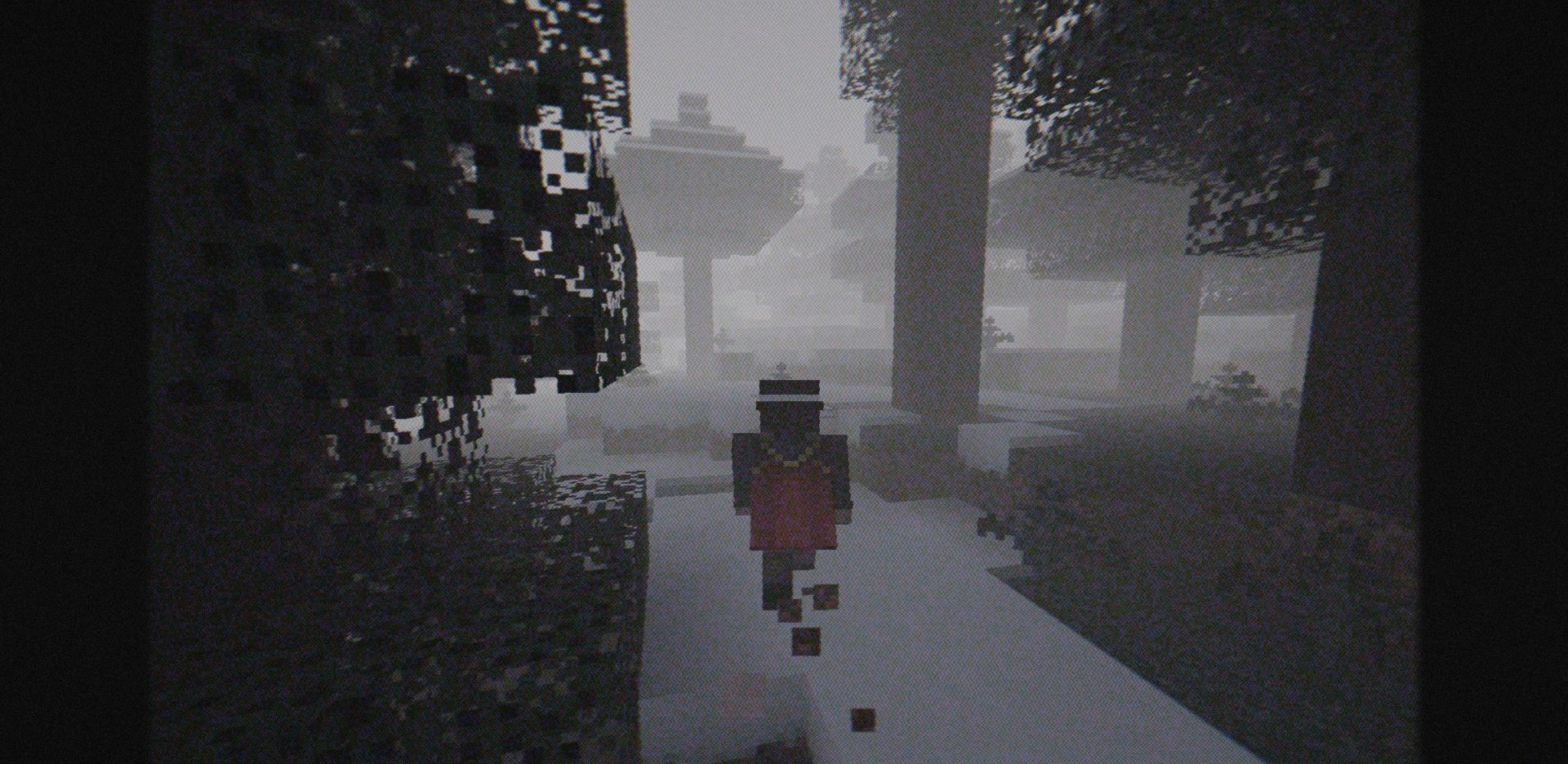
The pack is suitable for horror maps, abandoned cities, dark forests, and survival with a tense mood. It does not aim for beautiful realism and does not make the picture bright; on the contrary, its task is to make the player feel uneasy.
How to install a shader:
First step: download the shader package from the link below.
Second step: Unpack the downloaded archive and copy the Cursed Fog Shaders folder to c:\Users\User\AppData\Roaming\.minecraft\shaderpacks\(if this folder does not exist, create it yourself) (For Windows)
Third step: In the game, go to Settings, then to Graphics Settings. Select the "shaders" section and activate the shader pack of your choice.
Comments (0)