



Depth Map Shaders for Minecraft 26.1.2
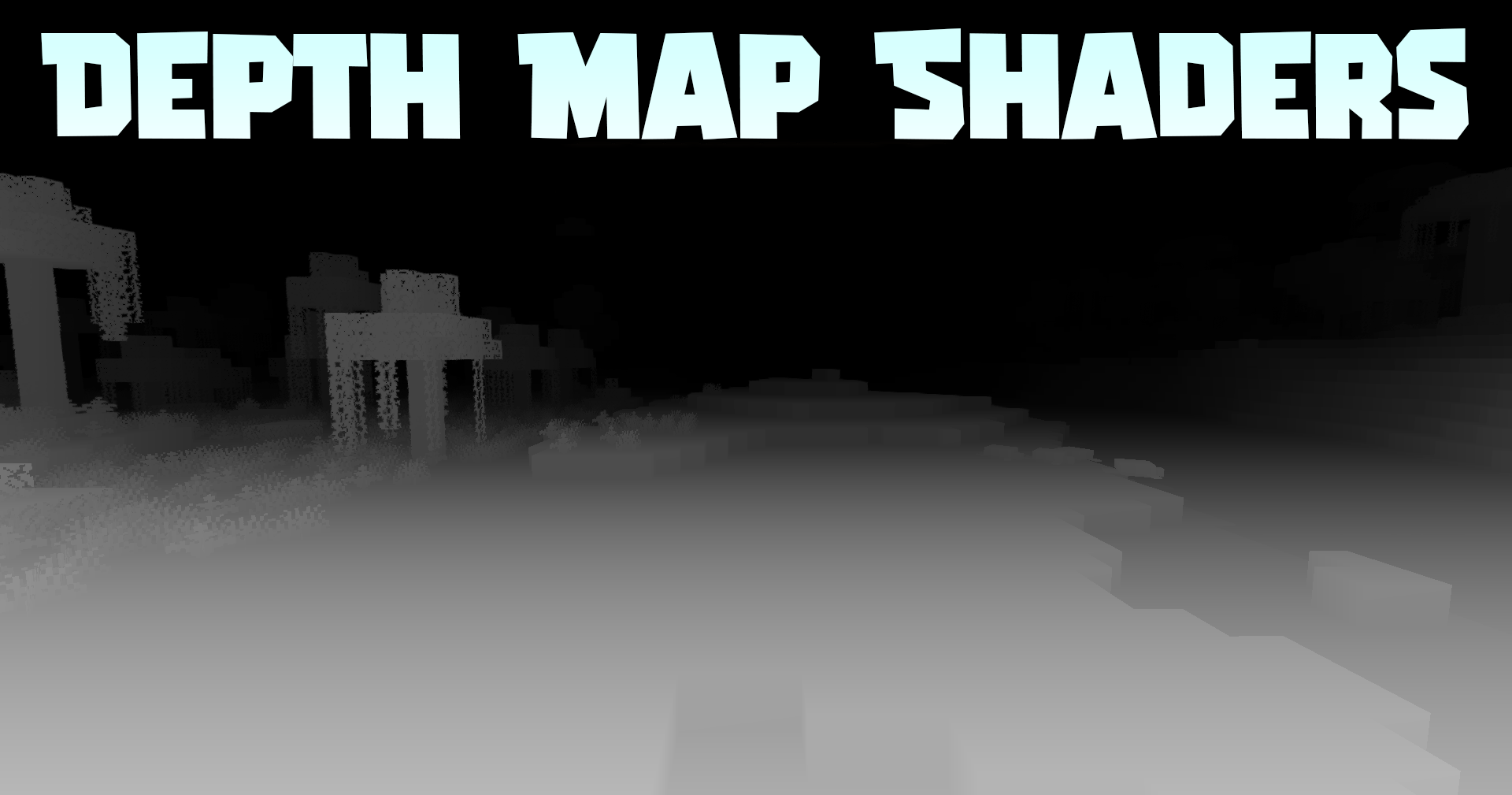
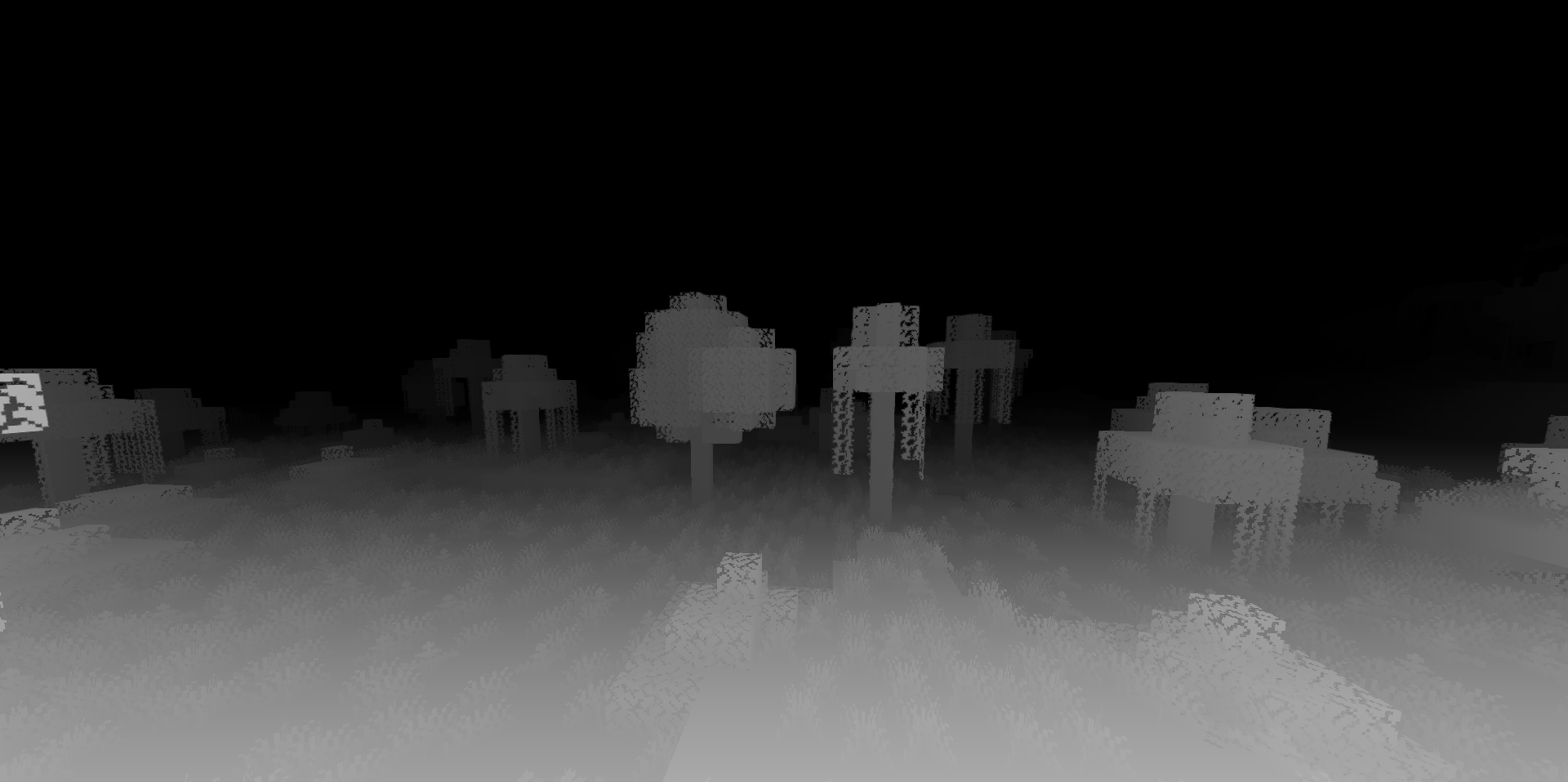
Depth Map Shaders is one of the most unusual options in the selection, because it does not simply make Minecraft more beautiful in the usual sense. Instead of a colored picture, the world turns into a black-and-white depth visualization, where objects are read through distance and contrast.
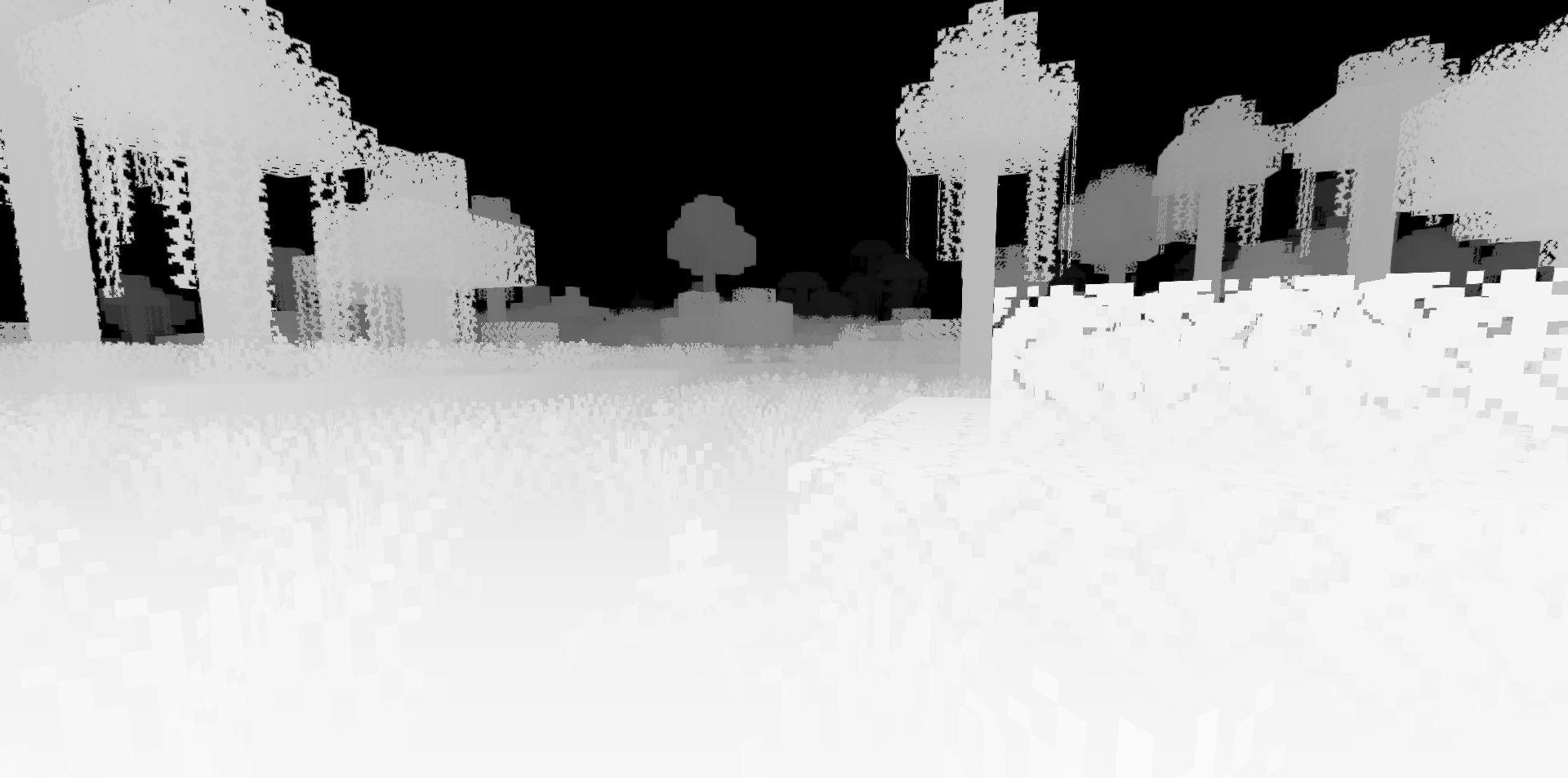
This effect looks more like a technical or artistic filter than a regular shader for survival. Near and distant elements are perceived differently, familiar locations become abstract, and buildings get an almost graphic look. The shader can be interesting for experiments, screenshots, videos, visual tests, and unconventional maps.
How to install a shader:
First step: download the shader package from the link below.
Second step: Unpack the downloaded archive and copy the Depth Map Shaders folder to c:\Users\User\AppData\Roaming\.minecraft\shaderpacks\(if this folder does not exist, create it yourself) (For Windows)
Third step: In the game, go to Settings, then to Graphics Settings. Select the "shaders" section and activate the shader pack of your choice.
Comments (0)