



Dercode Shaders for Minecraft 26.1.2
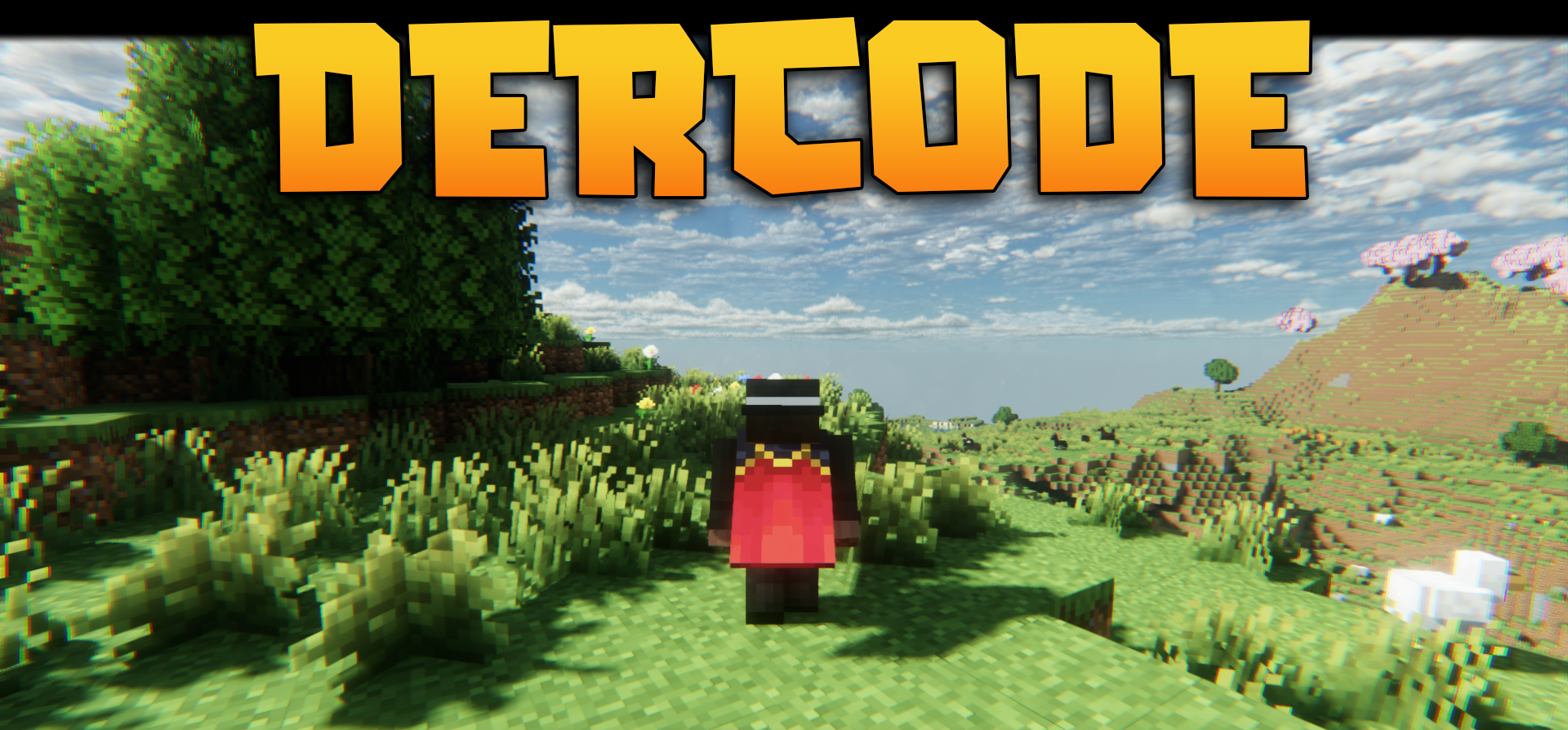
Dercode Shaders mixes a realistic image with a fantasy presentation without turning the game into a heavy technical demo. Lighting gets volumetric rays passing through trees and clouds, water and wet surfaces produce reflections, and the sky becomes more detailed thanks to skyboxes.
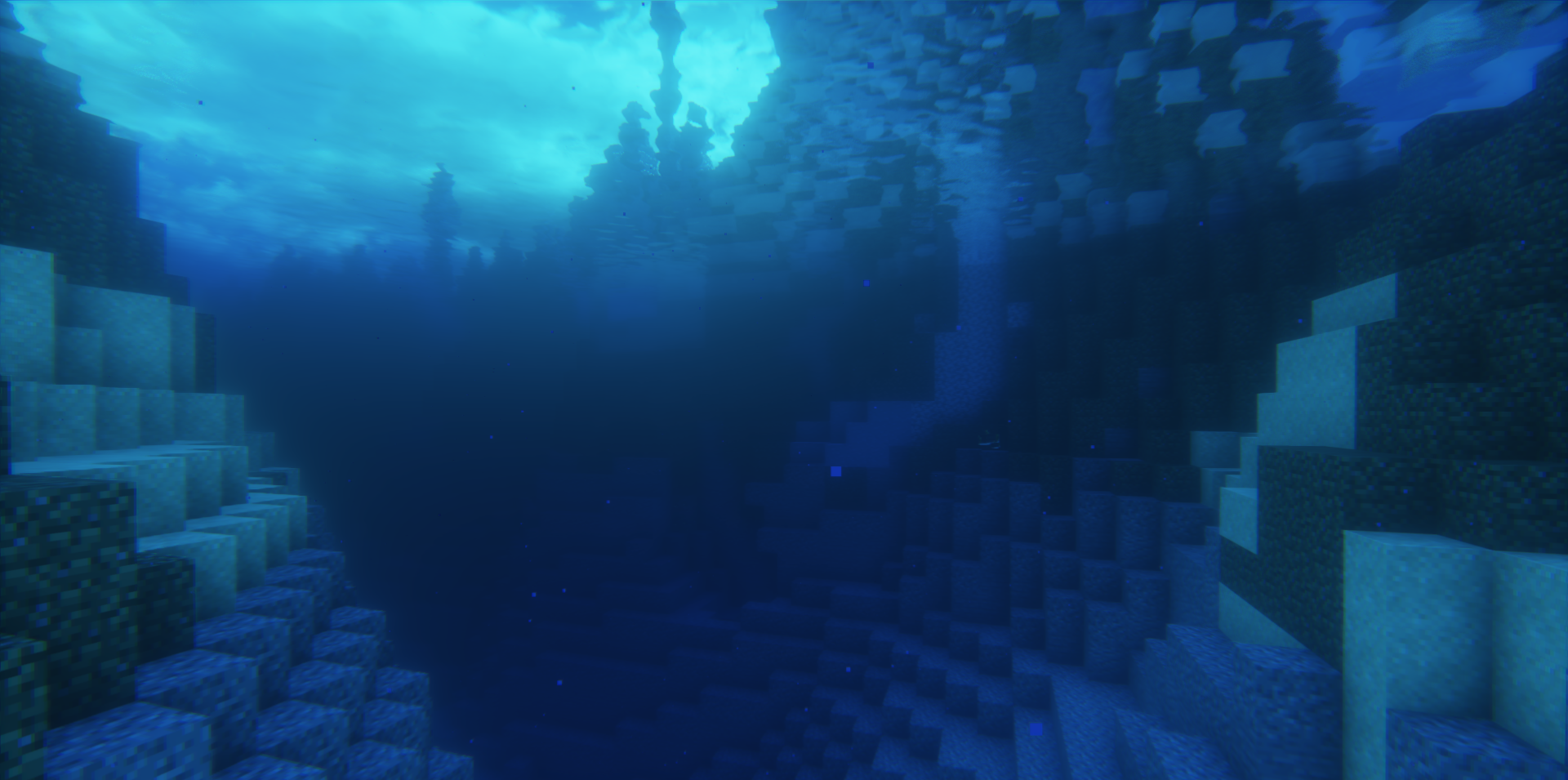
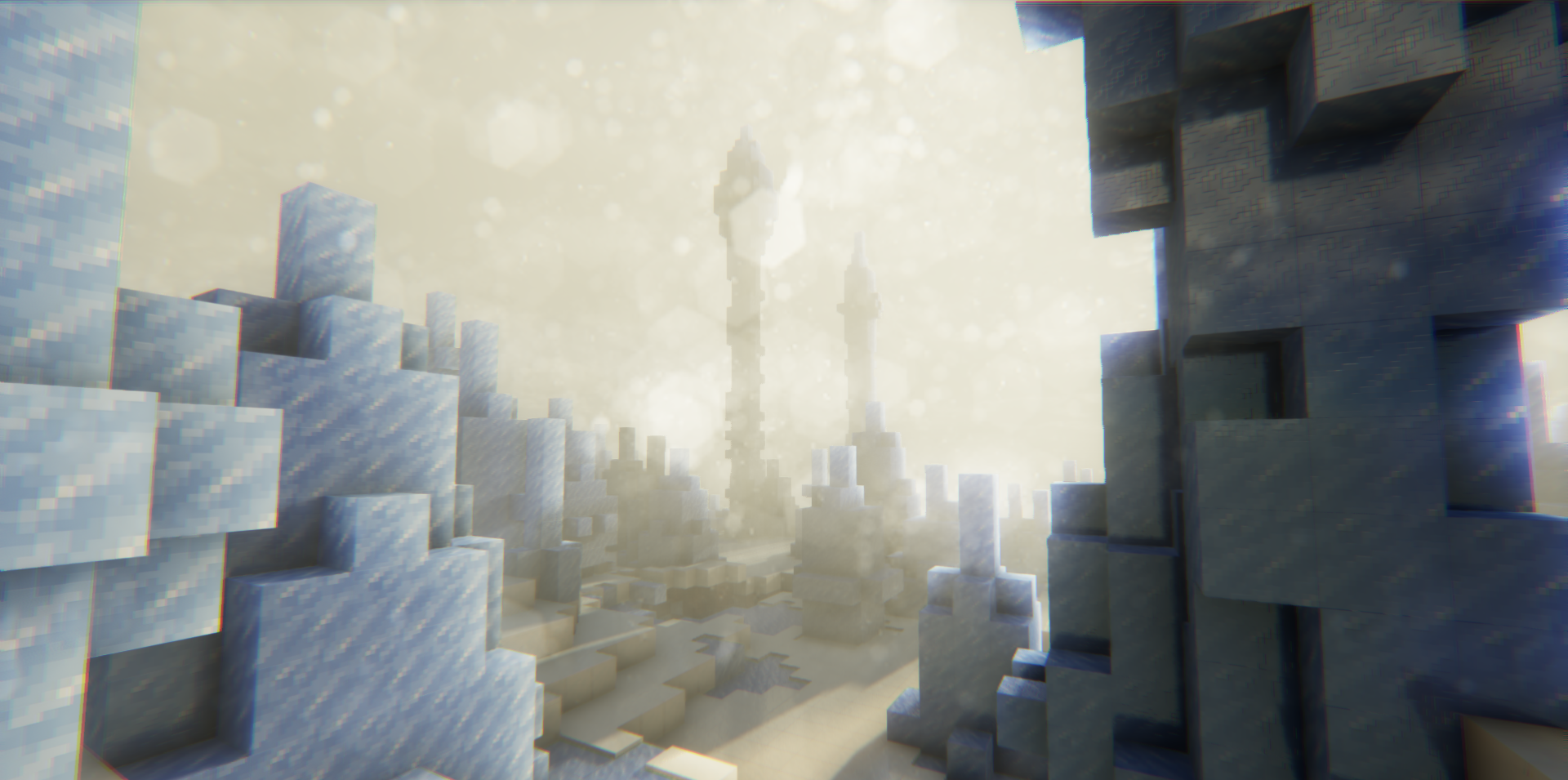
The visual style is complemented by a dirty lens effect and a body camera effect, which makes scenes look like footage from an adventure movie. The End dimension has been reworked: a large vortex appears in the sky, changing the mood of the final location. There is support for distant landscapes, the glow of some blocks and ores, updated rain, and a ray tracing mode for more complex light and shadow behavior.
How to install a shader:
First step: download the shader package from the link below.
Second step: Unpack the downloaded archive and copy the Dercode Shaders folder to c:\Users\User\AppData\Roaming\.minecraft\shaderpacks\(if this folder does not exist, create it yourself) (For Windows)
Third step: In the game, go to Settings, then to Graphics Settings. Select the "shaders" section and activate the shader pack of your choice.
Comments (0)