



Dirt RT Shaders for Minecraft 26.1.2
While ordinary shaders improve the picture through shadows, color, and water, Dirt RT Shaders focuses on a more serious approach to lighting. This is a path-tracing shader, so it is designed for realistic behavior of light, reflections, and materials. It reveals itself best together with PBR resources, where surfaces gain depth, shine, and a more convincing reaction to lighting.
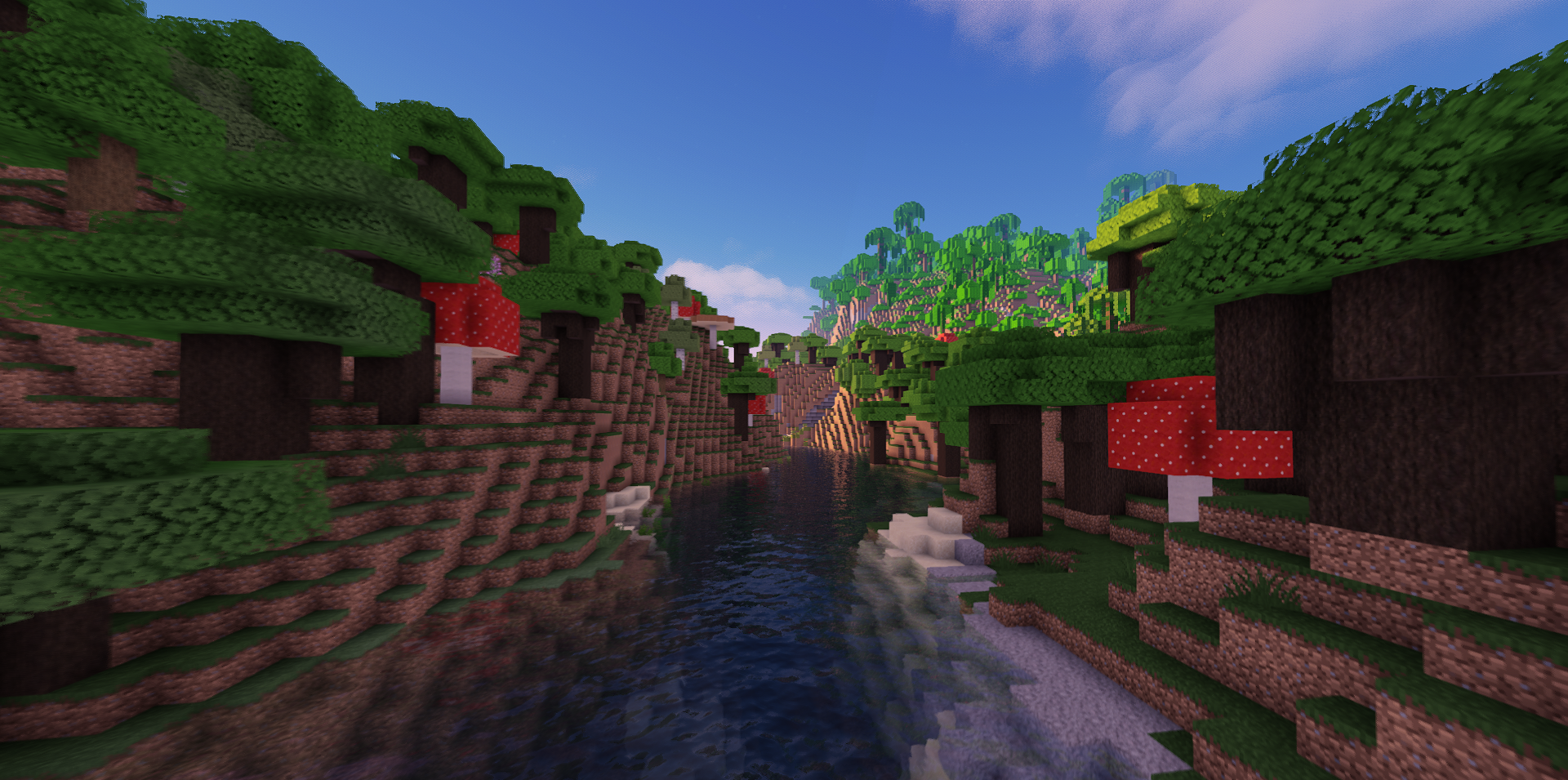
As a result, stone, metal, glass, and other materials look noticeably more three-dimensional, while scenes get a more natural lighting picture. It should not be seen as a universal option for any computer: it needs a suitable setup and more careful configuration.
How to install a shader:
First step: download the shader package from the link below.
Second step: Unpack the downloaded archive and copy the Dirt RT Shaders folder to c:\Users\User\AppData\Roaming\.minecraft\shaderpacks\(if this folder does not exist, create it yourself) (For Windows)
Third step: In the game, go to Settings, then to Graphics Settings. Select the "shaders" section and activate the shader pack of your choice.
Comments (0)