



DreamLight Shaders for Minecraft 26.1.2
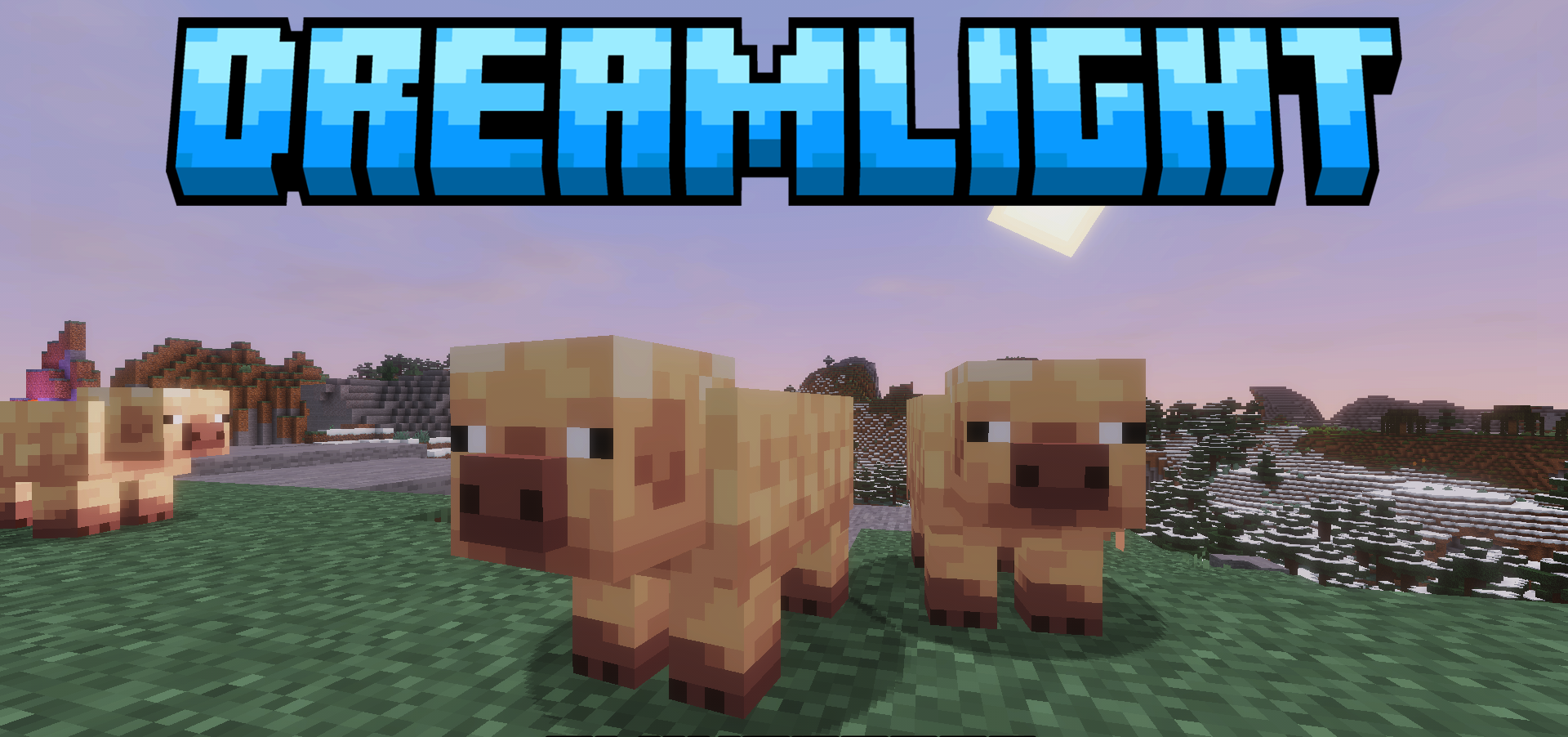
Soft light, warm shades, and smooth transitions between times of day form the basis of DreamLight Shaders. This shader pack makes the scene more cinematic: sunrises and sunsets receive careful color adjustment, shadows do not fall into dirty darkness, and daytime locations remain readable.
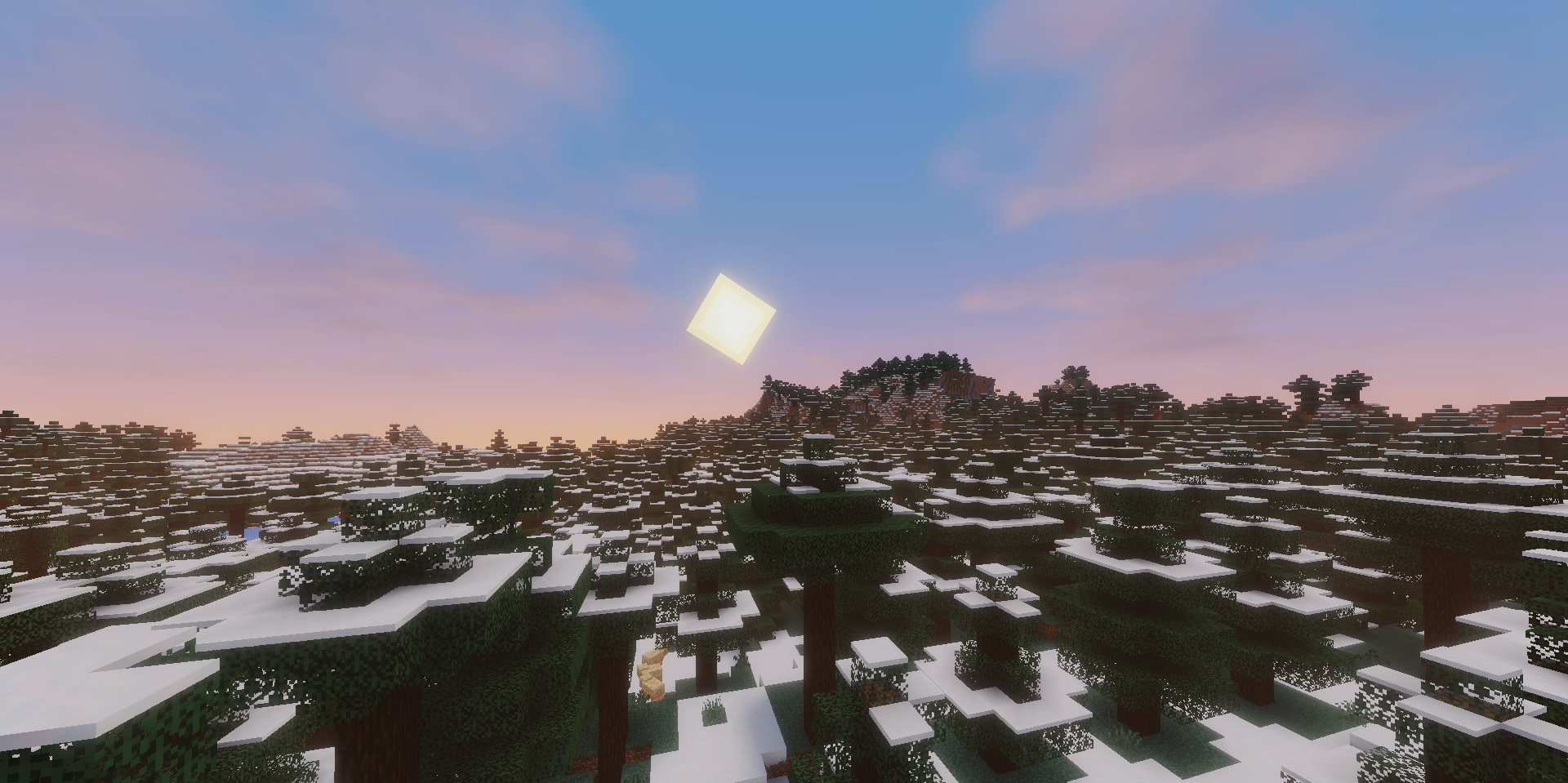
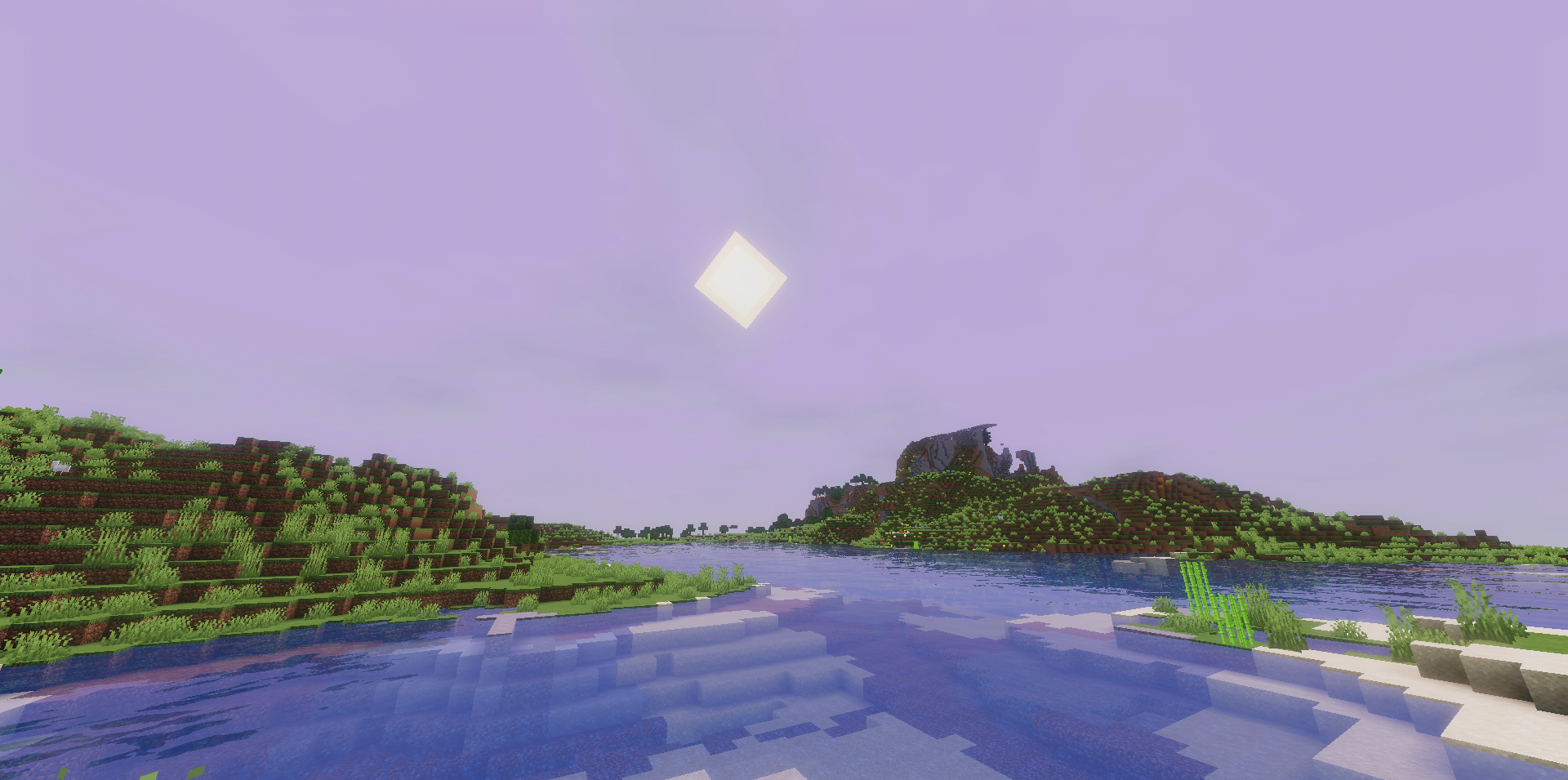
Water reflects the environment and moves in calm waves without drawing too much attention to itself. The sky is designed in a stylized spirit, with soft clouds and a rich tone. Colored global illumination helps connect blocks, vegetation, and buildings into one unified image. This visual style looks good in motion and in screenshots, where mood, light, and frame composition are important.
How to install a shader:
First step: download the shader package from the link below.
Second step: Unpack the downloaded archive and copy the DreamLight Shaders folder to c:\Users\User\AppData\Roaming\.minecraft\shaderpacks\(if this folder does not exist, create it yourself) (For Windows)
Third step: In the game, go to Settings, then to Graphics Settings. Select the "shaders" section and activate the shader pack of your choice.
Comments (0)