



Eclipse Shaders for Minecraft 26.1.2
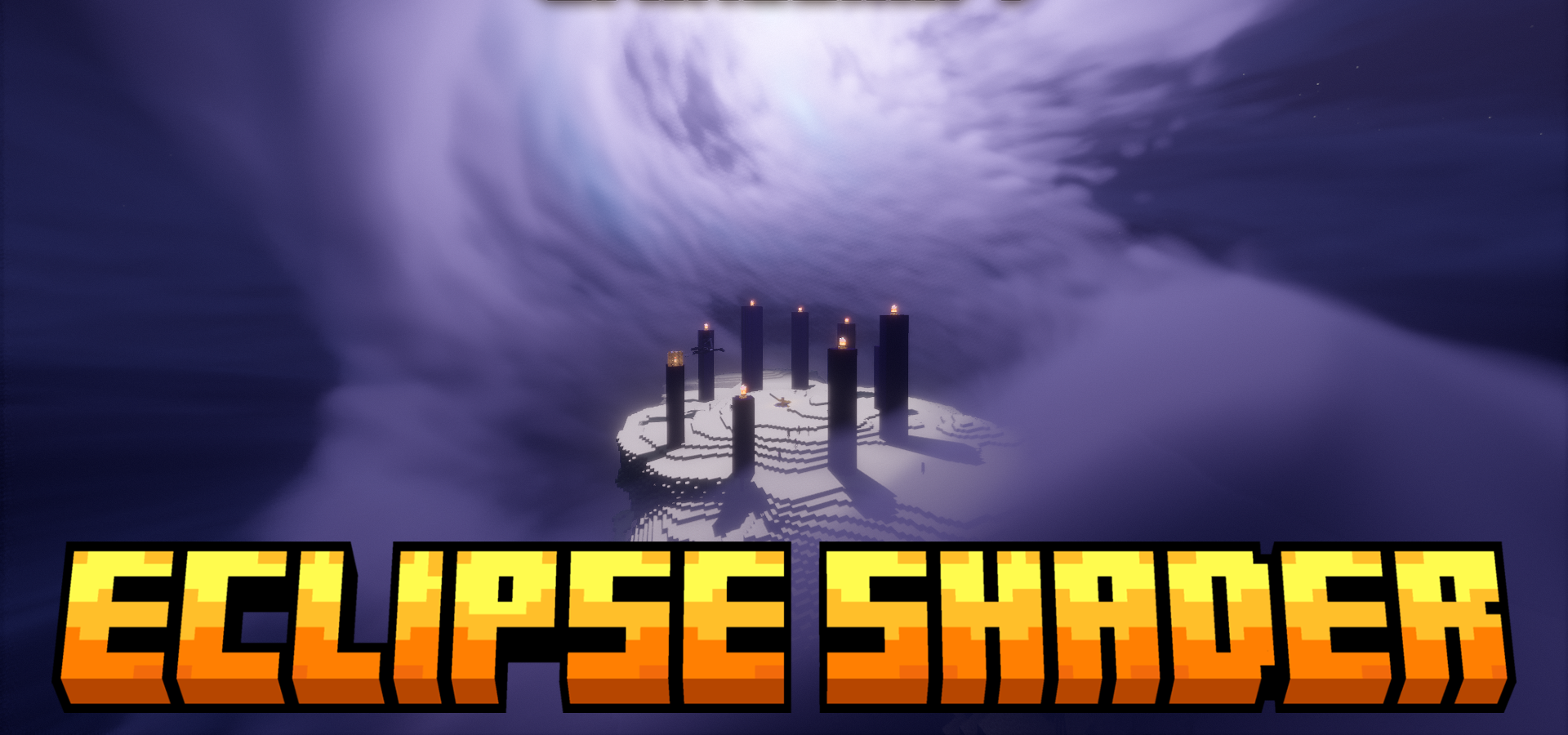
Eclipse Shaders makes the sky and weather scenes one of the main parts of the visuals. The behavior of the Moon changes here: you can adjust its orbit, use phases with custom textures, and get eclipses. The atmosphere has also become denser: northern lights, rainbows, and additional layers of cirrus and storm clouds appear.
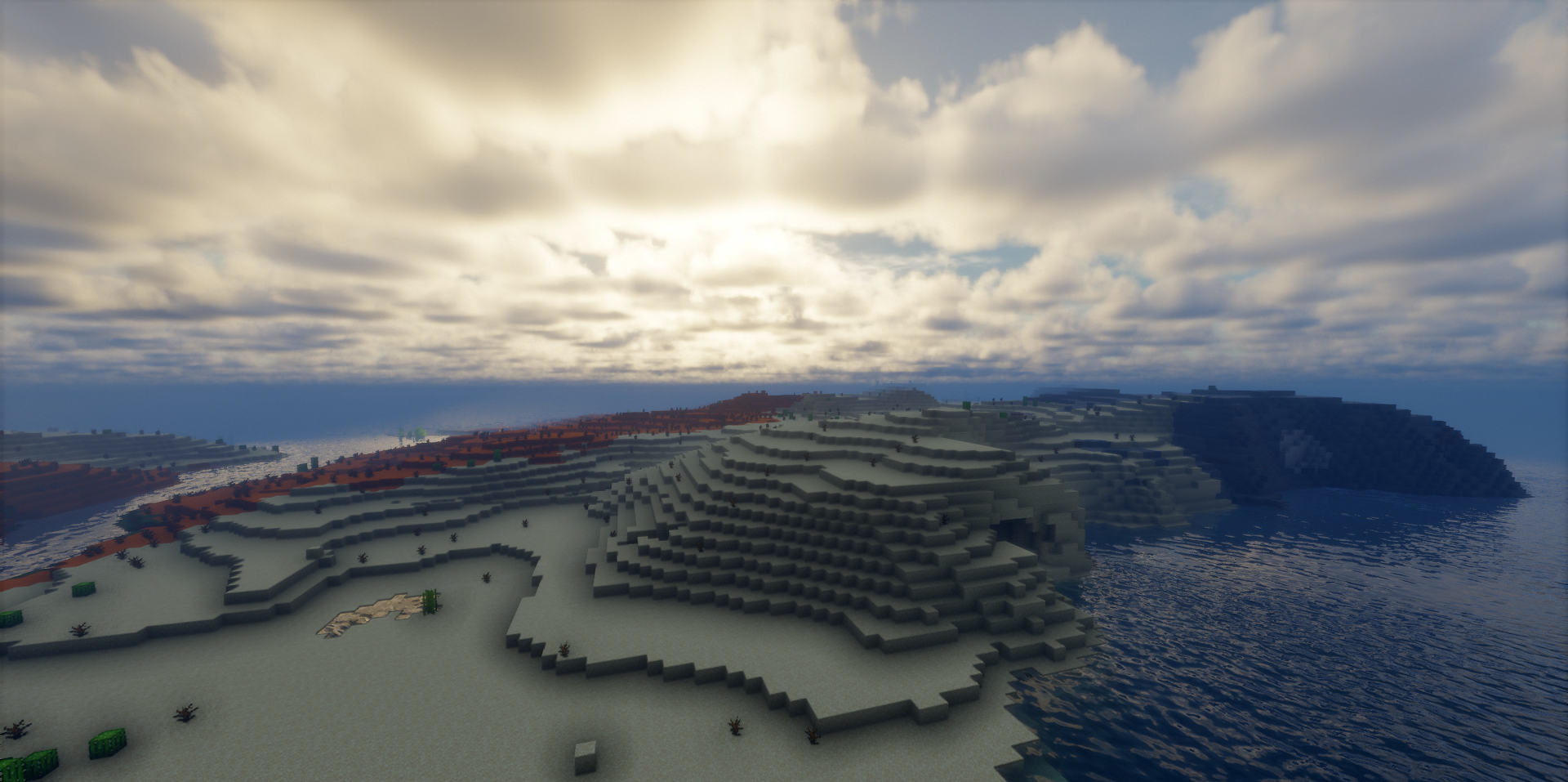
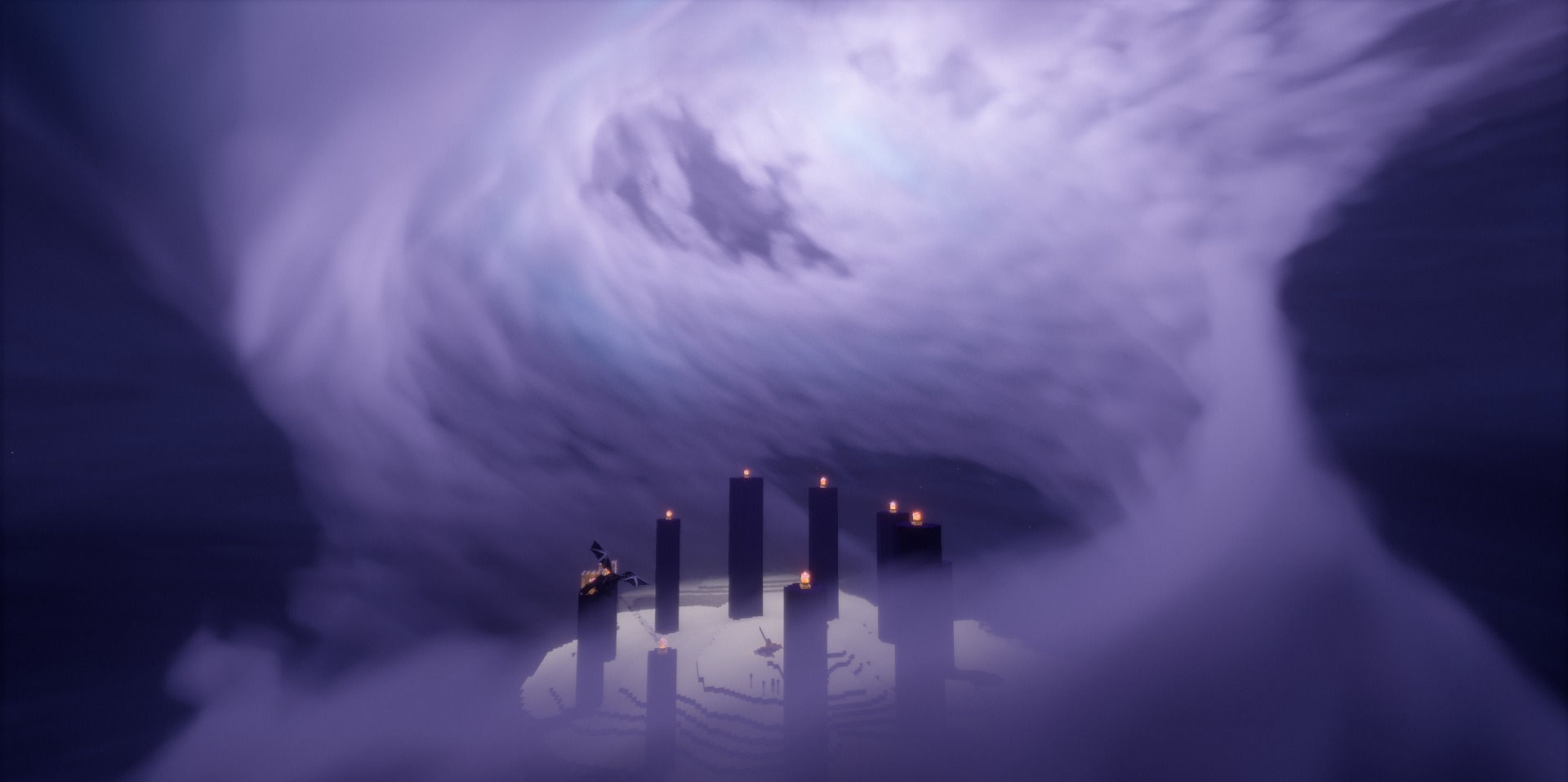
The world reacts to weather through snow cover, rain ripples, and water movement that affects the player. Grass receives shader animation, handheld light sources cast shadows, and ores, items, and armor elements can glow. A main light source with shadows has been added to the End, so the dimension feels deeper and more expressive.
How to install a shader:
First step: download the shader package from the link below.
Second step: Unpack the downloaded archive and copy the Eclipse Shaders folder to c:\Users\User\AppData\Roaming\.minecraft\shaderpacks\(if this folder does not exist, create it yourself) (For Windows)
Third step: In the game, go to Settings, then to Graphics Settings. Select the "shaders" section and activate the shader pack of your choice.
Comments (0)