



Emissive Shaders for Minecraft 26.1.2
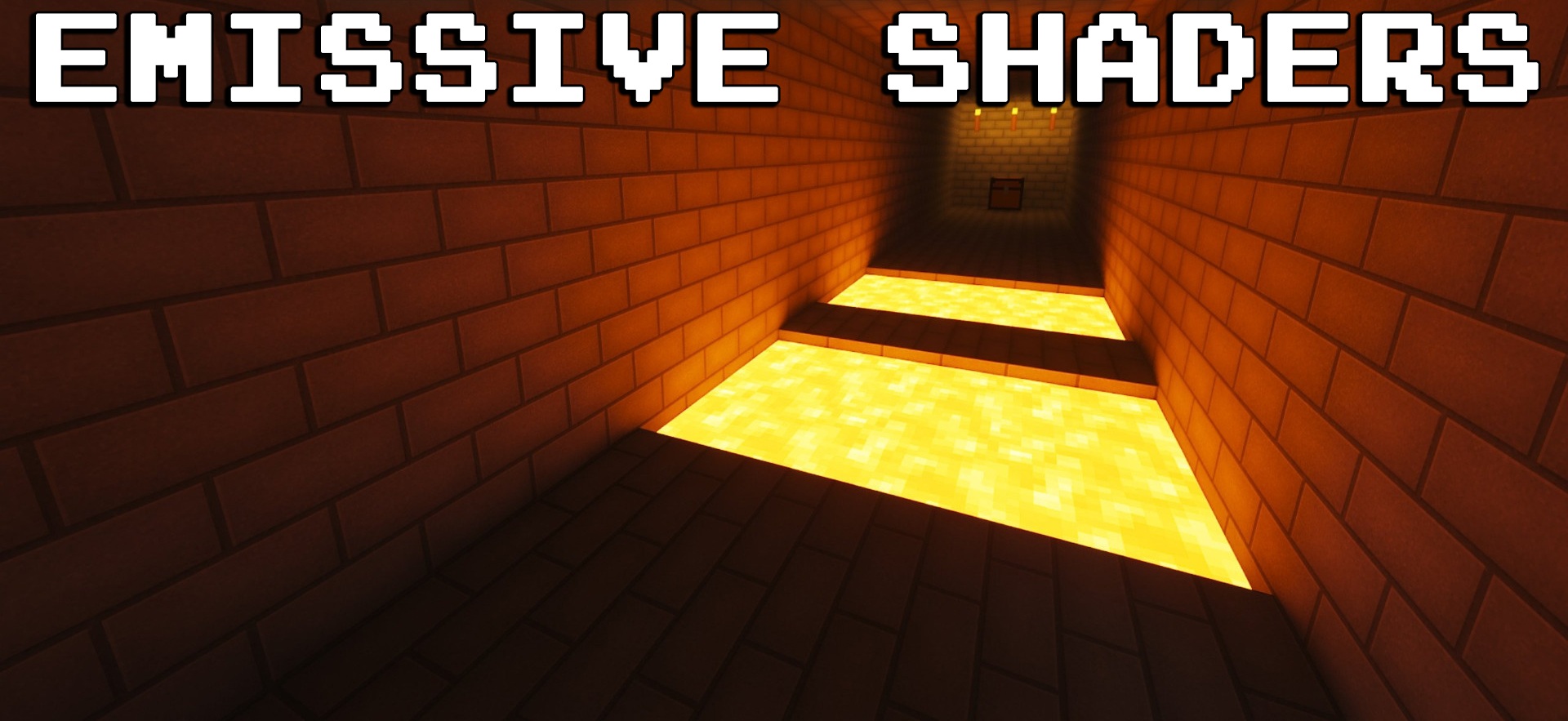
Emissive Shaders is best perceived not as an independent way to completely change the graphics, but as a special tool for glowing materials. Its task is to make certain blocks and items look as if they really emit light. This is useful in modern builds: screens, neon signs, decorative lamps, panels, and machinery begin to look much more alive.
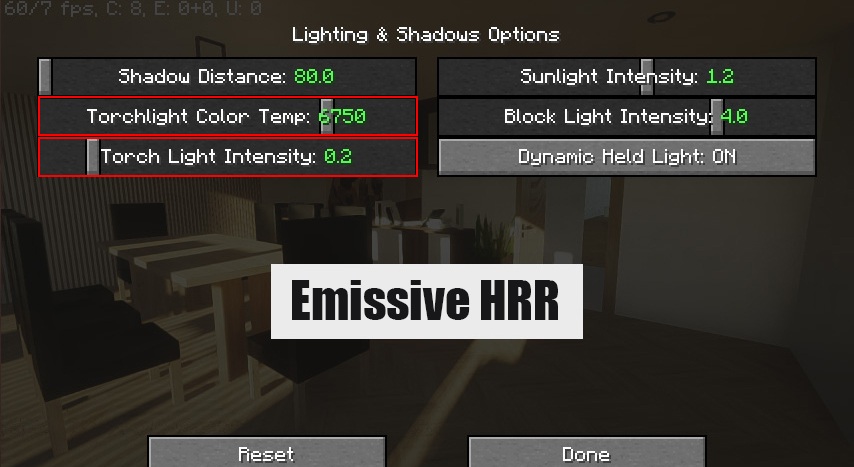
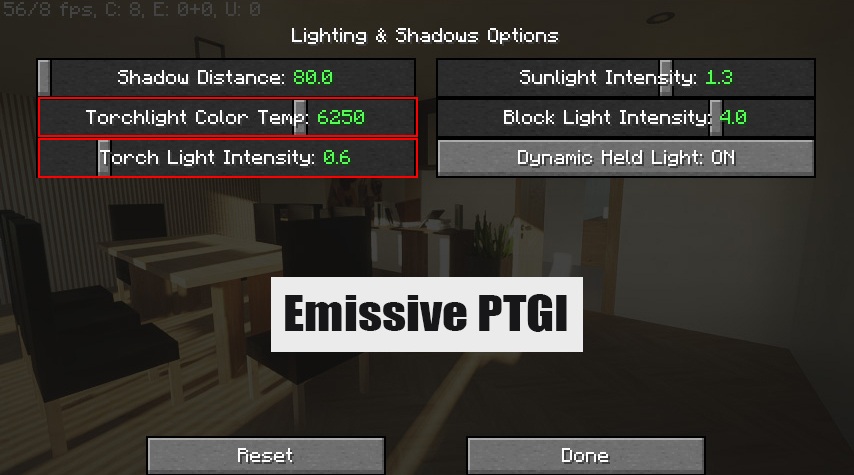
With the right settings, such elements do not just stand out brightly, but can visually affect the environment, creating the feeling of a soft glow around themselves. It adds not so much natural realism as expressiveness of details and the atmosphere of artificial lighting.
How to install a shader:
First step: download the shader package from the link below.
Second step: Unpack the downloaded archive and copy the Emissive Shaders folder to c:\Users\User\AppData\Roaming\.minecraft\shaderpacks\(if this folder does not exist, create it yourself) (For Windows)
Third step: In the game, go to Settings, then to Graphics Settings. Select the "shaders" section and activate the shader pack of your choice.
Comments (0)