



Fisheye Shaders for Minecraft 26.1.2
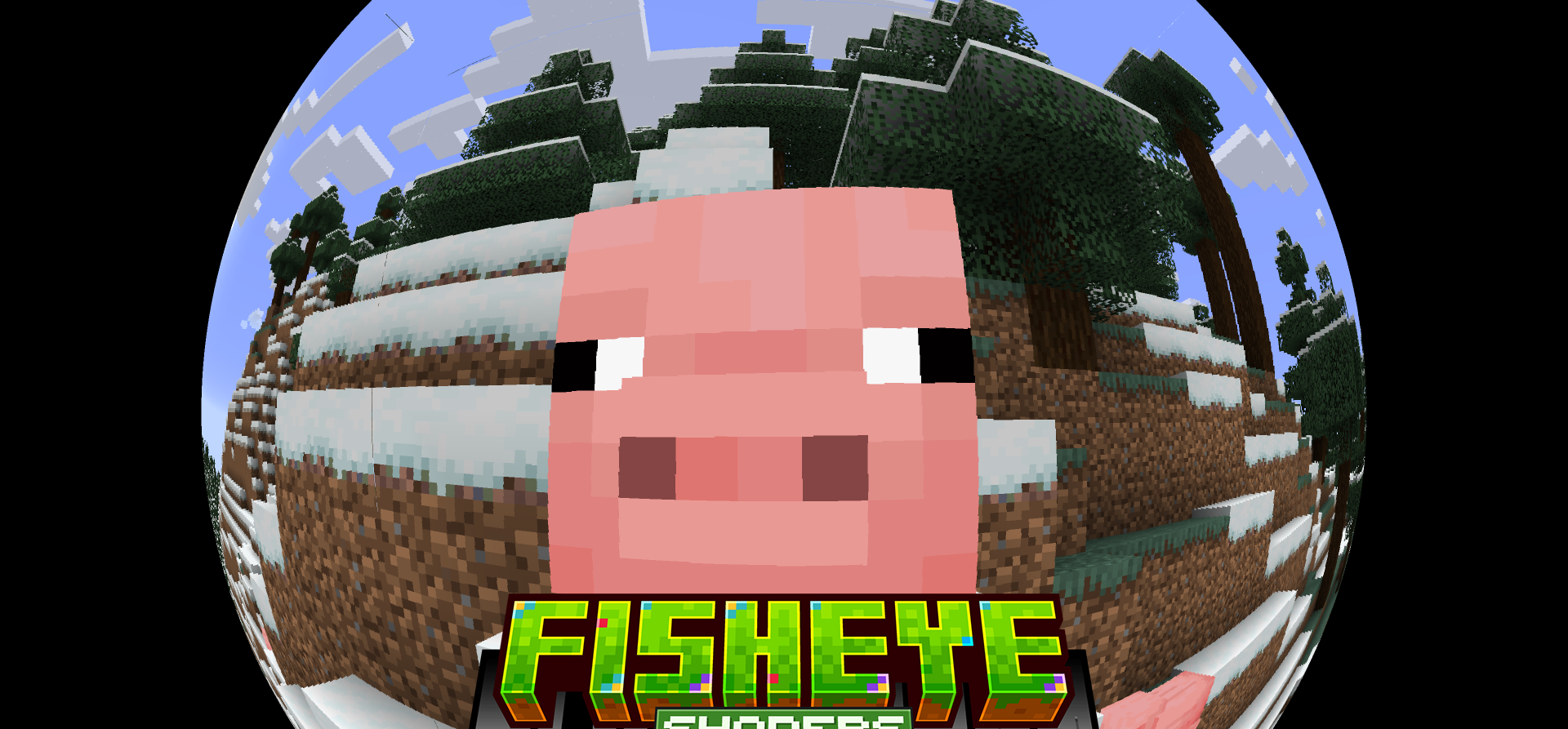
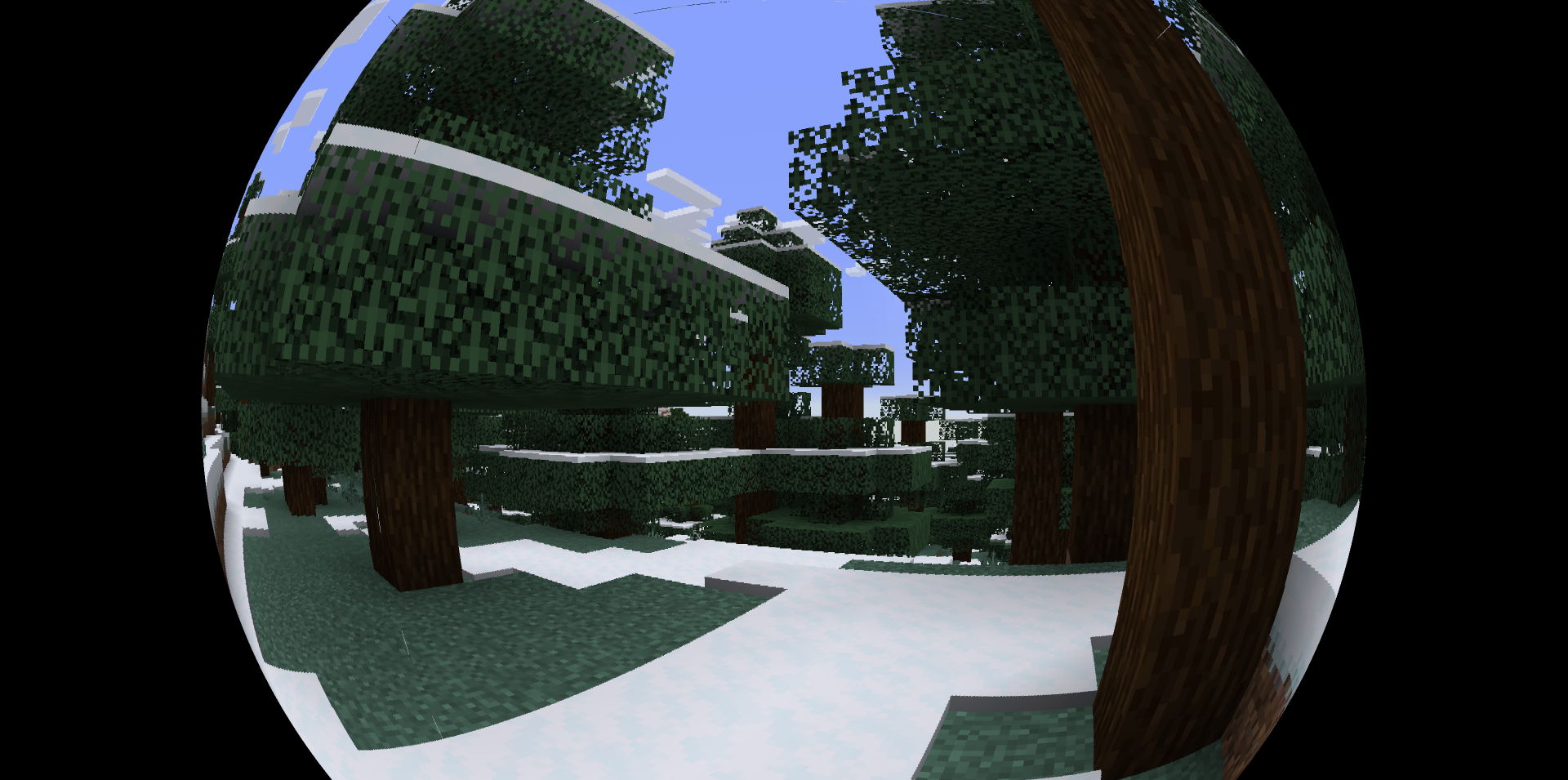
The perspective in Minecraft is straight and predictable, but Fisheye Shaders breaks this feeling through a fisheye lens effect. The view expands to 180 degrees, and the edges of the image receive characteristic distortion. Because of this, space seems curved, rooms look stranger, long corridors stretch differently, and movement through the world becomes more unusual.
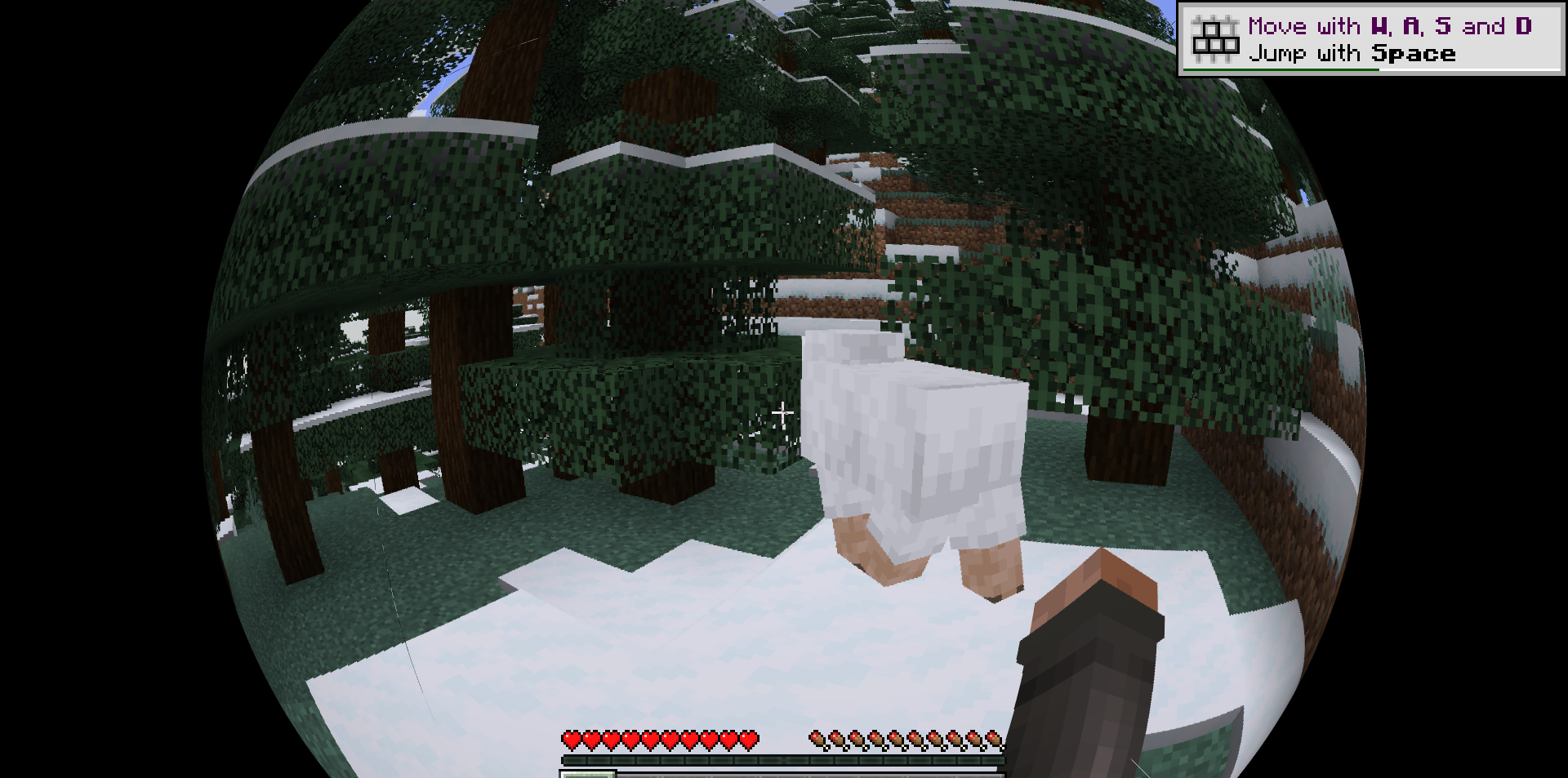
This effect changes not textures or lighting, but the very way of looking at the game. It can make screenshots, videos, parkour maps, or experimental modpacks more expressive. At the same time, Minecraft remains the same; only the camera starts behaving like a wide-angle lens.
How to install a shader:
First step: download the shader package from the link below.
Second step: Unpack the downloaded archive and copy the Fisheye Shaders folder to c:\Users\User\AppData\Roaming\.minecraft\shaderpacks\(if this folder does not exist, create it yourself) (For Windows)
Third step: In the game, go to Settings, then to Graphics Settings. Select the "shaders" section and activate the shader pack of your choice.
Comments (1)