



Glacier Shaders for Minecraft 26.1.2
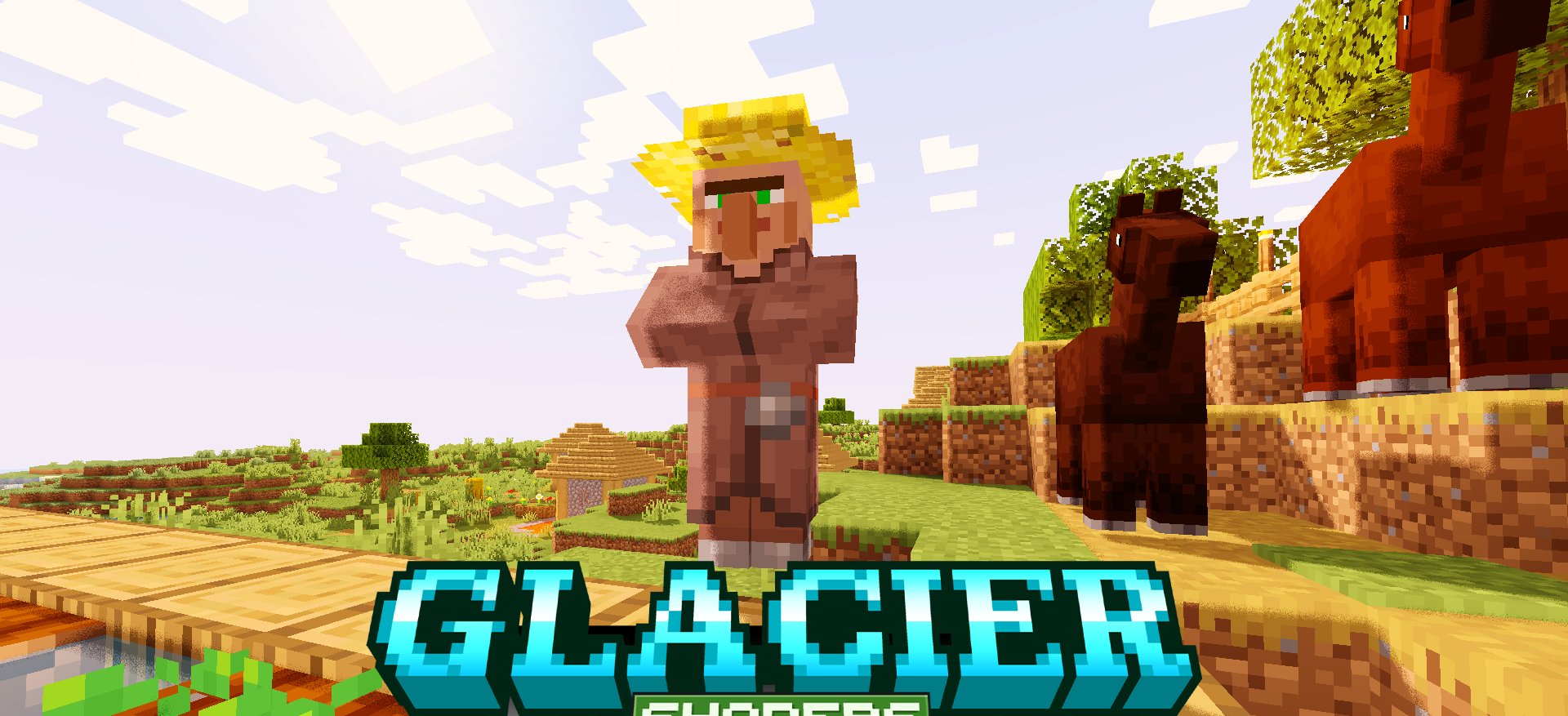
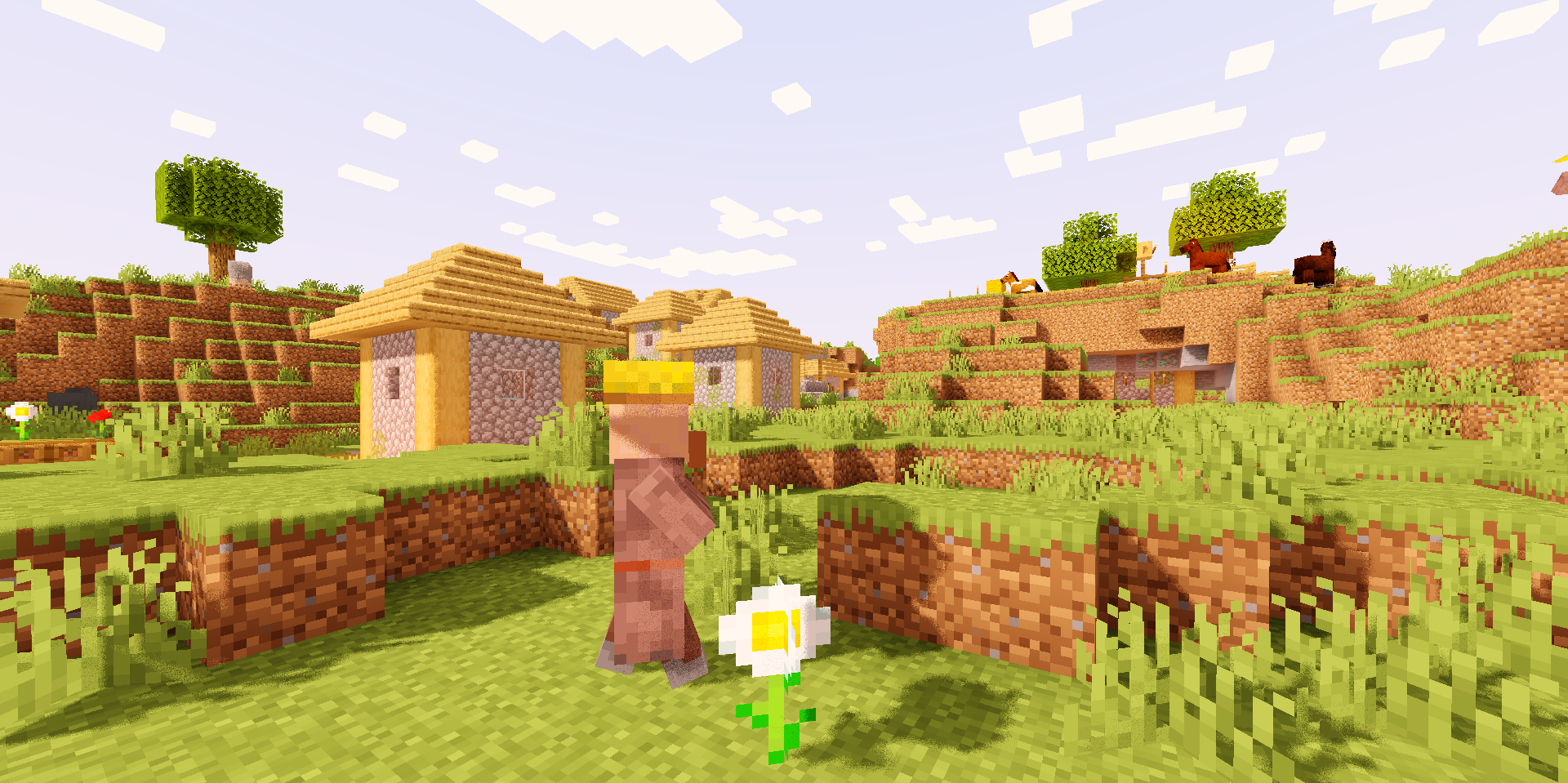
Glacier Shaders works with the visuals carefully: it improves lighting, adds subtle effects, and makes the image smoother without noticeable pressure on performance. Instead of heavy processing, a restrained adjustment of the overall image is felt here. Light becomes softer, scenes are easier to read, and transitions between bright and dark areas look calmer.
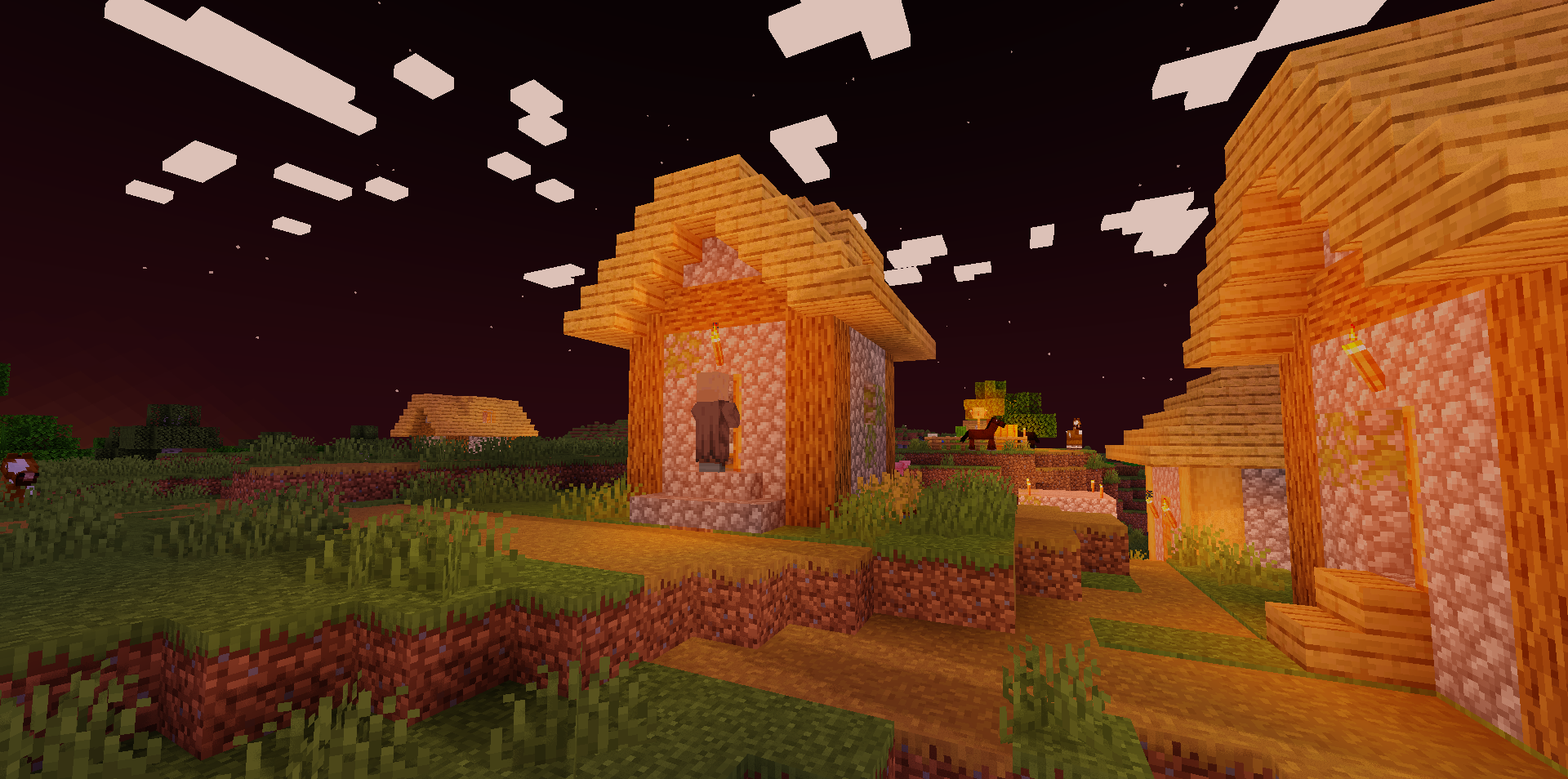
This shader does not overload the world with highlights, dense fog, or aggressive color correction. It rather polishes standard Minecraft, making it cleaner in motion and more pleasant during long gameplay. Buildings, landscapes, and caves gain visual depth, but keep their familiar blocky character.
How to install a shader:
First step: download the shader package from the link below.
Second step: Unpack the downloaded archive and copy the Glacier Shaders folder to c:\Users\User\AppData\Roaming\.minecraft\shaderpacks\(if this folder does not exist, create it yourself) (For Windows)
Third step: In the game, go to Settings, then to Graphics Settings. Select the "shaders" section and activate the shader pack of your choice.
Comments (0)