



IterationT Shaders for Minecraft 26.1.2
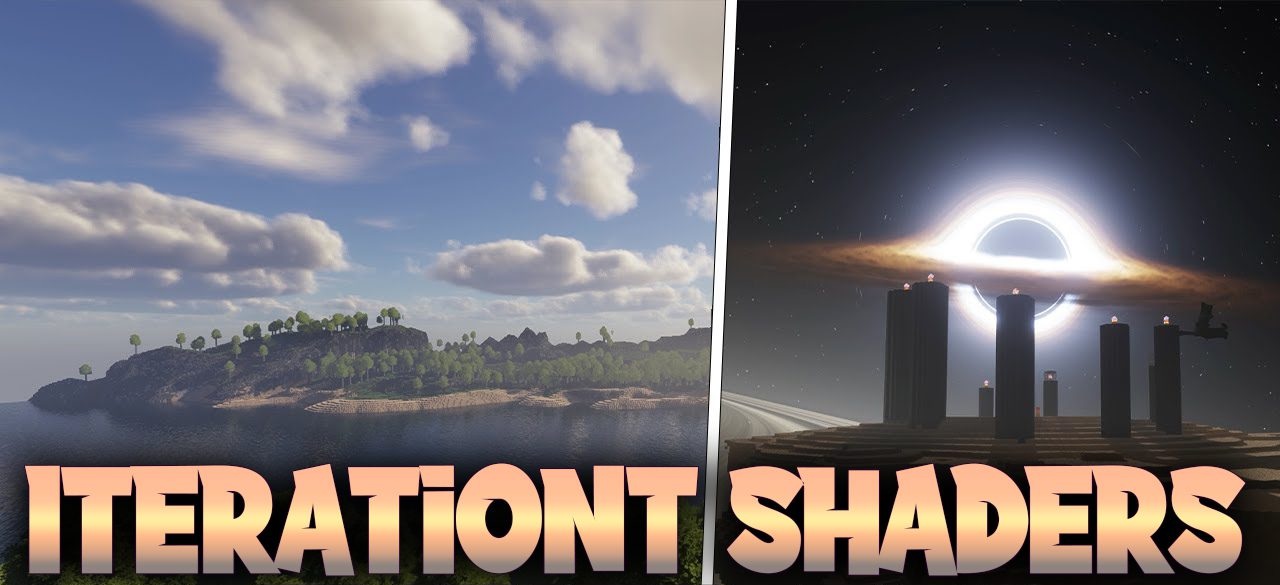
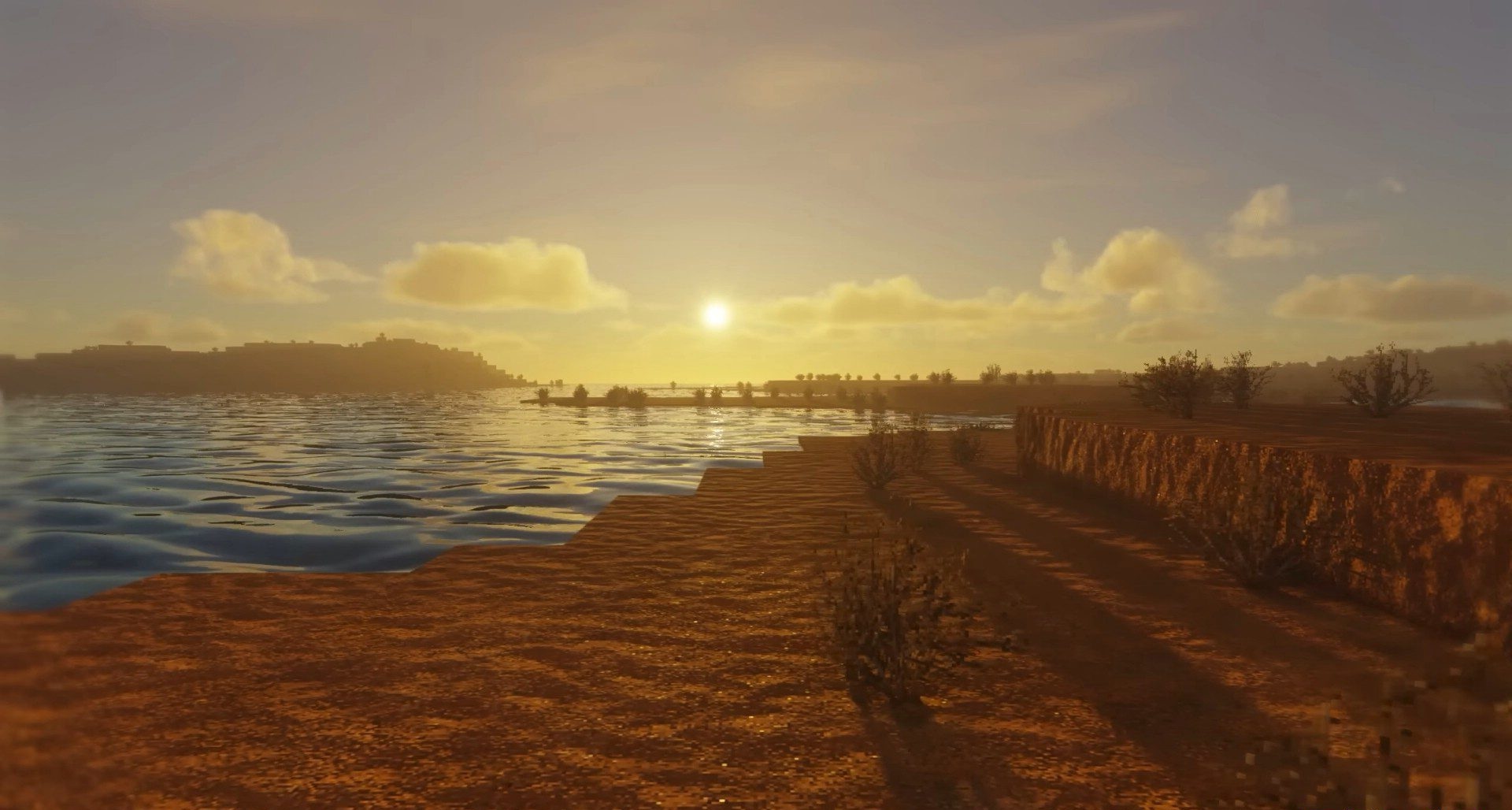
IterationT Shaders is an option for those who want to see Minecraft almost in the format of a graphics showcase. The shader puts a huge emphasis on atmosphere: the reworked sky, physically simulated celestial bodies, volumetric clouds, soft fog, and improved global illumination strongly change the perception of the world. Open spaces are impressive, where the sky and light begin to play no less of a role than the blocks themselves.
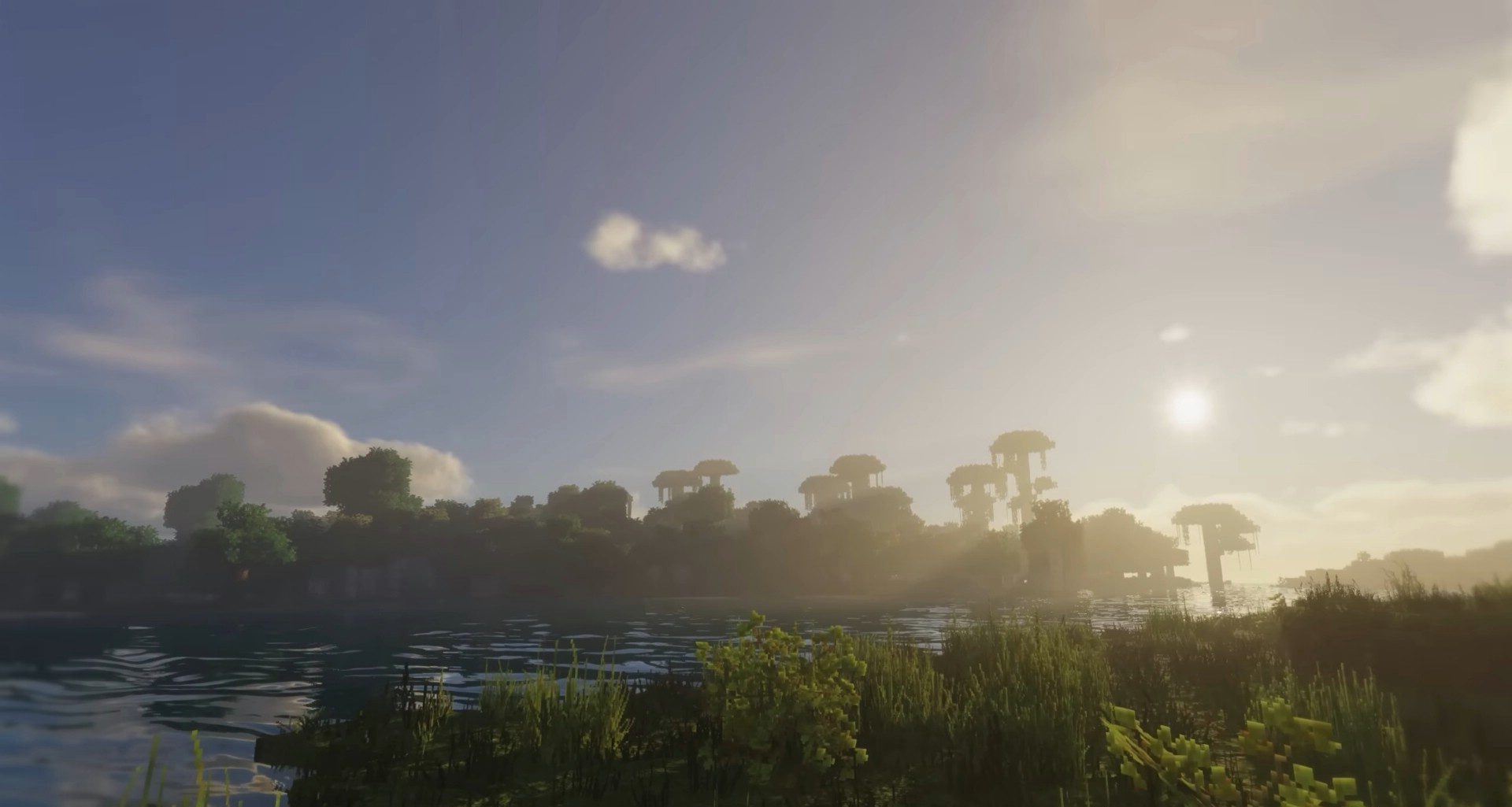
Underwater, the picture also becomes deeper thanks to fog, volumetric lighting, and caustics, while light transitions look softer and more natural. It is clearly not designed for the weakest computer: a powerful system will be needed for comfortable gameplay.
How to install a shader:
First step: download the shader package from the link below.
Second step: Unpack the downloaded archive and copy the IterationT Shaders folder to c:\Users\User\AppData\Roaming\.minecraft\shaderpacks\(if this folder does not exist, create it yourself) (For Windows)
Third step: In the game, go to Settings, then to Graphics Settings. Select the "shaders" section and activate the shader pack of your choice.
Comments (2)