



Kute Shaders for Minecraft 26.1.2
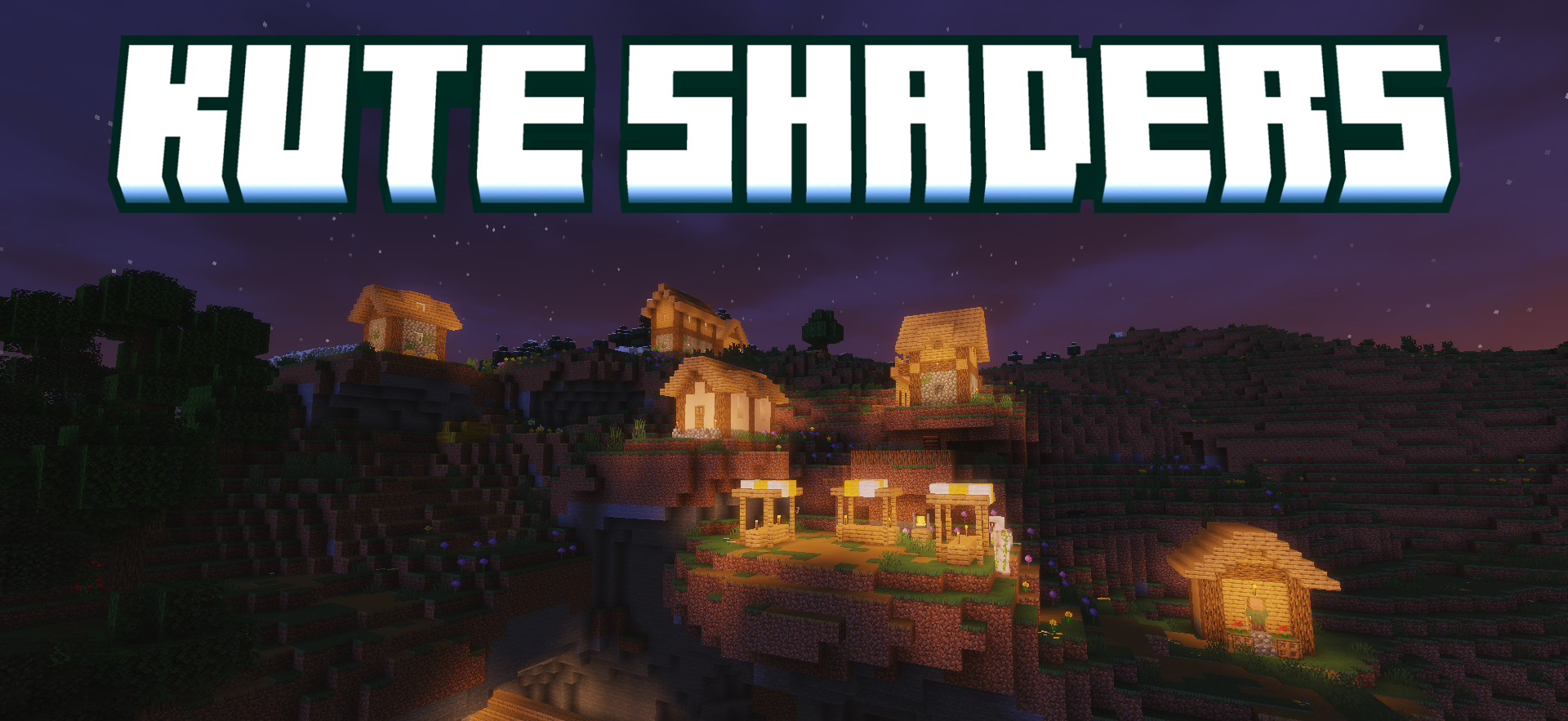
Kute Shaders does not try to load Minecraft with many complex effects. Its idea is simpler: make the lighting soft, add a light glow, and preserve smooth gameplay. The image becomes cozier, without sharp contrasts, aggressive highlights, or heavy processing. Light falls on blocks more calmly, and the world looks warmer even without a large-scale rework of water, sky, or shadows.
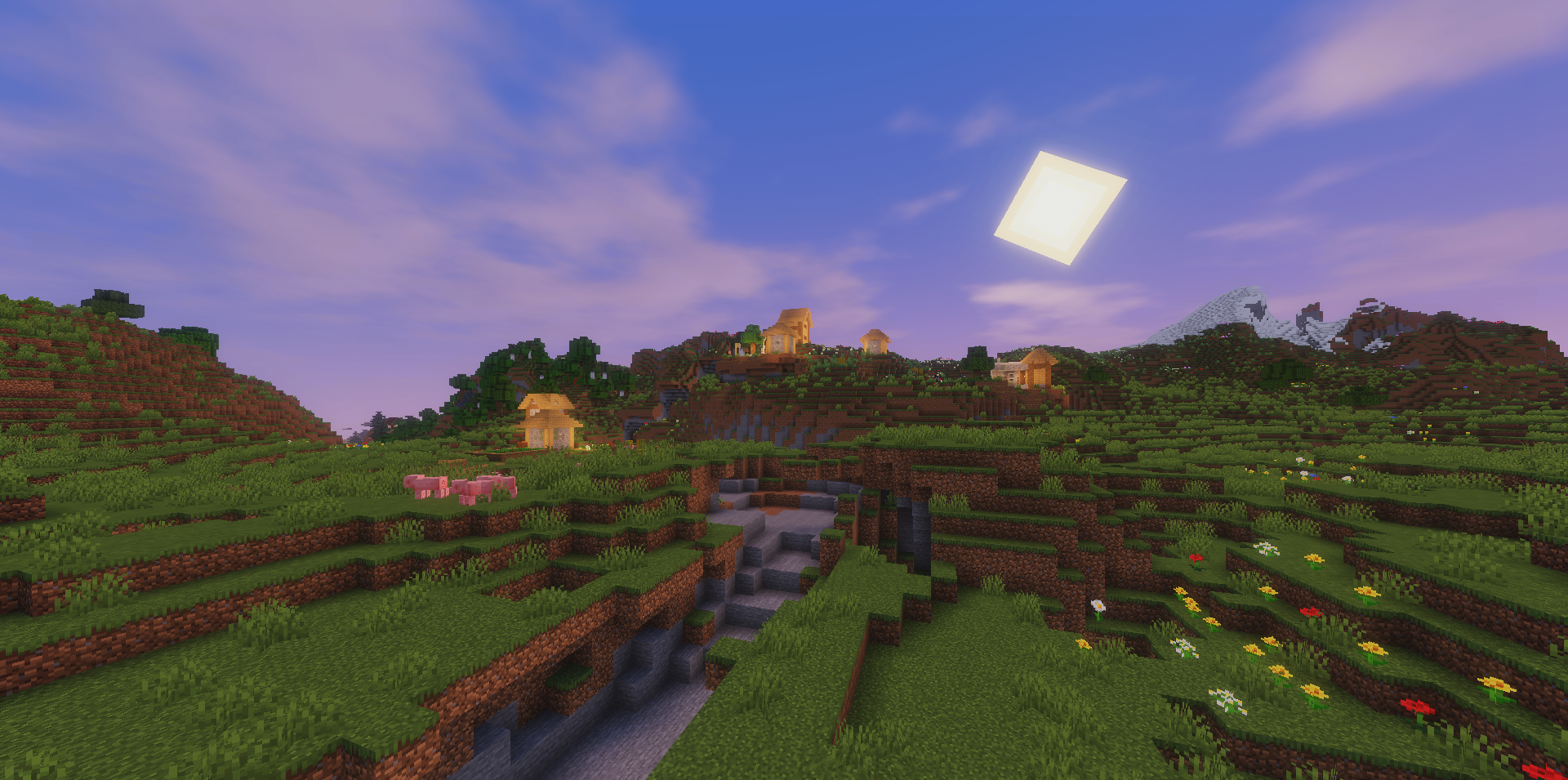
The shader pack does not require a powerful rendering system and is not built around tracing or volumetric scenes. Instead, it gives a neat visual update that can be felt in normal gameplay: during building, walking, resource mining, and the change of time of day.
How to install a shader:
First step: download the shader package from the link below.
Second step: Unpack the downloaded archive and copy the Kute Shaders folder to c:\Users\User\AppData\Roaming\.minecraft\shaderpacks\(if this folder does not exist, create it yourself) (For Windows)
Third step: In the game, go to Settings, then to Graphics Settings. Select the "shaders" section and activate the shader pack of your choice.
Comments (0)