



LITE Shaders for Minecraft 26.1.2
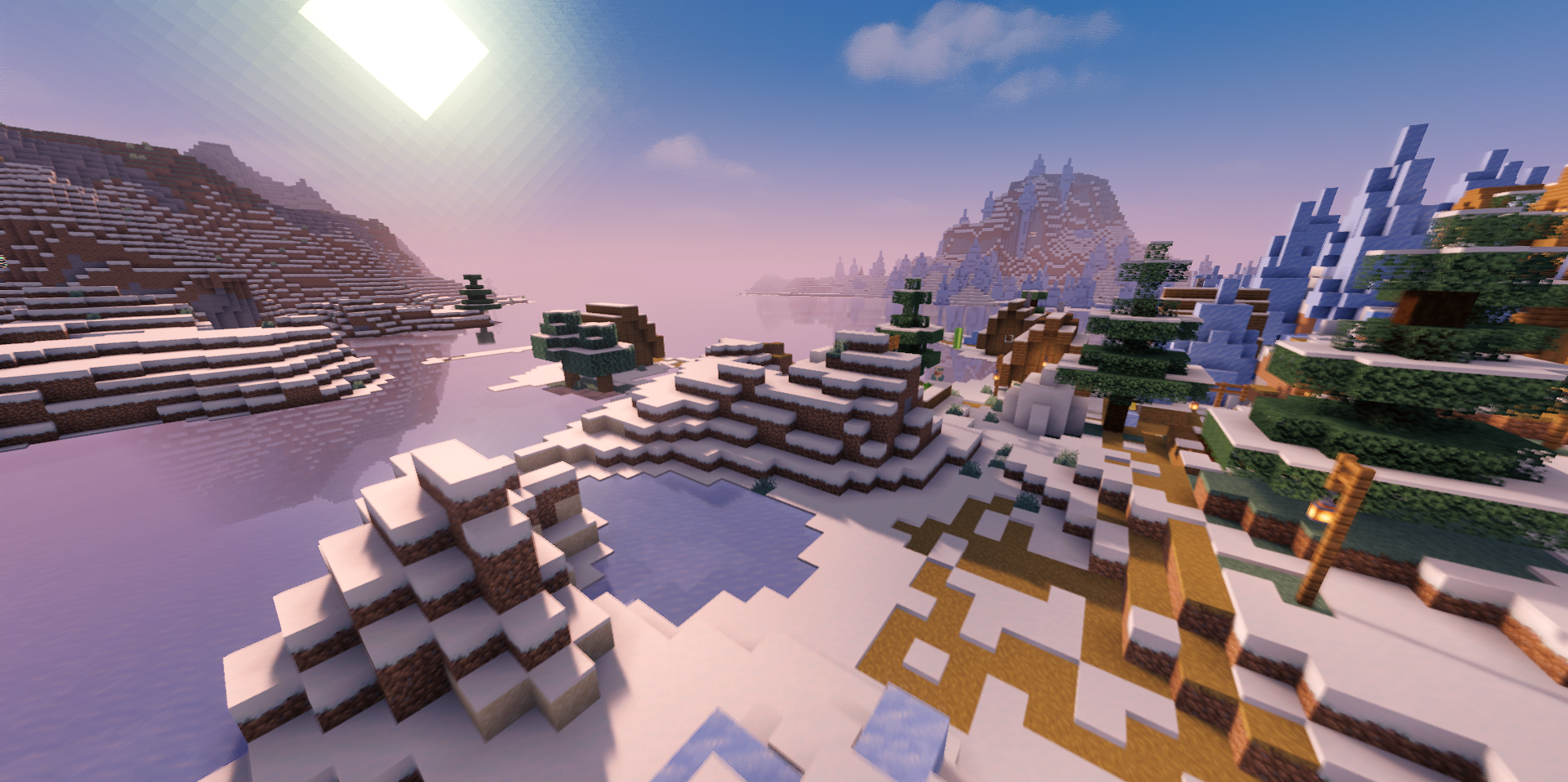
LITE Shaders is built around lightweight visual processing. Heavy effects such as refraction, colored shadows, and depth of field have been removed from the set, while basic improvements that change the image without a strong load are preserved. Light becomes more pleasant, shadows are easier to read, and the world gets a neater look even on weak hardware.
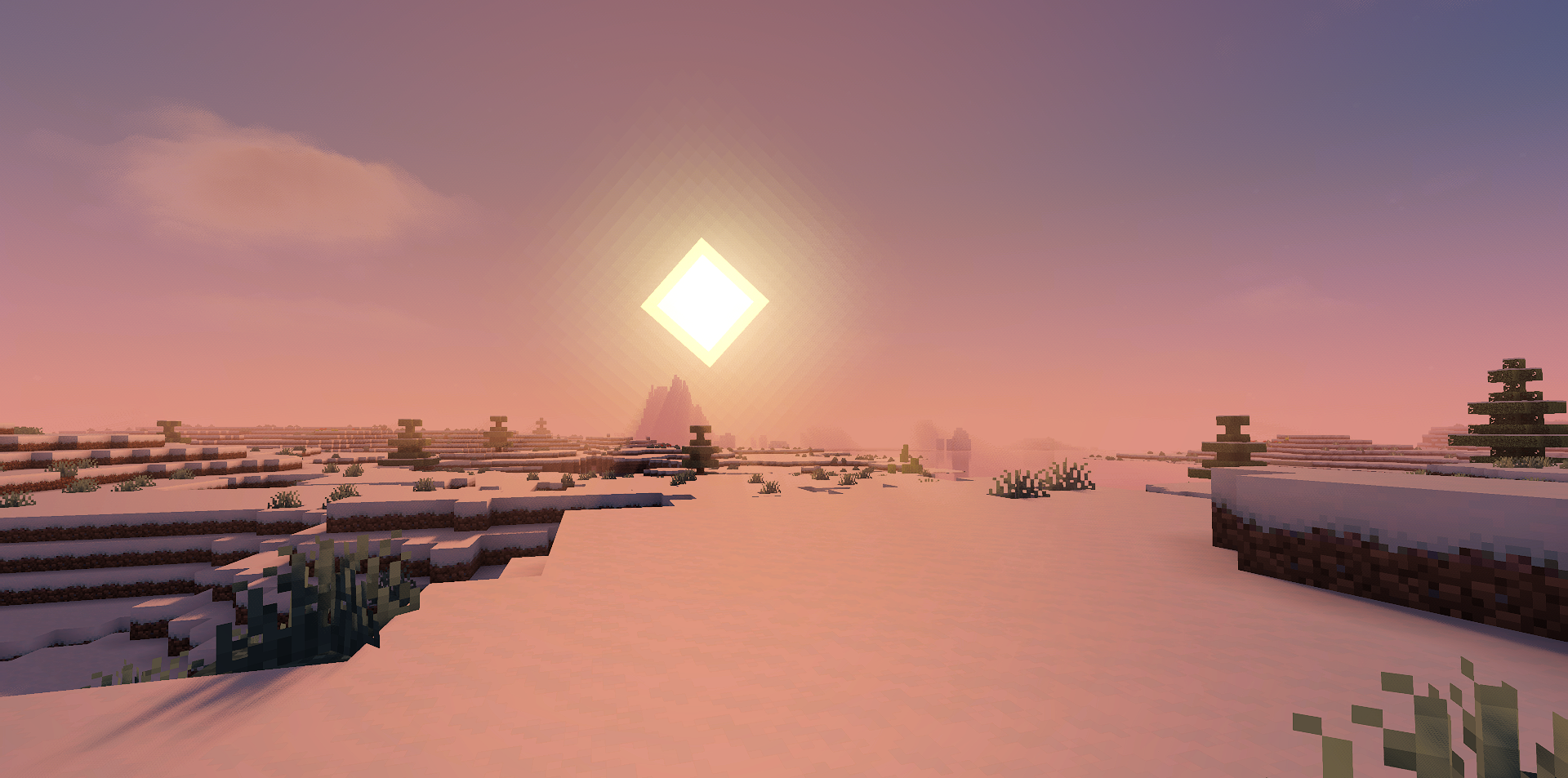
This approach makes the shader practical: it does not chase the maximum number of functions, but keeps what affects the general perception of the scene. The image remains clean, without excessive processing and sharp visual jumps. This is more like tuning the game for a smoother and more gathered look than a complete graphics rework.
How to install a shader:
First step: download the shader package from the link below.
Second step: Unpack the downloaded archive and copy the LITE Shaders folder to c:\Users\User\AppData\Roaming\.minecraft\shaderpacks\(if this folder does not exist, create it yourself) (For Windows)
Third step: In the game, go to Settings, then to Graphics Settings. Select the "shaders" section and activate the shader pack of your choice.
Comments (1)