



Monophonic Shaderpack for Minecraft 26.1.2
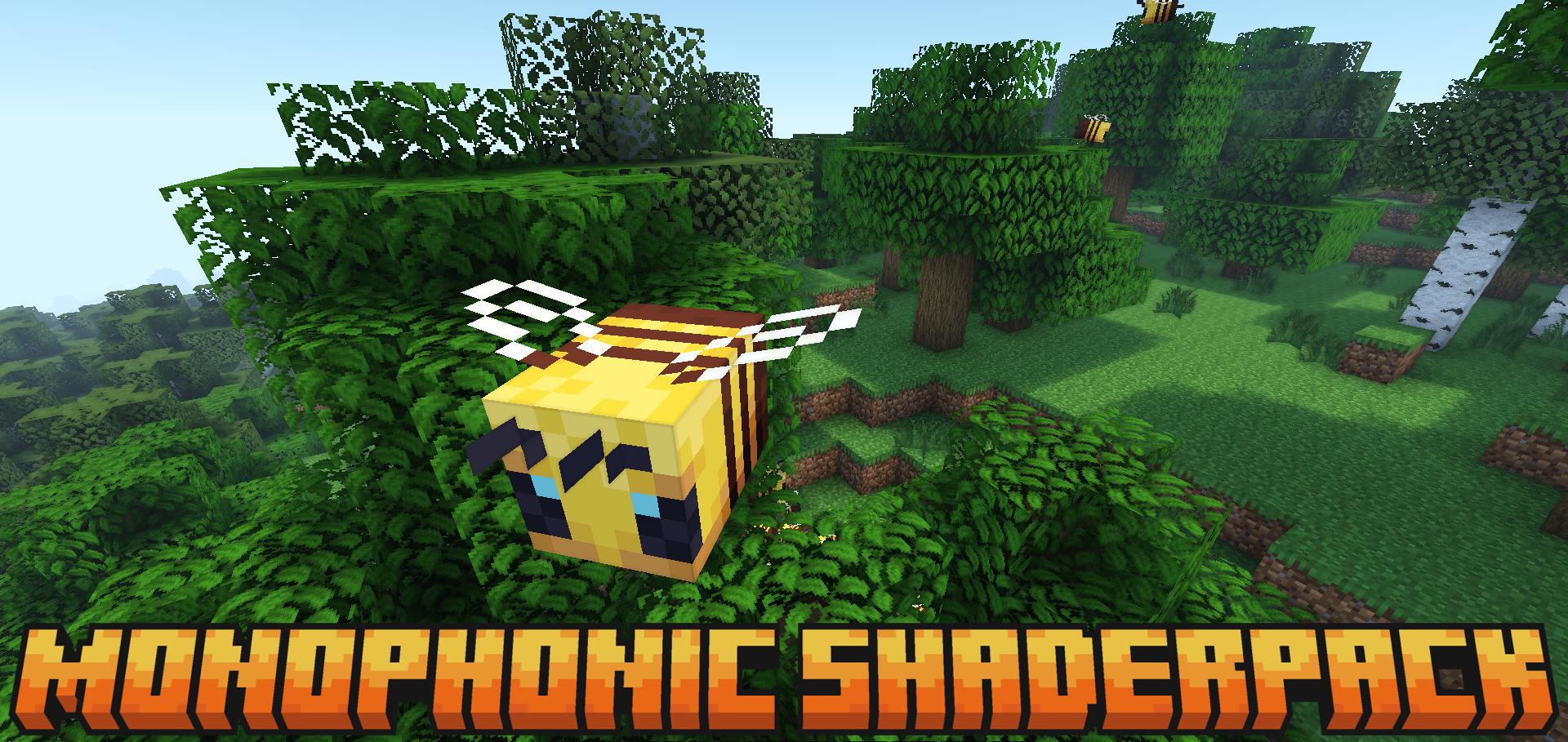
Image control in Monophonic Shaderpack is not reduced to one ready-made style. It has screen-space shadows, swaying foliage, custom fog, and support for standard clouds, but the appearance can be changed through saturation, contrast, and brightness sliders.
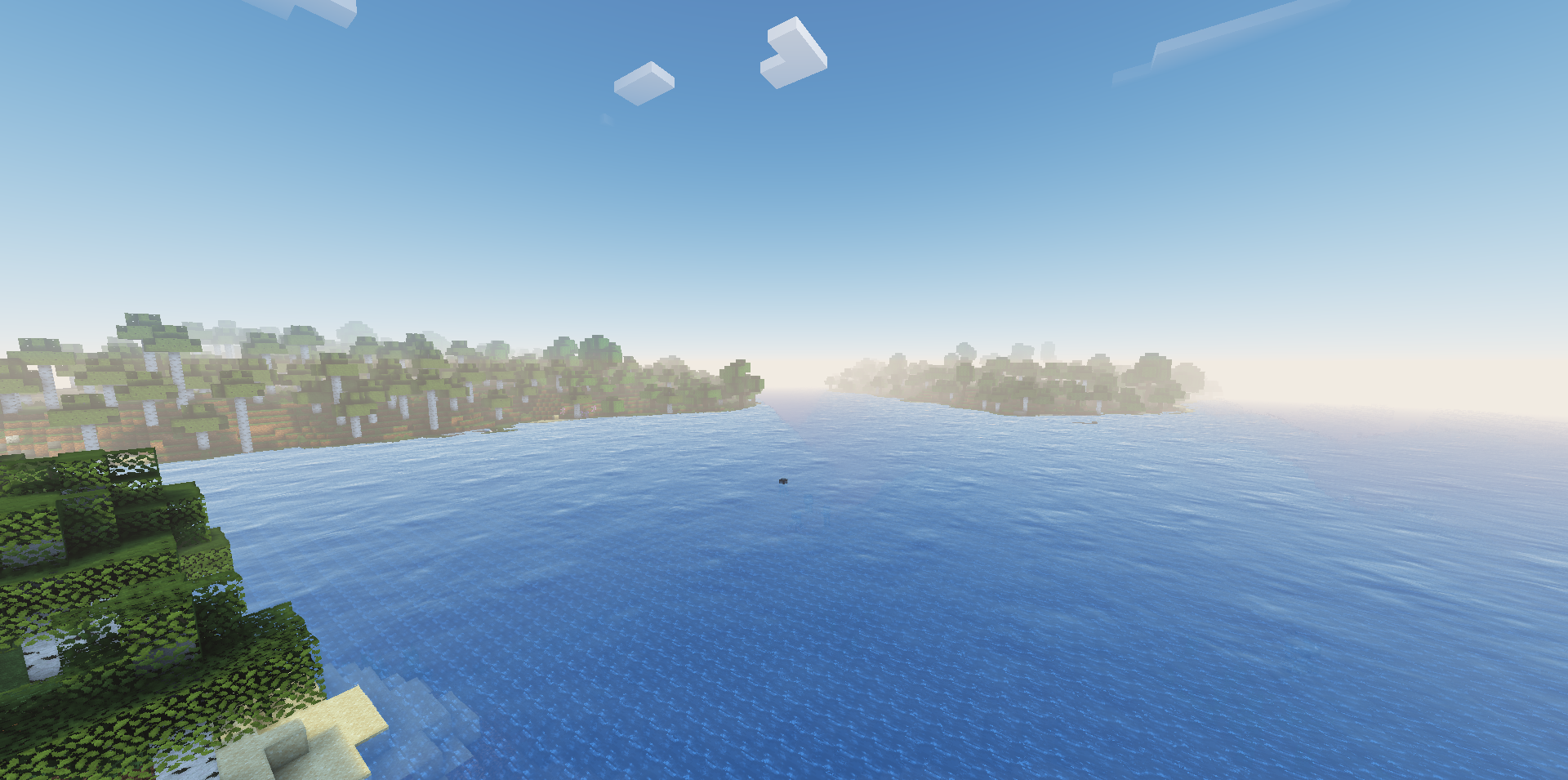
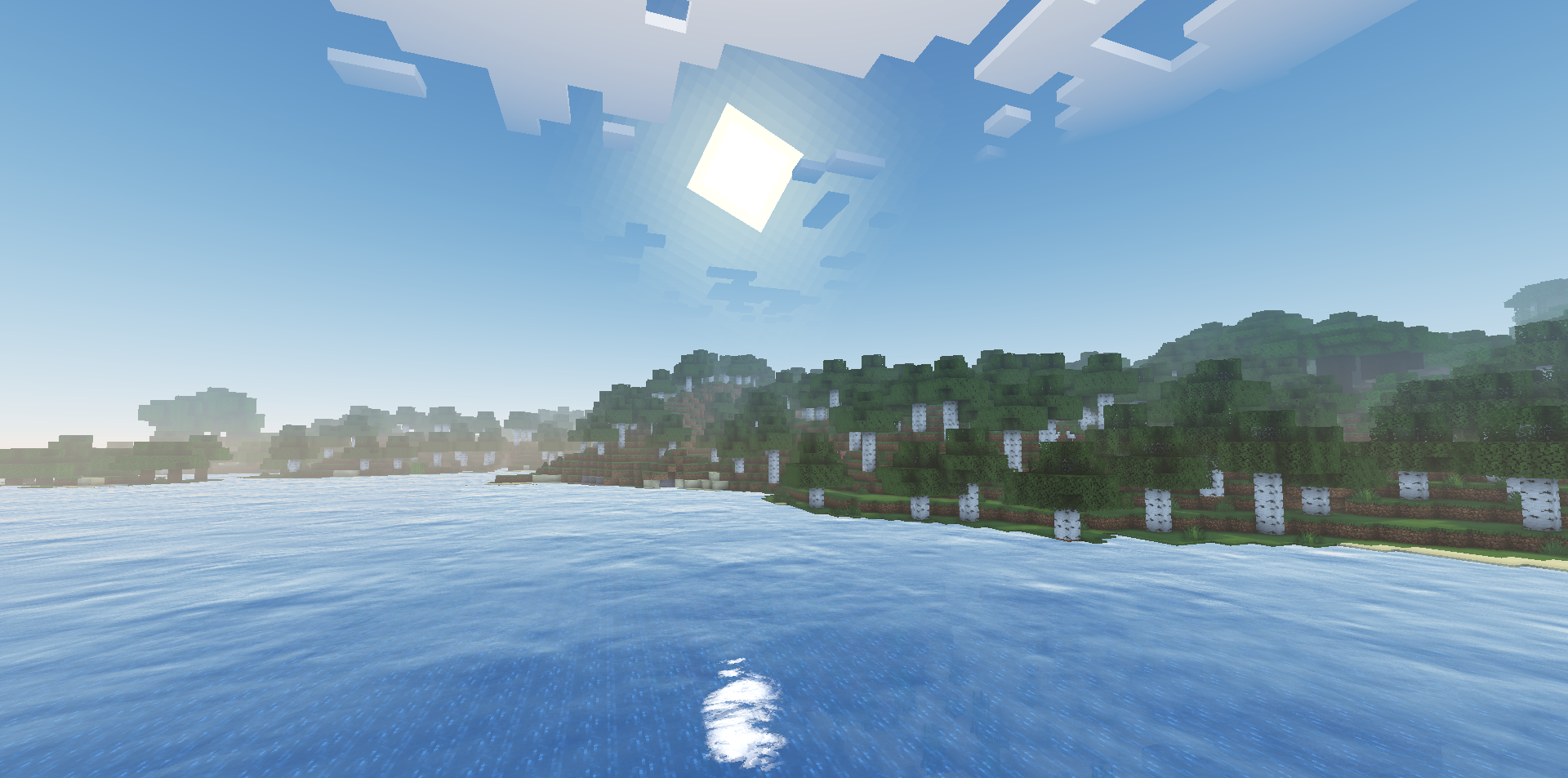
This gives flexible adjustment without complicated menus: the world can be made softer, darker, brighter, or more contrastive for the needed modpack. Support for water normals from a resource pack adds depth to water surfaces if a suitable texture pack is used. The shader gathers a calm visual layer around Minecraft without pulling attention away from the world itself and toward the effects.
How to install a shader:
First step: download the shader package from the link below.
Second step: Unpack the downloaded archive and copy the Monophonic Shaderpack folder to c:\Users\User\AppData\Roaming\.minecraft\shaderpacks\(if this folder does not exist, create it yourself) (For Windows)
Third step: In the game, go to Settings, then to Graphics Settings. Select the "shaders" section and activate the shader pack of your choice.
Comments (0)