



Peak’s Shaders for Minecraft 26.1.2
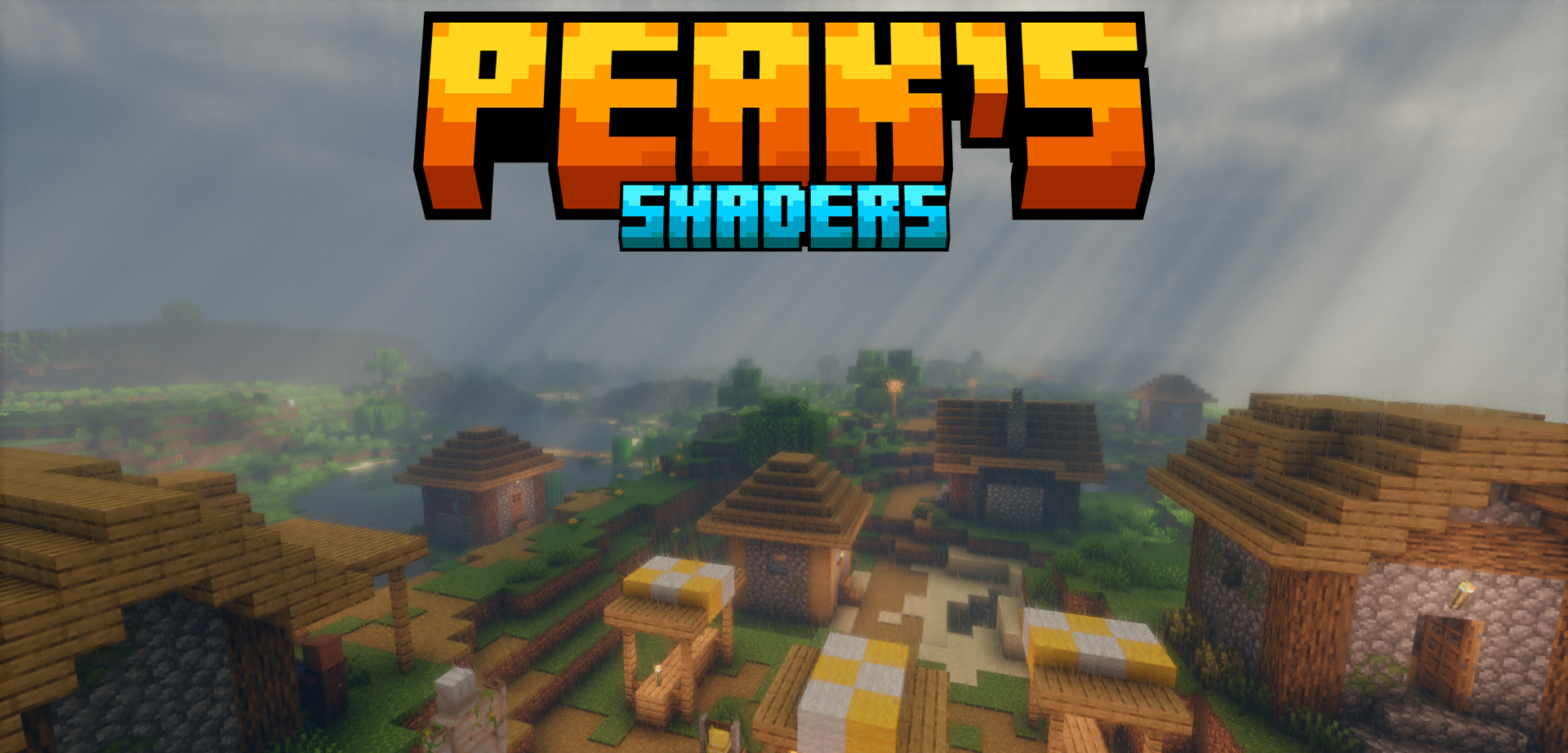
The main idea of Peak’s Shaders is not to replace the visual style of the game, but to carefully emphasize it. The world remains recognizable: blocks, biomes, and buildings keep their familiar vanilla aesthetic, but the lighting, colors, and overall presentation become more expressive. This approach is especially good for players who do not like overly realistic shaders, where Minecraft starts to look like a different game.
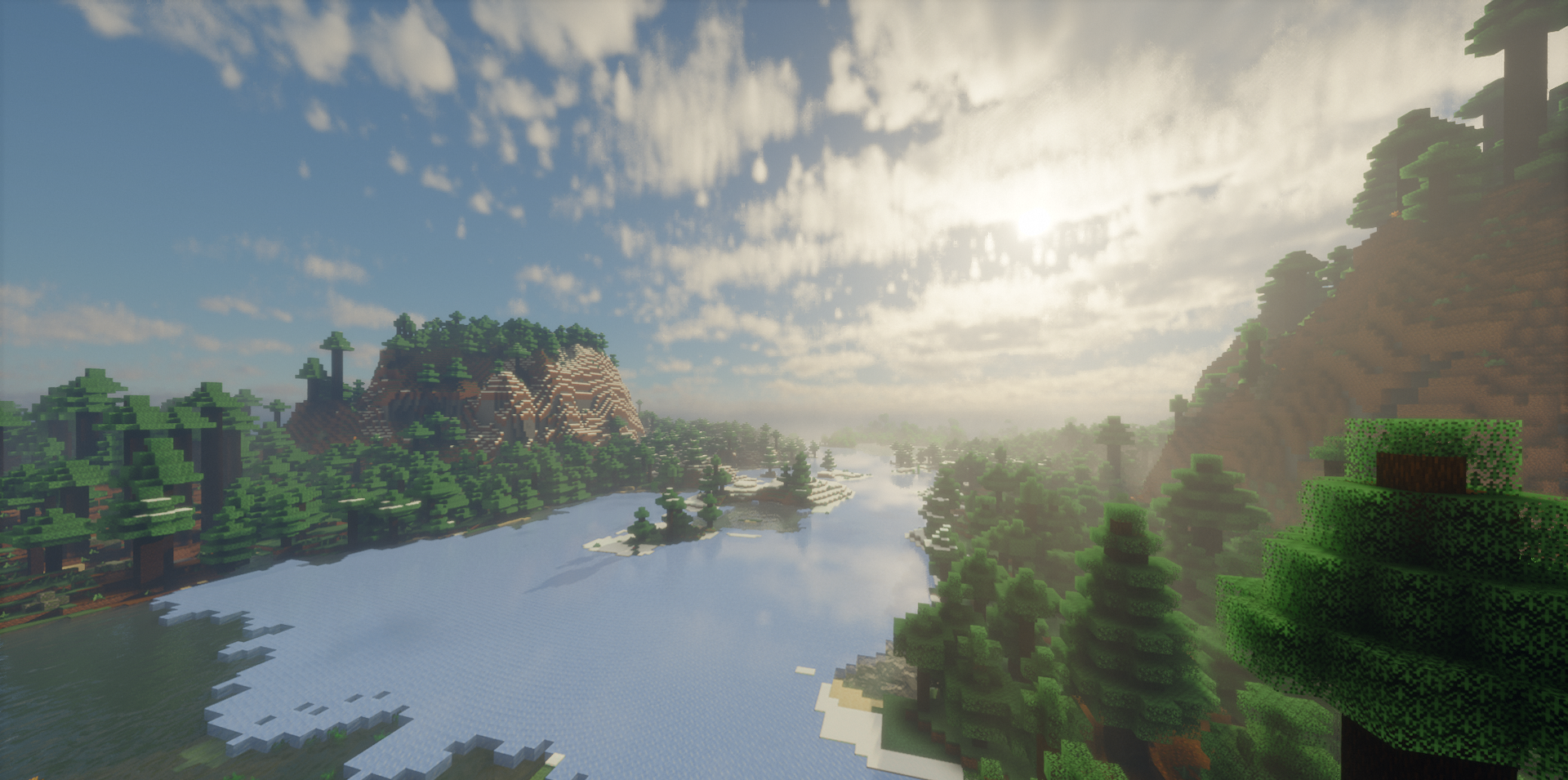
Here the changes feel soft: the picture becomes lighter, more pleasant, and a little deeper, but without being overloaded. The shader pack adds useful visual improvements and at the same time remains a lightweight option for everyday play.
How to install a shader:
First step: download the shader package from the link below.
Second step: Unpack the downloaded archive and copy the Peak’s Shaders folder to c:\Users\User\AppData\Roaming\.minecraft\shaderpacks\(if this folder does not exist, create it yourself) (For Windows)
Third step: In the game, go to Settings, then to Graphics Settings. Select the "shaders" section and activate the shader pack of your choice.
Comments (0)