



Peak’s Shaders for Minecraft 26.1.2
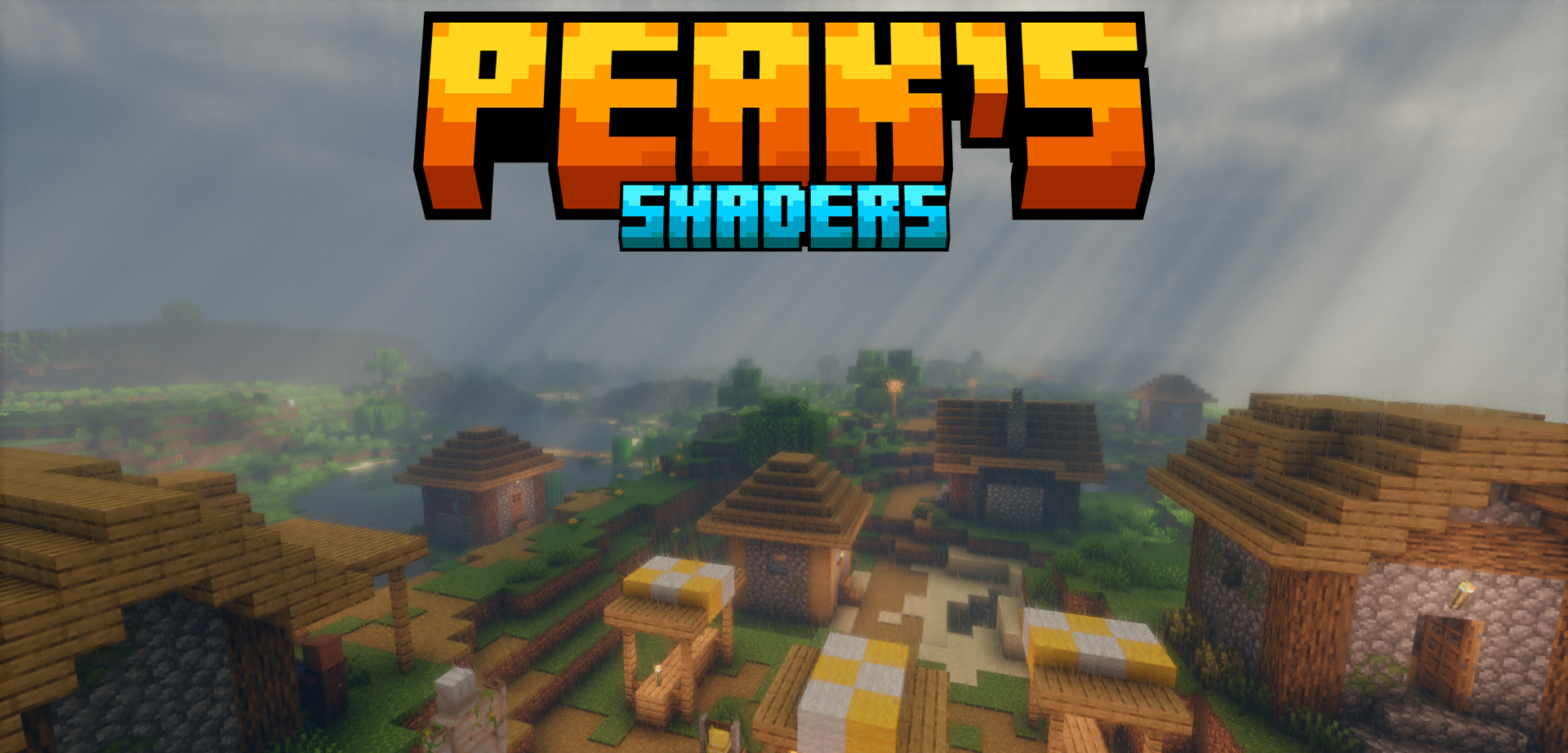
The original look of the game remains recognizable, but Peak’s Shaders adds standard shader improvements and color changes to it. The image becomes slightly richer thanks to light, shadows, and tone adjustment, but the blocks do not lose their simplicity. This approach is valuable because the world does not turn into a realistic scene with a foreign palette: grass, stone, wood, and buildings remain vanilla in spirit.
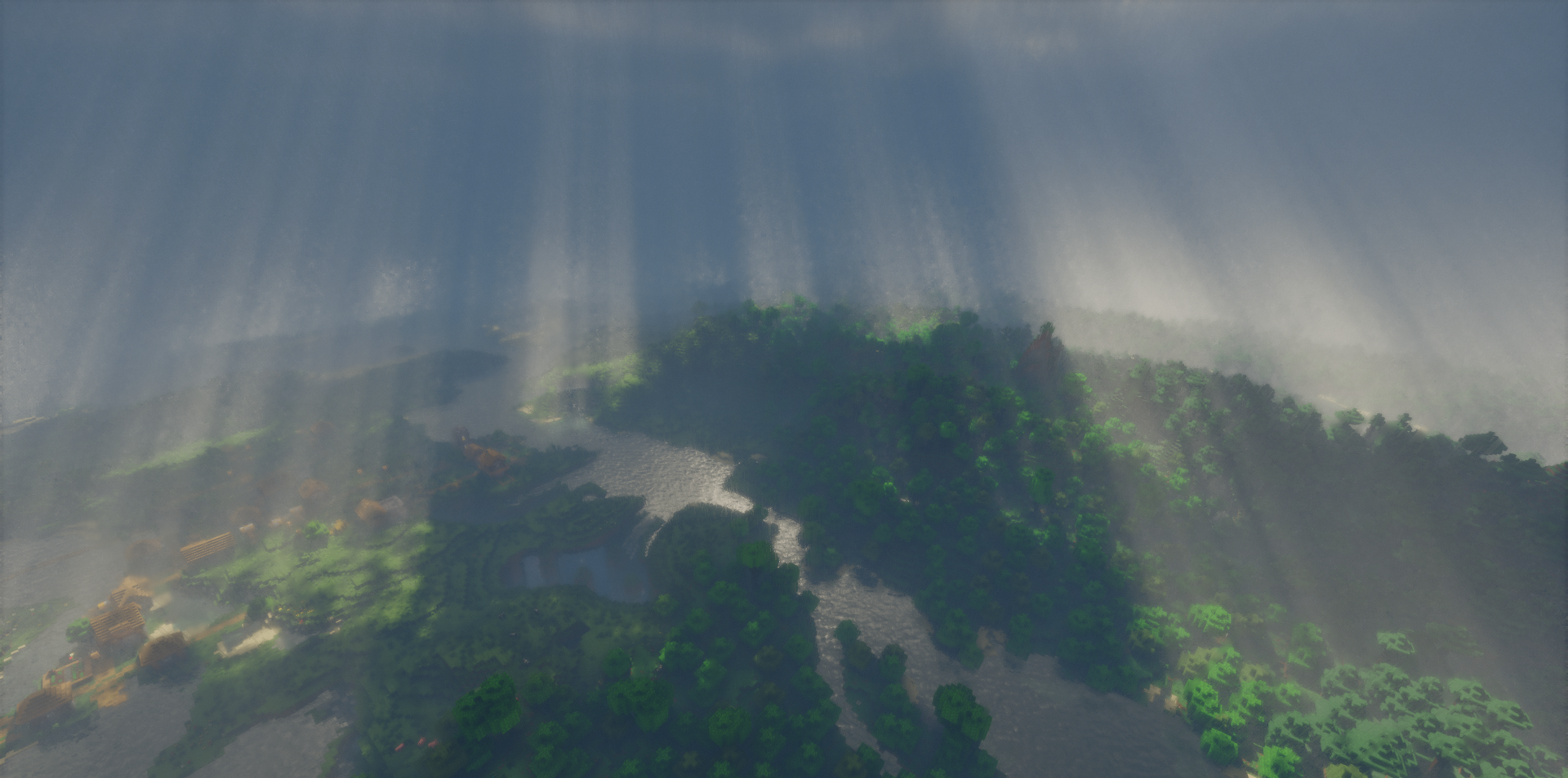
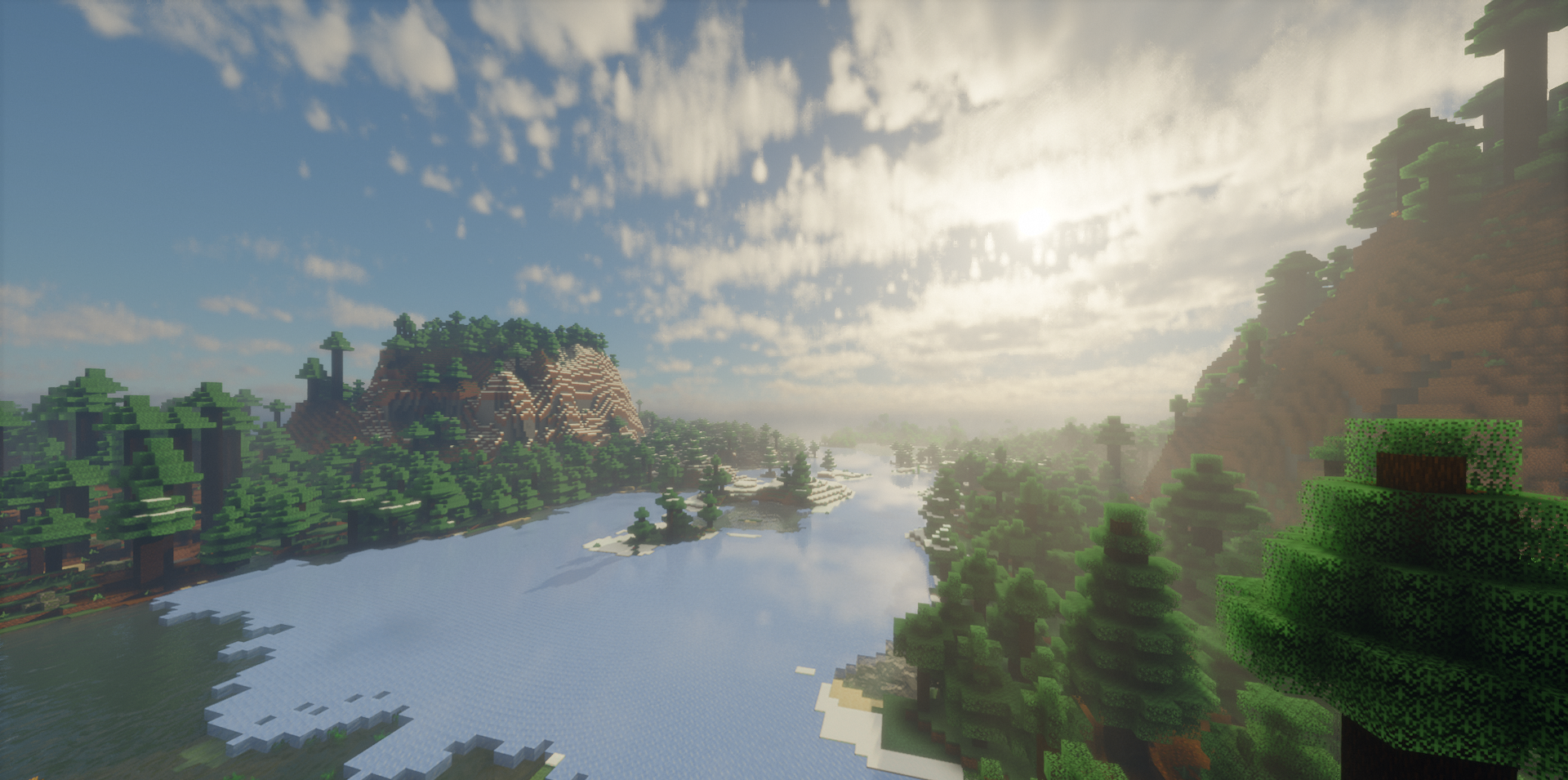
The improvements work as a layer over the base, not as a complete rework. The shader pack makes the visuals neater in everyday scenes — while walking, building, exploring biomes, and changing the time of day. The main idea here is a balance between the familiar Minecraft image and more expressive processing.
How to install a shader:
First step: download the shader package from the link below.
Second step: Unpack the downloaded archive and copy the Peak’s Shaders folder to c:\Users\User\AppData\Roaming\.minecraft\shaderpacks\(if this folder does not exist, create it yourself) (For Windows)
Third step: In the game, go to Settings, then to Graphics Settings. Select the "shaders" section and activate the shader pack of your choice.
Comments (0)