



Potato Shaders for Minecraft 26.1.2
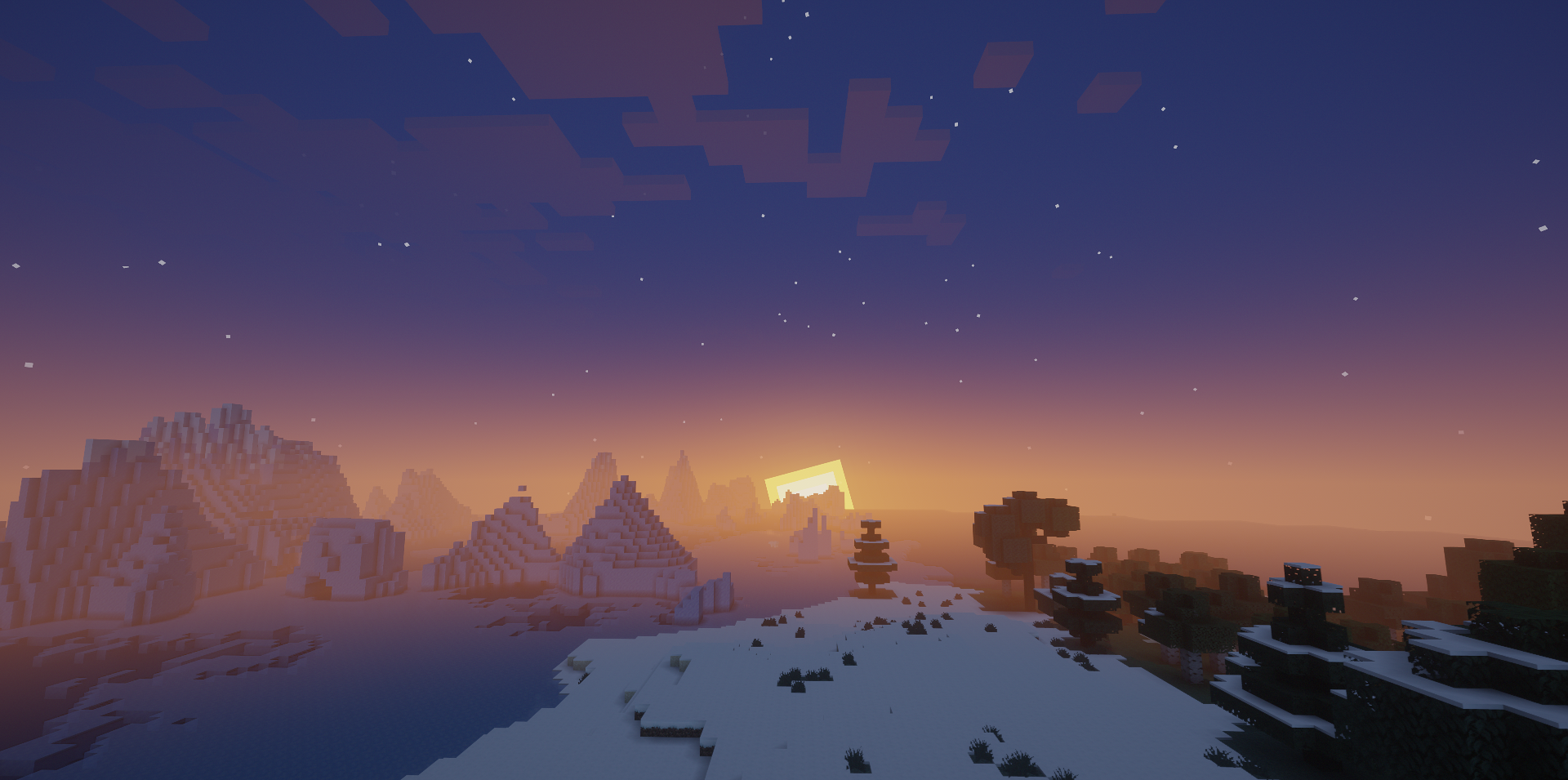
Potato Shaders is an excellent choice for those who play on a weak PC but still want to make Minecraft more pleasant visually. This shader does not try to impress with complex shadows or heavy effects, but works differently: it carefully improves the overall picture while keeping smoothness and stable FPS. Thanks to this, the world becomes slightly lighter, cleaner, and softer, but does not lose its familiar vanilla character.
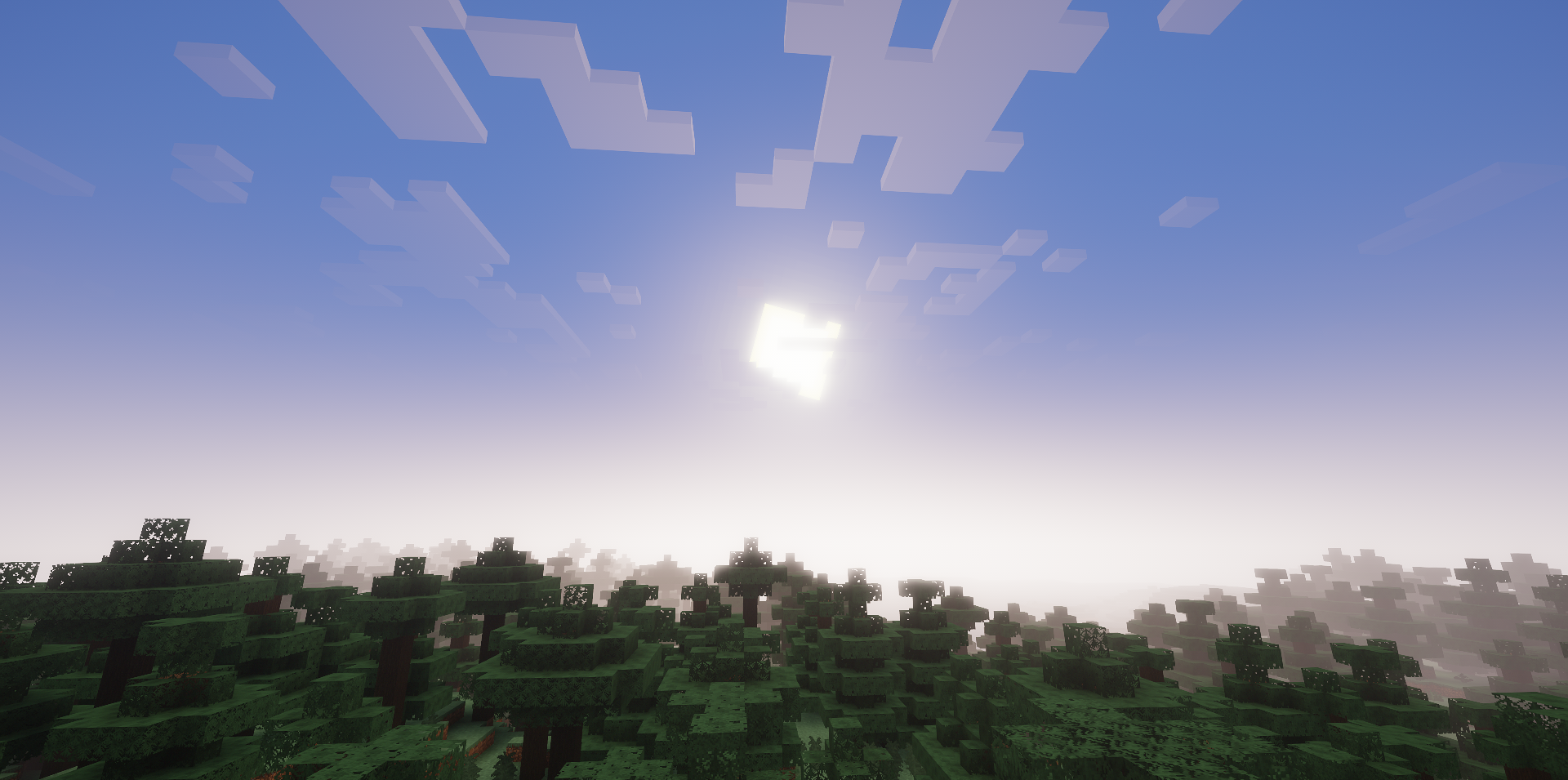
The settings can be changed directly in the game, choosing a balance between appearance and performance. This is a practical shader without unnecessary load, which makes the game more beautiful exactly as much as needed for pleasant everyday gameplay.
How to install a shader:
First step: download the shader package from the link below.
Second step: Unpack the downloaded archive and copy the Potato Shaders folder to c:\Users\User\AppData\Roaming\.minecraft\shaderpacks\(if this folder does not exist, create it yourself) (For Windows)
Third step: In the game, go to Settings, then to Graphics Settings. Select the "shaders" section and activate the shader pack of your choice.
Comments (0)