



Prismarine Shaders for Minecraft 26.1.2
Minecraft with a beautiful sky, soft light, and expressive water is immediately perceived differently, and Prismarine Shaders focuses exactly on such a rich but not overly heavy picture. This shader adds a cinematic quality to the world: volumetric clouds, atmospheric fog, smoke in dimensions, and decorative sky elements create the feeling of a more living space.
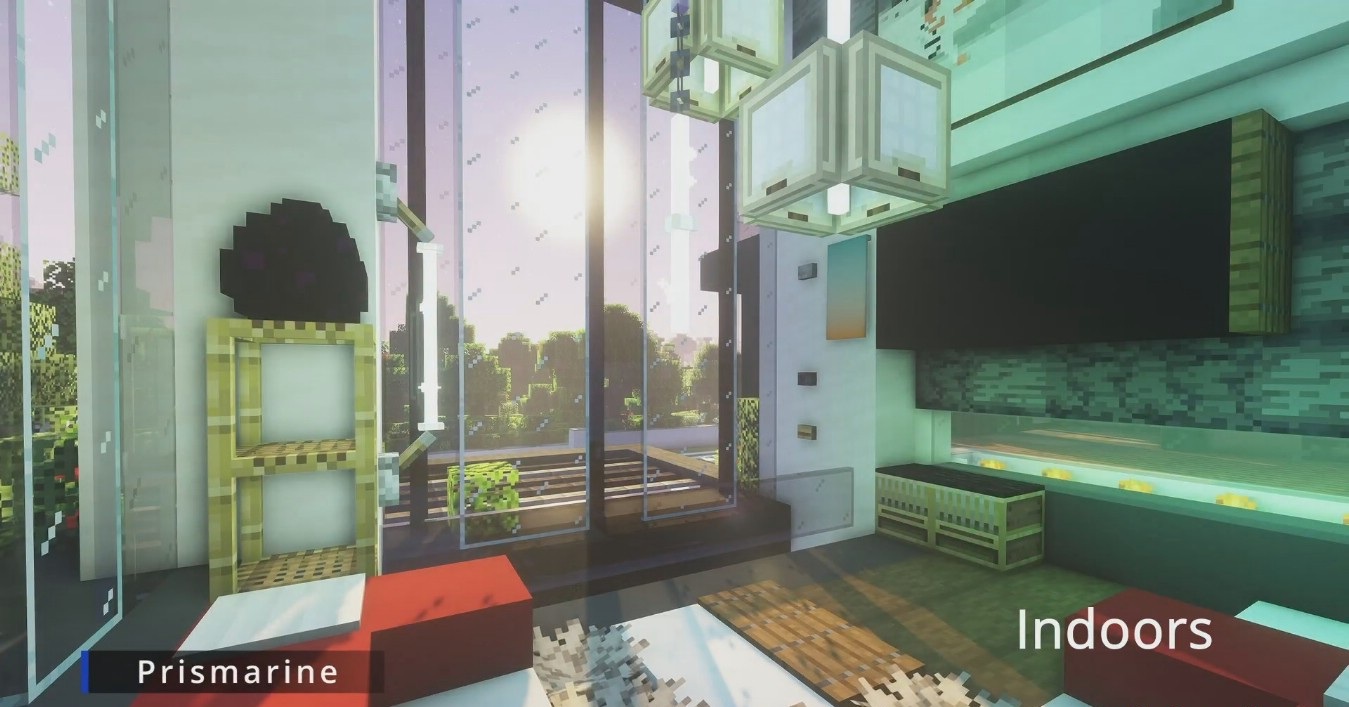
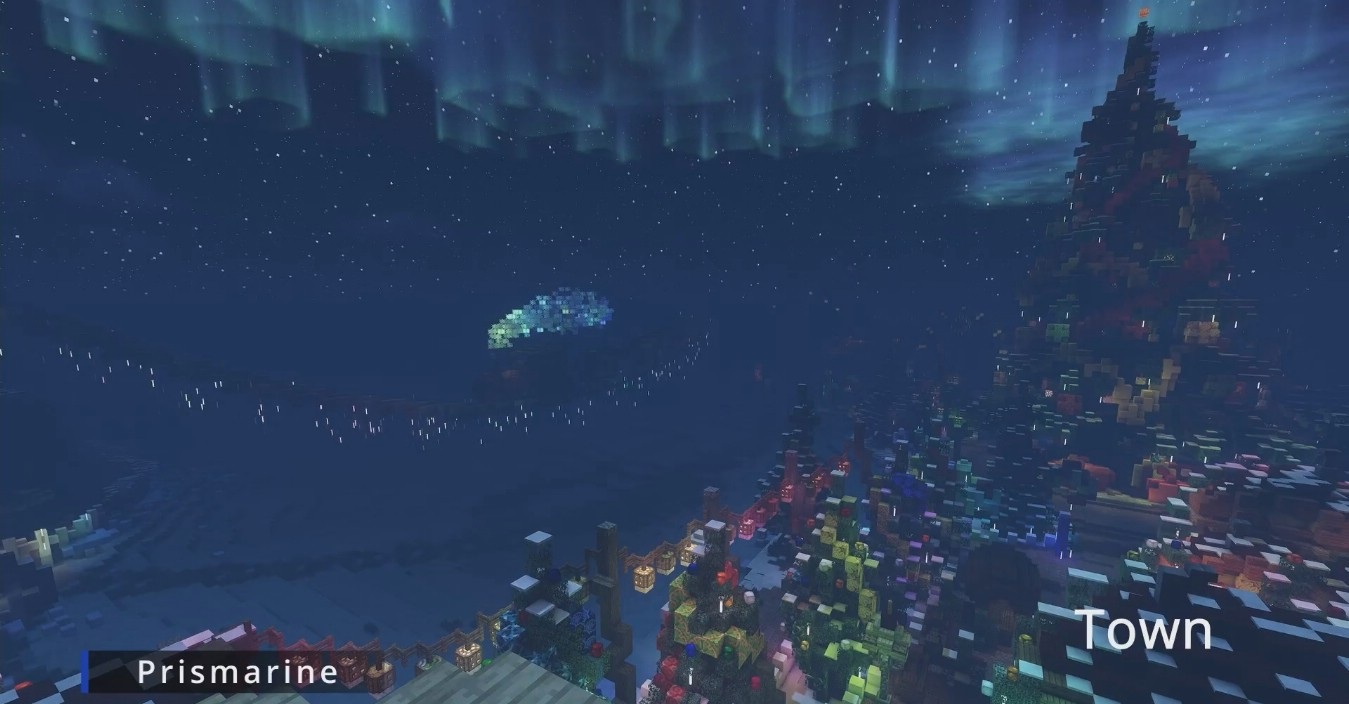
At night, stars, nebulae, and auroras look good, while the water gets refraction, caustics, and underwater light rays. For lovers of impressive graphics, there are more advanced lighting settings, but they can be left turned off for the sake of stable performance.
How to install a shader:
First step: download the shader package from the link below.
Second step: Unpack the downloaded archive and copy the Prismarine Shaders folder to c:\Users\User\AppData\Roaming\.minecraft\shaderpacks\(if this folder does not exist, create it yourself) (For Windows)
Third step: In the game, go to Settings, then to Graphics Settings. Select the "shaders" section and activate the shader pack of your choice.
Comments (0)