



Prismarine Shaders for Minecraft 26.1.2
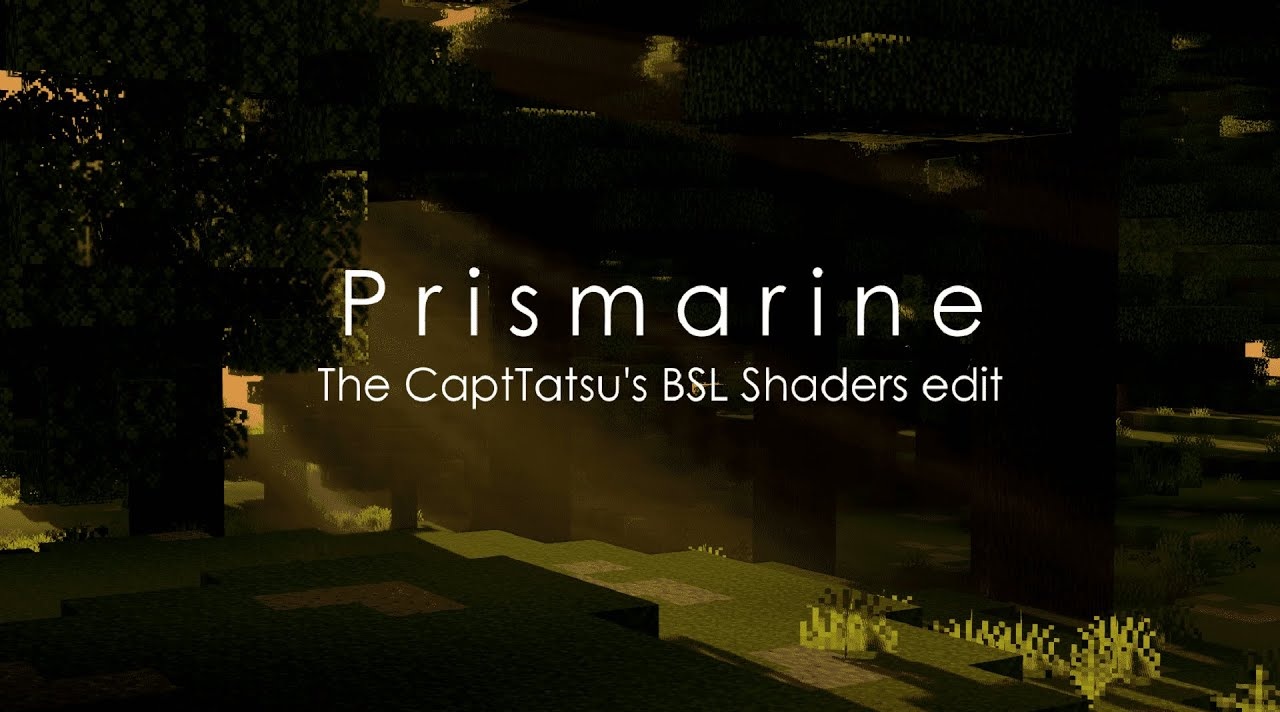
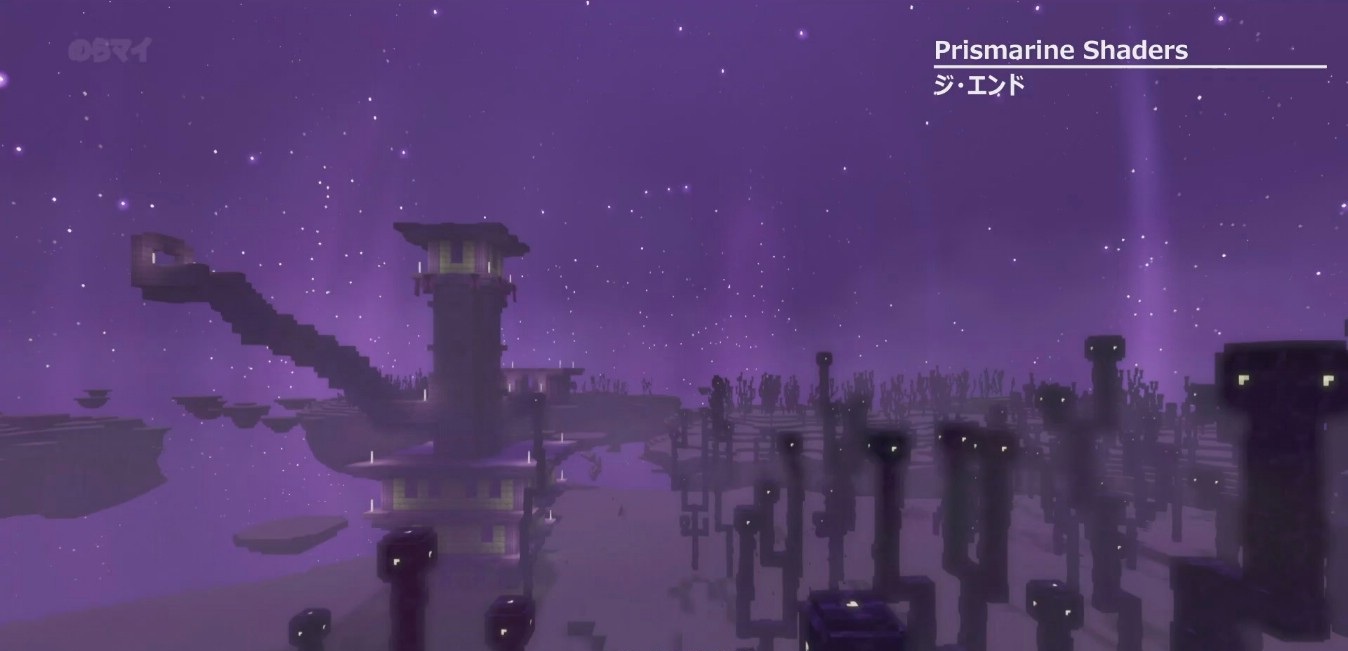
Prismarine Shaders clearly focuses on a beautiful image with restrained load. The shader pack reworks volumetric effects: clouds, fog, and the smoke of the Nether and the End become denser and more spectacular. The sky receives its own details: nebulae, polar lights, flat clouds, stars, and moon smoke.
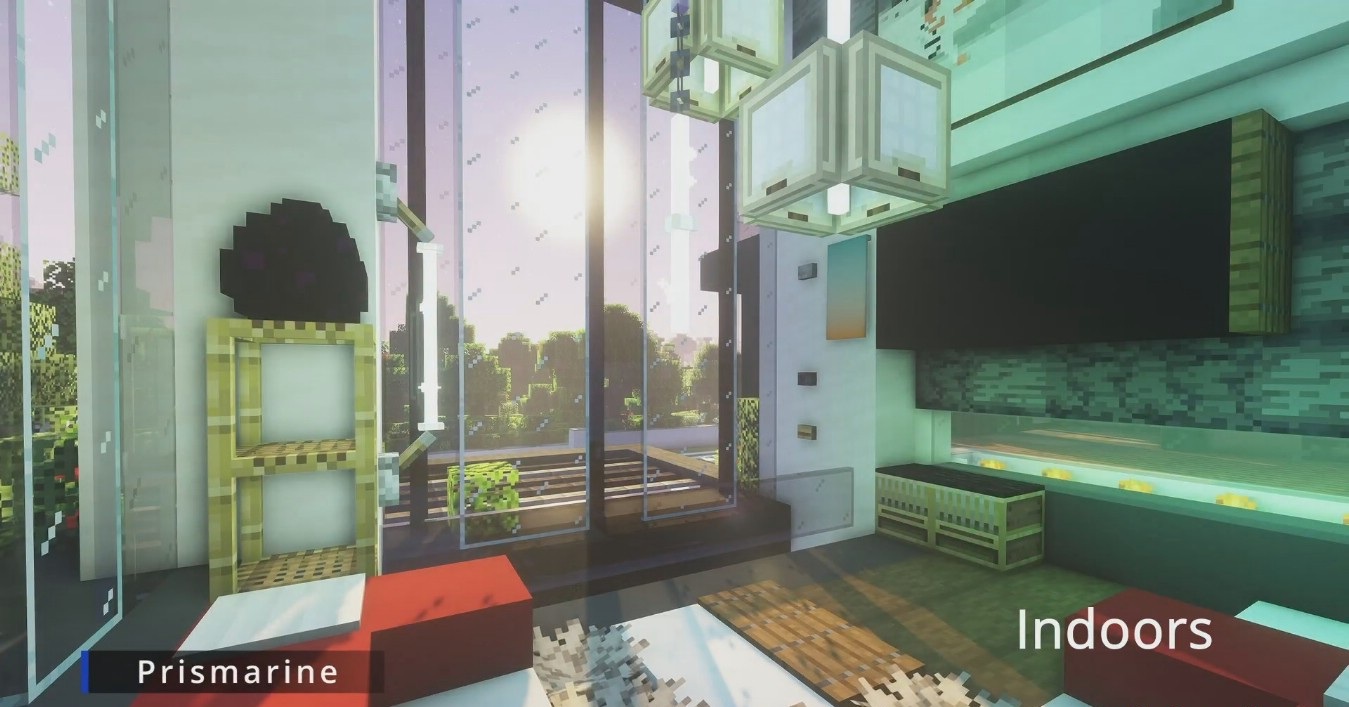
Water looks more complex thanks to refraction, caustics, absorption, and light scattering, while light rays appear under the surface. For more powerful systems, screen-space tracing and global illumination are available, but these functions are disabled by default because of the load. There are also built-in glowing textures and cinematic effects such as depth of field, bloom, and blur.
How to install a shader:
First step: download the shader package from the link below.
Second step: Unpack the downloaded archive and copy the Prismarine Shaders folder to c:\Users\User\AppData\Roaming\.minecraft\shaderpacks\(if this folder does not exist, create it yourself) (For Windows)
Third step: In the game, go to Settings, then to Graphics Settings. Select the "shaders" section and activate the shader pack of your choice.
Comments (0)