



PureCraft Shaders for Minecraft 26.1.2
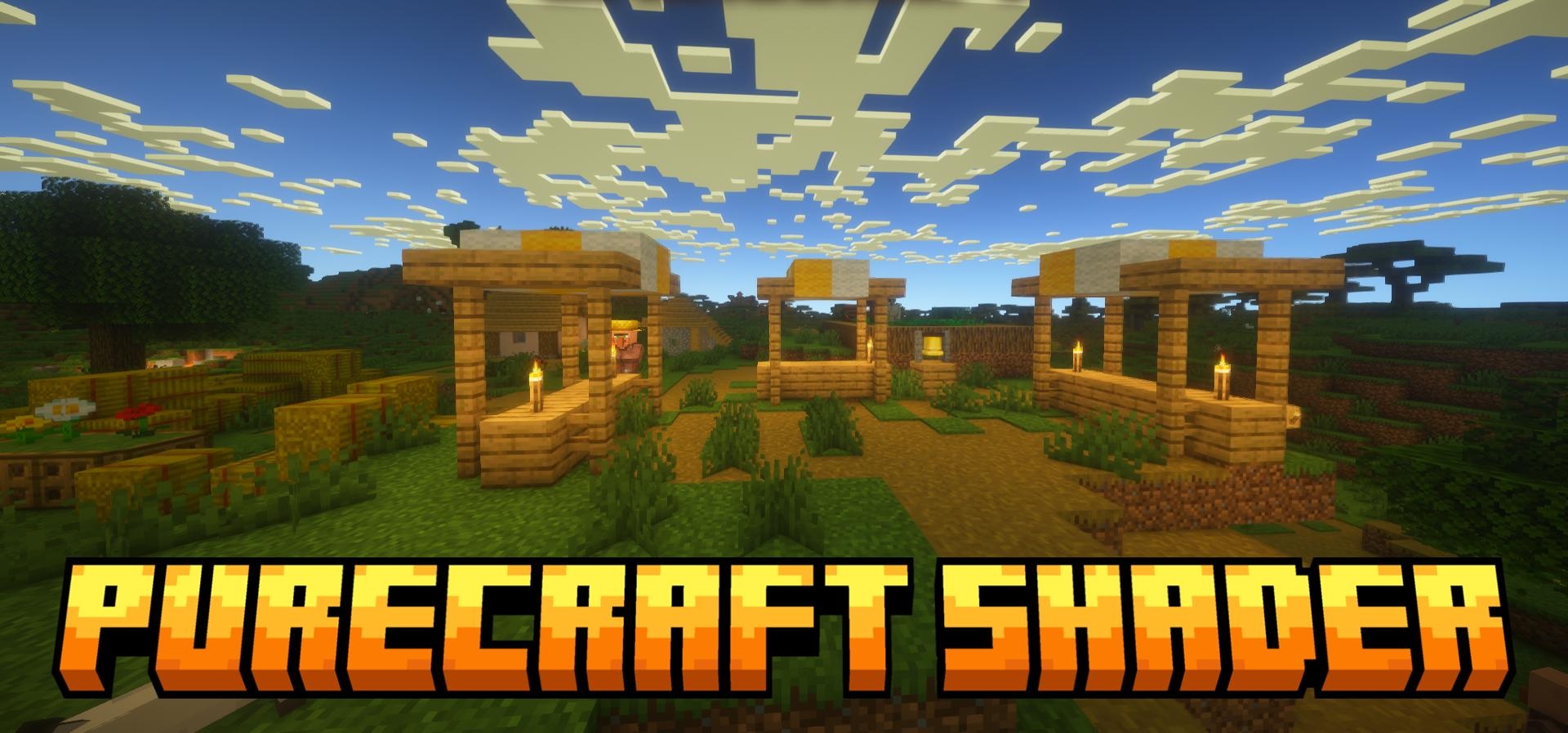
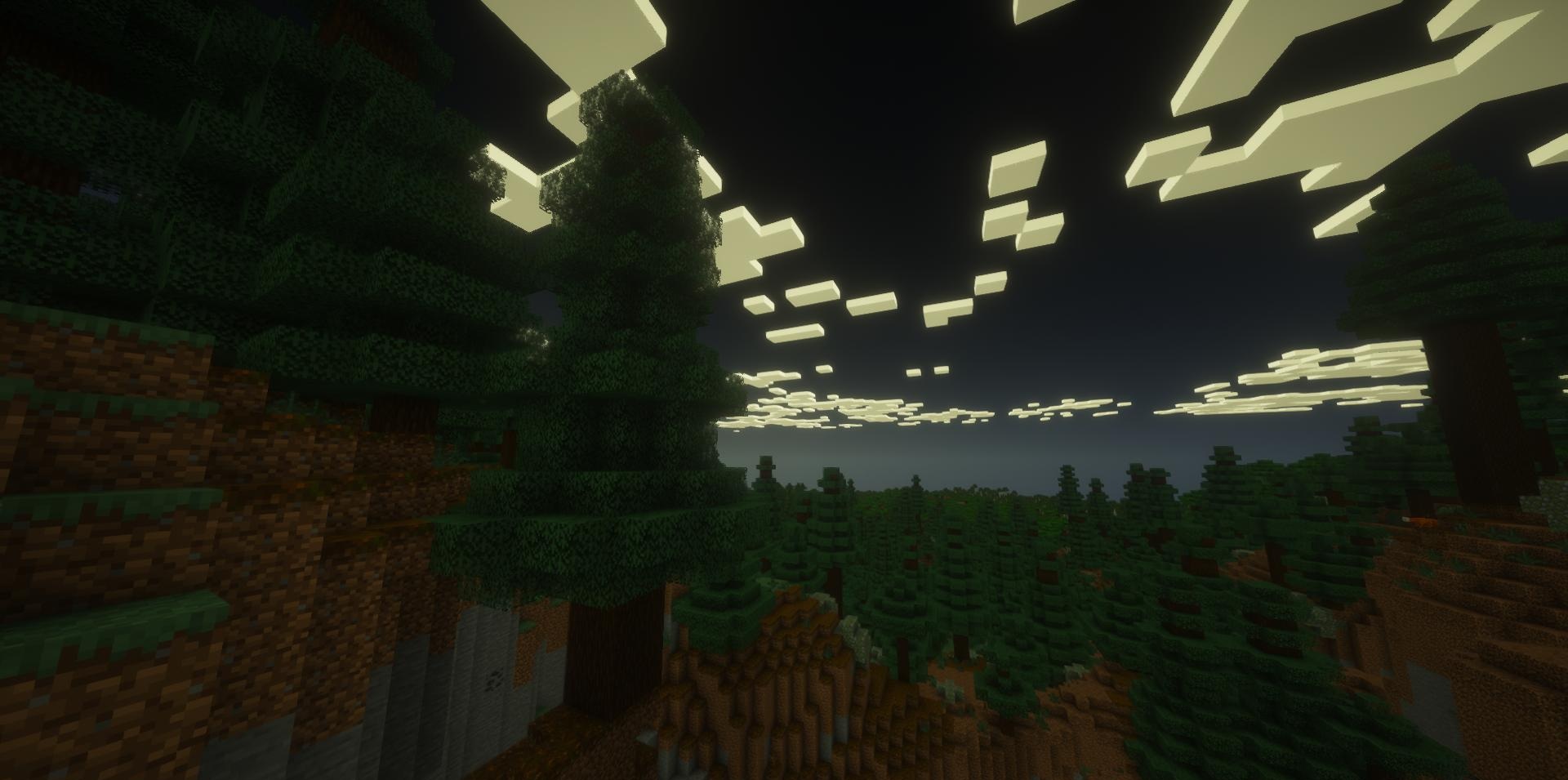
PureCraft Shaders will suit those who do not want to radically change Minecraft, but are simply looking for a cleaner, more pleasant, and neater picture. The main feature of this shader is its respect for the classic style of the game: blocks remain recognizable, the world does not lose its familiar atmosphere, but the lighting, sky, and weather become noticeably better.
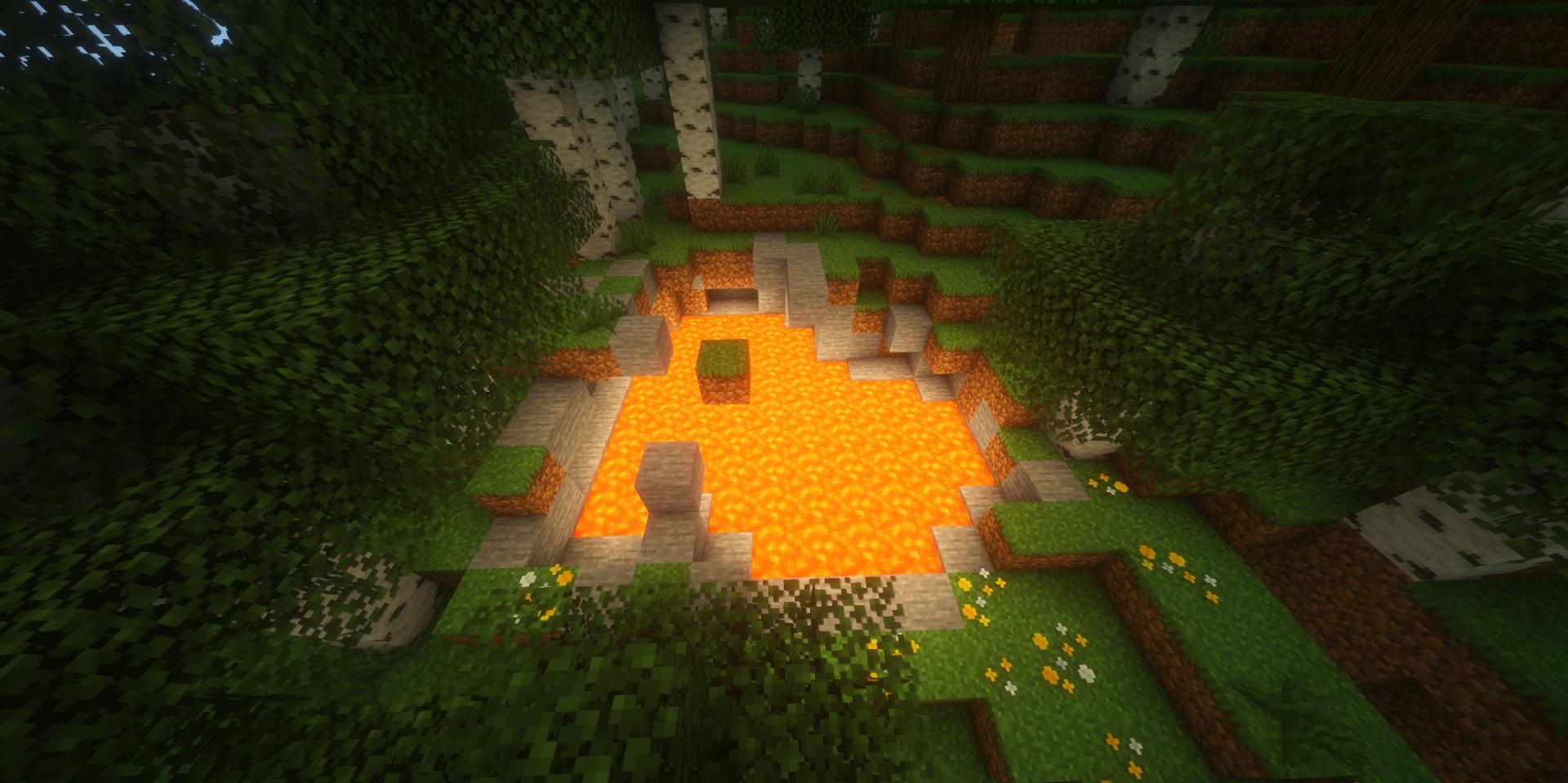
Sunrises and sunsets look softer, clouds get a natural white shade, and rain looks calmer and more realistic. Thanks to anti-aliasing, the edges of blocks and items look cleaner, without unnecessary stair-stepping, which is especially noticeable during building and when viewing from a distance.
How to install a shader:
First step: download the shader package from the link below.
Second step: Unpack the downloaded archive and copy the PureCraft Shaders folder to c:\Users\User\AppData\Roaming\.minecraft\shaderpacks\(if this folder does not exist, create it yourself) (For Windows)
Third step: In the game, go to Settings, then to Graphics Settings. Select the "shaders" section and activate the shader pack of your choice.
Comments (0)