



Revelation Shaders for Minecraft 26.1.2
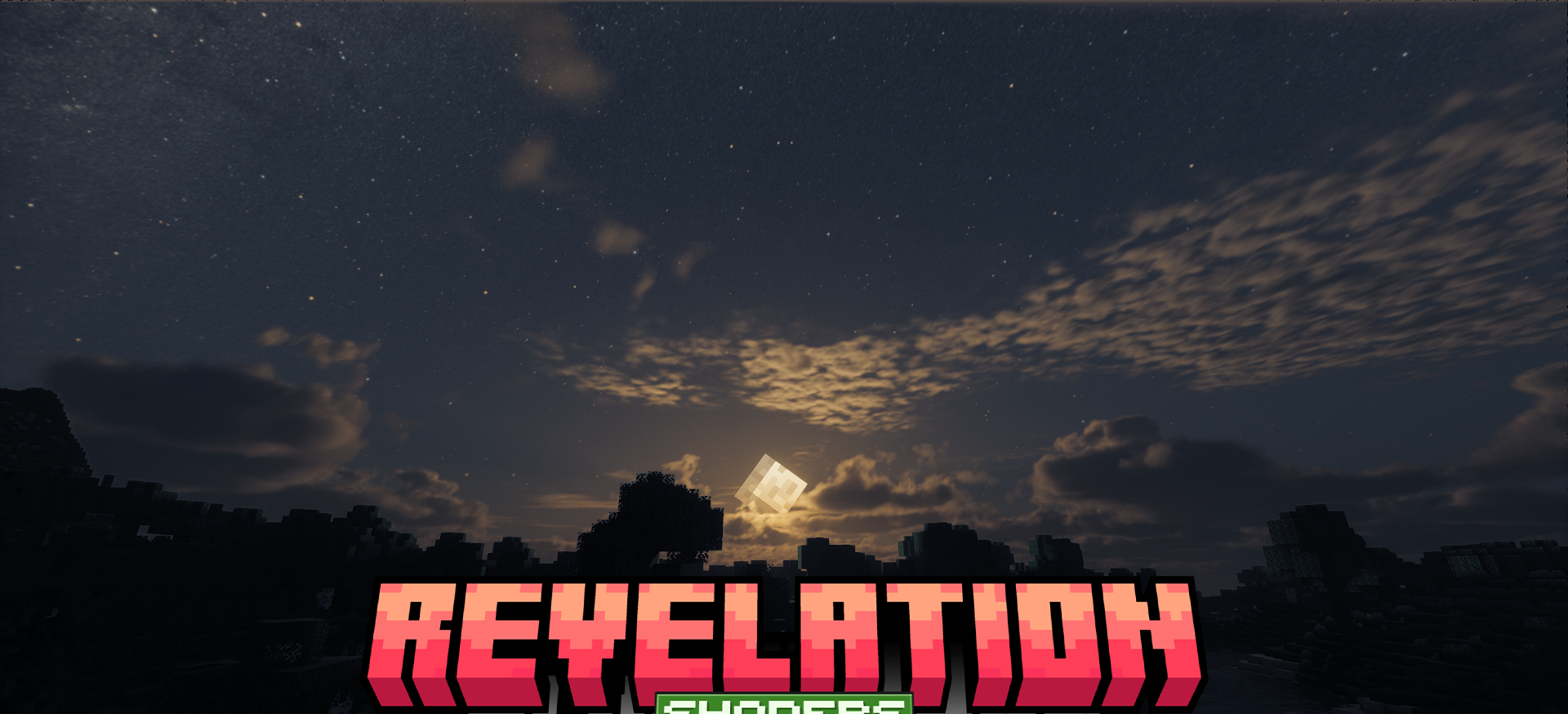
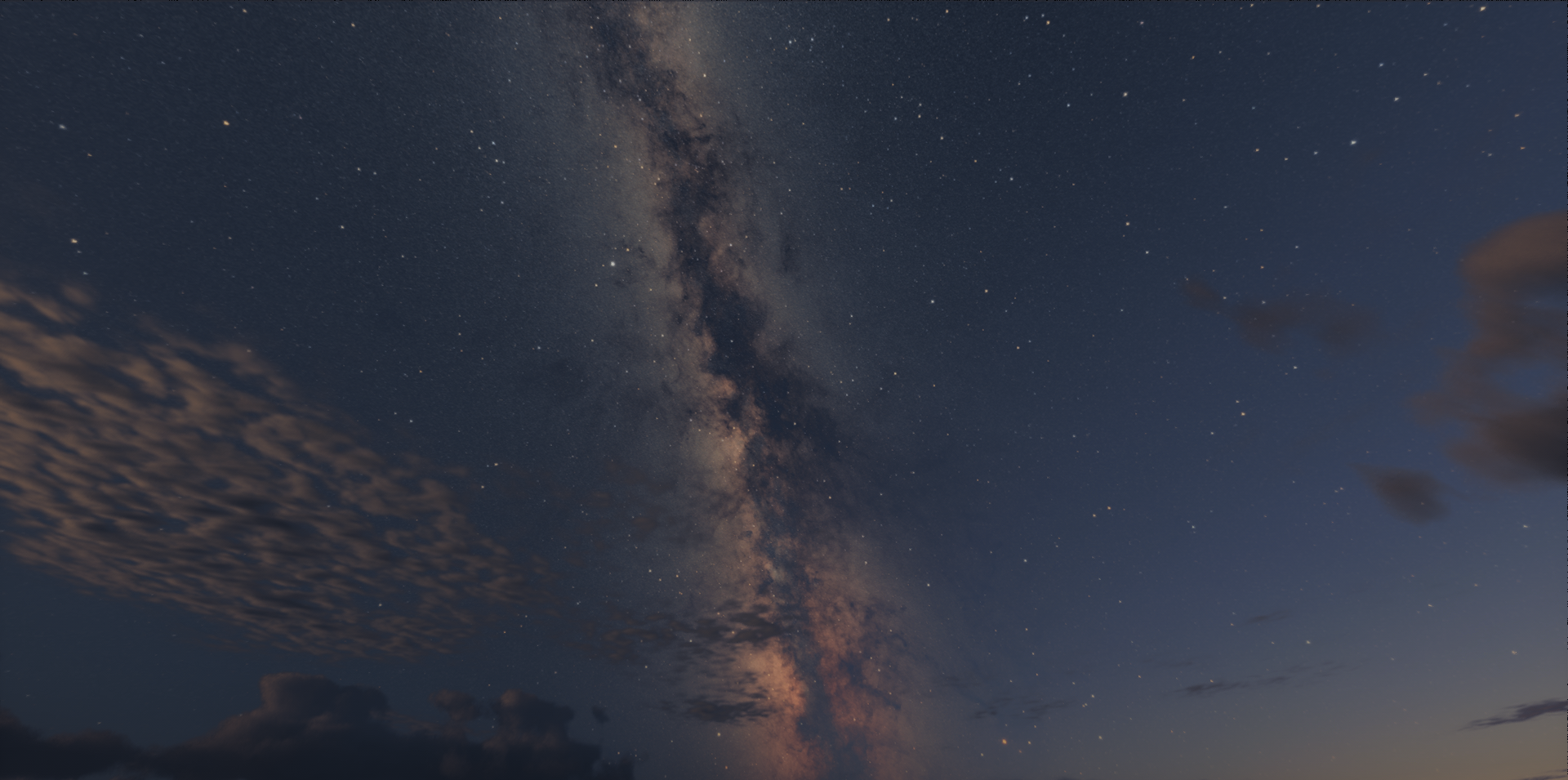
Revelation Shaders is aimed at players who need quality graphics without a strong hit to frame rate. Instead of simply adding as many effects as possible, this shader tries to work more intelligently: it uses realistic processing of materials and lighting, but keeps a balance between beauty and performance. In the game, this feels like a cleaner, deeper, and more cohesive picture.
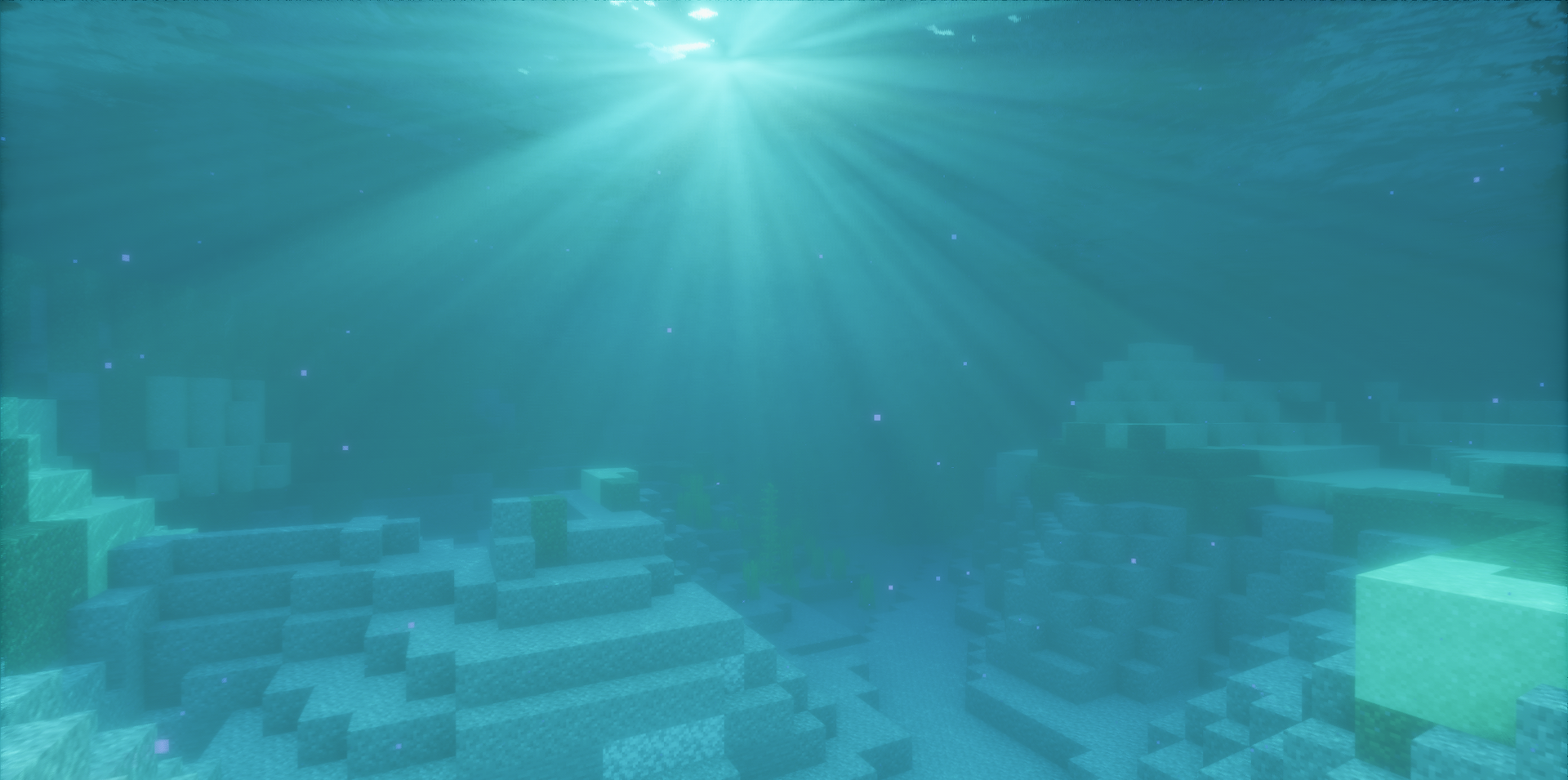
Light becomes more expressive, surfaces look more natural, and the environment gets extra volume without excessive fanciness. This is a calm, balanced option for those who want modern visuals without unnecessary heaviness.
How to install a shader:
First step: download the shader package from the link below.
Second step: Unpack the downloaded archive and copy the Revelation Shaders folder to c:\Users\User\AppData\Roaming\.minecraft\shaderpacks\(if this folder does not exist, create it yourself) (For Windows)
Third step: In the game, go to Settings, then to Graphics Settings. Select the "shaders" section and activate the shader pack of your choice.
Comments (14)