



SI Spectre Shaders for Minecraft 26.1.2
SI Spectre Shaders takes Minecraft in a darker direction. Overall brightness is reduced, colors become muted, and shadows get high contrast. Fog covers distant views more densely, the sky looks faded, and the weather feels more oppressive than in the standard game. This style changes even familiar places: forests seem more disturbing, caves deeper, and abandoned buildings more dangerous.
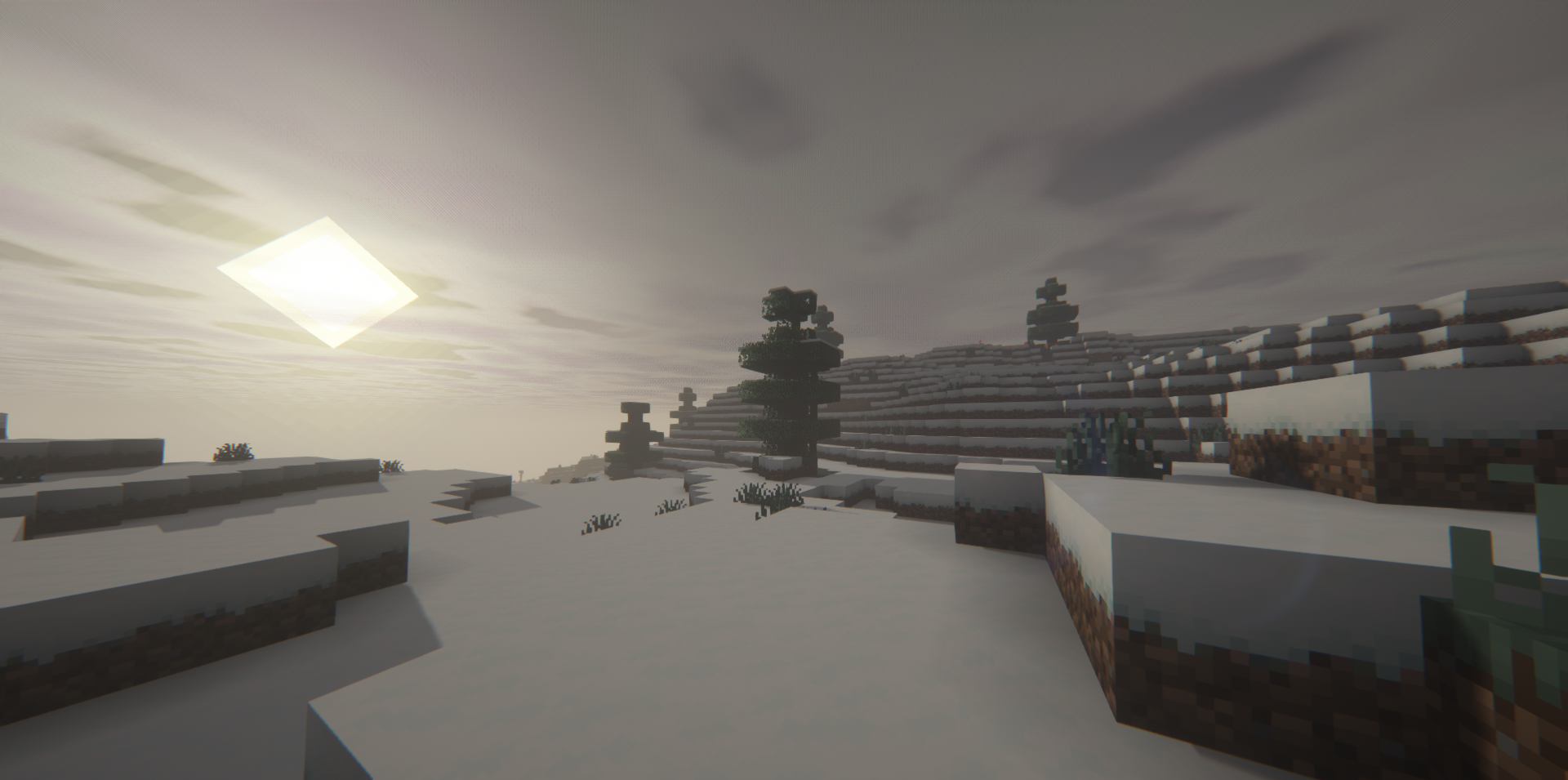
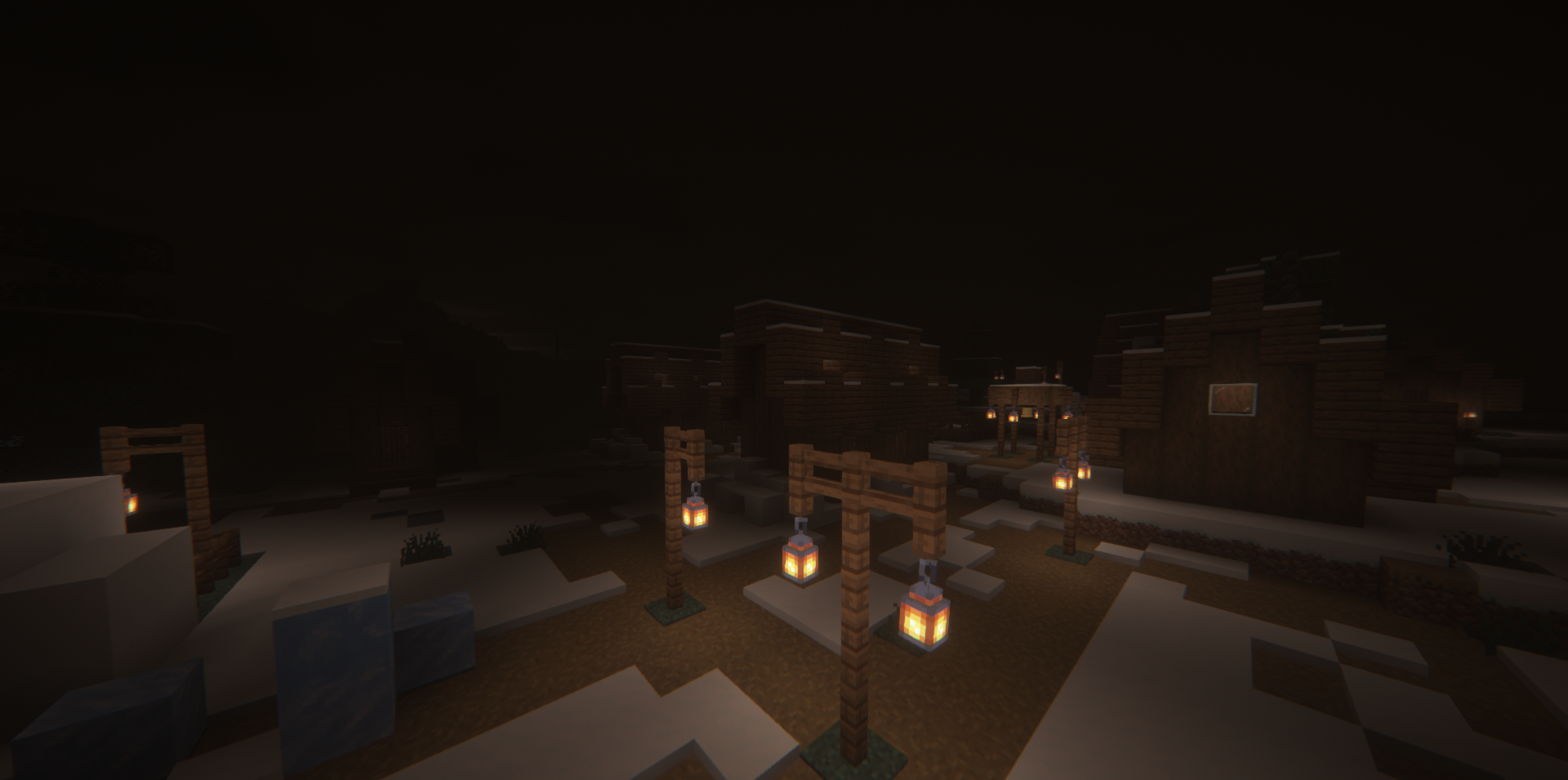
The shader pack works not through bright decorations, but through a lack of light, a cold palette, and a feeling of emptiness. Dynamic lighting emphasizes the difference between the safe area near a torch and the darkness around it. The atmosphere is closer to horror, survival after a catastrophe, and tense story maps.
How to install a shader:
First step: download the shader package from the link below.
Second step: Unpack the downloaded archive and copy the SI Spectre Shaders folder to c:\Users\User\AppData\Roaming\.minecraft\shaderpacks\(if this folder does not exist, create it yourself) (For Windows)
Third step: In the game, go to Settings, then to Graphics Settings. Select the "shaders" section and activate the shader pack of your choice.
Comments (0)