



Silly Wanker Shader for Minecraft 26.1.2

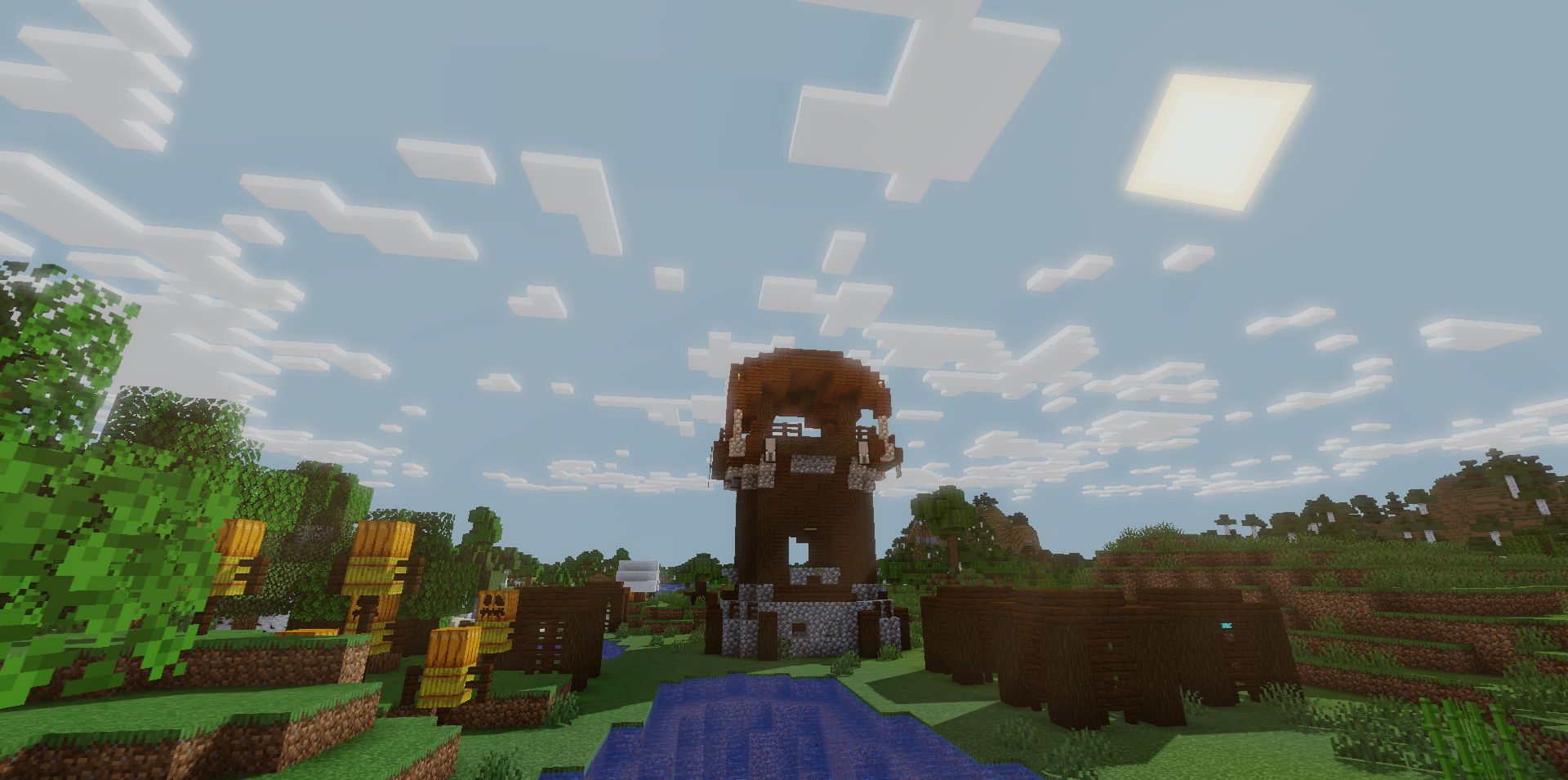
Not every shader has to turn the game into photorealism. Silly Wanker Shader Shaders keeps the standard base and adds a set of visual improvements on top of it: color work, typical shader effects, and small unique details. Thanks to this, the world looks fresher but does not lose its cubic simplicity.

Color correction helps scenes feel more alive, while lighting changes add depth without putting strong pressure on the style. This shader pack does not try to argue with the vanilla aesthetic; it rather pushes it forward, leaving familiar shapes, materials, and mood. As a result, the game gets an updated look without the feeling that you are looking at a completely different project.
How to install a shader:
First step: download the shader package from the link below.
Second step: Unpack the downloaded archive and copy the Silly Wanker Shader folder to c:\Users\User\AppData\Roaming\.minecraft\shaderpacks\(if this folder does not exist, create it yourself) (For Windows)
Third step: In the game, go to Settings, then to Graphics Settings. Select the "shaders" section and activate the shader pack of your choice.
Comments (0)