



Simple Grayscale Shaders for Minecraft 26.1.2
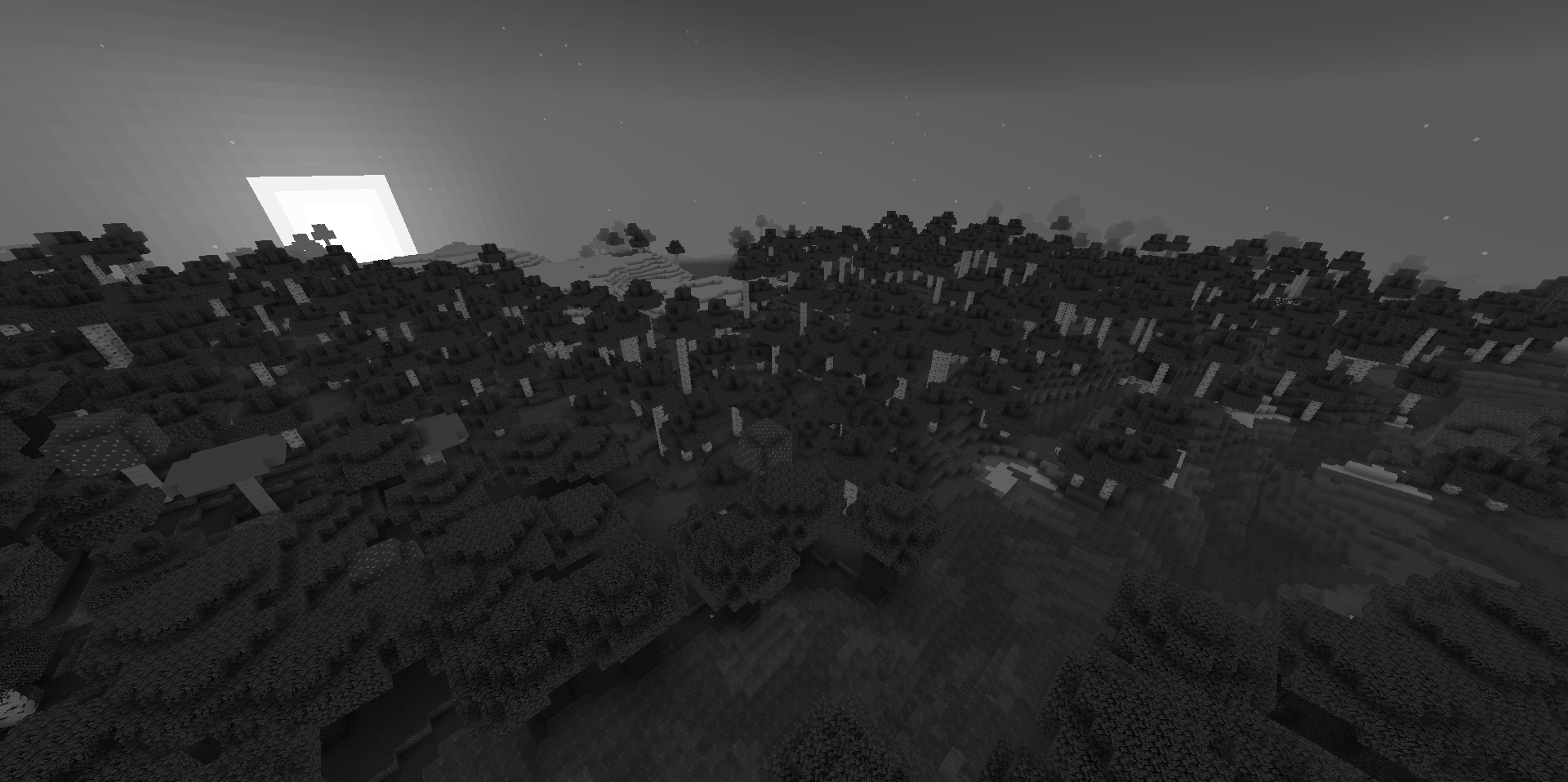
Sometimes a strong change is achieved without shadows, rays, or complex water. Simple Grayscale Shaders turns the entire game world into a black-and-white image, removing color as the main reference point. After enabling it, familiar biomes, buildings, and mobs begin to be perceived differently: contrast, shape, light, and silhouettes become more important.
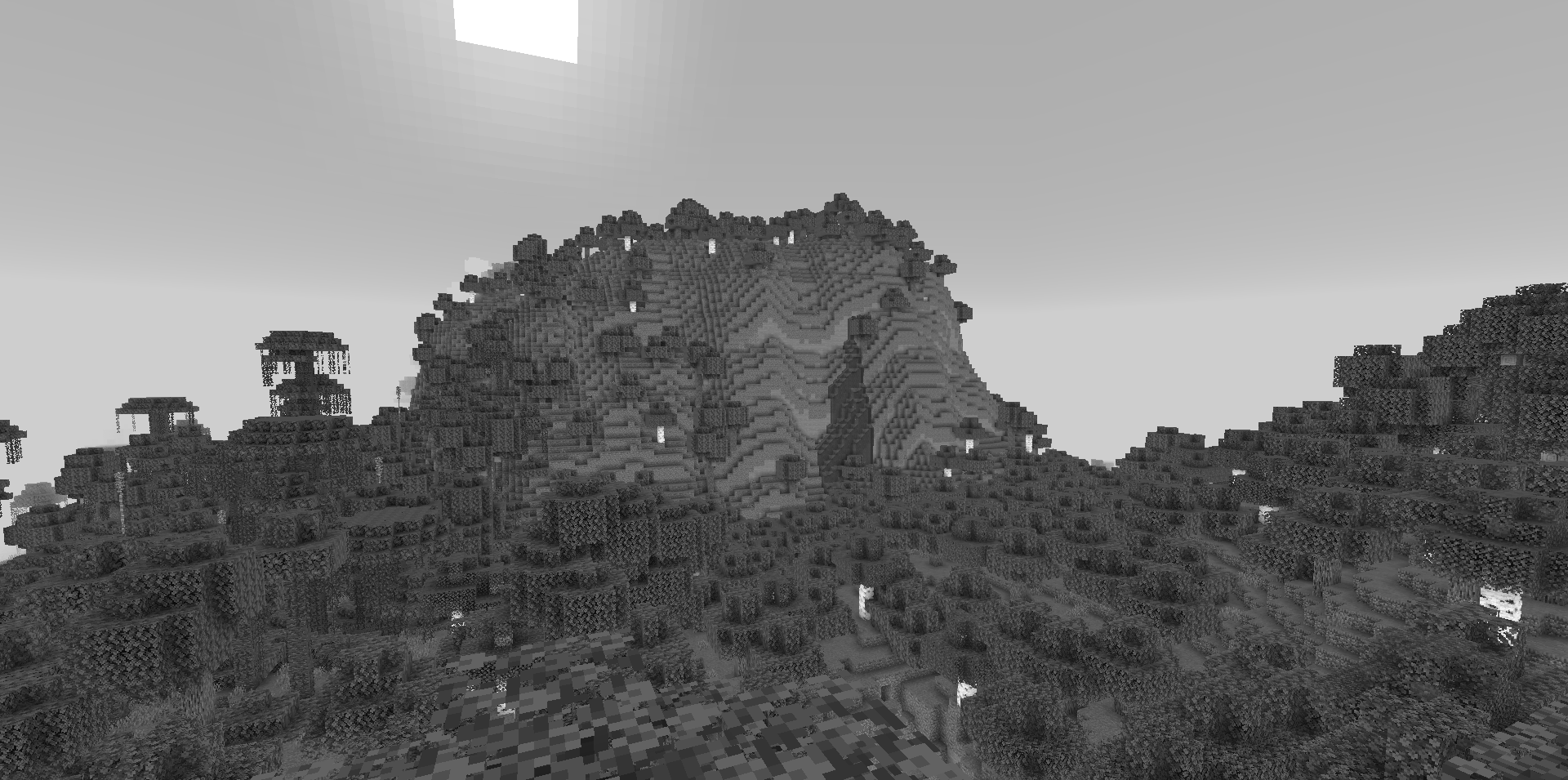
This effect can make an ordinary walk feel like an old film or a dark map with a minimalist presentation. The shader has a convenient switch, so color can be returned without restarting the game. It is a simple idea, but it sharply changes the mood of the world and helps you see familiar locations from another angle.
How to install a shader:
First step: download the shader package from the link below.
Second step: Unpack the downloaded archive and copy the Simple Grayscale Shaders folder to c:\Users\User\AppData\Roaming\.minecraft\shaderpacks\(if this folder does not exist, create it yourself) (For Windows)
Third step: In the game, go to Settings, then to Graphics Settings. Select the "shaders" section and activate the shader pack of your choice.
Comments (0)