



Simplicissimus Shader for Minecraft 26.1.2
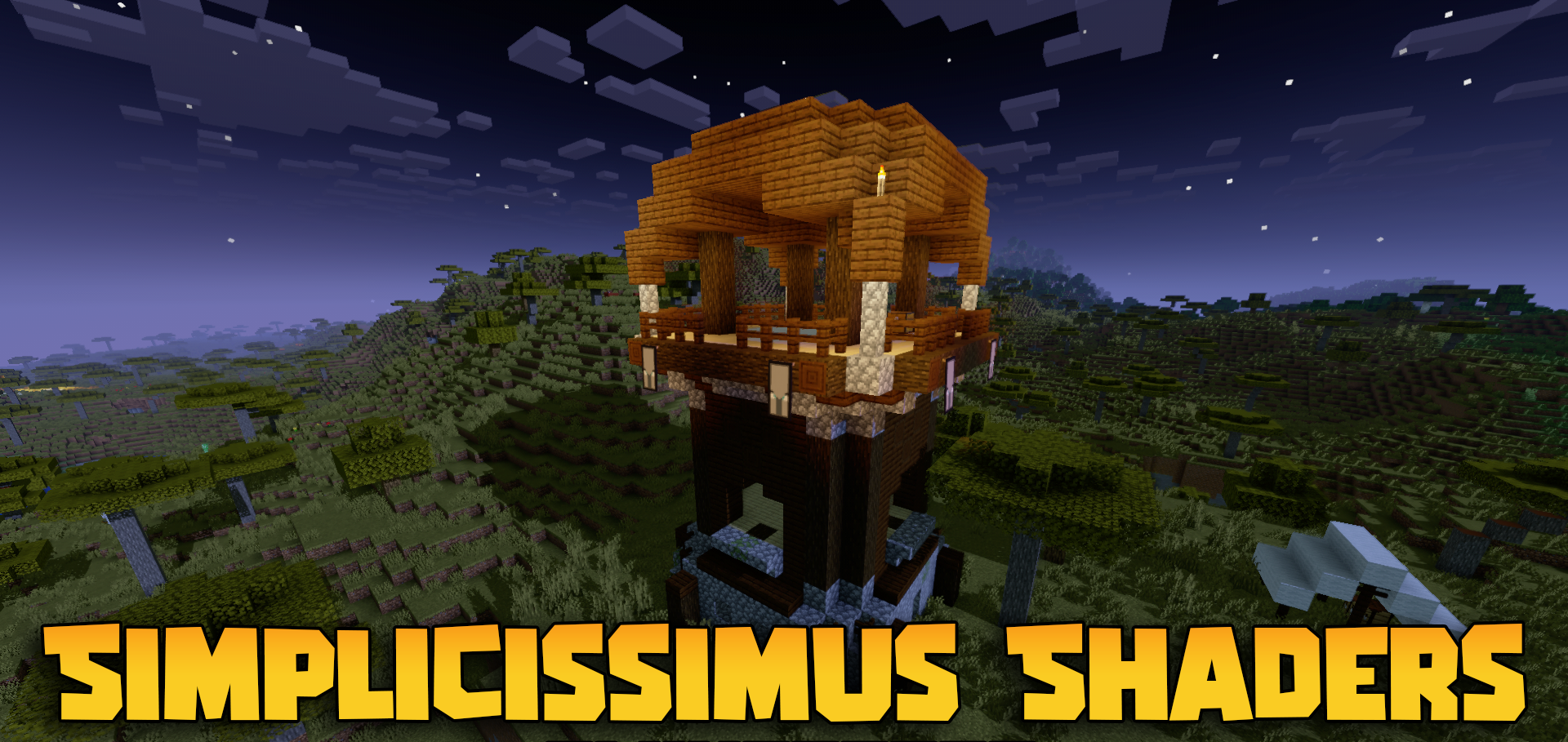
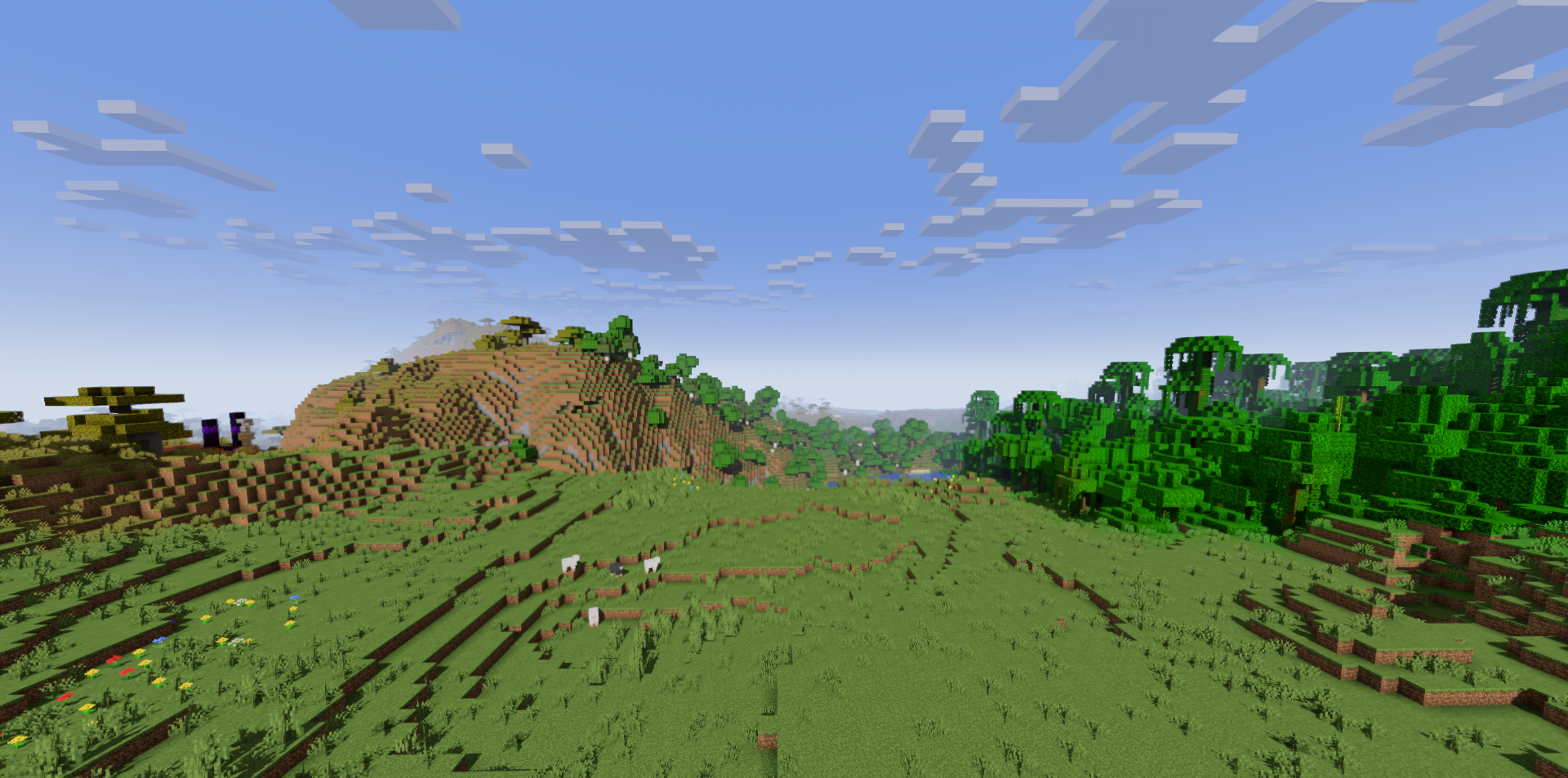
Simplicissimus Shader works carefully with the vanilla image and does not try to replace it with another style. Clouds and the light map remain close to the original, but dynamic shadows, more expressive fog, and improved cloud lighting are added on top. Thanks to this, the world looks familiar, while scenes gain more depth.
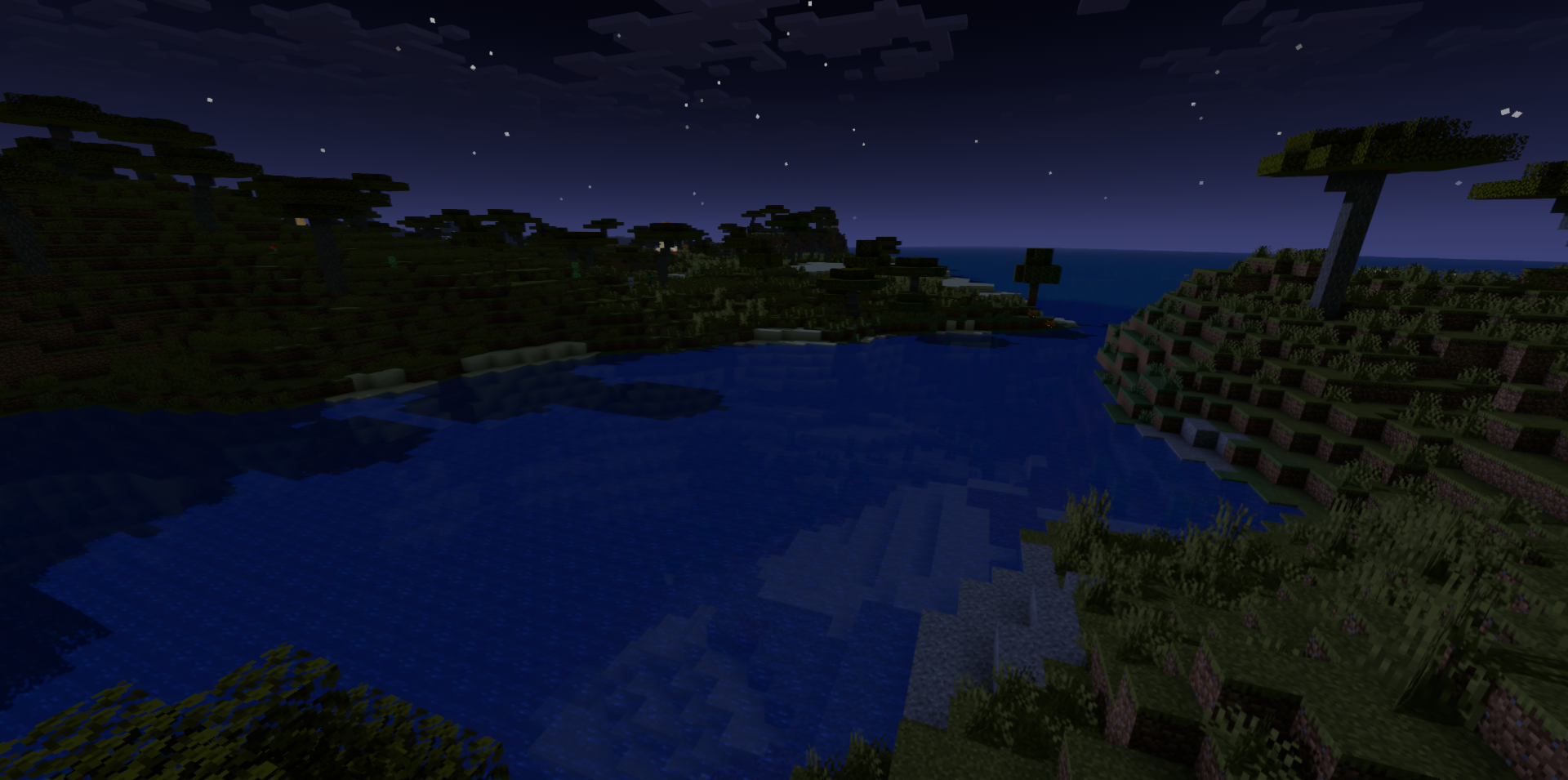
During the day, buildings are easier to read, in the evening shadows become more noticeable, and distant views no longer look so flat. The shader does not overload the screen with unnecessary effects and does not break the familiar perception of blocks. Its main idea is to strengthen the standard atmosphere of Minecraft without turning the game into a photorealistic project.
How to install a shader:
First step: download the shader package from the link below.
Second step: Unpack the downloaded archive and copy the Simplicissimus Shader folder to c:\Users\User\AppData\Roaming\.minecraft\shaderpacks\(if this folder does not exist, create it yourself) (For Windows)
Third step: In the game, go to Settings, then to Graphics Settings. Select the "shaders" section and activate the shader pack of your choice.
Comments (2)