



Solas Shaders for Minecraft 26.1.2
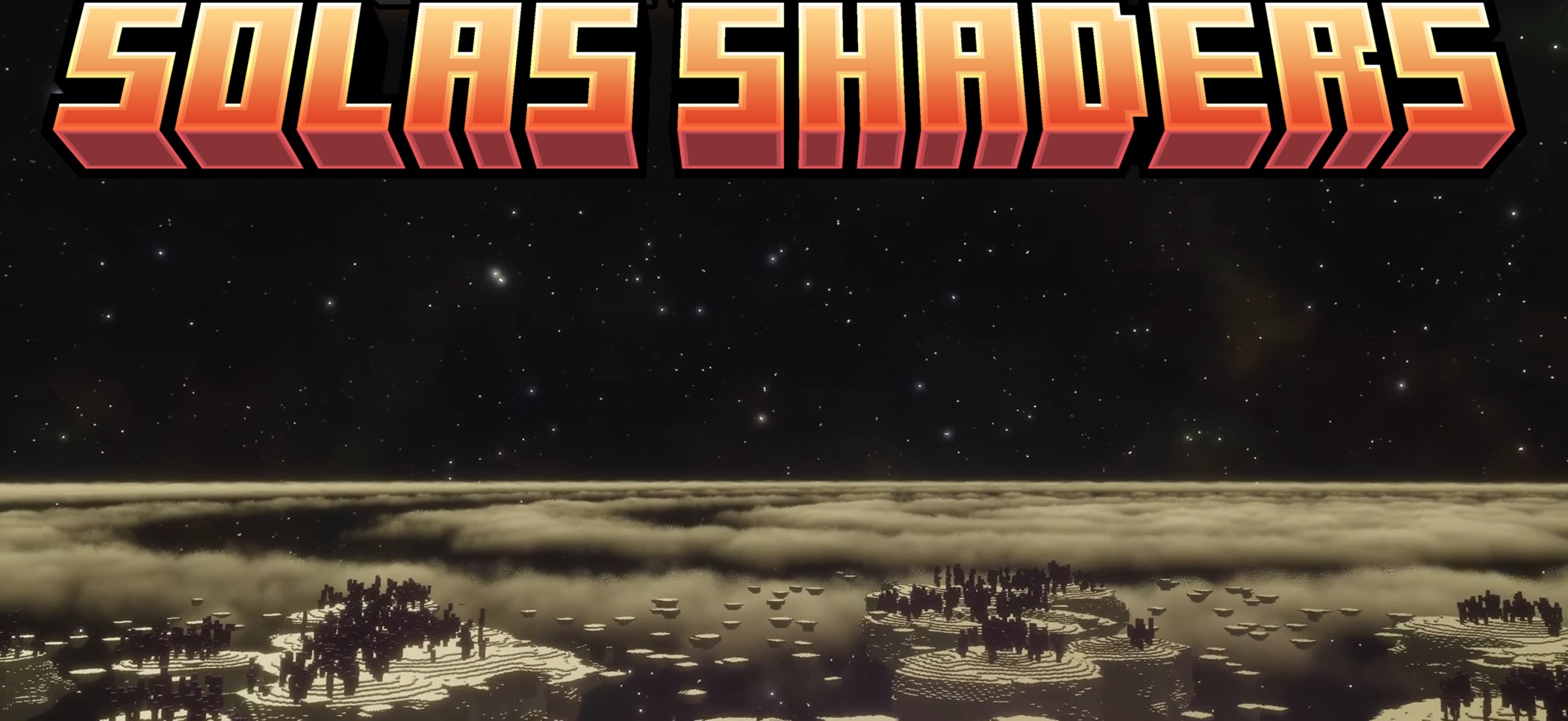
Solas Shaders successfully combines spectacle and reasonable performance requirements. It does not just add beautiful shadows, but creates a full atmosphere: 3D clouds, twilight rays, volumetric fog, auroras, the Milky Way, rainbows, and unusual effects for different dimensions make the world much richer.
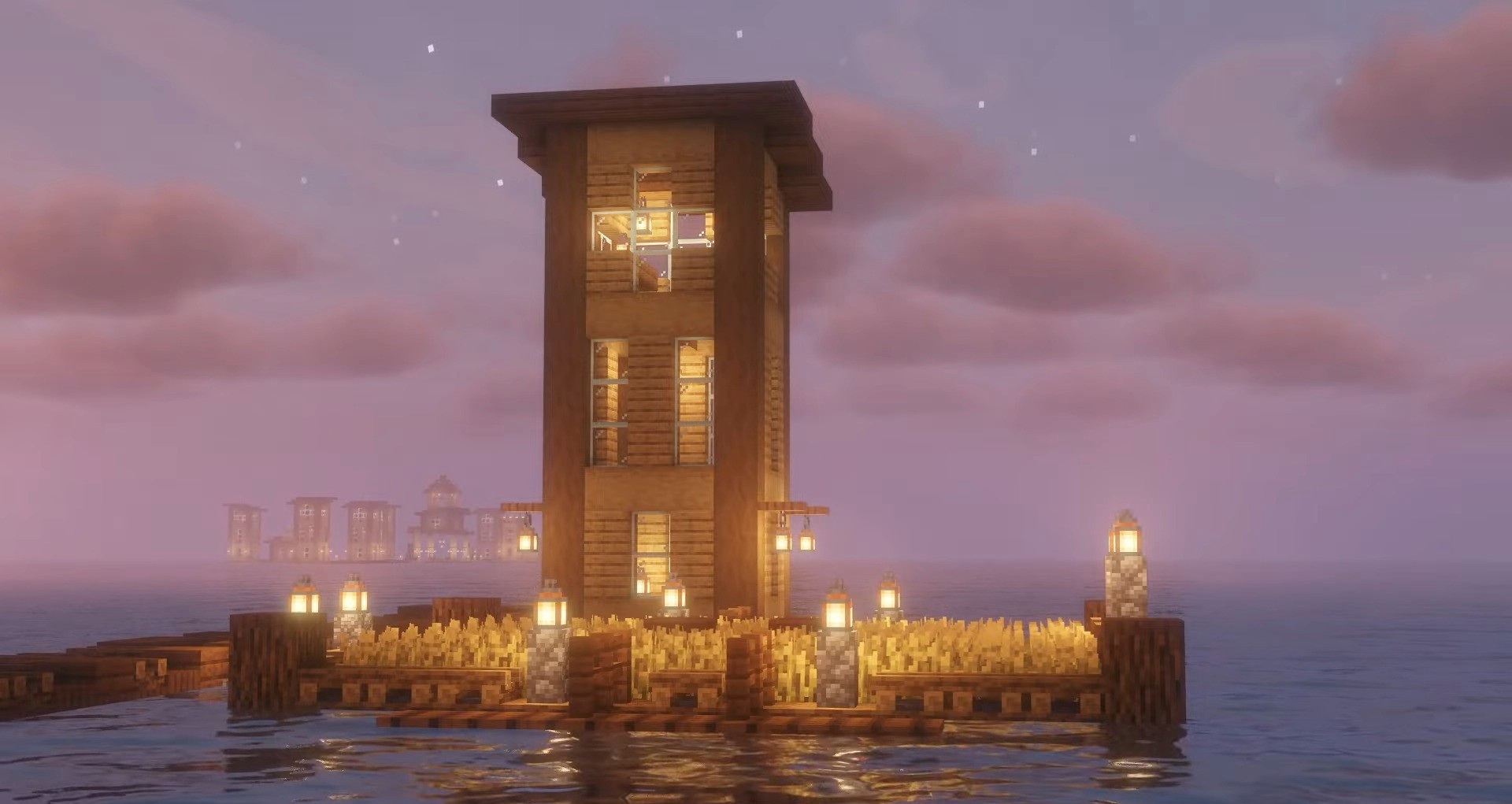
It is especially pleasant that the lighting behaves carefully: caves do not suffer from unnecessary overexposure, and shadows look soft and natural. The water received procedural waves, refraction, caustics, and light absorption, thanks to which lakes and seas have become noticeably more realistic. The pack also offers extensive post-processing — from bloom and glare to depth of field and motion blur.
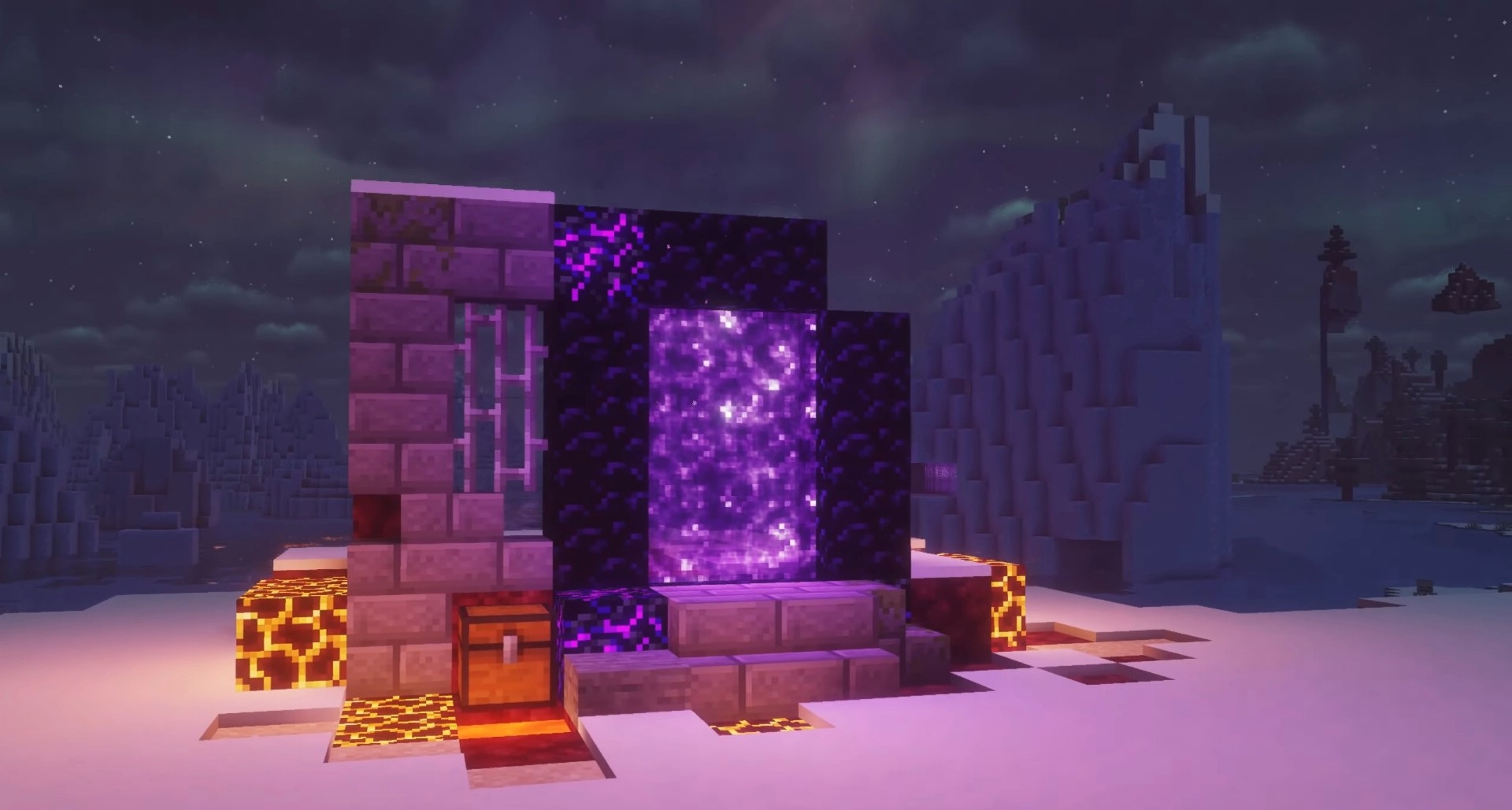
How to install a shader:
First step: download the shader package from the link below.
Second step: Unpack the downloaded archive and copy the Solas Shaders folder to c:\Users\User\AppData\Roaming\.minecraft\shaderpacks\(if this folder does not exist, create it yourself) (For Windows)
Third step: In the game, go to Settings, then to Graphics Settings. Select the "shaders" section and activate the shader pack of your choice.
Comments (0)