



Spring Shaders for Minecraft 26.1.2
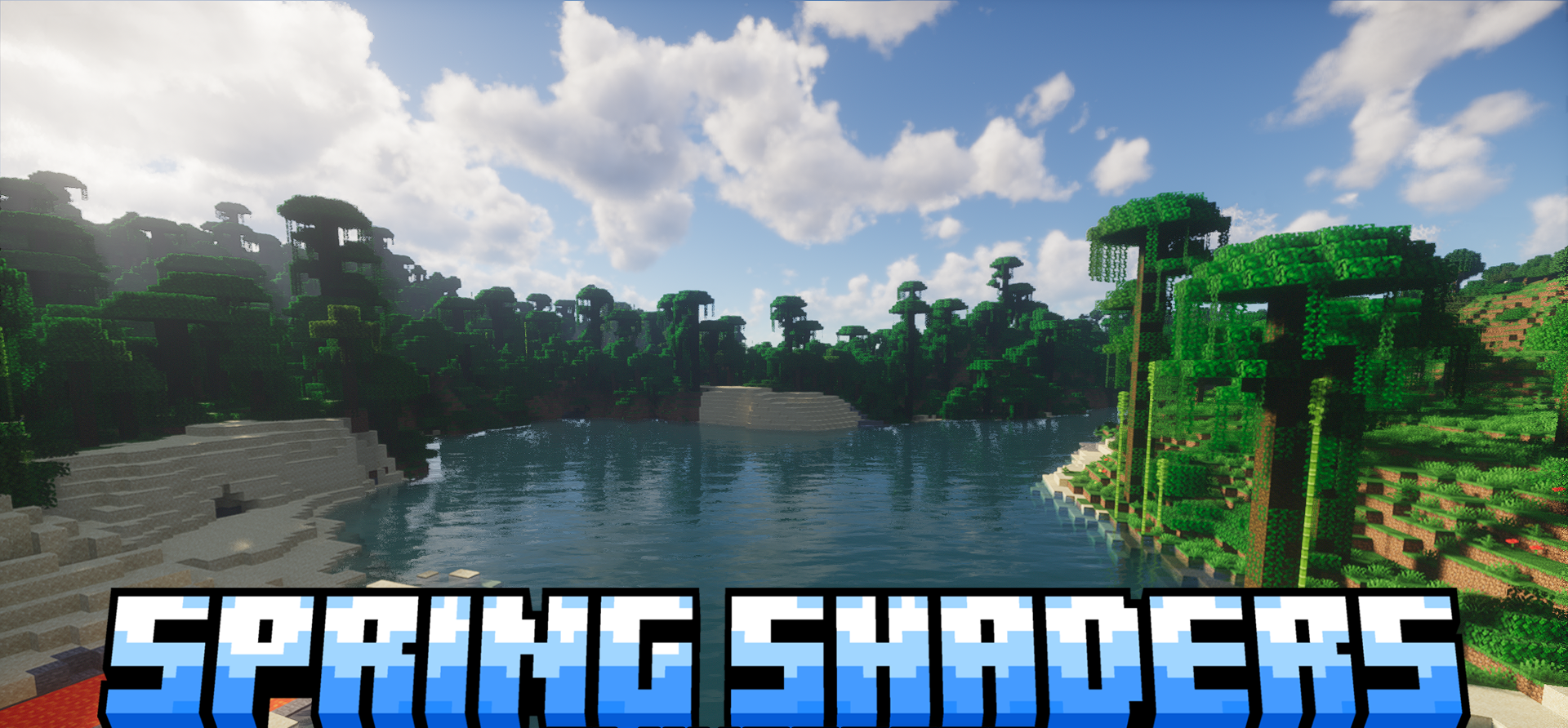
Visually, Spring Shaders feels like a shader about freshness, transparency, and soft natural lighting. It makes the game world brighter, but not acid-like: the colors remain pleasant, and the atmosphere remains light and airy. Open spaces, bodies of water, and forest biomes look especially good, where volumetric clouds, atmospheric fog, and soft shadows create the feeling of a living world.
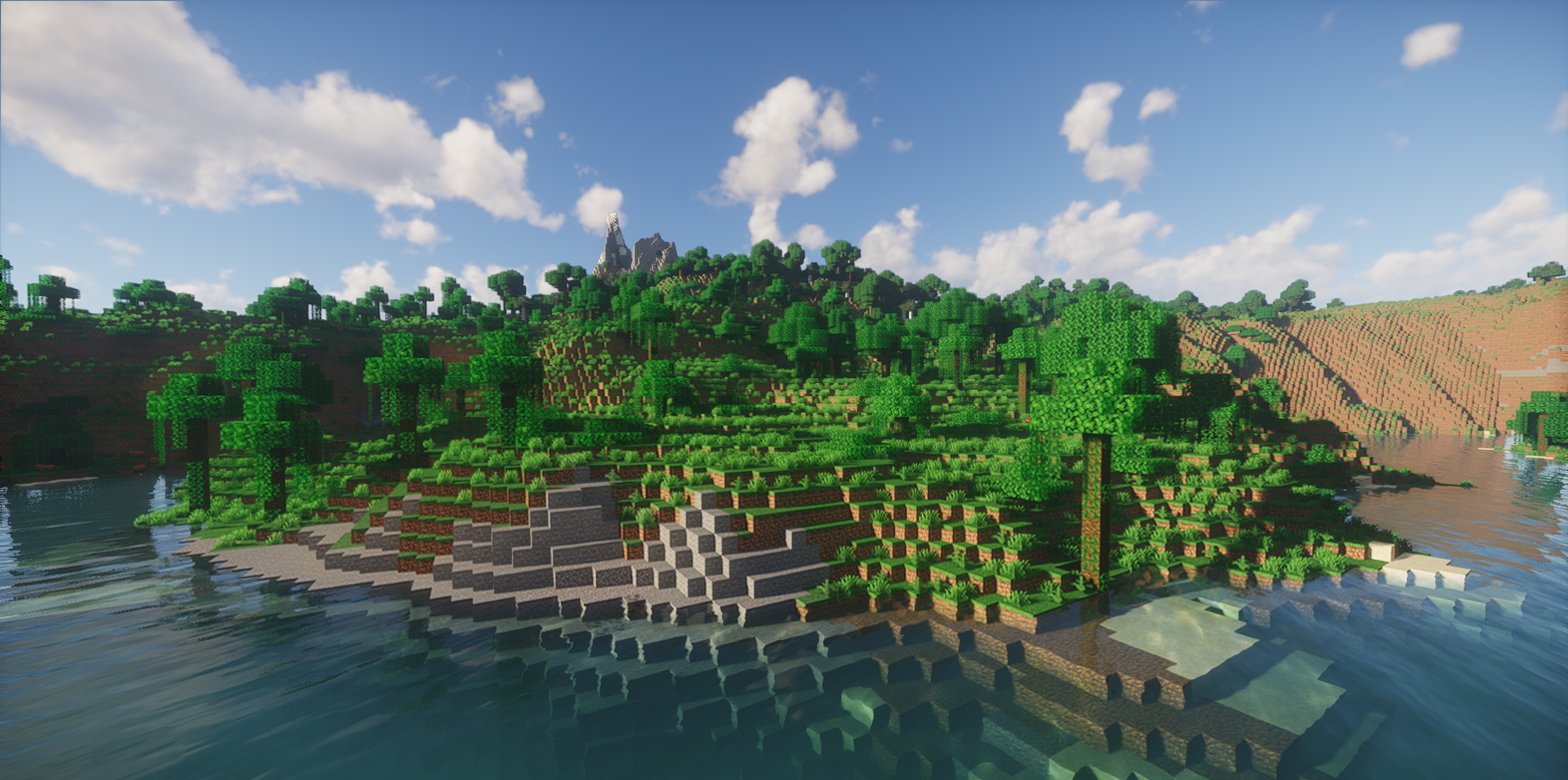
The water received waves, refraction, underwater effects, and fog, so rivers and lakes look much more expressive. If desired, you can use more advanced features such as global illumination and colored lighting with ray tracing, but even the basic set of effects already noticeably changes the picture.
How to install a shader:
First step: download the shader package from the link below.
Second step: Unpack the downloaded archive and copy the Spring Shaders folder to c:\Users\User\AppData\Roaming\.minecraft\shaderpacks\(if this folder does not exist, create it yourself) (For Windows)
Third step: In the game, go to Settings, then to Graphics Settings. Select the "shaders" section and activate the shader pack of your choice.
Comments (0)